



PandaDoc vs signNow at a glance
PandaDoc and signNow both let you upload a document, place signature fields, send it to signers and keep an audit trail. They differ most in what surrounds the signature. PandaDoc is a document workflow tool where the signature is one step, and signNow is an e-signature tool built around sending and collecting signatures.
| What you compare | PandaDoc | signNow |
|---|---|---|
| Free plan | 5 documents a month | No free signing plan, 7-day free trial |
| Entry paid plan, billed annually | $19 per seat per month (Starter) | $8 per month for the whole account (Starter) |
| Mid plan, billed annually | $49 per seat per month (Business) | $15 per month for the whole account (Professional) |
| Users | Priced per seat | Unlimited users on every plan |
| Signature limits | Unlimited manual sending on paid plans | 100 invites a year on annual plans |
| Document editor | Drag-and-drop editor with themes and Word editing on paid plans | Upload finished files and add fields |
| Payments and quotes | Quotes, pricing tables and payments on Business | Payment collection from Professional |
| Compliance | SOC 2 Type II, GDPR, eIDAS, ESIGN | SOC 2 Type II, GDPR, HIPAA, PCI DSS, 21 CFR Part 11 |
Introducing PandaDoc and signNow
Here is a short overview of each tool before the criteria comparison.
PandaDoc overview
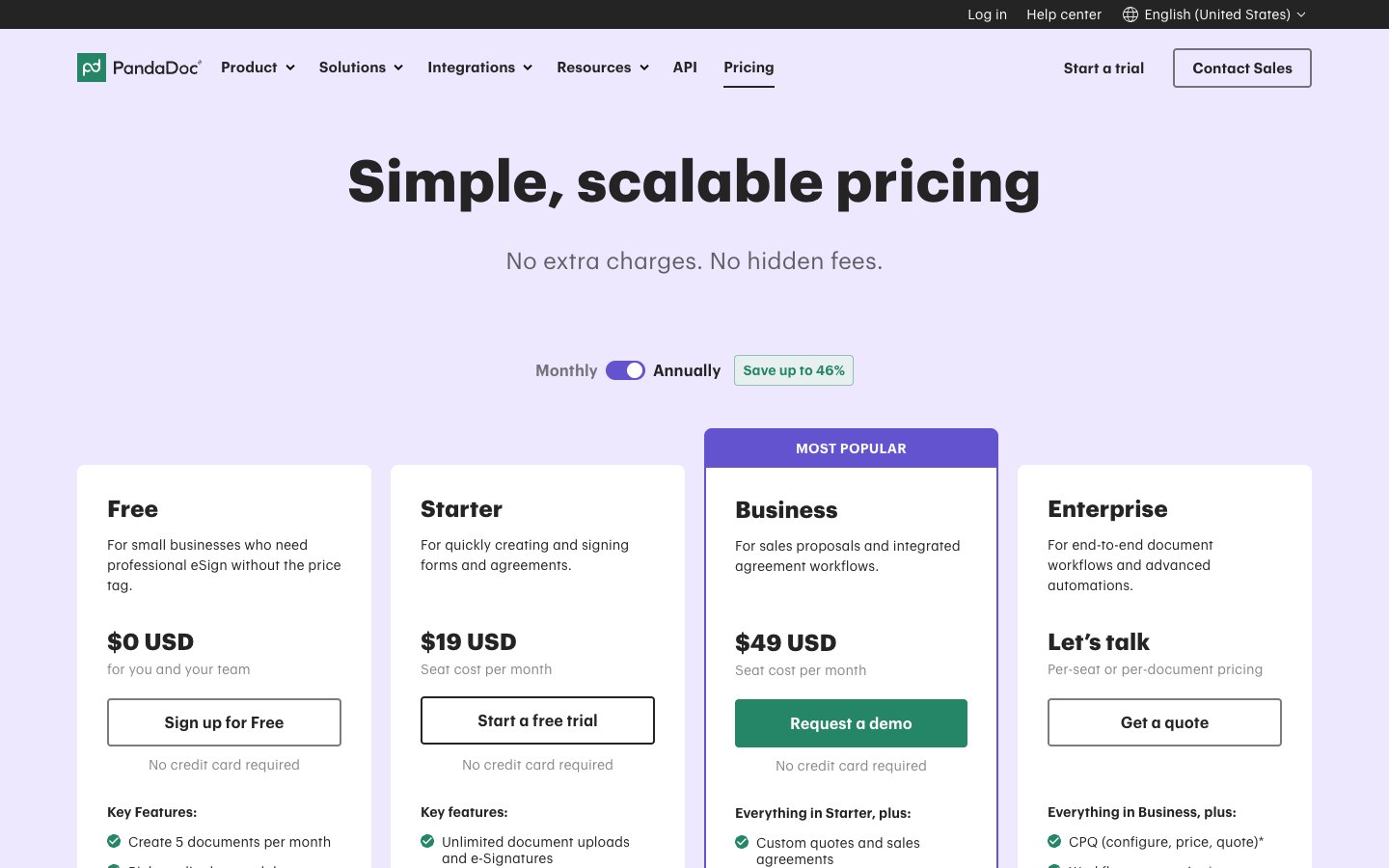
PandaDoc is a document workflow platform for proposals, quotes and contracts. You build the document in its editor, send it for a legally binding signature and see what happens after you hit send. Paid tiers add payments, approval workflows, deal rooms and CRM integrations.
PandaDoc suits sales, HR and operations teams that create documents from templates rather than only signing finished files. Our PandaDoc pricing guide explains the add-ons that raise the real cost.
signNow overview
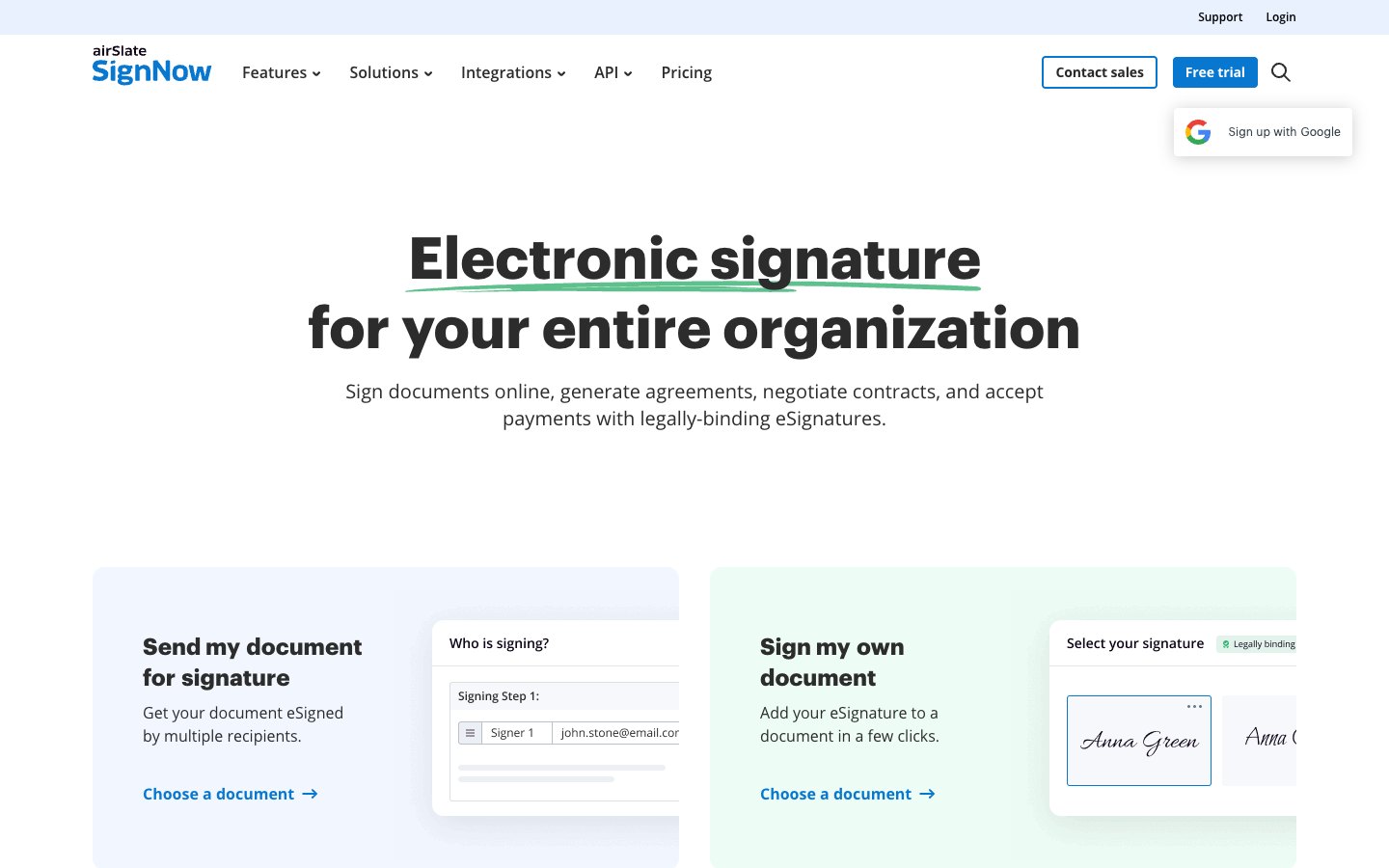
signNow is an e-signature platform from airSlate. You upload a file, add fields, choose the signing order and send it. It prices by account instead of by user, so adding colleagues does not raise the bill. What limits use is the signature invite allowance, which is 100 invites a year on its annual plans.
signNow suits individuals and small teams that sign contracts, forms and agreements that already exist as files. Our signNow pricing guide covers the invite rules in more detail.
PandaDoc vs signNow: comparison guide
The sections below compare the two tools on the criteria buyers ask about most.
Key features
Both tools cover the signing basics: typed, drawn or uploaded signatures, signing order, reminders and an audit trail. Both belong to the wider category of document signing software and electronic signature apps.
signNow adds unlimited templates and storage from its first plan, bulk send, signing links and payment collection from Professional, and custom branding, SMS sending, formula fields, conditional fields and approval workflows on Business. PandaDoc goes further on the document side with an editor, content library, quotes with pricing tables, deal rooms and an AI assistant, and its MCP connector links it to assistants such as Claude and ChatGPT.
Integrations and API
signNow lists full API access and premium integrations on Enterprise, which is priced per signature invite. Its lower plans connect to common cloud storage and Google apps.
PandaDoc integrates with CRMs such as HubSpot and Salesforce, and CRM integrations start on Business. Salesforce is a paid add-on, and documents created by the API, forms or automation tools can use usage credits.
Usability
signNow is the faster tool to learn because the flow is short: upload, add fields, send. Our guide to signing digital documents shows that basic flow. PandaDoc has more screens because it also covers editing, quotes and approvals, which pays off only if you use them.
Security and compliance
signNow lists GDPR, SOC 2 Type II, PCI DSS, 21 CFR Part 11, HIPAA and CCPA on its pricing page. PandaDoc lists SOC 2 Type II, GDPR, eIDAS and the US ESIGN Act on every plan, with passcode, SMS and knowledge-based verification on Business and HIPAA as an Enterprise option. Signatures from either tool are valid in the United States when the signer shows intent and the process meets ESIGN and UETA requirements. See how to send documents securely for general safeguards.
Customer support
PandaDoc lists 24/7 email and chat support on every plan, including Free. signNow lists 24/7 live chat on its plans and adds phone support on Enterprise.
Use cases
signNow fits NDAs, offer letters, consulting agreements and other recurring documents you already have as files, especially for teams where many people send occasionally.
PandaDoc fits sales proposals, quotes with pricing tables, service agreements that need approval and contracts that end in a payment. Teams that already live in a CRM get the most from it, and teams that want to automate their document workflow often start here.
Plans and pricing
PandaDoc has four plans and signNow has four. The table shows list prices when billed annually unless noted.
PandaDoc Starter offers a free trial with no credit card, and its Business plan shows a demo request instead of a self-serve trial. signNow offers a 7-day free trial and a 30-day money-back guarantee. Both vendors charge more for monthly billing.
A team of five on PandaDoc Starter pays 5 x $19 x 12, which comes to $1,140 a year, and on PandaDoc Business 5 x $49 x 12, which comes to $2,940. The same team on signNow Professional pays $15 x 12, which comes to $180 a year, because the price covers the whole account. These figures exclude add-ons, taxes and monthly billing.
The comparison has one catch. signNow’s low price comes with 100 signature invites a year, so a team sending several documents a day will outgrow the cap, while PandaDoc’s paid plans allow unlimited manual sending. signNow counts an invite per unique invitation or signing link, not per document, and one invitation can hold several documents and recipients. Check the price of extra invites before you buy if you send more than about eight a month.
Free plans compared
PandaDoc Free allows 5 documents a month, a mobile app, an audit trail and signing order. signNow has no permanent free signing plan and offers a 7-day free trial instead. A reader who needs a free plan for occasional signing therefore starts with PandaDoc.
Extra costs to check
PandaDoc documents created through the API, forms, bulk send or automation tools can use usage credits, and Salesforce, SSO and content locking are optional extras on Business. signNow Enterprise is priced per invite and lists industry-specific compliance as a plan feature. Count these before you compare headline prices.
Plan names changed
Older comparisons list signNow’s plans as Business at $8, Business Premium at $15 and Enterprise at $30. Those prices now sit on plans called Starter, Professional and Business, and the per-invite tier is called Enterprise. Many ranking guides also still show PandaDoc’s old Essentials plan or claim it has no free plan, so check the date on any comparison.
Which should you choose?
Choose signNow when the document already exists and you want it signed at a predictable, low price for the whole team. Choose PandaDoc when the document is part of a sales process and you want editing, quotes and payments in one place. Neither tool wins on every criterion, so match the plan to the work. If DocuSign is on your shortlist, read our PandaDoc vs DocuSign and signNow vs DocuSign comparisons.
Signaturely: a simpler alternative
If you only need to send documents for signature, Signaturely is a simpler option than either tool. It has no add-ons for core signing features and no per-invite cap on its Business plan. Our roundups of PandaDoc alternatives and the signNow alternative guide show how it compares with other tools.
Signaturely has three plans. Free starts with a 7-day trial that has no document limit, then allows one document a month. Personal costs $20 per month billed annually ($25 monthly) and includes 5 signature requests a month and one template. Business costs $40 per user per month billed annually ($50 monthly) and includes unlimited signature requests and templates, team management and custom branding.
Frequently asked questions
What to remember about PandaDoc vs signNow
signNow is the better fit for plain signing at a low flat price for unlimited users, as long as you stay within its 100 invites a year on annual plans. PandaDoc is the better fit for teams that create proposals and quotes and want payments and CRM links in the same tool. Test the paid tier you would actually use before you commit.
signNow costs less for most teams. It starts at $8 a month for the whole account, while PandaDoc Starter costs $19 per seat per month. A team of five pays $180 a year on signNow Professional against $1,140 on PandaDoc Starter, but signNow limits annual plans to 100 invites a year.
signNow Starter at $8 a month is cheaper than DocuSign Personal at $10 a month billed annually, and signNow prices by account while DocuSign prices Standard and Business Pro per user. DocuSign Personal allows 5 envelopes a month, so the allowances differ as much as the prices.
signNow lists SOC 2 Type II, GDPR, HIPAA, PCI DSS, 21 CFR Part 11 and CCPA on its pricing page, and its signatures are legally binding under the ESIGN Act when the signer shows intent. Check the compliance items that apply to your industry before you send sensitive documents.
PandaDoc is stronger on document creation, quotes and payments, while DocuSign is built around the signing process and sends envelopes with a monthly or yearly cap. Our PandaDoc vs DocuSign guide compares the two in detail.
PandaDoc Free allows 5 documents a month. signNow has no permanent free signing plan.
PandaDoc covers more CRM and sales tools, but many start on Business and Salesforce costs extra. signNow connects to common cloud storage and Google apps, and its full API and premium integrations sit on Enterprise.