



The best e-signature software depends on how many documents you send each month. SignWell and Zoho Sign give a free plan to occasional signers, SignWell Light at $10 a month on annual billing has no document cap, and airSlate SignNow charges a flat rate for unlimited users. DocuSign, Adobe Acrobat Sign and PandaDoc fit buyers who need a specific ecosystem. This comparison puts eight tools on the same facts instead of opinions, and every price states its billing basis.
Best e-signature software at a glance: prices, free plans and limits
airSlate SignNow Business is the cheapest paid plan on annual billing at $8 a month. DocuSign Personal, SignWell Light and Zoho Sign Standard follow at $10 each. The table below lists the cheapest paid plan that lets you send documents for signature, and prices in brackets show monthly billing.
| Tool | Entry paid plan (USD) | Free plan | Entry plan send limit | Templates on entry plan |
|---|---|---|---|---|
| DocuSign | Personal: $10 a month billed annually ($15 billed monthly) | No, free trial only | 5 envelopes per month | Reusable templates, count n/a |
| Dropbox Sign | Essentials: $15 a month billed annually | 3 signature requests per month | Unlimited | 5 |
| Adobe Acrobat Sign | Acrobat Standard: $14.99 a month on an annual plan billed monthly ($24.99 month to month) | No | n/a | n/a |
| PandaDoc | Starter: $19 per seat a month billed annually ($35 billed monthly) | 5 documents per month | Unlimited eSignatures, with per-document fees past the plan limit | Up to 5 |
| airSlate SignNow | Business: $8 a month billed annually ($20 billed monthly), flat price for unlimited users | No | 100 invites per year | Unlimited |
| SignWell | Light: $10 a month billed annually ($12 billed monthly) | 3 documents per month | Unlimited documents | 5 per sender |
| Zoho Sign | Standard: $10 per user a month billed annually ($12 billed monthly) | 5 envelopes per month, one user | 25 envelopes per user per month | n/a |
| Signaturely | Personal: $20 a month billed annually ($25 billed monthly) | 1 document per month after the free trial | 5 per month | 1 |
What should you look for in e-signature software?
E-signature software should be judged on six features: the monthly send limit, templates, an audit trail, signing order, integrations and bulk send. Each one has a failure case, and that case is usually a plan limit rather than a missing feature.
- The send limit is the one that bites first. DocuSign counts envelopes, PandaDoc counts documents sent and SignWell counts documents, so convert everything to the number of separate things you send out per month before comparing.
- Templates matter if you send the same NDA or offer letter repeatedly. Entry plans range from one template on Signaturely Personal to unlimited templates on airSlate SignNow Business.
- An audit trail records who opened, viewed and signed a document and when. It’s the evidence you produce in a dispute, so check that it is attached to the signed file and can be exported.
- Signing order lets a contract go to the sales rep, then the manager, then the client in a fixed sequence instead of three separate requests you chase by hand.
- Integrations decide where documents come from. Google Drive, Dropbox, OneDrive and Box connectors are common, while CRM connectors are often a paid upgrade.
- Bulk send delivers the same document to many people at once with each getting their own copy. It usually sits on a mid tier or higher, such as PandaDoc add-ons, DocuSign Business Pro or SignWell Light and above.
Pricing traps to check before you buy
The advertised price is usually an annual rate shown as a monthly figure. DocuSign Personal at $10 and PandaDoc Starter at $19 are annual commitments, while month-to-month costs more: $15 for DocuSign Personal and $35 for PandaDoc Starter.
Per-user and per-account pricing change the total for teams. airSlate SignNow charges a flat price for unlimited users, while SignWell charges per sender and adds $10 a month for each extra sender on Light billed annually. For a team of six on SignWell Light that adds up to $60 a month on annual billing, against $8 flat for SignNow Business.
Annual caps look generous until you divide them. DocuSign Standard and Business Pro allow 100 envelopes per user per year, which works out to about eight a month, and the pool can run out early in a busy quarter. airSlate SignNow Business works the same way, with a cap of 100 invites per year.
Overage fees turn a cheap plan into a variable bill. PandaDoc charges $3.50 per extra document on Starter billed monthly and $2 on Starter billed annually once you pass the plan’s document limit.
Minimum seats raise the real price. Dropbox Sign Standard starts at two users, so the per-user figure of $25 a month isn’t what a single person would pay.
The 8 best e-signature tools reviewed
The eight e-signature tools below are ordered by the buyer each one fits, not by preference. Each review repeats the entry price from the table above and names the limit and the buyer who should look elsewhere.
1. DocuSign: best for agreements with outside parties
DocuSign suits teams that send agreements to counterparties who already know and trust the brand. Personal costs $10 a month billed annually and Standard $25 per user, with Business Pro at $40 per user, all on annual billing. Our DocuSign pricing breakdown goes through each plan.
Personal allows five envelopes per month, and Standard and Business Pro allow 100 envelopes per user per year. DocuSign lists more than 1,000 integrations. It has no permanent free plan, and add-ons such as identity verification are billed per use. It’s a poor fit for anyone sending more than a handful of documents a month on a single-person budget.
2. Dropbox Sign: best for a single sender who wants no envelope counter
Dropbox Sign, formerly HelloSign, suits one sender who wants unlimited signature requests on the entry plan. Essentials costs $15 a month billed annually, and the free plan allows three signature requests per month. See the Dropbox Sign pricing guide for the older HelloSign plan names.
Essentials covers one user and five templates. Standard raises templates to 15 and costs $25 per user a month, starting at two users. A solo user who needs more than five templates is forced into a second seat, so that buyer should look at a single-seat tool instead.
3. Adobe Acrobat Sign: best for people who live in PDFs
Adobe sells e-signing inside its Acrobat subscription rather than as a standalone app for most buyers. Acrobat Standard costs $14.99 a month on an annual plan billed monthly or $24.99 month to month, and Acrobat Pro costs $19.99 or $29.99. The Adobe Sign alternatives page compares leaner options.
The draw is full PDF editing, merging and converting in the same subscription. The drawbacks are no free plan, plan names that differ across Acrobat products and a month-to-month price about 67 percent above the annual rate. Teams that want a light signing tool and nothing else pay for a PDF suite they won’t open.
4. PandaDoc: best for sales teams that send proposals and quotes
PandaDoc treats signing as the last step of a proposal or quote. Starter costs $19 per seat a month billed annually and Business $49 per seat, while the free plan allows five documents per month. More detail sits in our PandaDoc pricing review.
Templates are capped at five through the Starter plan, and CRM integrations arrive on Business. Anyone who only needs a signature pays for a document editor they’ll never open, so a simpler tool fits that buyer better.
5. airSlate SignNow: best for teams that add people often
SignNow prices by account instead of by head, so headcount changes don’t change the bill. Business costs $8 a month on annual billing or $20 on monthly billing for unlimited users, and Business Premium costs $15 or $30. Our SignNow pricing page has more on the plans.
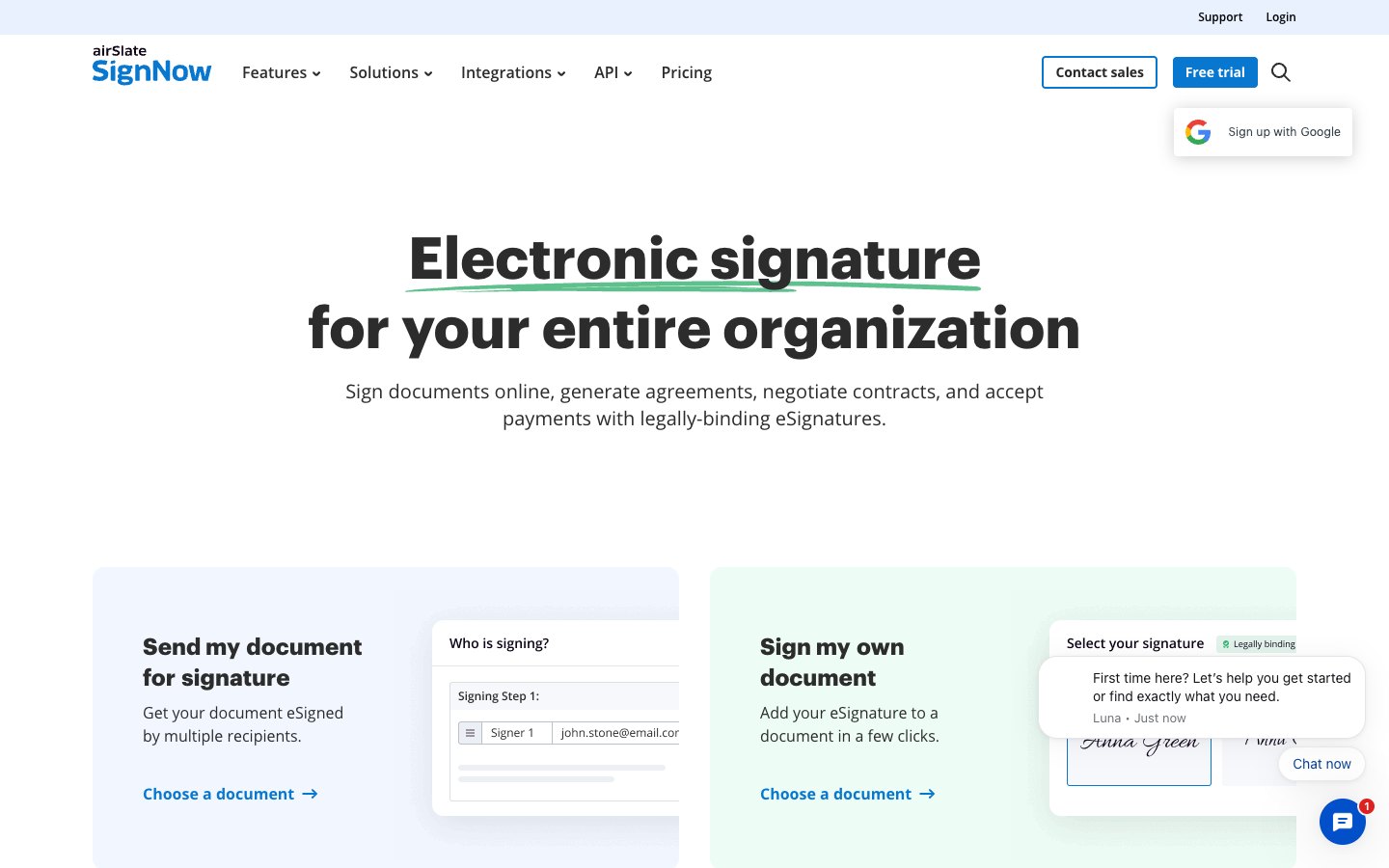
The catch is a cap of 100 invites per year on the entry plan. Business also leaves out bulk send and scheduled sending, which start at Business Premium, and custom branding, which starts at Enterprise. A single user gets little from the unlimited-seat model.
6. SignWell: best for freelancers who send steady volumes
SignWell sells unlimited document sending at the bottom of its paid range. Light costs $10 a month billed annually or $12 billed monthly, and Business costs $30 or $36 with three senders included. Read the SignWell pricing breakdown before you add senders.
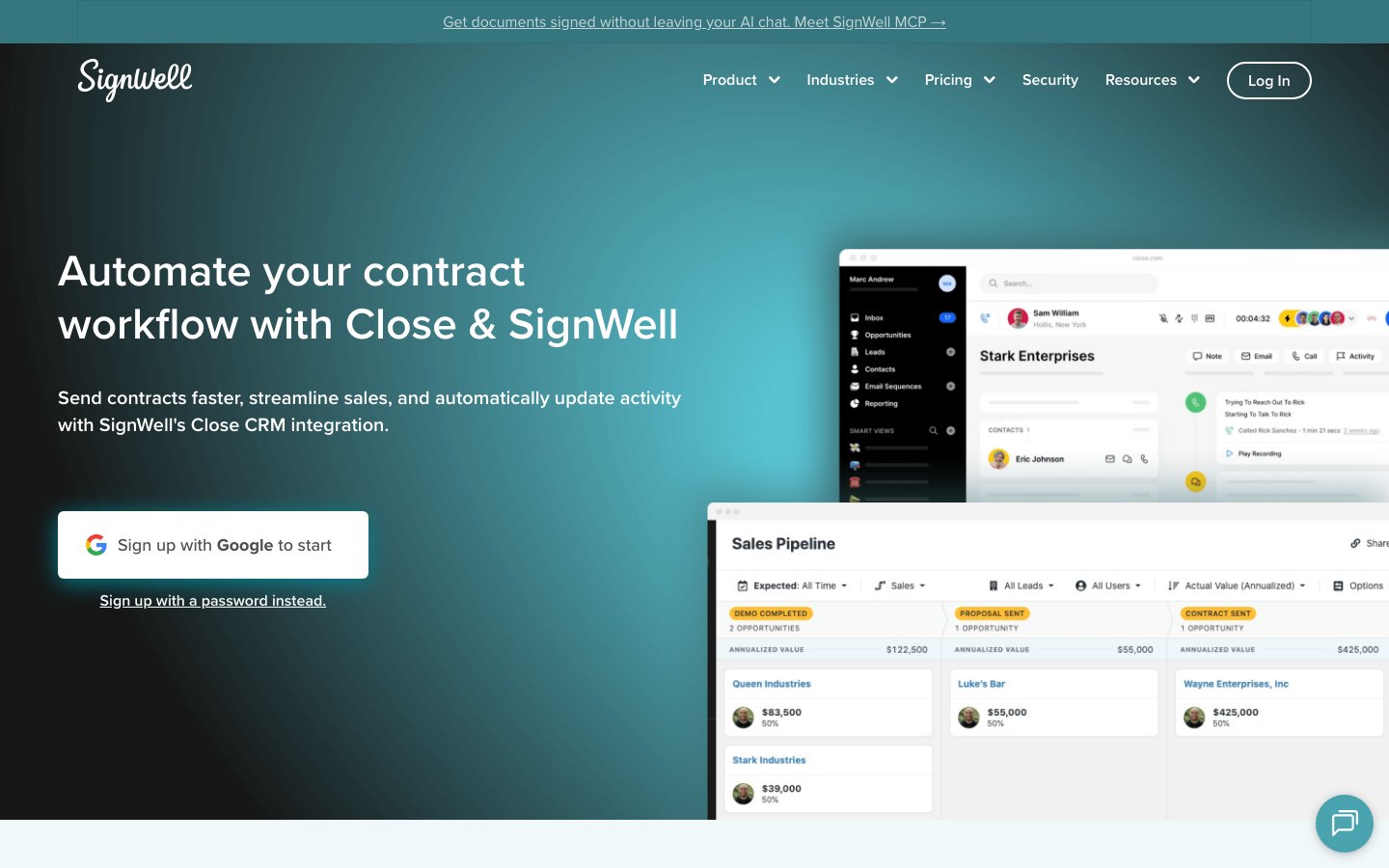
Light covers one sender and five templates per sender, and the free plan allows three documents per month. Extra senders cost $10 to $12 each per month on Light and $12 to $15 on Business, so the price scales badly for teams of six or more.
7. Zoho Sign: best for teams already running Zoho apps
Zoho Sign sits at the low end of the market and connects to the rest of the Zoho suite. Standard costs $10 per user a month billed annually or $12 billed monthly, and Professional costs $16 or $20. Our Zoho Sign pricing guide lists the credits that some features consume.
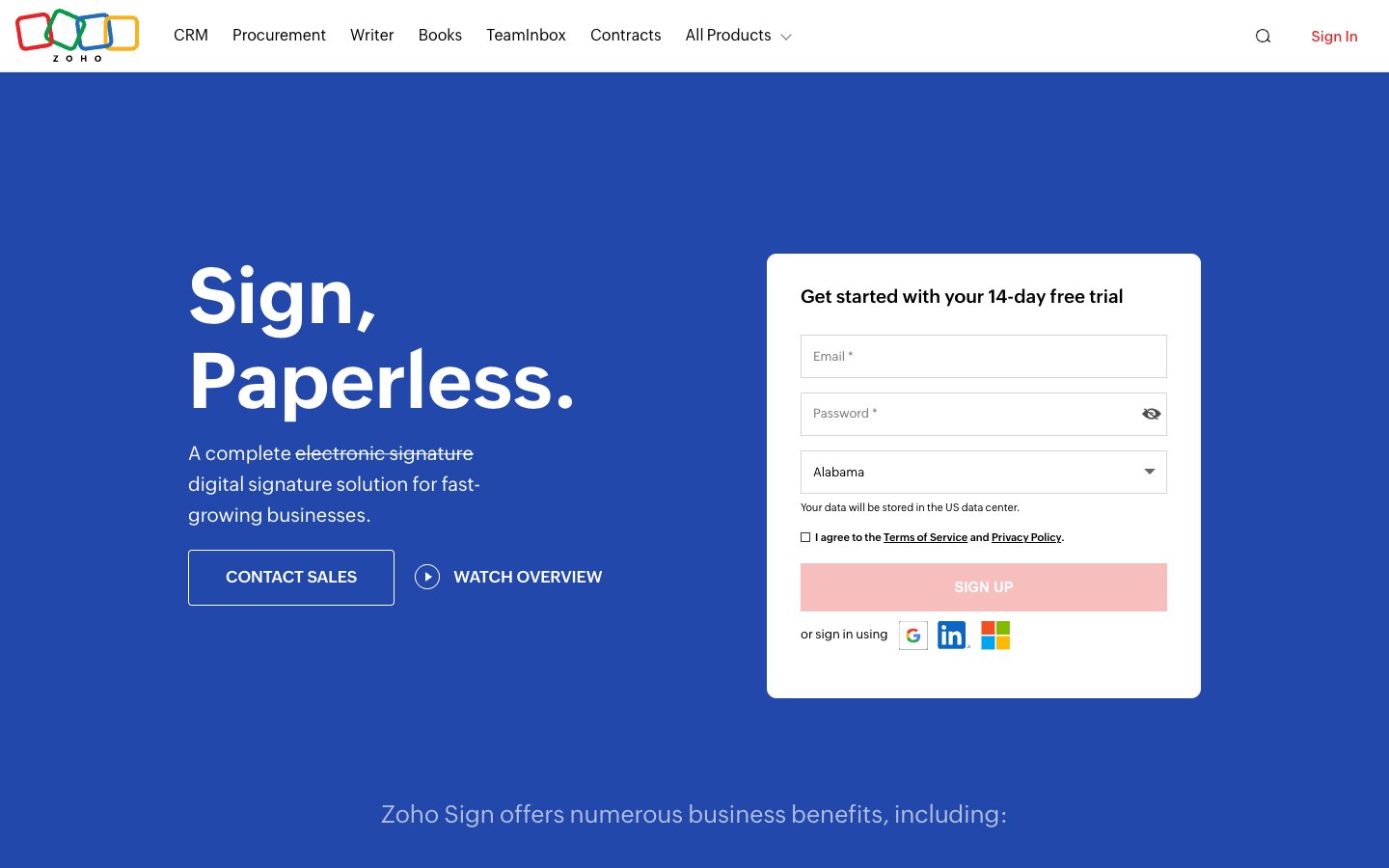
Standard allows 25 envelopes per user per month, and the free plan covers a single user with five envelopes per month. Teams sending hundreds of documents a month will find an envelope allowance a planning problem, and our Zoho Sign alternatives page lists unlimited options. It pays off most when you already use Zoho CRM or Zoho Books.
8. Signaturely: best for small teams that want unlimited requests
Signaturely is our own tool, and the numbers place it last for most buyers. Personal costs $20 a month billed annually ($240 a year) or $25 billed monthly, and Business costs $40 per user a month billed annually ($480 a year) or $50 billed monthly. The Signaturely pricing page holds the current figures.
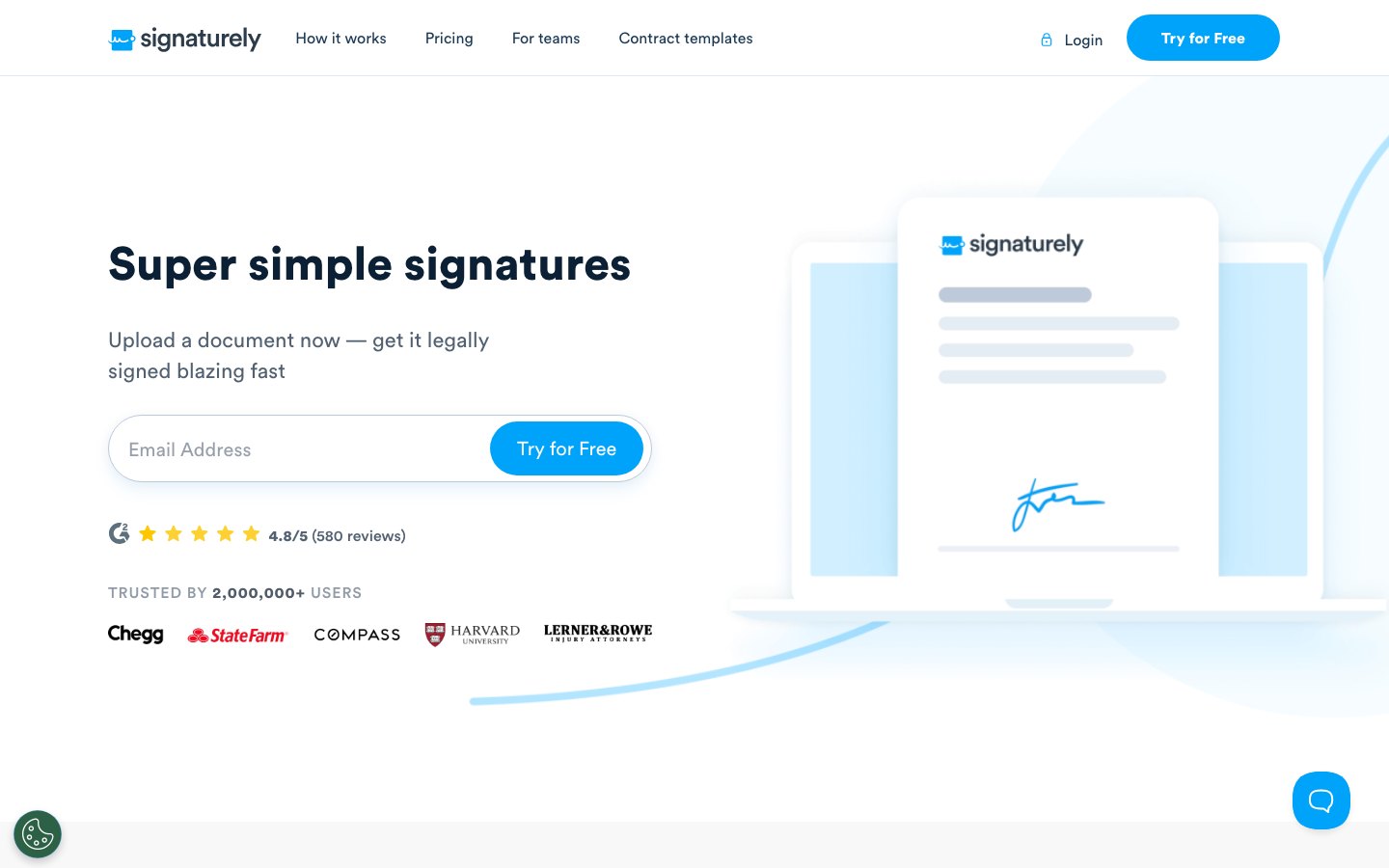
Personal allows five signature requests per month and one template, which is the tightest entry allowance and the highest entry price in this comparison. A single user sending more than five documents a month on a tight budget is better served by SignWell Light or Zoho Sign Standard. Signaturely earns its price on Business, which includes unlimited requests, unlimited templates, team management and custom branding. Our own Signaturely and DocuSign comparison covers that head to head.
Other e-signature tools worth knowing
Three more tools come up in e-signature searches but serve narrower jobs than the eight above. Their prices below come from each vendor’s own pricing page, and Nitro appears without a dollar figure because its page showed euros only.
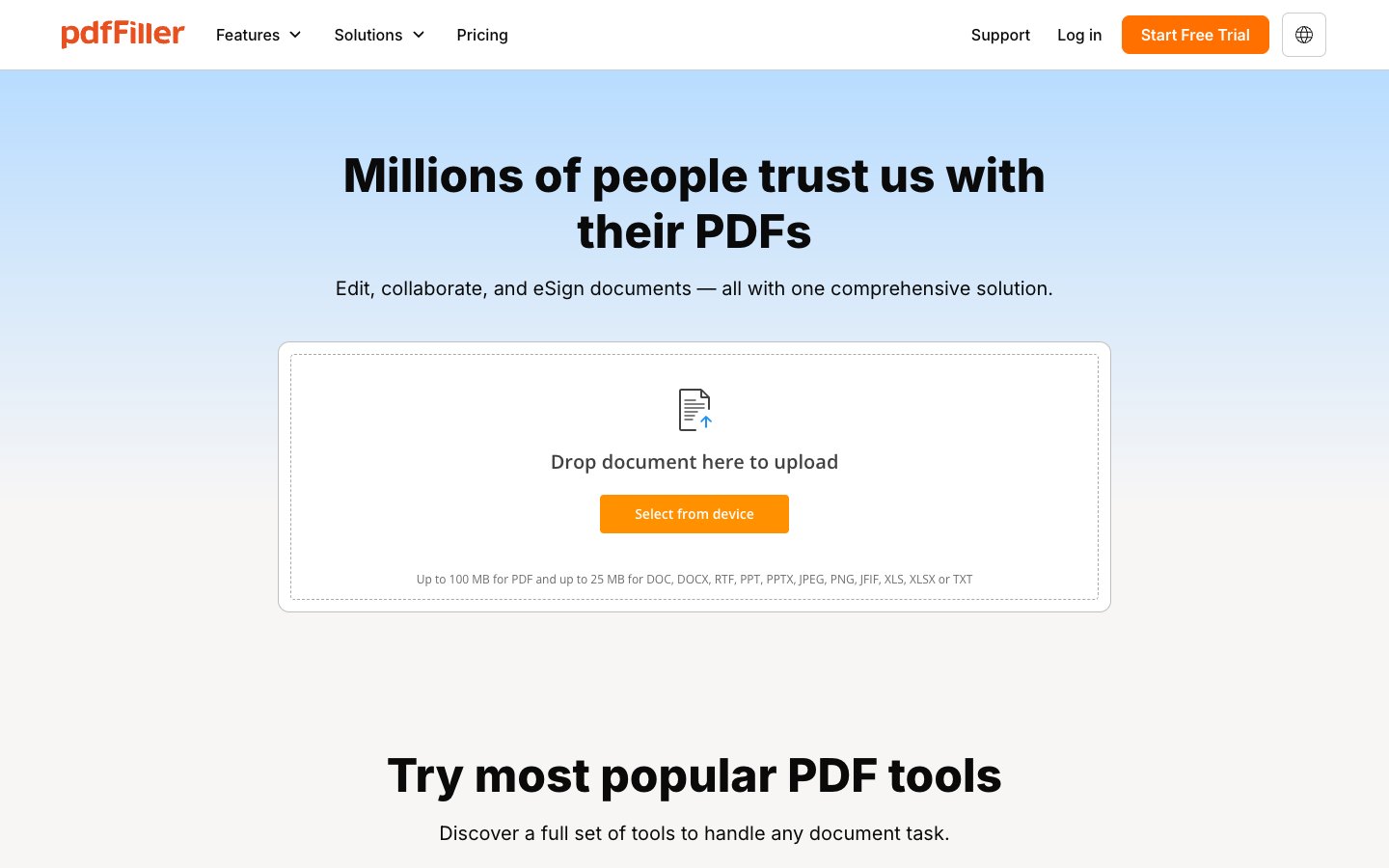
pdfFiller: best for editing PDFs before they get signed
pdfFiller suits people who need to edit and fill PDF forms as well as collect signatures. Basic costs $8 per user a month billed annually, Plus costs $12 and Premium costs $15, and there’s no permanent free plan, only a 30-day free trial.
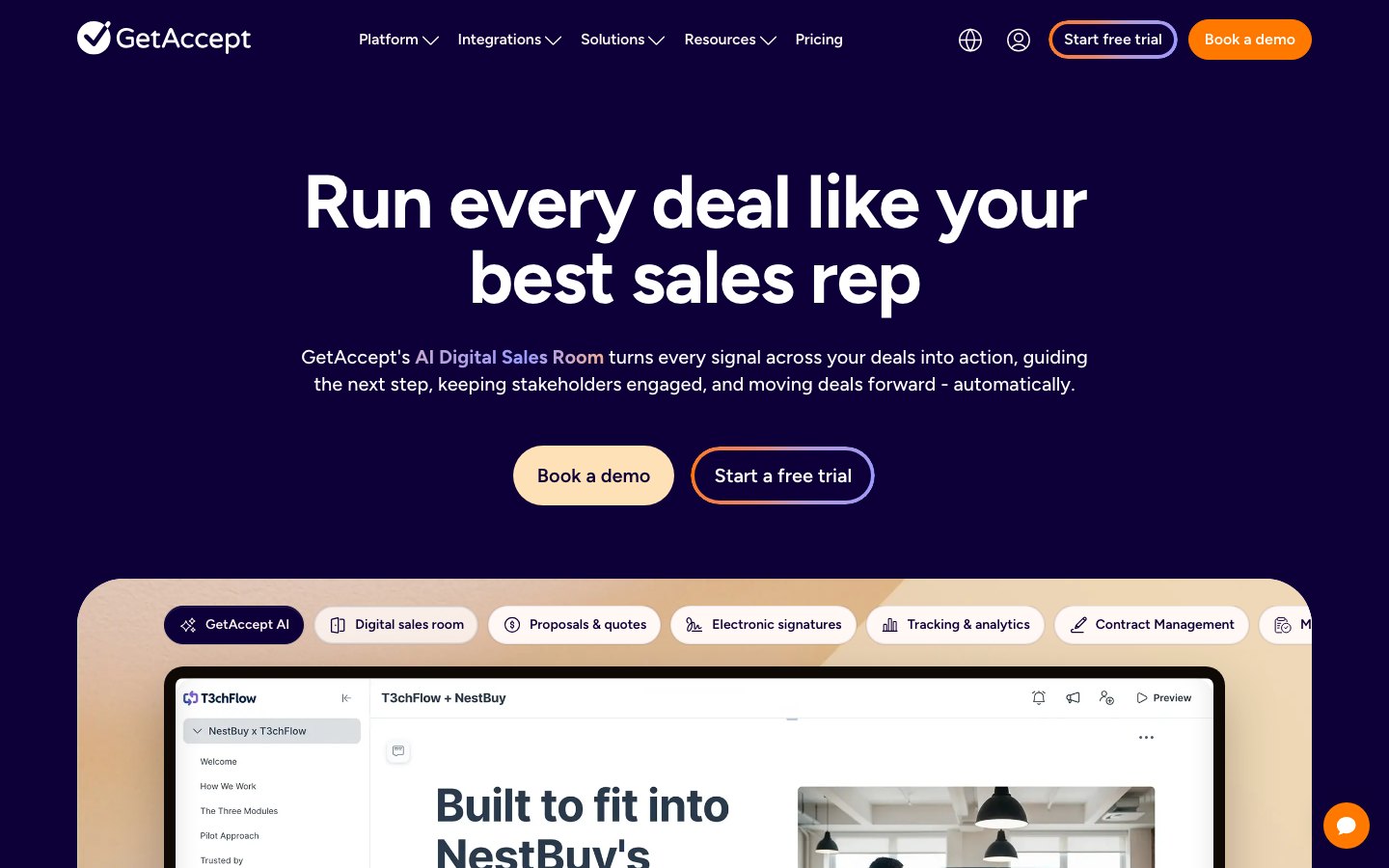
GetAccept: best for sales teams that run deal rooms
GetAccept suits sales teams that send proposals and want to track how buyers engage with them. The eSign plan costs $25 per user a month for up to five users and Professional costs $49 per user a month from five users, with no free plan.
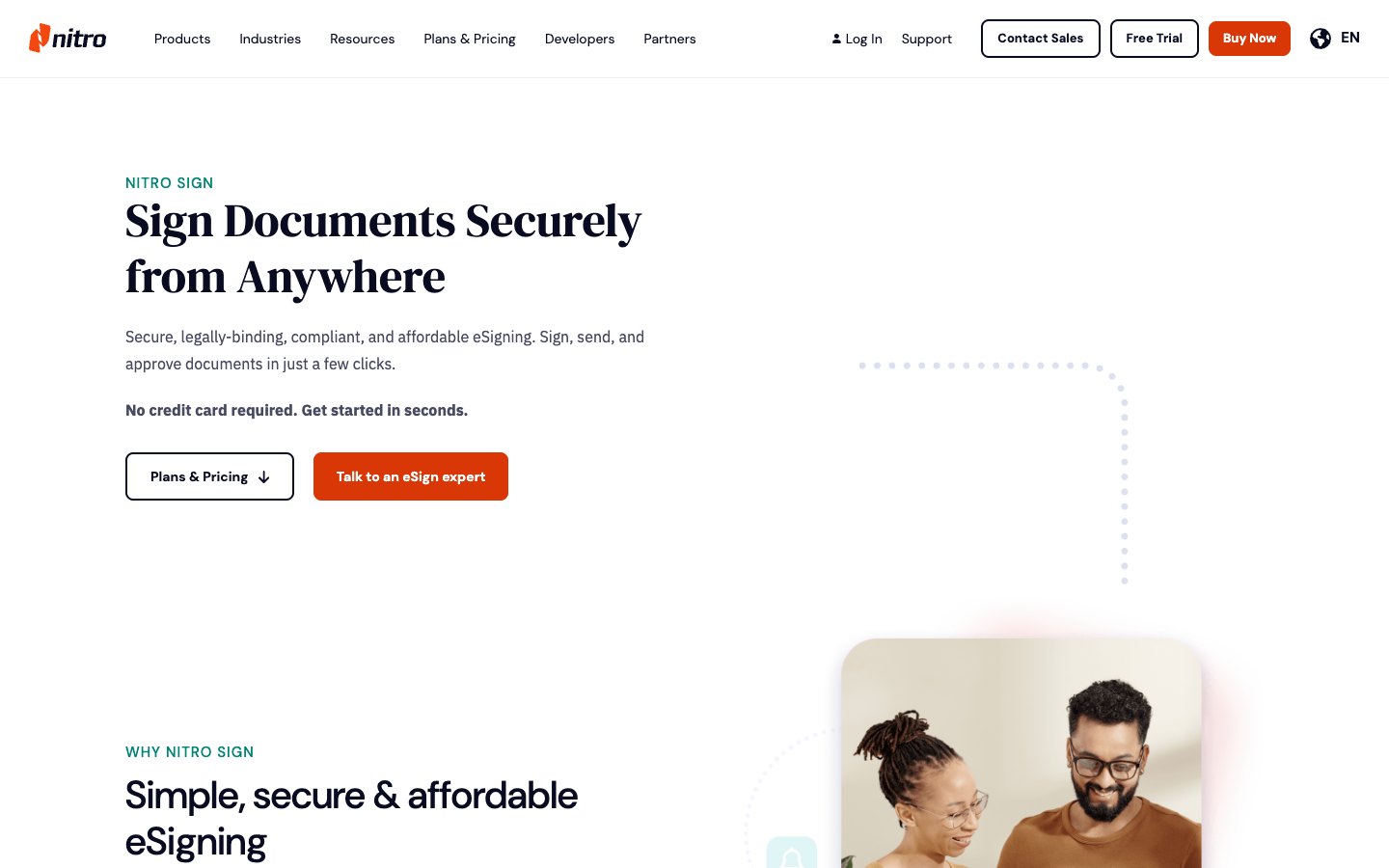
Nitro: best for teams that already buy Nitro PDF
Nitro sells its signing product next to its PDF editor, and its pricing page lists Nitro Sign Standard at 105 euros per license a year. Up to 20 licenses can be bought online, and larger teams talk to Nitro’s sales team.
Which e-signature tool is right for you?
The right e-signature tool depends mostly on your monthly send volume. Below about five documents a month a free plan usually holds. Between five and about 25 a plan with an envelope allowance is still cheap, and above 25 unlimited sending wins on price and on the effort of not counting. The matrix below turns those bands into a pick for each buyer.
| If you are | Start with | Why |
|---|---|---|
| An occasional signer sending fewer than 5 documents a month | SignWell Free or Zoho Sign Free | Both cost $0, with 3 documents and 5 envelopes per month |
| A freelancer sending 10 to 40 contracts a month | SignWell Light | $10 a month billed annually with unlimited documents and five templates |
| A team of 2 to 5 on a fixed budget | Zoho Sign Standard | $10 per user a month on annual billing with 25 envelopes each |
| A team that adds people every quarter | airSlate SignNow | Flat price for unlimited users, though the invite allowance caps volume |
| A sales team sending proposals and quotes | PandaDoc | Signing sits at the end of a builder with pricing tables and payments |
| A business signing with large enterprises | DocuSign | Counterparties know the brand, but budget for Standard at $25 per user once you pass five envelopes a month |
| A person editing PDFs all day | Adobe Acrobat Standard or Pro | Editing, converting and signing in one subscription |
| A small team that wants the simplest sending flow | Signaturely Business | $40 per user a month billed annually, with unlimited requests and templates |
Buyers who expect to cross a volume band within a year should choose for the volume they expect, because rebuilding templates and retraining signers later costs more than the price difference today.
Is free e-signature software good enough?
Free e-signature software is good enough for low volumes, because the limit is almost always the number of documents and not the legal standing of the signature. Free plans cap throughput, senders and templates, and they don’t make a signature less valid. The limits below are current as of October 2026.
- SignWell Free allows 3 documents per month, one sender and one template, and it includes an audit trail and API access. Our free signature software roundup goes deeper on no-cost tools.
- Zoho Sign Free allows 5 envelopes per month for a single user, with audit trails and cloud storage import and export.
- PandaDoc Free allows 5 documents per month, with the document editor and real-time tracking included.
- Dropbox Sign Free allows 3 signature requests per month.
- Signaturely gives a free account with 1 document per month after the trial ends.
- DocuSign, Adobe Acrobat Sign and airSlate SignNow have no permanent free plan, and a free trial is a countdown rather than a tier.
When free is enough
A free plan holds when you sign more often than you send, because receiving and signing a document costs nothing on any of these platforms. It also holds when you send fewer than three one-off documents a month, so templates save you nothing.
The first reason to upgrade is usually a second sender, not volume, since every free plan here is single-user. Free tiers also put the vendor’s name on the signing experience, which matters if branding is part of your pitch. The built-in tools cover the simplest case: Preview on macOS and Adobe Acrobat Reader both let you place a signature on a PDF you received. They don’t send requests or produce an audit trail, so they stop working once someone else has to sign.
Are electronic signatures legally binding?
Electronic signatures are legally binding in the United States under the federal ESIGN Act, which says a signature or contract can’t be denied legal effect solely because it is electronic. A valid e-signature still needs four things: the signer’s intent to sign, consent to do business electronically, a signature tied to the signed record and a retained copy that stays accurate and reproducible. Most states apply the same rules through the Uniform Electronic Transactions Act, and our ESIGN Act explainer covers the federal text.
These conditions map onto product features, so the choice isn’t between legal and illegal tools but between tools that make the four conditions easy to evidence later. The EU applies eIDAS to the same question and adds tiers of signature types.
- Intent to sign is evidenced by an explicit signing action, such as a drawn or typed signature and a recorded click.
- Consent to electronic business is evidenced by a disclosure the signer accepts before signing.
- Attribution to the signed record is evidenced by the email address the request went to, plus stronger checks on higher tiers. DocuSign sells identity verification per use, and Zoho Sign offers one-time passwords on Standard.
- Retention is evidenced by the audit trail and a tamper-evident copy of the signed file.
What an audit trail should contain
A usable audit trail names the document and transaction, every party’s email address and the time each one opened, viewed and signed. It also records IP address or device details for each signing event, a record of consent to sign electronically and a tamper check so any later change to the file is detectable.
Some documents sit outside these rules. ESIGN excludes wills, family-law matters such as adoption and divorce, and certain notices including utility cancellations and eviction or foreclosure notices on a primary residence. State adoption of UETA is also not perfectly uniform, so check the electronic signature laws by state guide. This section describes how the law is generally applied and isn’t legal advice for your situation.
E-signature software FAQs
SignWell Free and Zoho Sign Free are the strongest permanent free plans, allowing 3 documents and 5 envelopes per month. SignWell Free is the closest to DocuSign, with legally binding signatures, multiple signers and an audit trail.
DocuSign offers a free trial, not a permanent free plan. Its cheapest paid plan, Personal, costs $10 a month billed annually and allows five envelopes per month.
Adobe Acrobat Sign is better for people who already edit PDFs in Acrobat, and DocuSign is better for its brand recognition and integration catalogue of more than 1,000 apps. Neither wins on price for a light user, which is why we keep a DocuSign competitors list.
On most tools the sender needs a plan and the signer doesn’t. A signer opens a link from an email and signs in the browser, which is why seat counts matter only for the people who start requests.
A signature request is usually one document or bundle sent to one set of recipients. DocuSign counts an envelope, PandaDoc counts documents sent, SignWell counts documents and airSlate SignNow counts invites. Sending the same contract to twenty clients counts as twenty, which is why bulk send sits on higher tiers.
You can switch, because signed PDFs and their audit certificates stay valid evidence independent of the platform that made them. Download both before you cancel. Templates don’t transfer and have to be rebuilt, so count that time when you compare plans.