



HelloSign is now Dropbox Sign, following Dropbox’s rebrand of the platform after its acquisition.
Dropbox Sign focuses primarily on the signing layer. You can’t edit documents after sending, the mobile app’s been flagged as slow or buggy by users, and customer support response times are a common complaint.
Teams looking for more advanced features, stronger workflow automation, or deeper integration with their existing tools tend to outgrow it fast.
This article covers 15 HelloSign alternatives worth considering, from enterprise-grade options like DocuSign and Adobe Sign to simpler, more affordable tools like Signaturely and Xodo Sign.
15 HelloSign & Competitors to Use Instead
You’re in luck if you’re looking for online signature software to help your business grow and manage signable documents. HelloSign’s just one of many great options on the market. We’ve listed 15 HelloSign alternatives to consider, each tailored to different document and contract management needs. Each tool’s got unique features that may better fit your company.
1. Signaturely
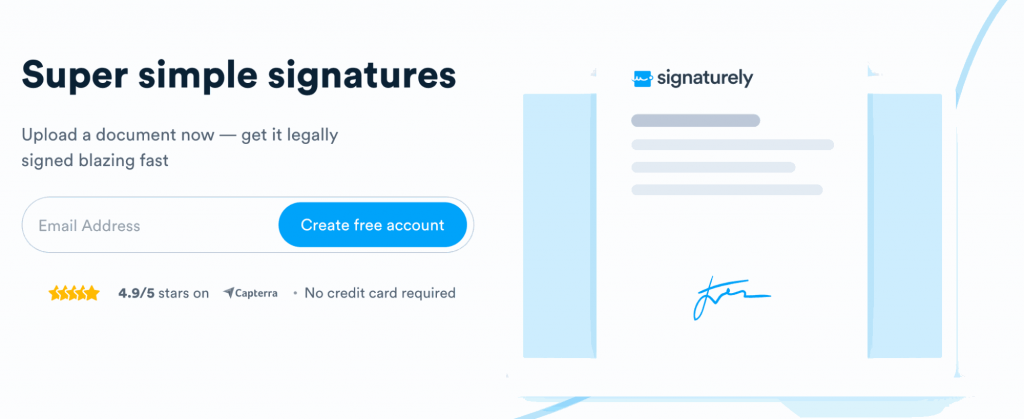
Signaturely’s a leading eSignature platform that helps businesses securely sign documents online across various devices. Its platform covers the full document lifecycle: from document creation and secure storage through to legally binding eSignatures and audit trails. Signaturely’s a reliable solution with document management, collaboration tools, and electronic signature uploads. It complies with all major industry standards. Ultimately, it’s an affordable choice for businesses that want to streamline their signing processes without overcomplicating things.
Dropbox Sign and Signaturely’s basic plans start at a similar price point: $15 and $20 per month (billed annually). They’ve both got unlimited signing and access to integrations. However, Signaturely’s got a free tier that covers one document per month, making it easy to try out the platform or use it for basic eSignature needs. Signaturely also supports multiple languages, a feature not available on Dropbox Sign’s standard plans.
Key Features:
- Audit log and history
- Audit trail for compliance tracking
- An easy-to-use platform for signing
- Custom business branding
- Customizable templates
- Legally binding signatures
Integrations:
- Google Drive
- Dropbox
- Box
- One Drive
Pros:
- A top performer in ease of use
- Robust integrations that streamline workflows and deliver seamless integration across your tech stack
- Affordable pricing with significant value and advanced features
- Responsive customer service team
Cons:
- Lacks SMTP for sending emails
2. SignNow
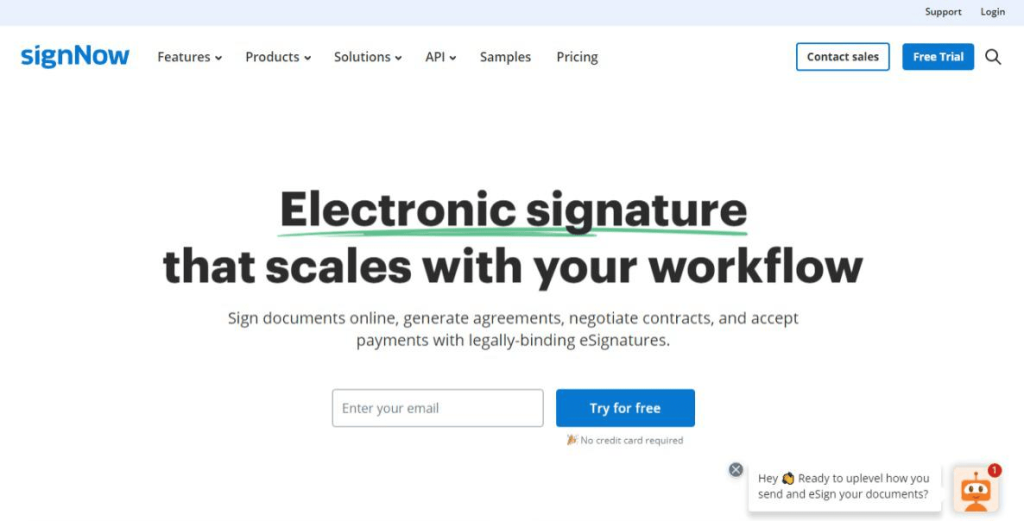
SignNow’s a versatile document automation platform built for teams that need more than basic signing. Its automated workflows handle conditional logic, bulk sending, and role-based signing order without manual setup. You’ve got HIPAA compliance at the enterprise level too. SignNow’s quick to set up and it’s easy to get documents signed securely. SignNow and HelloSign are built for many users, from freelancers to large enterprises. However, SignNow offers more robust CRM and capabilities for managing signatures than HelloSign. On the other hand, HelloSign provides SSL-level security and document status tracking. These are features HelloSign has that SignNow lacks.
The SignNow Business plan’s priced at $8 per month (billed annually) for unlimited users and includes sending documents for signatures and cloud storage. You’re also getting unlimited templates and mobile apps on every plan. Its Site License is priced at $1.50 per signature invite with volume discounts. It includes SSO, full API access, and advanced signer authentication. SignNow offers four plans to choose from. Each presents a flexible suite of solutions for different use cases.
Key Features:
- Ability to add custom logos
- Advanced threat protection
- Easily sign documents
Integrations:
- CRM tools
- ERP platforms
Pros:
- Easy to navigate for users without a technical background
- Reusable templates that improve workflow efficiency
- Affordable pricing plans
Cons:
- Occasional performance issues
- Limited customer service
- Signatories can’t add comments or other notes to documents
We also analyzed some SignNow competitors in the past.
3. Zoho Sign
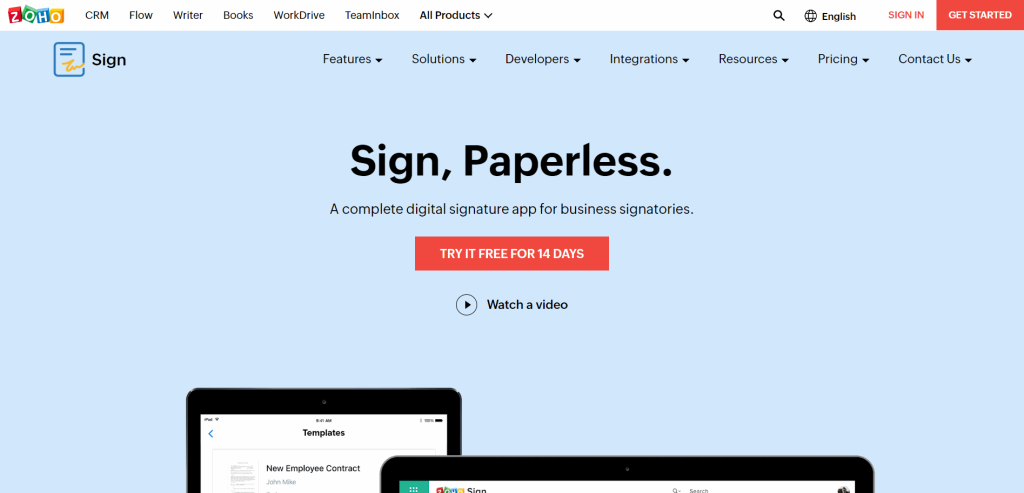
HelloSign alternative Zoho Sign’s an electronic signature software that helps businesses easily collect signatures from others. It’s free for individual users, and there’s no limit to the number of signatures that can be managed. The software’s got integrations with other Zoho products, such as Zoho Docs and Zoho CRM. It’s straightforward to obtain signatures from customers or business partners.
Both Zoho Sign and HelloSign offer legally binding signatures with advanced authentication. One key difference: Zoho Sign’s free tier gives access to up to five monthly documents, signing workflows, and integration with Zoho apps and third-party tools. Zoho Sign’s most popular tier is the Enterprise plan, which starts at $22 per user per month (billed annually). It’s got payment checkout, Blockchain timestamping, and bulk signing capabilities.
Key Features:
- Template sharing for teams
- Email aliases
- Integrations with a suite of Zoho apps
Integrations:
- Zoho Apps (CRM, Books, etc.)
- Microsoft 365
- Google Workspace
Pros:
- Multi-language support
- Advanced integration with Zoho apps
- Audit trail for certifying completion of documents
Cons:
- Doesn’t offer in-person signing
- Limitations with audit trail usability
- API pricing is separate
4. DigiSigner
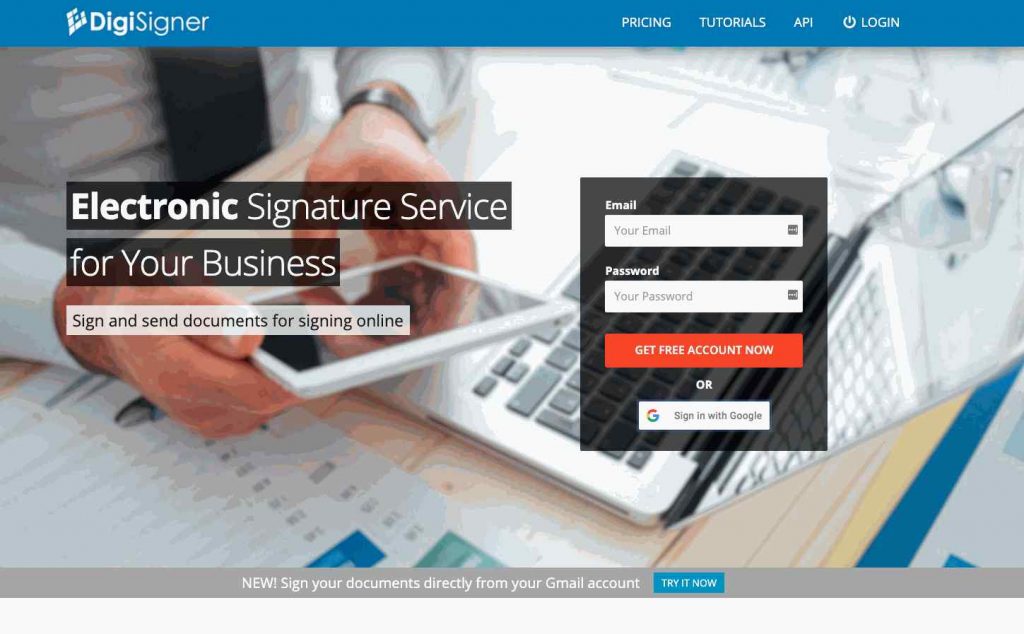
DigiSigner’s a top HelloSign alternative that allows users to add legally binding signatures to documents. This software uses SSL encryption and data encryption to protect documents; all signatures are stored securely on the company’s servers. It also lets users create handwritten signatures, which is useful for documents that need a personal touch. That’s useful when signing documents that require a more personal touch, such as thank-you notes or customized communication. Overall, DigiSigner’s a convenient and secure way to ensure that all your documents are properly signed for any occasion.
DigiSigner and HelloSign offer similar features, but HelloSign takes it a step further with capabilities such as signer attachments, certifications, and multiple language support. Overall, HelloSign’s a more comprehensive platform and is priced accordingly. Both offer a free trial rather than a permanent free plan, and DigiSigner’s pricing page now lists only paid plans. Its paid plans start at $15 per month (billed annually) for the Pro plan and include advanced capabilities like team features, templates, and branding.
Key Features:
- Signing links
- Team collaboration tools
- Custom branding
Integrations:
- API
Pros:
- Affordable pricing plans
- Small learning curve
- Easy customization
Cons:
- Limited native integrations
- Some confusing navigation elements
- A few issues with the platform’s audit trail
DigiSigner has some great competitors, as we’ve detailed before.
5. DocuSign

While DocuSign and HelloSign offer similar feature sets, there are some important distinctions between the two. DocuSign is without question the industry leader in physical and online security, with advanced security protocols, robust encryption, and compliance certifications that satisfy global compliance requirements: SOC 1, SOC 2, and ISO 27001. You can also track document status in real time, which isn’t a given across all platforms. HelloSign’s got better collaboration tools and is generally considered easier to use.
DocuSign pricing starts at $10 per user per month (billed annually) and includes access to the mobile app, reusable templates, and up to five documents per month. The more advanced Business Pro plan’s priced at $40 per user per month (billed annually) and adds shared templates, custom branding, and more.
Key Features:
- SMS authentication
- Embedded signing on your website
- Robust user management
Integrations:
- Dropbox
- Google Drive
- Evernote
Pros:
- Focus on security
- Helpful UI copy
- Easy implementation
Cons:
- Limited customer support
- Some confusing navigation elements
- API integration could use improvements
Check out the top DocuSign alternatives here.
6. GetAccept
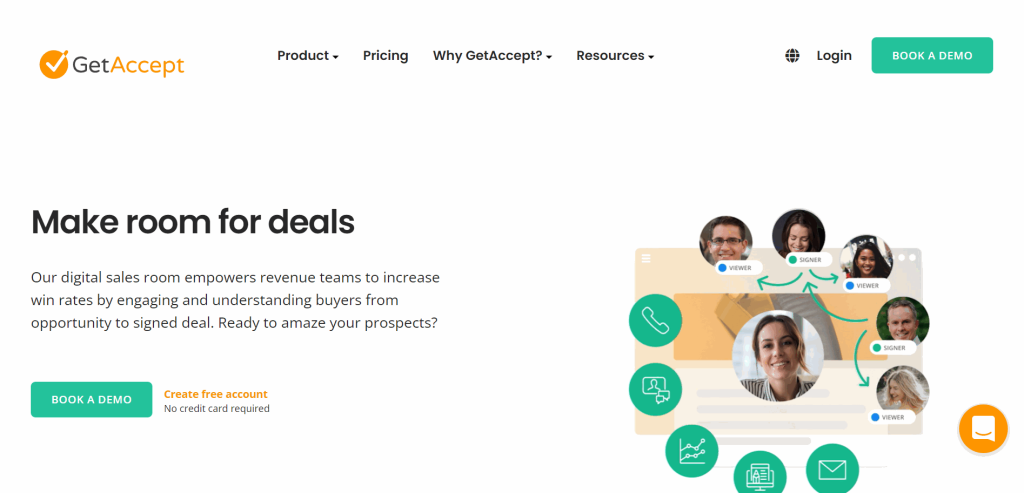
GetAccept’s an effective digital signature tool for midsize teams needing an extra engagement boost. It’s focused on the proposal-to-signature phase, with integration capabilities that connect directly to your CRM and sales tools. The software’s video and chat features are perfect for getting everyone on the same page, and it’s both intuitive and easy to use. HelloSign, on the other hand, is better suited for individuals and small teams. Its interface is simpler and geared towards quick, easy signing, making it ideal for those who don’t need the extra bells and whistles. However, both eSignature tools are excellent choices for implementing electronic signatures, so the best choice will depend on your team’s needs.
GetAccept’s pricing has moved upmarket in recent years. Its eSign plan’s priced at $25 per user per month and covers the core digital signature workflow for individuals and small sales teams. The Professional plan starts at $49 per user per month (minimum five users) and adds deeper CRM automation and analytics. A 14-day free trial’s available on all plans.
Key Features:
- Advanced analytics
- Sales dashboard
- Two-factor authentication
Integrations:
- Hubspot
- Pipedrive
- Lime CRM
Pros:
- Consistent release of new features
- Easy to sign documents
- Ability to track opened documents
Cons:
- Integration with Salesforce could be improved
- Limited ability to customize emails
- Some UI performance issues
Bonus: What are the best GetAccept alternatives available?
7. Adobe Sign
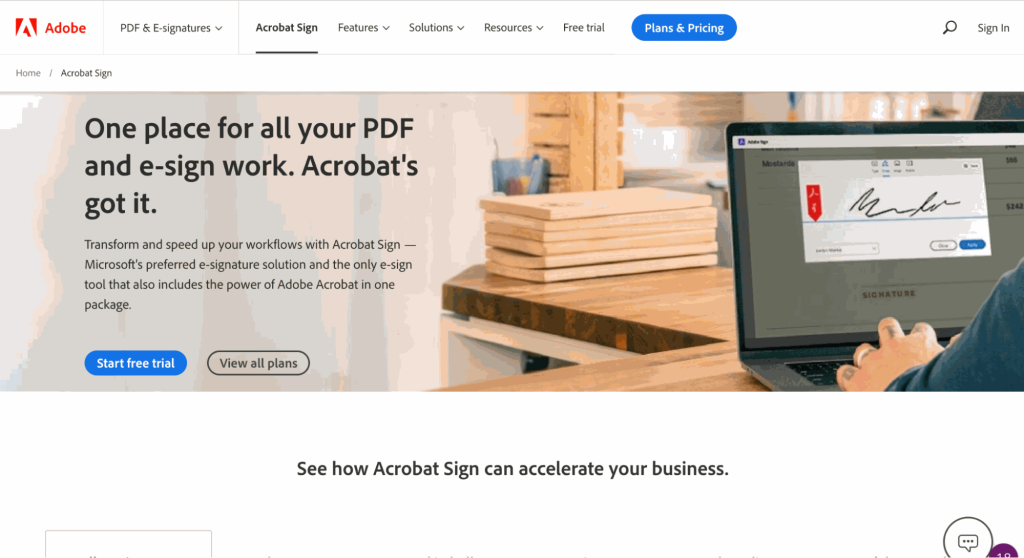
HelloSign and Adobe Sign are both solid electronic signature platforms. They each offer cloud, SaaS, and web deployment options. Adobe Sign’s part of Adobe Document Cloud, so if your team’s already deep into Adobe tools like Acrobat, you’re able to edit documents directly and sign PDFs in a single interface without switching apps. Where they differ most is in audit trails and templates. HelloSign’s audit trails are more comprehensive than Adobe Sign’s. That’s important when tracking down when and how a document was signed. HelloSign’s also got predefined templates for common legal documents such as NDAs and employment agreements. This can save time for users who don’t need to create company templates from scratch.
Adobe Sign and HelloSign handle free use differently: Adobe has no free tier, while Dropbox Sign offers three signature requests per month for free. Adobe Acrobat Standard starts at $14.99 per month (billed annually) and includes custom languages, form preparation, and reusable templates. The Pro plan’s priced at $19.99 per month and adds payment collection and bulk sending to its offering. Adobe Sign offers a free trial for its Pro plan but not its Standard plan.
Key Features:
- Option to redact sensitive information from PDFs
- Ability to convert scanned documents to editable PDFs
- Option to add comments to PDFs
Integrations:
- Microsoft 365
- Box
Pros:
- Consistent updates to the feature set
- Clean UI to sign documents
- Ability to set up recurring reminders
Cons:
- Need an Adobe account to use some features
- Only the Enterprise plan includes in-person signatures
- Issues with inserting images
As usual, here are some of the best Adobe Sign alternatives in case you already use them.
8. PandaDoc
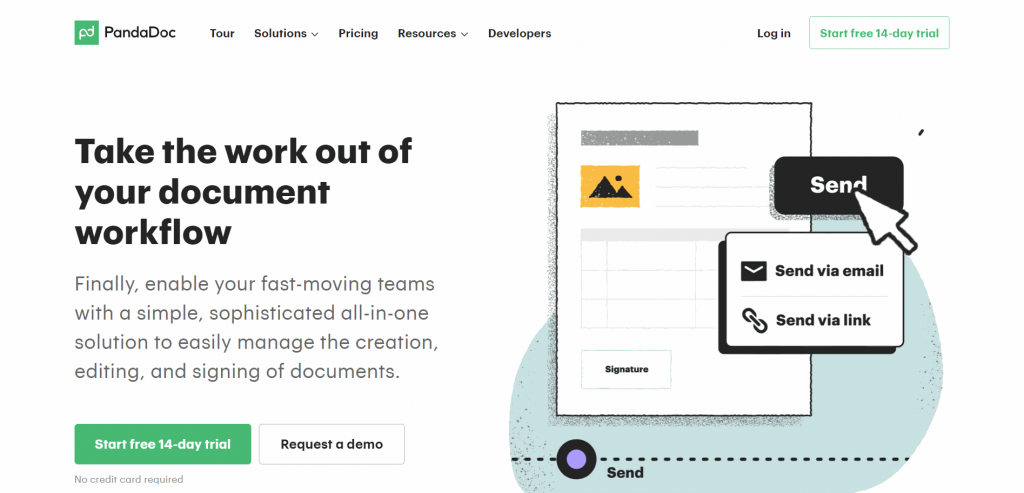
PandaDoc and HelloSign are two popular eSignature platforms. They’ve both got features that’ll help businesses manage documents. However, there are some key differences between the two. For one, PandaDoc offers unlimited templates, while HelloSign restricts users to just five. That’s a problem for businesses that need to create many documents. PandaDoc also includes document analytics and automated workflows that help companies track document usage, manage team collaboration, and speed up approval cycles. You won’t find those features in HelloSign. That being said, HelloSign offers tamper-proof documents and multi-language support. These features matter for businesses that operate in multiple countries or need to ensure a high level of security for their documents.
PandaDoc’s free plan covers five documents per month and doesn’t include payments. Its Starter plan starts at $19 per user per month (billed annually) and covers the core signing and template workflow. The Business plan, its most popular tier, starts at $49 per user per month (billed annually) and adds a content library, bulk sending, forms, and payment collection. PandaDoc’s grown to have many competitors nowadays.
Key Features:
- Rich media drag-and-drop editor
- Approval workflows
- Custom templates
Integrations:
- CRM
- Zapier
- Salesforce
Pros:
- Easy-to-use customization tool
- Well-designed integrations
- Small learning curve
Cons:
- Forms could be more intuitive
- Some issues with UI
- Some performance lag times
9. Signeasy
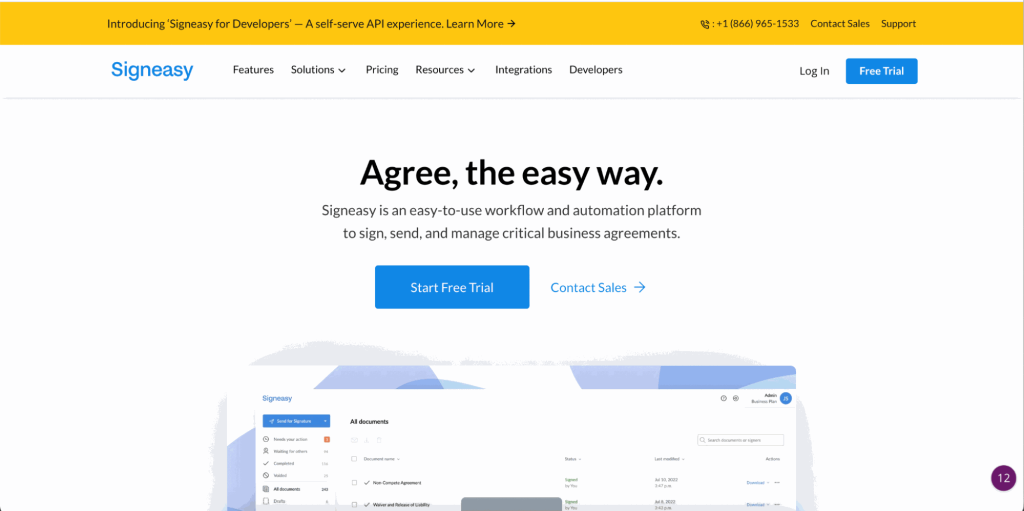
When it comes to digital signatures, Dropbox Sign and Signeasy offer similar capabilities. Dropbox Sign’s known for its robust feature set, which includes advanced options for signing and sending documents. However, Signeasy has the edge when it comes to ease of use. Its mobile-first design makes it ideal for users who need to sign documents on the go. Signeasy’s also got a best-in-class API, making it a strong choice for businesses that need to embed digital signatures into their existing software stack.
Signeasy’s Personal plan starts at $10 per month (billed annually) and suits individuals with occasional signing needs. Its Business plan’s priced at $20 per user per month and includes unlimited templates and no hidden integration fees. The Business Pro plan, its most popular tier,’s priced at $30 per user per month and adds a dedicated customer success manager, advanced analytics, and priority support. A 100-day money-back guarantee applies to all paid plans.
Key Features:
- Advanced signer authentication
- Team usage dashboard
- Mobile apps for iOS and Android
Integrations:
- Google Workspace
- Microsoft Teams
- Salesforce (at an extra cost of $10 per user per month)
Pros:
- Affordable plans
- Supports several formats, including PDF and Office docs
- HIPAA compliant
Cons:
- The interface could be improved
- Significant load times for documents
- No alerts when documents are viewed
10. pdfFiller
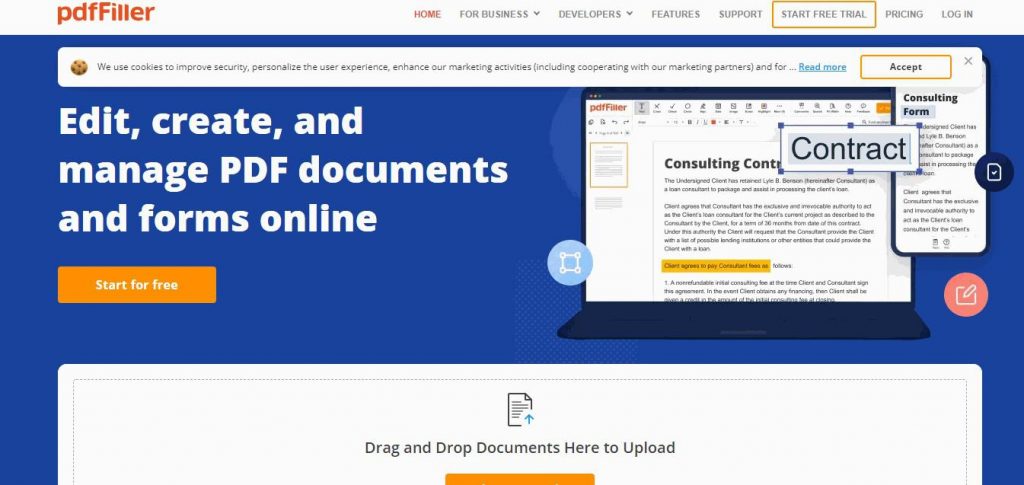
Both pdfFiller and HelloSign offer features that’ll save time and streamline the document signing process. But there are some notable differences. pdfFiller lets users add fillable fields to their documents. It’s a handy time-saver. HelloSign’s focus, on the other hand, emphasizes customer service and training resources. It’s also got a more robust set of tutorials, FAQs, and live chat support. That makes it a better option for those needing extra help getting started.
pdfFiller’s got affordable plans ranging from $8 to $15 per user per month (billed annually). Its most popular plan (the Plus plan) includes creating reusable templates, merging pages, and accessing customer support within 30 minutes. That’s a useful guarantee. Like HelloSign, pdfFiller doesn’t include a free tier but has a 30-day free trial for all of its plans.
Key Features:
- Ability to restore previous document versions
- Custom signature workflows
- Recipient authentication
Integrations:
- CRM tools
- G Suite
Pros:
- Easy-to-use interface
- Ability to delete pre-written text from fields
- Convert PDFs with good-quality output
Cons:
- Some performance issues with the mobile app
- Some issues with stability
- Limited templates
11. SignWell
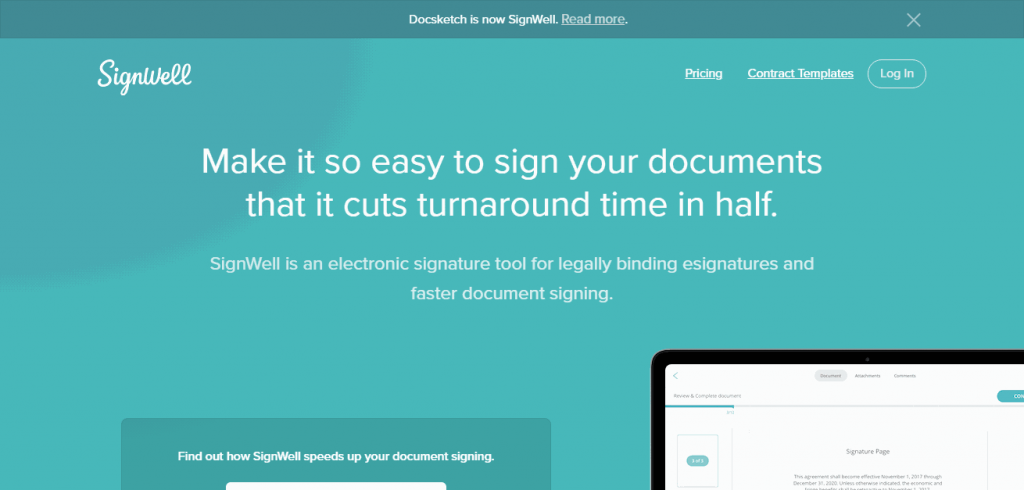
HelloSign and Signwell offer similar features, including creating and sending documents, tracking progress, and receiving real-time alerts. However, SignWell doesn’t have a mobile app, so if you need to sign or send documents on the go, HelloSign may be a better option. HelloSign also includes 24/7 support and in-person training, so if you need assistance getting started, you’ll have the resources you need.
Unlike HelloSign, SignWell’s got a free tier with one sender and one template. Its Light plan starts at $10 per month (billed annually) for a single sender with unlimited documents. The Business plan’s priced at $30 per month (billed annually) and includes up to three senders and unlimited documents and templates.
Key Features:
- In-person signing
- Signer redirect upon completion
- Template links
Integrations:
- API
Pros:
- Straightforward collaboration tools
- Signing reminders
- Approval tracking
Cons:
- Some document visibility issues
- Some stability issues
- Customization could be improved
12. ReadySign
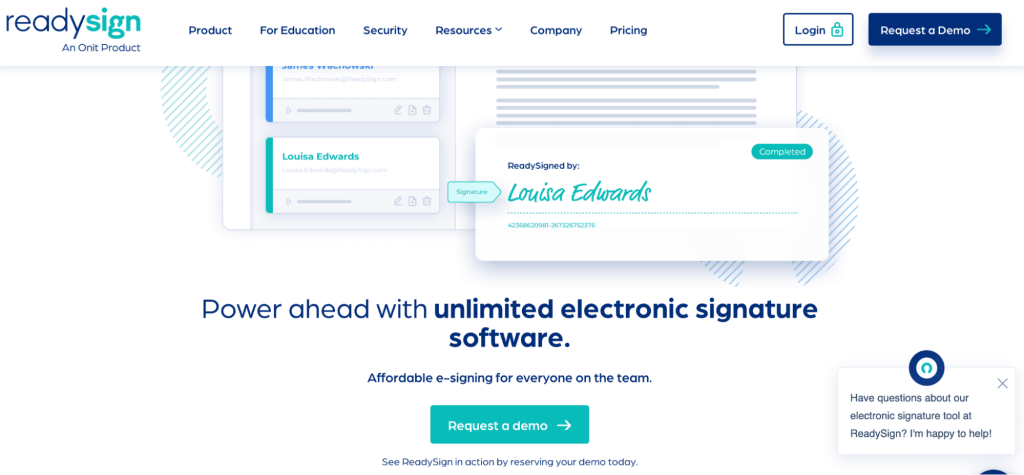
HelloSign and ReadySign offer similar feature sets, including authentication, custom templates, and multi-party signing. ReadySign’s slightly better on ease of use and customer support. For businesses that place a premium on efficiency and customer service, ReadySign’s the better option. However, HelloSign’s a more cost-effective choice for businesses on a tight budget. Ultimately, the right platform depends on your specific needs and how your team works.
Note: ReadySign was acquired by Onit and its domain now redirects to Onit’s contract management platform. The product remains available as part of Onit’s suite. You’re looking at $6 per user per month (billed annually) for teams of 100 or more, including unlimited documents and signing reminders. Smaller teams pay more per seat, up to $25 per user per month for a 10-user plan.
Key Features:
- Bulk sending
- SAML 2.0 / SSO
- User role management
Integrations:
- SimpleLegal
Pros:
- Comprehensive audit trail
- 24/7 support
- No set-up costs
Cons:
- Some stability issues with fields
- Can’t load multiple PDFs
- Limited user role customization
13. SignRequest
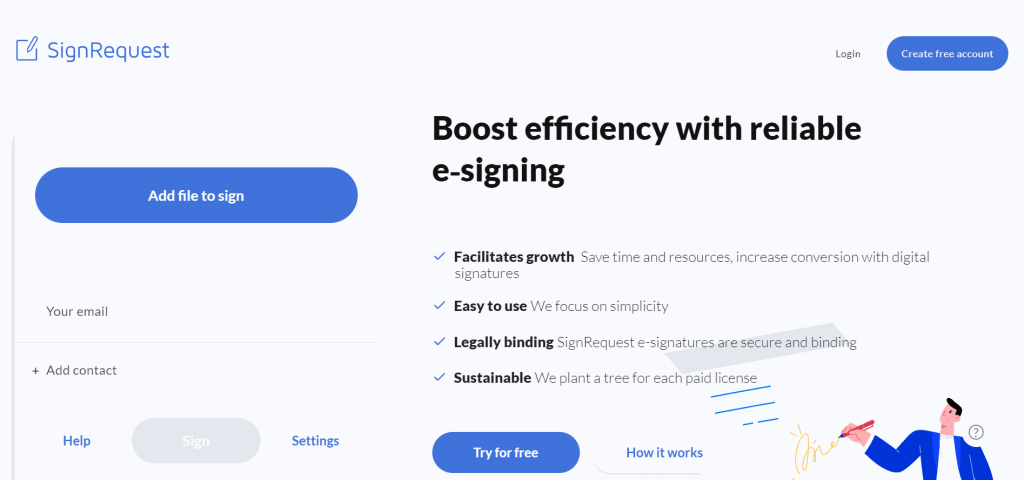
HelloSign and SignRequest are two popular eSigning tools with their strengths and weaknesses. HelloSign’s a bit more robust, with a larger knowledge base that’s helpful for users new to eSignature tools. It’s got a more streamlined interface and is slightly easier to use. However, SignRequest’s got better support quality, with faster response times and more helpful answers.
SignRequest’s got a simple pricing strategy with two tiers. Its Professional plan’s priced at $9 per user per month and offers up to five templates and 17 languages. Its Business plan adds unlimited documents and bulk sending for $15 per user per month.
Key Features:
- Custom landing pages
- Option to customize signing order
- Send multiple docs at once
Integrations:
- Zapier
- Slack
Pros:
- Signing is fast and simple
- User-friendly design
- Affordable pricing
Cons:
- Chrome extension issues with certain file types
- Usability issues with signature fields
- Stability problems
14. Xodo Sign (formerly eversign)
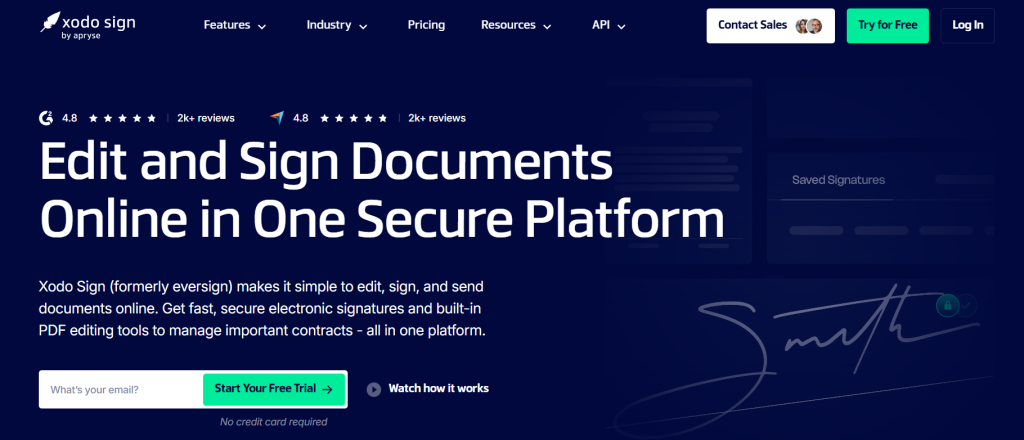
Xodo Sign’s a budget-friendly eSignature platform from Apryse, formerly known as eversign. It covers the core signing workflow (unlimited signatures, comprehensive audit trails, document editing, annotation, and reusable templates) without the price premium of enterprise tools. Teams looking for a cost-effective alternative to Dropbox Sign for everyday document workflows will find it’s a capable, no-frills option.
Xodo Sign’s Basic plan starts at $10 per user per month (billed annually) and suits individuals with straightforward signing needs. The Professional plan’s priced at $16 per user per month (billed annually) and adds team collaboration, role-based permissions, and expanded template access. Annual billing cuts costs roughly in half. Xodo Sign also integrates with popular CRM platforms, so it’s easy to slot into an existing sales workflow. A free API Sandbox’s available for developers who want to embed signing into their own tools.
Key Features:
- Unlimited electronic signatures
- Comprehensive audit trails
- Document editing and annotation tools
Integrations:
- REST API
- Google Drive
- Dropbox
Pros:
- Affordable pricing with significant annual discount
- Clean interface with a short learning curve
- Developer-friendly API with a free sandbox tier
Cons:
- Smaller native integration set than DocuSign or PandaDoc
- Less brand recognition than larger platforms
- Advanced API plans are separately priced
15. SecuredSigning

HelloSign’s known for being user-friendly and intuitive. It’s better than Secured Signing when it comes to general usability. However, unlike HelloSign, Secured Signing includes notary plans. That’s a deciding factor for teams that need notarized document workflows.
Unlike HelloSign, Secured Signing offers plans based on usage. The website’s got a sliding scale for the number of users and the number of documents. Pricing starts at $9.95 per user per month plus $1.50 per document, so costs rise with every document you send. That’s potentially more costly than HelloSign’s offering, which has unlimited signatures.
Key Features:
- Notary plans
- Audit trail
- Reminders and notifications
Integrations:
- Bullhorn
- Salesforce
- Sharepoint
Pros:
- Responsive customer service
- Ability to add video confirmation to documents
- Enhanced customization options for forms
Cons:
- The potentially larger learning curve
- Stability issues with the template editor
- Does not support multiple signatures
How to Choose the Best HelloSign Alternative for Your Business
Not every e-signature tool fits every business. Switching from Dropbox Sign (formerly HelloSign) means checking a few factors that have the most impact on day-to-day use. Here are the three that matter most.
Security
Security’s one of the most important considerations when choosing an electronic signature tool. You’ll want to ensure the tool uses encryption to protect your documents and data. When scaling with global compliance in mind, it’s vital to use a platform that holds proper compliance certifications. You should also check each tool’s integration capabilities to make sure it connects with your existing software, and don’t skip two-factor authentication to protect your account.
Ease of Use
Another key factor to consider when choosing an electronic signature tool: a user-friendly interface and intuitive design. Pick a user-friendly tool your team’s able to use right away. There’s one reliable way to gauge usability: online reviews. You’ll typically find a free trial on each platform, so there’s no need to commit before you’ve tried it.
Plans & Pricing
When choosing an electronic signature tool, you’ll also want to consider pricing plans and feature availability. Once you’ve determined how to use the platform, you’re able to evaluate which software provides the best value for your use case. Many tools offer free plans for small businesses. It’s worth comparing the features and limits of each plan before committing.
HelloSign Alternatives: FAQs
Below are a few frequently asked questions about HelloSign competitors and their unique value propositions.
Both offer a convenient way to sign documents without printing them out or picking up a pen. However, DocuSign’s more comprehensive in its feature set, such as tracking the status of documents, including when they were signed and by whom. HelloSign’s a more affordable option and integrates with several popular productivity platforms.
Yes. Dropbox Sign (formerly HelloSign) has a free plan with three signature requests per month, and its paid plans come with a 30-day free trial.
Signatures created with Dropbox Sign (formerly HelloSign) are legally binding. Any contract or agreement you sign through the platform is outright enforceable in a court of law.
Signaturely ensures accessibility by supporting screen readers, mobile-responsive layouts, and compatibility with various devices. It’s built to meet diverse user needs.
Adobe Acrobat provides a built-in e-signature feature within its PDF editor. It supports legally binding digital signatures and offers advanced document collaboration tools.
Sites like HelloSign include Signaturely, DocuSign, PandaDoc, Signeasy, and Jotform Sign. They each cover a range of e-signature and document management needs.
Companies like HelloSign include Signaturely, SignNow, Adobe Sign, and DocuSign. They offer various integrations, compliance standards, and user-friendly interfaces.
A legally binding, electronic signature meets standards for authentication methods, includes an audit trail, and complies with regional e-signature laws like ESIGN and eIDAS
What You Need to Remember About HelloSign Alternatives
If you’re looking for an eSignature solution, it’s important to understand which options are available and what each alternative offers. HelloSign’s a great tool, but it isn’t the right fit for every business. Take your time before committing. Each tool’s got different strengths, so evaluate based on how well it fits your particular use case.