



Scrive sells e-signing for Europe, with eID signing, qualified signatures and per-user annual plans priced in euros. Of the Scrive alternatives below, signNow charges $8 a month for a whole account, SignWell includes unlimited documents from $10 a month, GetAccept starts at $25 per user a month and Signaturely starts at $20 a month billed annually.
Scrive alternatives at a glance
| Tool | Best for | Starting price | Free plan | Key limit |
|---|---|---|---|---|
| Scrive (reference) | eID and qualified signatures | Per user, annual, euros | 14-day trial, 10 documents | 3-month notice period |
| Signaturely | Templates and simple signing | $20/month annual | 1 document/month | Personal has 5 requests |
| DocuSign | Integrations | $10/month annual | No | Personal has 5 envelopes |
| Adobe Acrobat Sign | PDF workflows | Acrobat plans, local currency | No, free trial | Sign Solutions is quote only |
| signNow | Teams on a budget | $8/account annual | No, free trial | 100 invites a year |
| GetAccept | Sales teams | $25/user/month | No | Professional needs 5 users |
| Oneflow | Contract lifecycle | $292/month annual | 14-day trial | Business includes 5 users |
| Dropbox Sign | Dropbox users | $15/month annual | 3 requests/month | Essentials has 1 user |
| PandaDoc | Proposals and quotes | $19/seat annual | 5 documents/month | Starter has 5 templates |
| SignWell | Unlimited documents, API | $10/month annual | 3 documents/month | Light has 1 sender |
What Scrive costs and why teams switch
Scrive is a Swedish e-signature and identity company that describes its platform as built in Europe for security and compliance. Its eSign Online portal has four tiers: a 14-day free trial with 10 documents, Essential, Business and an Enterprise quote. Essential and Business are priced per user per month on annual billing, and Scrive lists those prices in euros. Only the person who starts a document needs a Scrive licence, so signers pay nothing.
Scrive says it is a qualified trust service provider under EU eIDAS, which lets it issue qualified electronic signatures, and it lists ISO 27001 and EU data hosting on its home page. Business is the plan that opens the eID layer: it supports viewing and signing with eIDs and identity checks such as BankID, MitID, Onfido and Scrive QES, with the eID service bought as an add-on. Essential covers basic signing with an e-archive, an evidence package, unlimited documents and document forwarding.
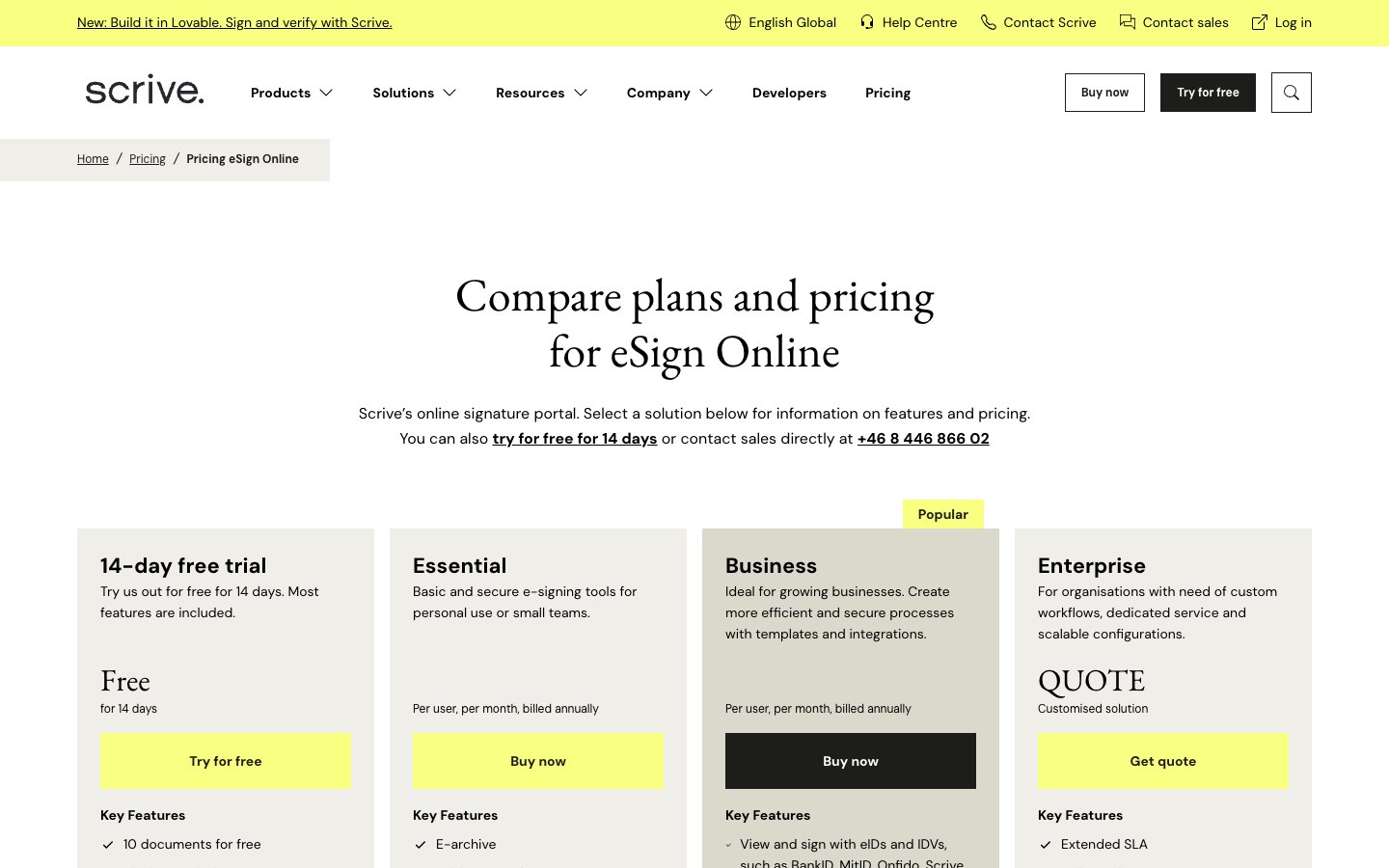
Scrive also sells eSign GO for store networks and offices, an eSign API that is quote only, ID Check, eID Hub and two web forms products named Forms Builder and eSign Forms. The Scrive home page cites 14,000+ customers, lists DORA next to ISO 27001 and EU data hosting, and promotes a Scrive MCP server for AI agents and a Lovable tie-in for apps built there. The Scrive alternatives below compete with the eSign Online portal.
Teams usually look elsewhere for one of five reasons:
- Prices are in euros. The eSign Online price list shows euros, so a US team that budgets in dollars has no dollar list price to compare.
- Contracts run on annual terms. Scrive asks for three months’ notice before a contract expires if you do not want to extend it.
- Every sender needs a personal licence. Licences cannot be shared, and each user is tied to one person for the audit trail.
- eID and SMS cost extra. The eID service, SMS authentication and the forms builder are add-ons with additional fees, and Essential offers no eID add-on.
- Templates and integrations sit on Business. Essential is limited to basic signing, so any team that sends from templates needs the higher tier.
Scrive stays a sound pick for teams that must sign with BankID or MitID or need qualified signatures backed by a European provider. Its free trial runs 14 days with no credit card, and a licence is needed to keep sending afterwards. The tools below publish a USD price for every plan they list, apart from the enterprise tiers and Adobe.
The 9 best Scrive alternatives in 2026
Every entry follows the same pattern: who it fits, what it costs with the billing basis, what is included and where it falls short.
1. Signaturely
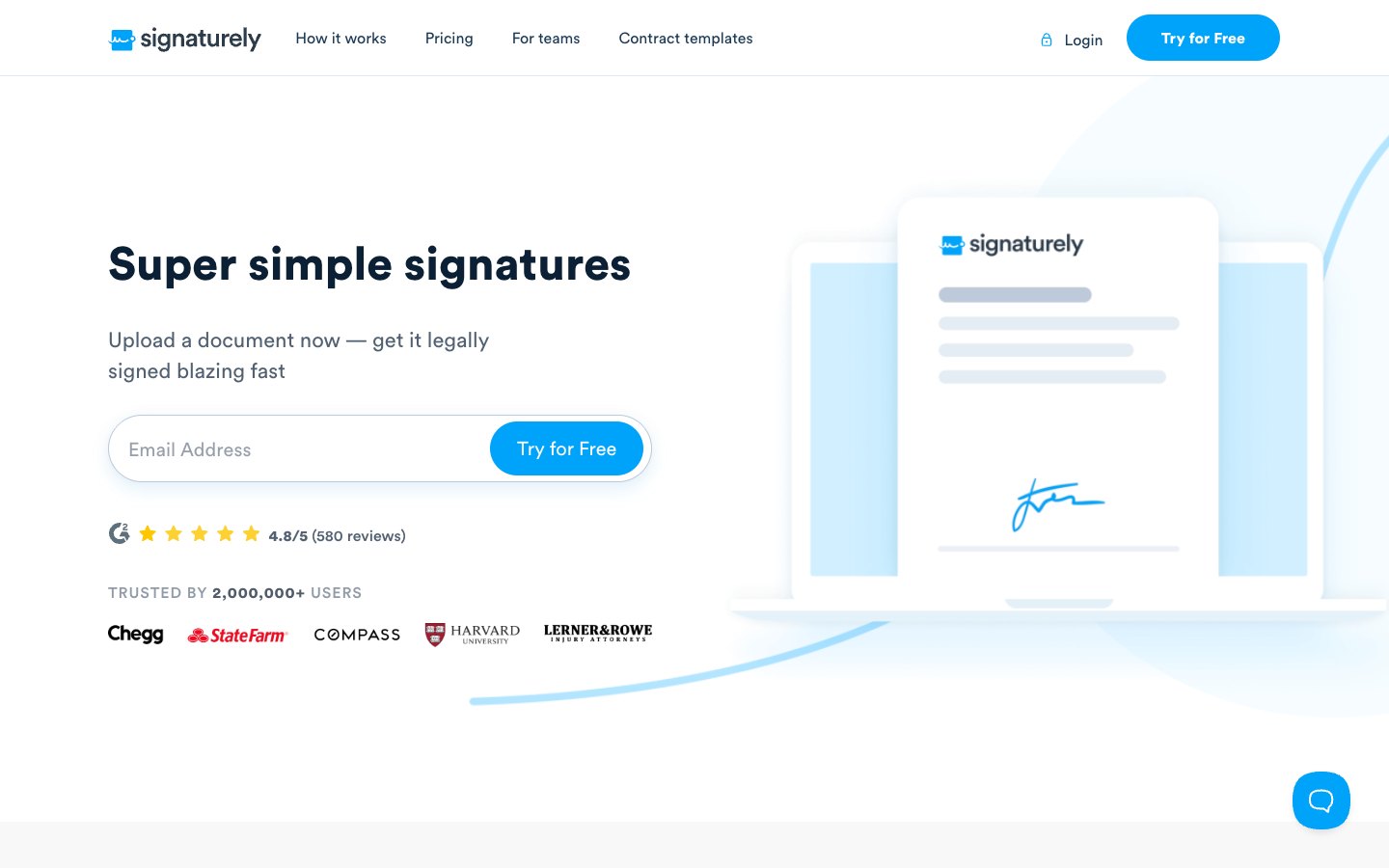
Signaturely suits people who want to upload a contract, place signature fields and send it in minutes. Where Scrive builds around eID signing, Signaturely builds around plain document signing: notifications, reminders and an audit log with history come on every plan. Its plans list no eID signing option, so a team that needs BankID or qualified signatures should look at the other entries.
The site also publishes a library of free contract templates, so a freelancer can start from a template instead of a blank file. Personal allows 5 signature requests a month and 1 template, and Business removes both limits. Signaturely documents are AATL compliant according to its security page, and data in transit uses 256-bit encryption. Business at $480 per user a year ($40 a month) is its top self-serve plan, and for 5 senders it sits in the upper half of the team cost table below.
2. DocuSign
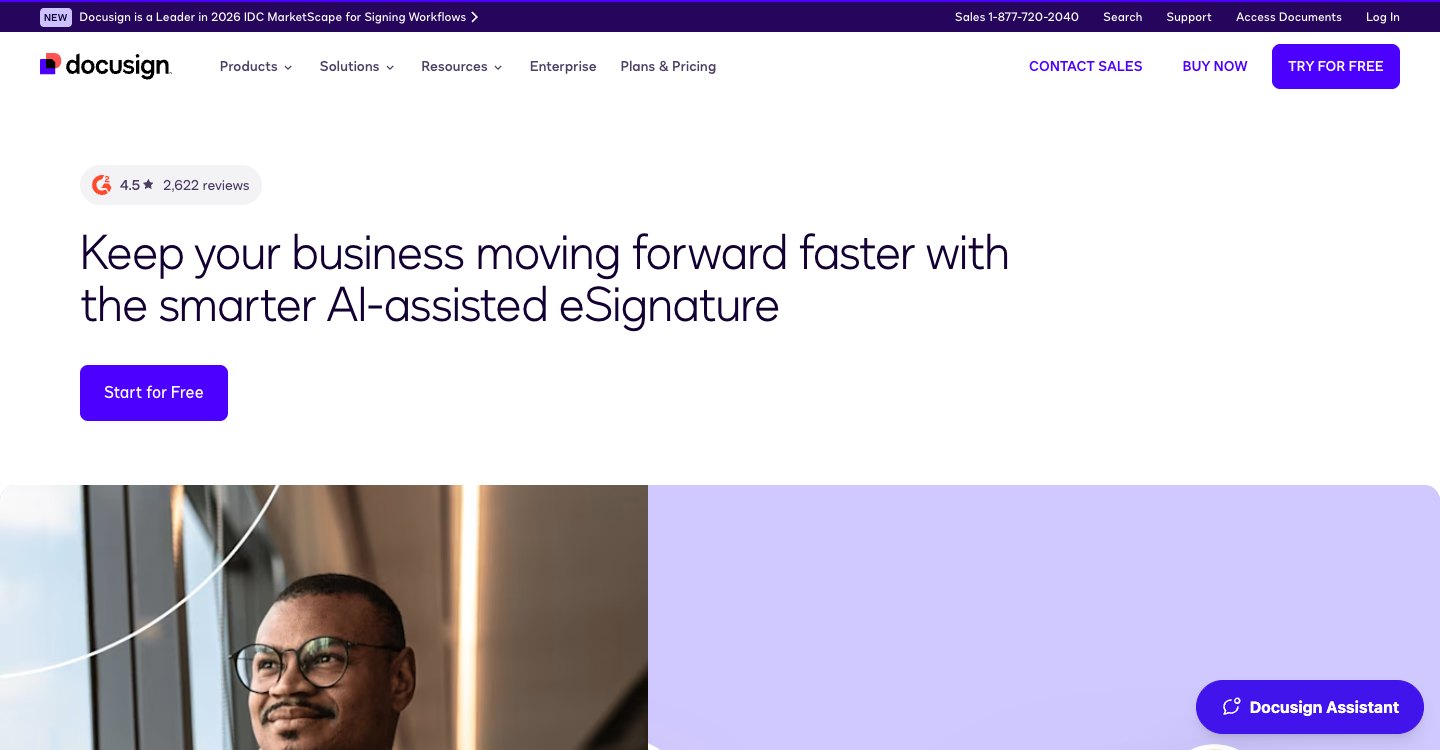
DocuSign is the name most signers already recognize, which removes friction when a client has to sign. It has no free plan, and Personal allows 5 envelopes a month. Scrive’s Essential tier has unlimited documents, while DocuSign’s Standard and Business Pro plans cap envelopes at 100 per user per year, so compare that limit with your volume.
The pricing page shows three billing options, and the prices here use the annual upfront option. The draw over Scrive is reach: more than 1,000 integrations and AI-assisted summaries of agreements. See our DocuSign pricing guide and the SignWell versus DocuSign comparison.
3. Adobe Acrobat Sign
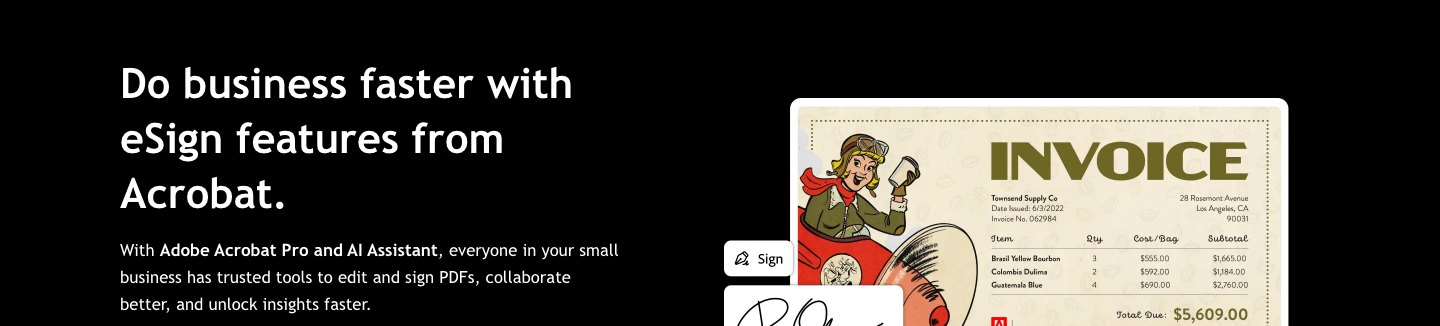
Adobe splits its e-signing into two products. Acrobat Pro and the Acrobat plans for teams bundle PDF editing with signing, and Adobe says there are no usage caps on e-signatures in Acrobat for teams plans. Acrobat Sign is the standalone product for medium and large businesses, described as having unlimited seats and compliance features, and it is sold through Adobe sales.
Adobe lists Acrobat prices in the visitor’s local currency and sells Acrobat Sign Solutions through sales, so this page prints no amount. Adobe offers no free e-signature plan, only a free trial of Acrobat Pro. Teams that edit PDFs daily get the signing workflow in the same place as the editor, while Scrive is a signing and identity platform without a PDF editor. See our Adobe Sign alternatives guide for a longer comparison.
4. signNow
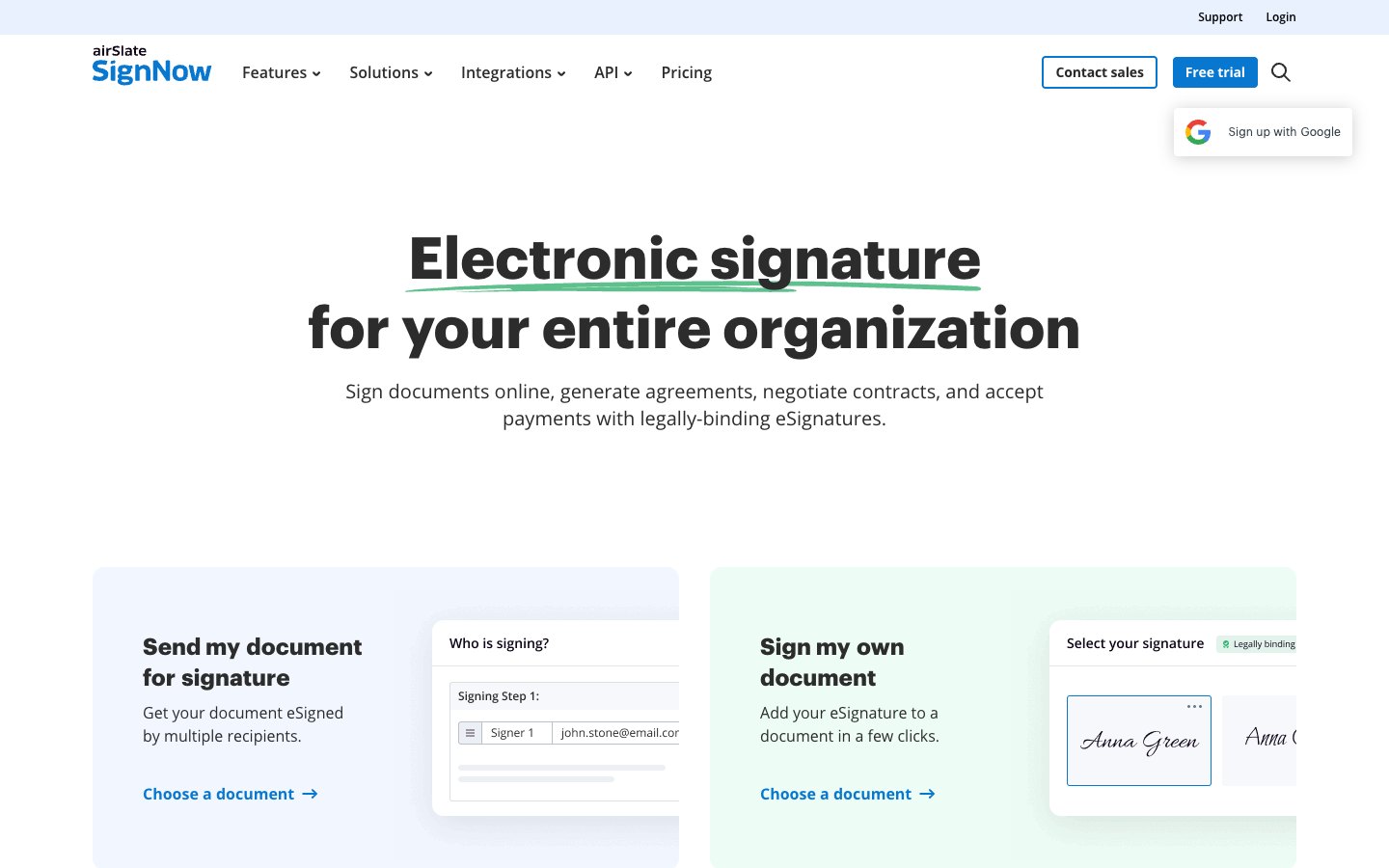
signNow charges per account instead of per licence, so adding a colleague costs nothing extra. That is the opposite of Scrive, where every sender holds a personal licence. As a Scrive alternative, signNow Starter is $8 a month billed annually ($20 monthly) with unlimited users and unlimited templates. The cap to plan around is 100 signature invites a year.
Professional at $15 ($30 monthly) adds bulk send, signing links, payment collection and team reports. Business at $30 ($50 monthly) adds custom branding, SMS delivery, advanced signer authentication and conditional fields. Enterprise is billed at $1.50 per signature invite. Our signNow pricing guide walks through the plans.
5. GetAccept
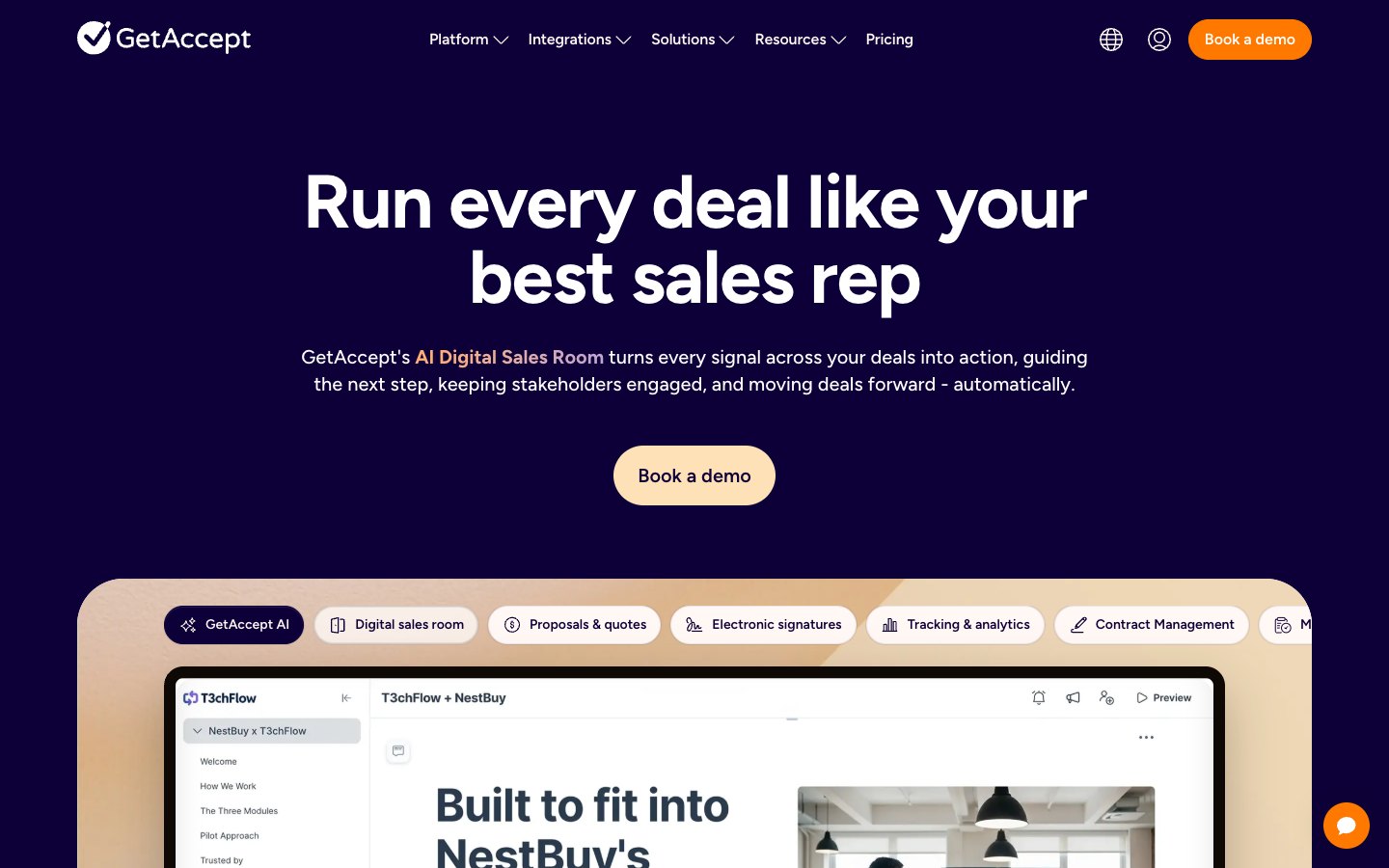
GetAccept is a sales tool with e-signing built in, so it fits teams that care about what happens before the signature. The digital sales room tracks who opened a document and for how long, and the eSign plan adds unlimited electronic signatures, simple branding, templates and contract management. It lists eID verification for Sweden, Denmark, Norway and Finland, with additional charges, which makes it the closest match here for Nordic eID needs.
Like Scrive, GetAccept ties every plan to a 12-month agreement. The eSign plan can be paid monthly or annually, while Professional and Enterprise are billed annually. As a Scrive alternative, Professional at $49 per user adds the AI editor, smart content and a meeting summarizer, and it needs at least 5 users. CRM integrations for HubSpot and Pipedrive come with Professional, and Salesforce is an add-on there.
6. Oneflow
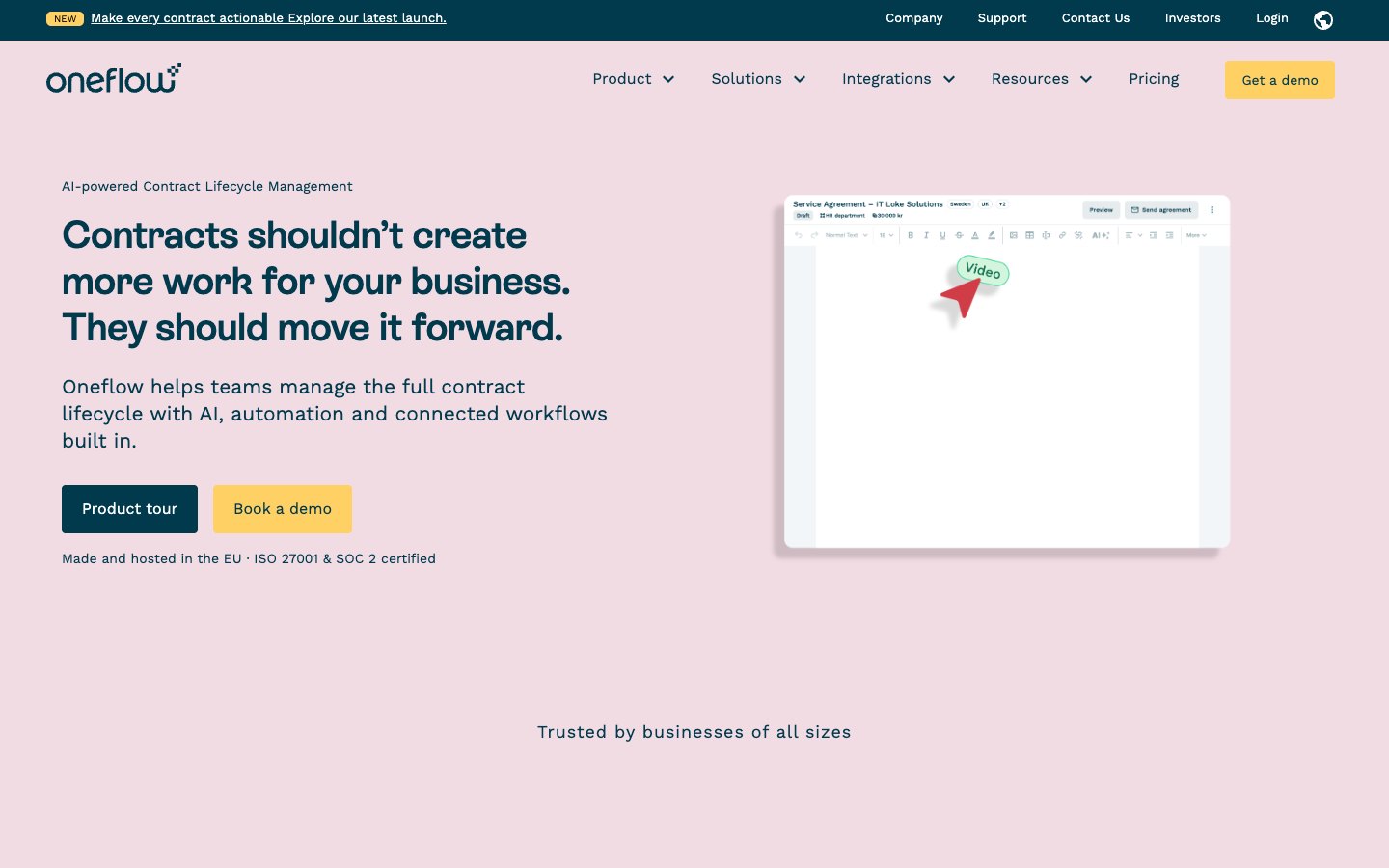
Oneflow is the closest tool here to Scrive in origin, a Swedish contract platform that states it is made and hosted in the EU with ISO 27001 and SOC 2 certification. It goes further into the contract itself than a signing portal does: approvals, inline comments, lifecycle rules and data retention sit next to the signature.
Among Scrive alternatives, Oneflow starts at $292 a month billed annually with 5 users included, so it is priced per workspace rather than per sender. The pricing page lists eID signature as a Business feature. Enterprise includes 10 users, single sign-on, shared templates and an account audit log, with a custom quote. Oneflow bills annually only. Our Oneflow alternatives guide covers it in more detail.
7. Dropbox Sign
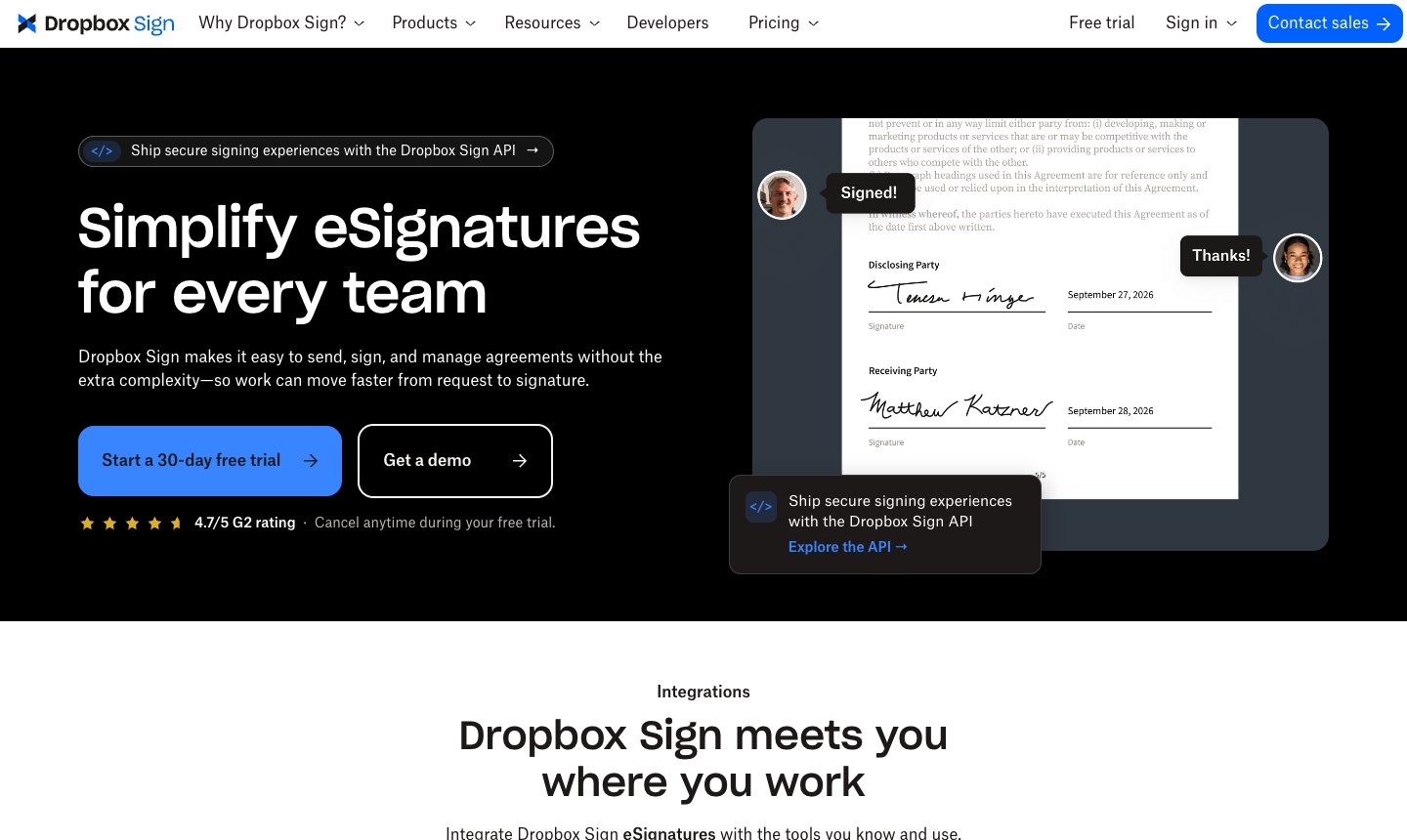
Dropbox Sign is a plain sending and signing tool with a 30-day free trial, and it fits people who already keep contracts in Dropbox. Essentials is a single-user plan with unlimited signature requests and 5 templates. Standard is built for teams of 2 or more and raises the template limit to 15.
The free plan allows 3 requests a month, which gives a freelancer something to use after the trial. Paid plans have unlimited requests, so no allowance counting applies. Teams of 5 or more are directed to a custom Premium quote. Our Dropbox Sign pricing guide lists each plan.
8. PandaDoc
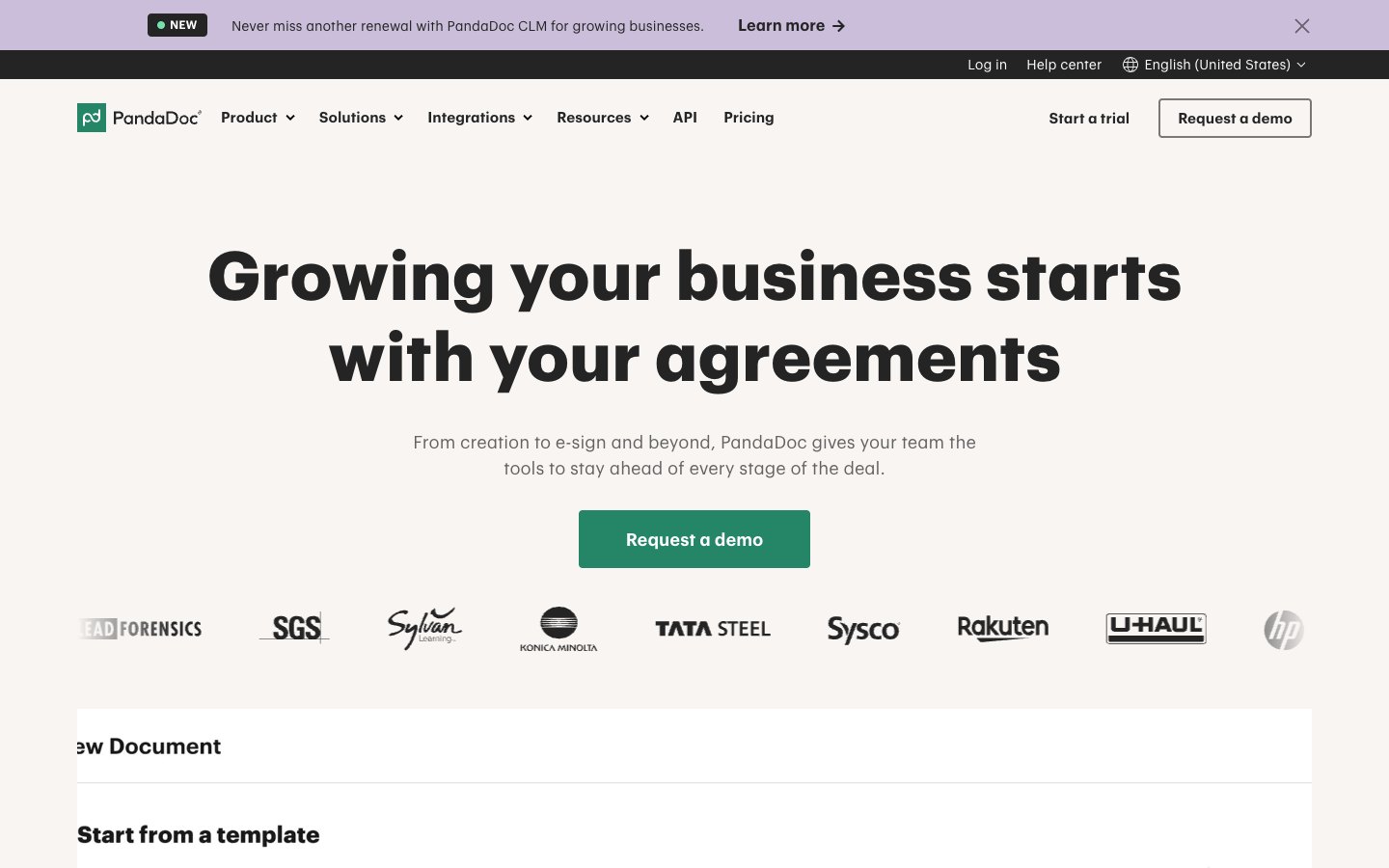
PandaDoc is a document builder with e-signature attached, so it suits teams that write proposals and quotes before they collect a signature. Where Scrive pairs signing with identity checks, PandaDoc pairs signing with a drag-and-drop document editor, real-time tracking and notifications. The Free plan creates 5 documents a month.
Starter allows unlimited document uploads and e-signatures with up to 5 templates. Business at $49 per seat adds custom branding, a content library, approval workflows and deal rooms. Web forms and bulk send need usage credits, so check the pricing page before you budget for them. Our PandaDoc pricing guide covers the plans in more detail.
9. SignWell
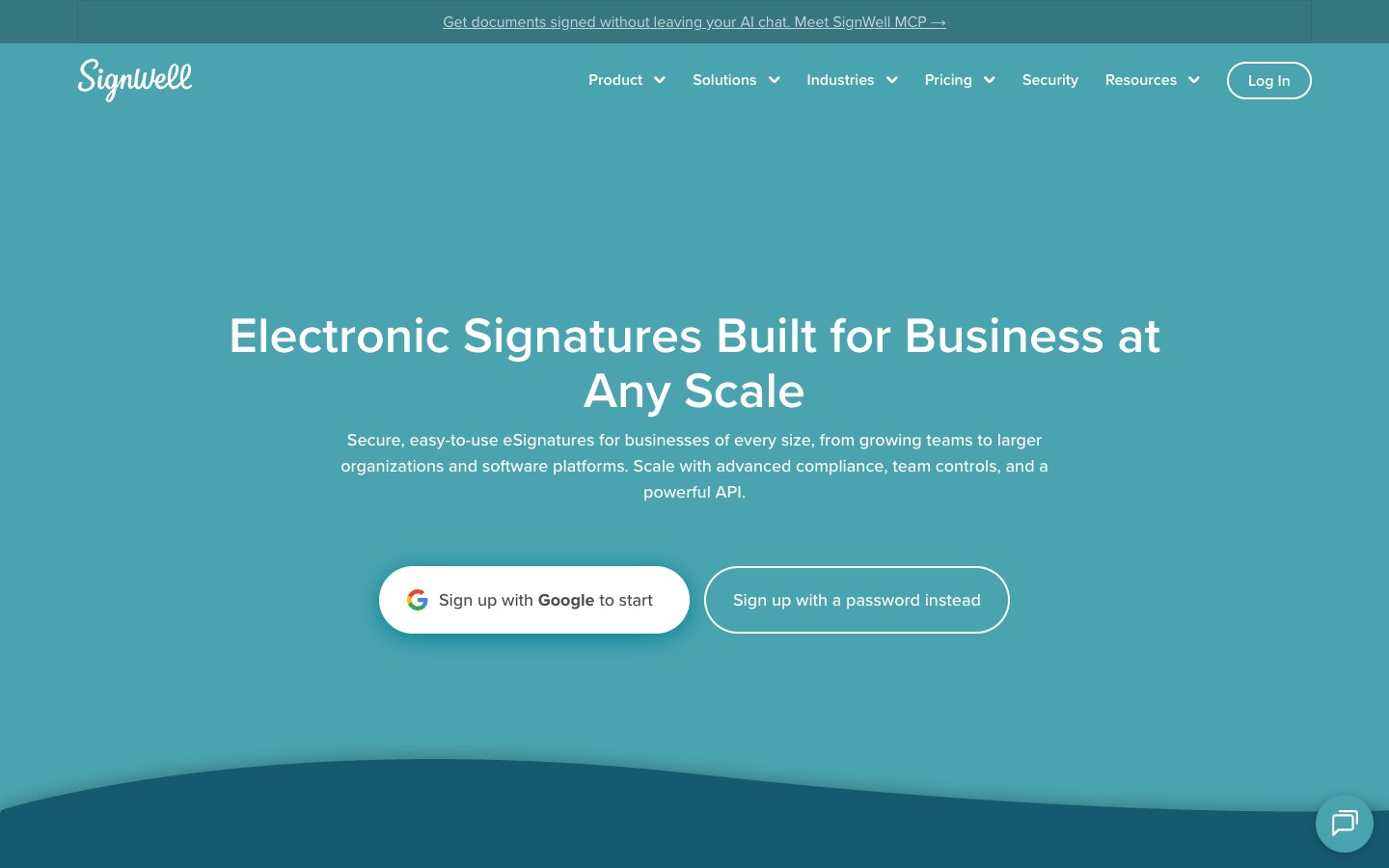
SignWell is a straight sending and signing tool with a free plan and a low entry price. Free includes 3 documents a month, 1 template and 1 sender. Among Scrive alternatives, SignWell Light removes the document limit from $10 a month, and API access is listed on every plan, including Free.
Light allows 5 templates per sender, and Business adds 3 senders, unlimited templates and custom branding. Extra senders cost $10 a month on Light and $12 on Business, both billed annually, so cost grows with the number of senders. For more detail see our SignWell pricing guide.
What a team of 5 pays
The table multiplies each tool’s entry paid plan for 5 senders. Prices are per month with annual billing except GetAccept, which lists a monthly price for the eSign plan with a 12-month agreement. SignWell Light adds 4 extra senders at $10 each and signNow charges one flat account price. Scrive, Adobe and Dropbox Sign are left out: Scrive and Adobe publish no dollar amount, and Dropbox Sign sends teams of 5 or more to a custom quote. Plan limits differ, so read the table next to the entries above.
| Tool | Entry paid plan | Monthly cost for 5 senders |
|---|---|---|
| signNow | Starter at $8 per account | $8 |
| SignWell | Light at $10 plus 4 extra senders at $10 | $50 |
| PandaDoc | Starter at $19 per seat | $95 |
| DocuSign | Standard at $25 per user | $125 |
| GetAccept | eSign at $25 per user | $125 |
| Signaturely | Business at $40 per user | $200 |
| Oneflow | Business at $292, 5 users included | $292 |
Oneflow is the only entry that prices the workspace instead of the seat. Its $292 buys 5 users plus approvals and lifecycle features, while signNow and SignWell are the cheapest ways to send documents.
How to choose a Scrive alternative
If you must sign with BankID or MitID: keep Scrive or look at GetAccept, which lists eID verification for Sweden, Denmark, Norway and Finland with additional charges.
If you want one flat price for a bigger team: signNow, because Starter is $8 a month for the whole account with unlimited users, capped at 100 invites a year.
If you send many documents on a low budget: SignWell, because Light removes the document limit from $10 a month and every plan includes API access.
If you manage contracts through approvals and renewals: Oneflow, because lifecycle rules, approvals and EU hosting sit in one workspace.
If your team edits PDFs all day: Adobe Acrobat Sign, because signing sits in the same subscription as the editor.
If you sell with proposals and quotes: PandaDoc for document building or GetAccept for sales rooms and tracking.
If you need simple signing and free templates: Signaturely, with the limits of a plan that has no eID option.
What to keep in mind when switching from Scrive
Switching from Scrive comes down to three checks. The first is the contract: Scrive asks for three months’ notice before a contract expires, so cancel ahead of the renewal date and not after it. The second is the archive: Essential includes an e-archive and an evidence package, so export signed documents before you close the account. The third is identity: anything signed with BankID or MitID depends on eID support in the new tool, and among the tools above, GetAccept and Oneflow list eID options on their plans, so confirm the exact ID methods with any other vendor before you commit.
Dropbox Sign lists a Microsoft Word integration for teams that draft there, and the other tools take uploads. Templates are the part to budget time for, because each tool stores them in its own format and limits them by plan, from 1 template on Signaturely Personal to unlimited on signNow.
Frequently asked questions
Scrive is a Swedish e-signature and identity platform. Its eSign Online portal sends documents for signing with templates, an evidence package and optional eID verification, and it is a qualified trust service provider under EU eIDAS.
Scrive prices eSign Online per user per month on annual billing, with an Essential tier and a Business tier in euros and an Enterprise quote. It publishes no dollar price list, and eID, SMS and forms builder are add-ons with additional fees.
Scrive offers a 14-day free trial of eSign Online with 10 documents and no credit card. After the trial you need a paid licence to keep sending documents.
Signers do not need a licence. Only the person who starts a document needs one, and licences are personal, so a team needs one for every sender.
DocuSign, PandaDoc, Adobe Acrobat Sign, Oneflow, GetAccept and Dropbox Sign are the names most often paired with Scrive. For a lower price, signNow costs $8 a month for the whole account and SignWell removes the document limit from $10 a month.
GetAccept lists eID verification for Sweden, Denmark, Norway and Finland with additional charges, and Oneflow lists eID signature as a Business feature. Check each vendor for the exact ID methods you need before you switch.
SignWell has a free plan with 3 documents a month, PandaDoc allows 5 documents a month on Free and Dropbox Sign allows 3 signature requests. Signaturely offers 1 document a month after a 7-day trial, and Scrive itself has only a 14-day trial.
No single tool is better for every team. signNow costs less for a large group, Oneflow covers more of the contract lifecycle and Scrive stays ahead where BankID or qualified signatures are required.