



Ink signatures aren’t the only way to get legally binding documents. With the right document-signing software, you can get any contract signed by anyone from anywhere.
In this article, we’ll review the best document signing software, listing the best one first and the rest in alphabetical order. These 15 tools will make it easy to get electronic signatures from anywhere.
1. Signaturely
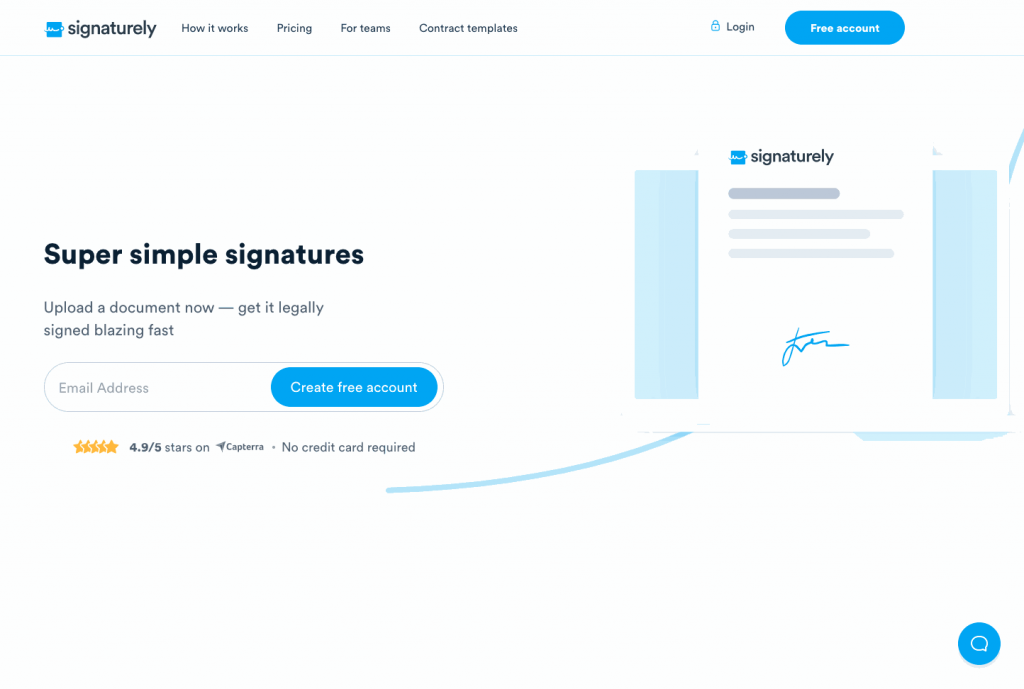
Signaturely is a simple and effective document signing software that allows you to create and upload documents and get the necessary signatures easily.
Once you’ve created or uploaded your document, use the editor to add any signature fields. You can also write a message to go along with your document before you send it with the app.
Your signers will receive an email letting them know their signature is required in a document. They can open the link with any device to review and sign the document, while Signaturely takes them through every step of the process.
Since the platform guides the signers step by step, their customer experience improves, and signatures are collected faster.
Features
Here are some of the best features of Signaturely:
- Simple editor: Easily upload and edit your document so you and your signees can sign it online.
- Signature creator: You and your signers can make your online signatures with Signaturely’s free signature creator.
- Great team collaboration: Your team can collaborate on a doc and prepare it to get it sent.
- Powerful integrations: Signaturely works with the tools you’re probably already using.
- Mobile signing: Your signers can sign documents from their laptop, tablet, or phone, anywhere or anytime.
- Powerful tracking and document management: Keep track of every document and send gentle reminders in-app to accelerate the process.
Pricing
Signaturely is a very affordable option. The user tiers start with a forever-free option that covers one document per month after a 7-day trial.
At $40 per user per month billed annually, the Business plan unlocks all features, like unlimited requests, branding, and team management tools. The Personal plan in the middle costs $20 per month billed annually.
Our opinion
Signaturely is a powerful, affordable, and easy-to-use document signing software. Its streamlined platform and simple UI make it easy to use, even for a signer who has never signed a contract online.
2. Adobe Sign
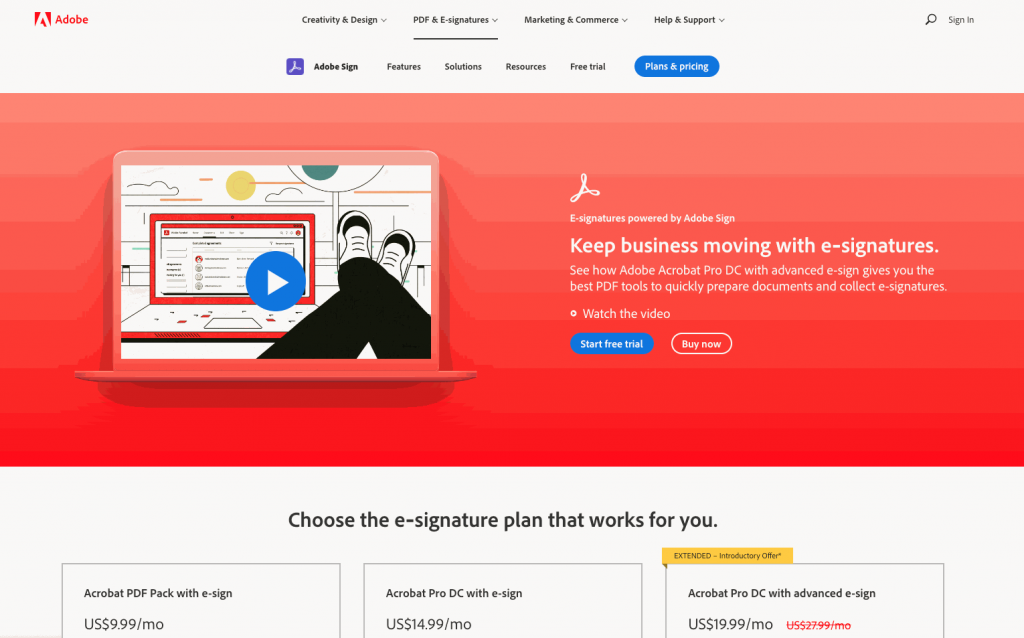
When Adobe acquired EchoSign in 2011, it became Adobe Sign which is, to many, the benchmark of online signatures.
Adobe Sign is a simple tool backed by a multi-million dollar company, offering multiple features at various price points.
Features
Here are some of Adobe Sign’s features:
- Great integration with the rest of the Adobe family
- Mobile Signing
- Bulk signing
- Good tracking and management capabilities
Pricing
Adobe Sign does not offer a free tier, but it offers users a free trial. Pricing starts with Acrobat Standard for teams at $16.99 per licence per month billed annually, while Acrobat Sign Solutions is quote-only.
Acrobat Pro for teams costs $23.99 per licence per month billed annually and adds advanced PDF editing on top of eSignature.
Our opinion
Adobe Sign is a powerful tool, and its pricing shows it. While the platform is fairly streamlined and easy to use, far more affordable options exist.
3. Concord
Concord is another online signing software that allows users to take care of all their signing needs from start to finish. This includes creating documents, editing them with your team, and completing all the necessary steps until they have been electronically signed.
Features
Some of Concord’s best features are:
- Built-in document creator
- Real-time editing and collaboration
- Salesforce integration
Pricing
Concord doesn’t offer a free plan, only a 14-day free trial. The lowest price is $499 per month billed annually for five users, including unlimited e-signatures, unlimited documents, and free viewers.
The Business plan starts at $899 per month for five users and adds integrations with Salesforce, HubSpot, Zapier, and other tools. Finally, the Enterprise plan costs $1,299 per month for five users and adds a clause library, bulk sending, and an open API.
Our opinion
Concord is a simple tool. And although its free pricing is rather limited, it does have all the basic features you need. However, if you want to combine it with the tools you already use, you’ll have to pay for the most expensive option.
4. DigiSigner
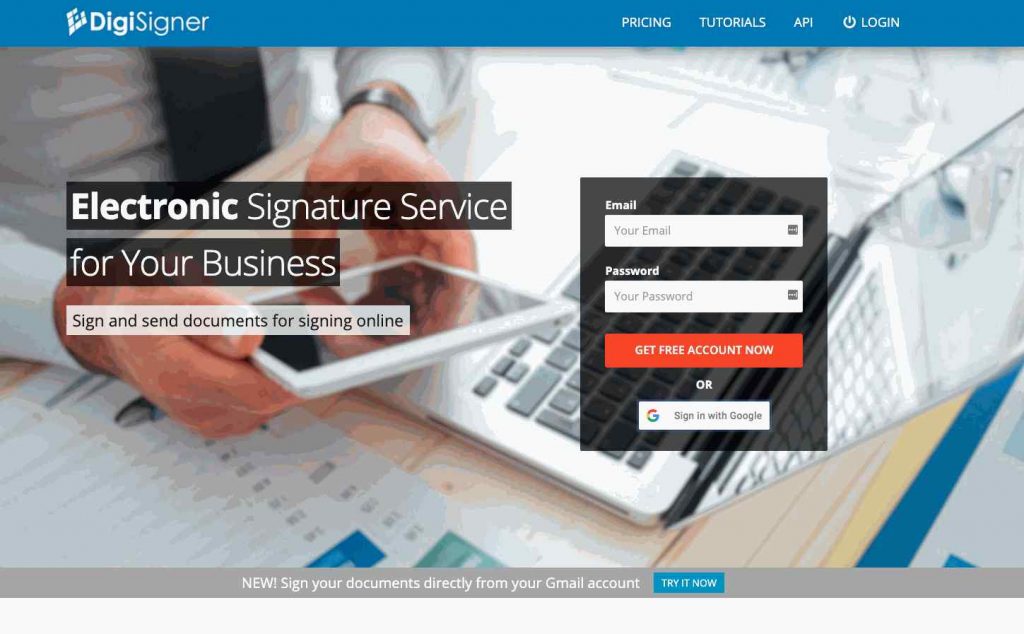
DigiSigner is a simple tool for viewing and signing files online. Its web-based platform works well with any device.
Features
Here are some of DigiSigner’s features:
- Team collaboration
- Simple UI
- In-app signature creation
Pricing
DigisSigner offers a limited free account, with its PRO account offering unlimited documents, templates, and branding for $15 per month billed annually.
The TEAM tier, starting at $50 per month billed annually, introduces team features for up to five senders. Access to the tool’s API is available through its price tier.
Our opinion
Although DigiSigner is easy to use and is not an expensive option, its team features are locked behind the TEAM plan, which costs $50 per month billed annually for up to five senders.
Although its API is fairly powerful, it’s not included in any tier and must be paid separately. Here are other DigiSigner alternatives to consider.
5. SignWell
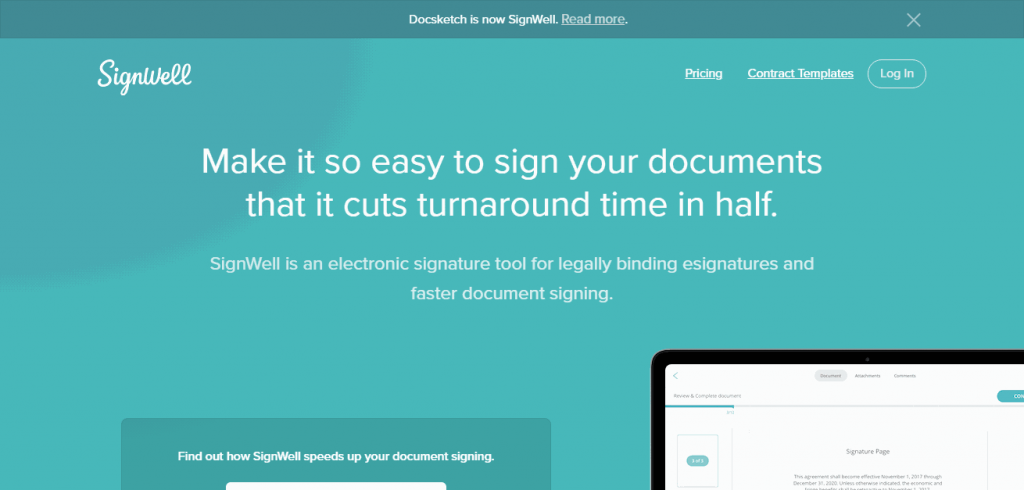
Signwell, formerly Docsketch, is a simple eSign software with attractive advanced features for users looking for more than a simple document signing option.
Features
Here are a few of Signwell’s best features:
- Flexible workflows
- Document tracking and online reminders
- Signing experience customization options
Pricing
Signwell has a free limited plan. Its paid plans start at $10 per month for the Light plan, which includes five templates per sender and unlimited documents.
Its $30 per-month Business plan includes branding options, unlimited templates, and advanced preferences.
Our opinion
Signwell is a beginner-friendly platform with a good free plan. However, it lacks integrations and advanced options, like an API or signing fields.
It’s also missing a built-in editor, so, although averagely priced, it’s better for very basic users who won’t need advanced options.
6. DocuSign
Established in 2003, DocuSign is a pioneer online signature software and one of the most popular online signing options on the market.
Features
Here are some of DocuSign’s best features:
- Advanced online signature capabilities
- Quick View sidebar for viewing the status of documents
- High level of customization
Pricing
DocuSign doesn’t offer a free plan. The Personal Plan starts at $10. Starting at $25 per user per month, users also get personalized branding. The Business Pro Plan starts at $40 per month and includes various advanced options.
Our opinion
DocuSign is a proven and trusted document-signing software whose pricing shows it. Although a more expensive option (consider some of these DocuSign competitors), it offers advanced features for anyone needing more time on their online documents.
7. Eversign
Eversign is a complete document management suite that includes eSignature capabilities for online and in-person signing.
Features
Here are some of Eversign’s most notable features:
- In-app document editor
- In-person signing options
- Multiple business capabilities
- Team management and collaboration
Pricing
Xodo Sign (formerly Eversign) offers a free plan with five documents per month, and paid plans start at $10 per user per month for unlimited documents. The Professional plan costs $16 per user per month and adds unlimited templates, PDF editing, and custom branding.
Our opinion
Although Eversign’s pricing seems affordable initially, it can get more expensive rather quickly. However, the platform offers adequate document signing capabilities.
8. HelloSign
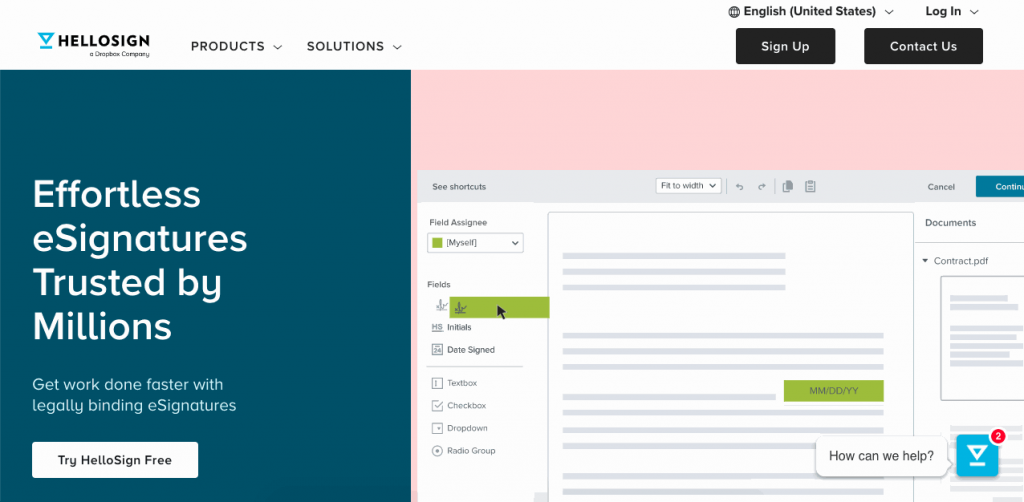
HelloSign is a simple document signing software with a friendly interface and a free version.
Features
Here are a few of HelloSign’s best features:
- Integration with Gmail, Google Docs, G Suite, DropBox, and Google Drive
- High-security advanced features and customizations
- Simple UI
Pricing
This tool offers a limited tier, with paid plans starting at $15 per month billed annually for unlimited documents.
For 2 to 5 users, the Standard tier starts at $25 per user per month billed annually and includes branding and a few more templates. There are other plans for multi-person teams, with unlimited templates and options for more users upon request.
Our opinion
HelloSign is very easy to use, and its pricing adds to its attractiveness as an introductory signing software.
However, the larger your team grows, the more you’ll pay for this tool. Plus, its limited number of templates makes it attractive only for the most casual users or the largest users that can pay for this tool and its API.
9. Mifiel
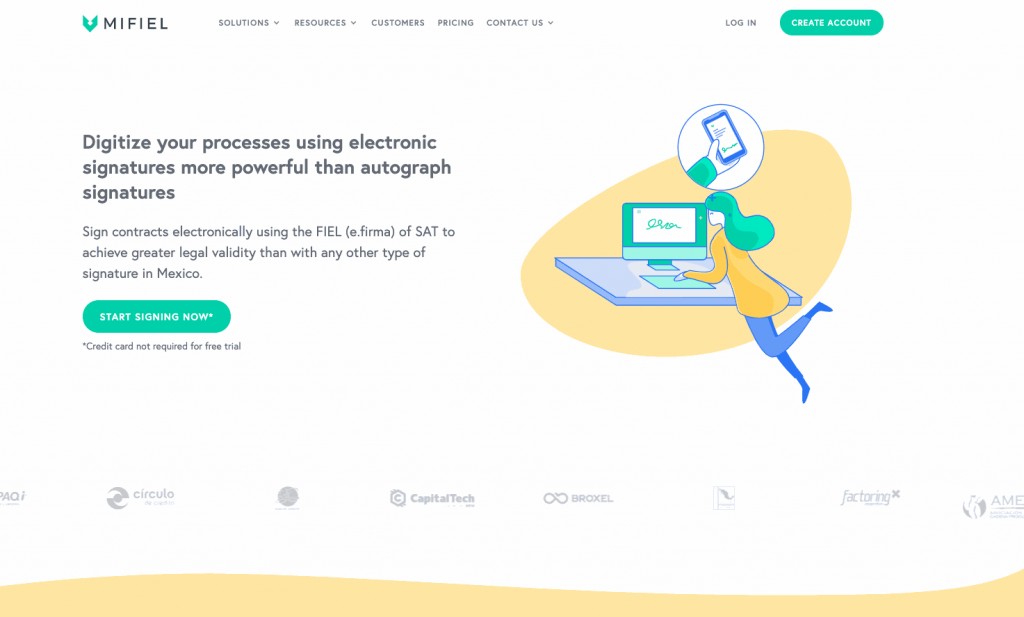
Focused mostly on Mexican users, Mifiel is a good document signing software, especially for Spanish-speaking people.
Features
Here are some stand-out Mifiel features:
- Designed for Mexican users
- Mobile app available
- API available
Pricing
The platform now sells prepaid document credits in Mexican pesos, starting at MXN 890 for a pack of 10 documents. This includes access to the API. Credits never expire, and the price per document drops with volume.
Identity verification for signers without an e.firma is sold separately in prepaid packs.
Our opinion
Mifiel offers an attractive pricing plan for users with large teams who need an API. However, the sometimes choppy English and lack of a fully bilingual platform make it only useful for Spanish-speaking users.
10. PandaDoc
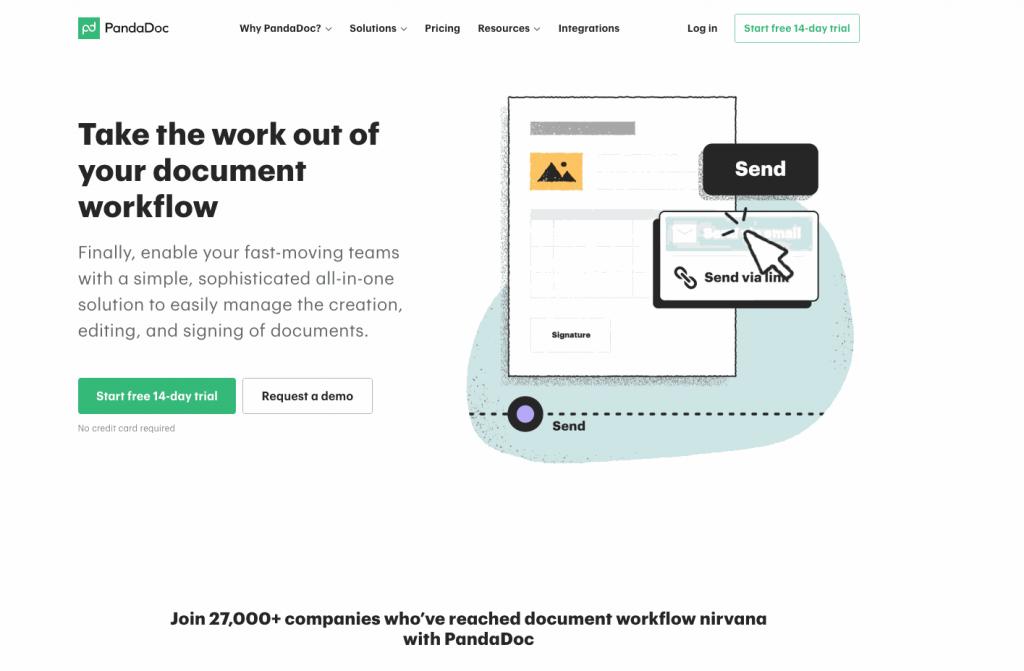
PandaDoc offers users a streamlined UI that simplifies and expedites the online signature process, especially for beginners.
Features
Here are some of PandaDoc’s best features:
- Very user-friendly UI
- Multiple customization options
- Document workflow capabilities
Pricing
PandaDoc offers a limited free account which includes its mobile app. Paid pricing starts at $19 per user per month with its Starter plan, which includes unlimited document uploads, up to five templates, and 24/7 support.
Starting at $49 per month per user, the Business plan also includes some integrations, approval workflows, bulk options, and more. Larger companies may ask for access to better features like API and Salesforce integration upon request.
Our opinion
PandaDoc offers users a simple platform with powerful capabilities, but it comes at a cost (check the top PandaDoc alternatives). The larger the team, the faster you’ll see the price increase. Plus, some of the most useful features, like Salesforce integration, are only available with special pricing.
11. PDFelement
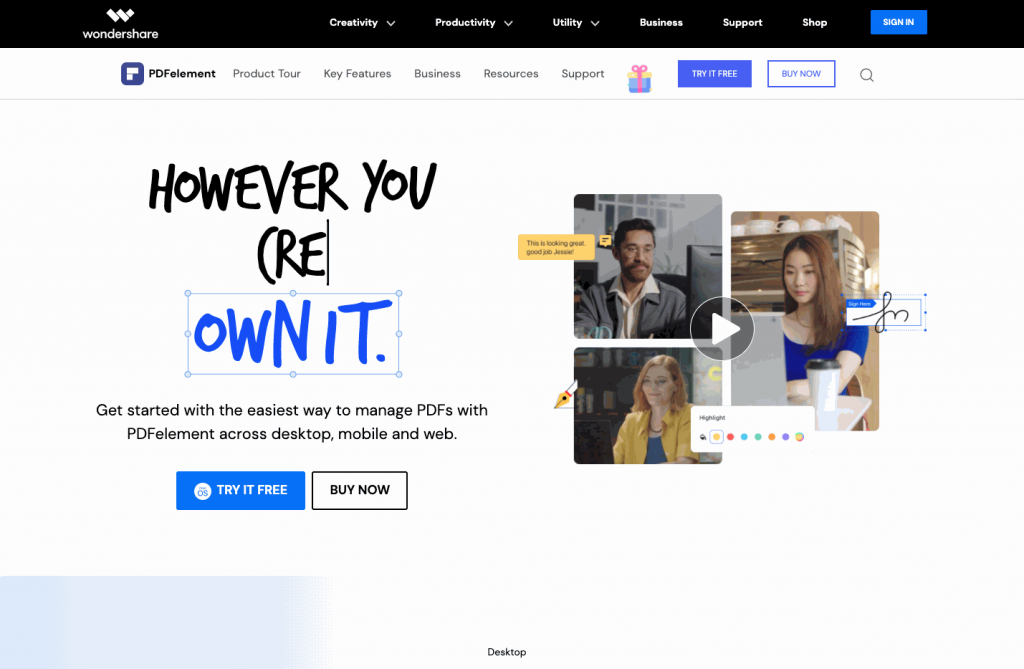
PDFelement is a PDF software created by Wondershare with online signing capabilities and added PDF management features.
Features
Some of PDFelement’s stand-out features are:
- Multiple PDF editing capabilities
- Great integration with other Wondershare tools
- One-time pricing option
Pricing
Multiple pricing tiers are available based on the user’s needs, with the cheapest yearly plan for individuals currently listed at $79.99 per year. The Team tier starts at $109 per user per year for up to 10 users.
Users can also purchase different bundles, depending on the desired compatibility with other platforms and devices.
Our opinion
Although PDFelement offers effective online signing features, the platform aims to edit PDFs first and add signatures later.
The pricing also increases if you want to use the platform with different devices, making the signing process more bothersome if you’re an iPhone or Android user or don’t want to pay extra to use a PC or Mac.
12. Signable
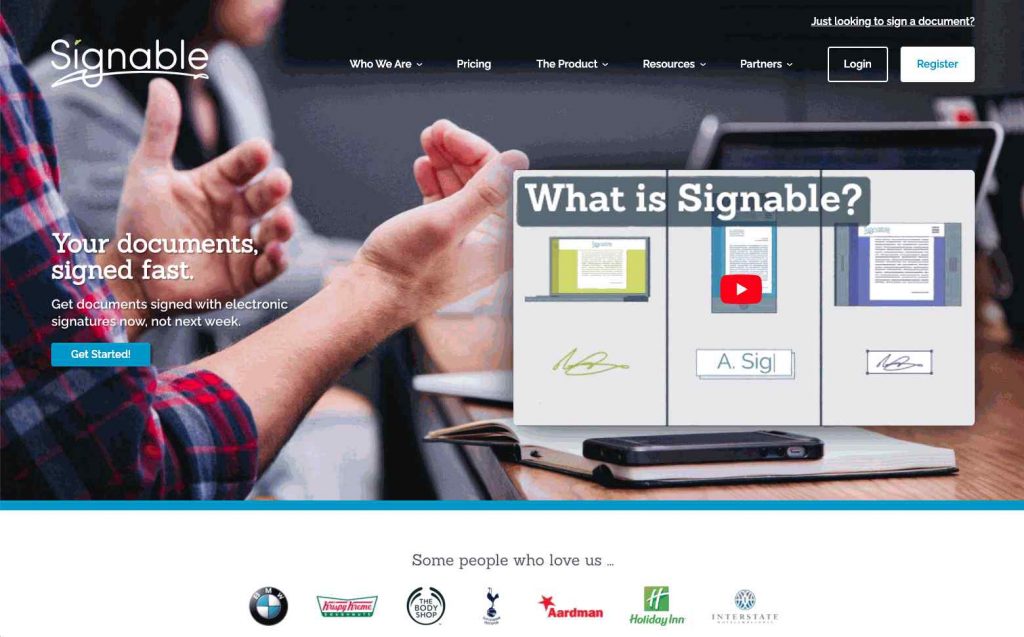
Signable is another document signing software option for users looking to sign their documents online with a powerful platform.
Features
Some of Signable’s best features are:
- Free API access with all plans
- Beginner-friendly UI
- Europe-focused features
Pricing
Signable offers a “Pay-As-You-Go” pricing at 1 pound per envelope or signature request. Its Small Business tier starts at 21 pounds per month, offering 50 monthly envelopes, unlimited users, branding features, and API access.
The Medium Business tier, starting at 49 pounds per month, offers 150 monthly envelopes and adds further teams and permissions features. Finally, its Large Business tier offers 400 envelopes per month and advanced features for 119 pounds per month.
Our opinion
Signable offers multiple great options from its cheapest tiers, which makes it good for users looking for API access and other advanced features. However, the tool works best for Europeans since that’s who it was designed for, and its pricing is average at best.
13. SignEasy
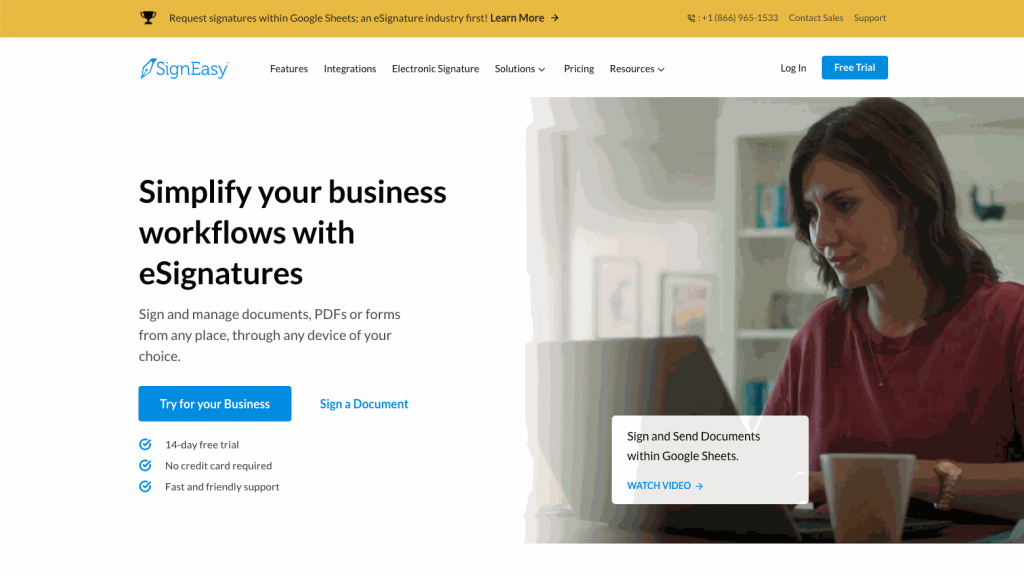
With a very streamlined UI, SignEasy’s document signing software aims to make the signing process as simple as possible.
Features
Here are some of SignEasy’s best features:
- Simple drag-and-drop editor
- Highly-functional API
- Multiple Zapier and native integrations
Pricing
SignEasy doesn’t offer any free options, with its pricing starting at $10 per seat per month billed annually for the Personal plan, which includes 5 contracts per month. The Business tier, at $20 per seat per month, adds unlimited signature requests and team features.
There’s also a Business Pro tier, at $30 per seat per month, that adds advanced workflows and branding options.
Our opinion
SignEasy is a beginner-friendly platform, although larger companies may find it too expensive. However, there’s no free option for users, so users are locked into paid contracts if they want to use the platform.
14. SignNow
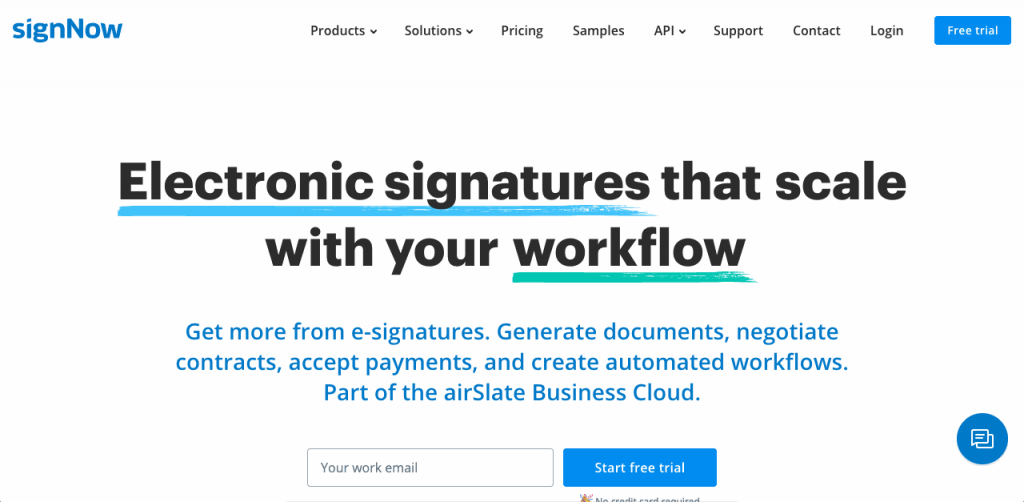
SignNow is an award-winning platform focused on small businesses and used by many companies worldwide.
Features
Here are some of SignNow’s best features:
- Mobile apps available
- Multiple native integrations
- User-friendly interface
Pricing
SignNow’s pricing starts at $8 per month for its Business tier, which covers unlimited users and includes unlimited templates, basic fields, and mobile app functionality. The Business Premium tier, starting at $15 per month, includes bulk sending and payment collection, while custom branding requires the Enterprise plan at $30 per month.
The Enterprise tier starts at $30 per month for unlimited users and adds custom branding, signer attachments, conditional fields, and more.
Finally, the Site License is priced at $1.50 per signature invite with volume discounts, and it adds SSO, full API access, phone support, and HIPAA compliance as a paid add-on.
Our opinion
SignNow offers powerful options at affordable prices. However, the platform is missing a search feature and a document editor, making it lag behind the competition. And although the platform does have functional mobile apps, users keep reporting bugs when uploading documents or using the templates.
15. SignRequest
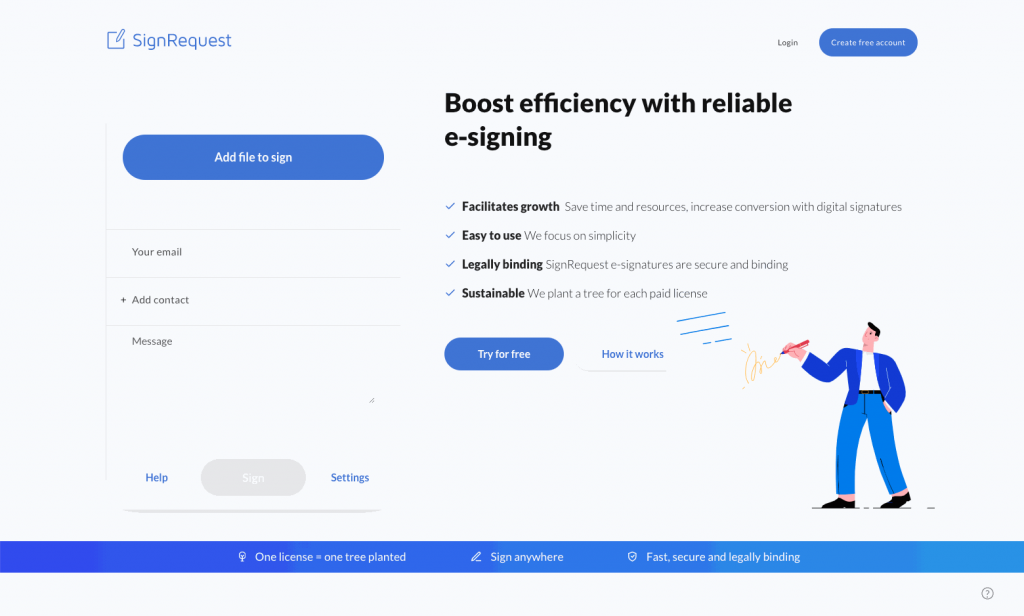
SignRequest offers great integrations and a simple signing process with its popular document signing software.
Features
Here are some of SignRequest’s best features:
- Multiple integrations available
- Eco-friendly platform
- Affordable pricing
Pricing
SignRequest offers a limited free plan, with its Professional plan starting at $9 per user per month ($7 billed yearly), with custom branding included. The free plan covers 10 documents per month.
At $15 per user per month ($12 billed yearly), the Business tier also includes unlimited teams and templates, plus access to the API and bulk send options. There are other options for larger teams.
The platform claims to plant a tree for every license it sells.
Our opinion
SignRequest offers very affordable pricing for small companies, although slightly larger teams may notice the lack of contact organization and mobile experience.
FAQs about Document Signing Software
Here are answers to a few frequently asked questions about electronic signature software:
A digital or electronic signature is a way to indicate agreement to a document through legally binding signatures online. Electronic signatures allow users to sign documents from anywhere, using any device.
Document signing software are tools that allow users to use electronic signatures to sign documents online. There are multiple electronic signature apps with many options that make signing documents easier and faster.
Electronic signature software allows users to sign and collect legally binding electronic signatures from a computer or mobile device.
Digital signature software is required when you need to get digital signatures from other users and when you need the fastest way to sign documents, regardless of where your signers are.
Not always. Electronic signature software like Signaturely allows you to use powerful features at affordable prices, helping you collect e-signatures for free.
Yes. Any trustworthy electronic signature software will list their legal validity in multiple countries, allowing an electronic signature to be as legally binding as a handwritten signature.
Conclusion
The best document signing software is the one that allows you to sign any digital document using legally binding digital signatures.
Start signing all your documents for free with Signaturely.