Hand signing a document on a clipboard during a business meeting
Tools

Conga Sign Alternatives: 8 E-Signature Tools With Public Prices

Table of Contents
    Add a header to begin generating the table of contents

    Conga Sign sells its pricing by quote, so the best alternatives are the e-signature tools that publish their prices: BoldSign gives 25 envelopes a month free, signNow charges $8 a month for a whole account with unlimited users, SignWell includes unlimited documents from $10 a month and Signaturely starts at $20 a month billed annually. Conga’s own pricing page asks you to request a price instead of listing plans.

    If you are also weighing Nitro’s signing product, this list of alternatives to Nitro Sign lays out prices for eight tools.

    We make Signaturely, so it is listed first. Prices are USD list prices from each vendor’s own pricing page, checked between 5 and 19 November 2026. Billing basis is stated for every price. Conga does not publish prices, so none are quoted for Conga Sign.
    Quick picks
    Best free allowanceBoldSign
    Best for a flat price per teamsignNow
    Best for Salesforce and integrationsDocuSign
    Best for proposals with signingPandaDoc
    Best for contract templatesSignaturely

    Conga Sign alternatives at a glance

    ToolBest forStarting priceFree planKey limit
    Conga Sign (reference)Teams on the Conga platformQuote onlyContact salesNo public prices
    SignaturelyTemplates and simple signing$20/month annual1 document/monthPersonal has 5 requests
    DocuSignIntegrations$10/month annualNoPersonal has 5 envelopes
    signNowTeams on a budget$8/account annualNo, free trial100 invites a year
    BoldSignLargest free allowance$5/user annual25 envelopes/monthGrowth has 50 envelopes
    Dropbox SignDropbox users$15/month annual3 requests/monthEssentials has 1 user
    PandaDocProposals and quotes$19/seat annual5 documents/monthStarter has 5 templates
    SignWellUnlimited documents, API$10/month annual3 documents/monthLight has 1 sender
    Zoho SignZoho users$10/user annual5 envelopes/monthStandard has 25 envelopes

    What Conga Sign offers and why teams switch

    Conga Sign is the e-signature product of Conga, a vendor that also sells Composer for document generation, contract lifecycle management, CPQ, billing and price management. Conga’s pricing page lists no plans or amounts and asks visitors to request pricing, so you cannot compare Conga Sign with other tools before you talk to sales.
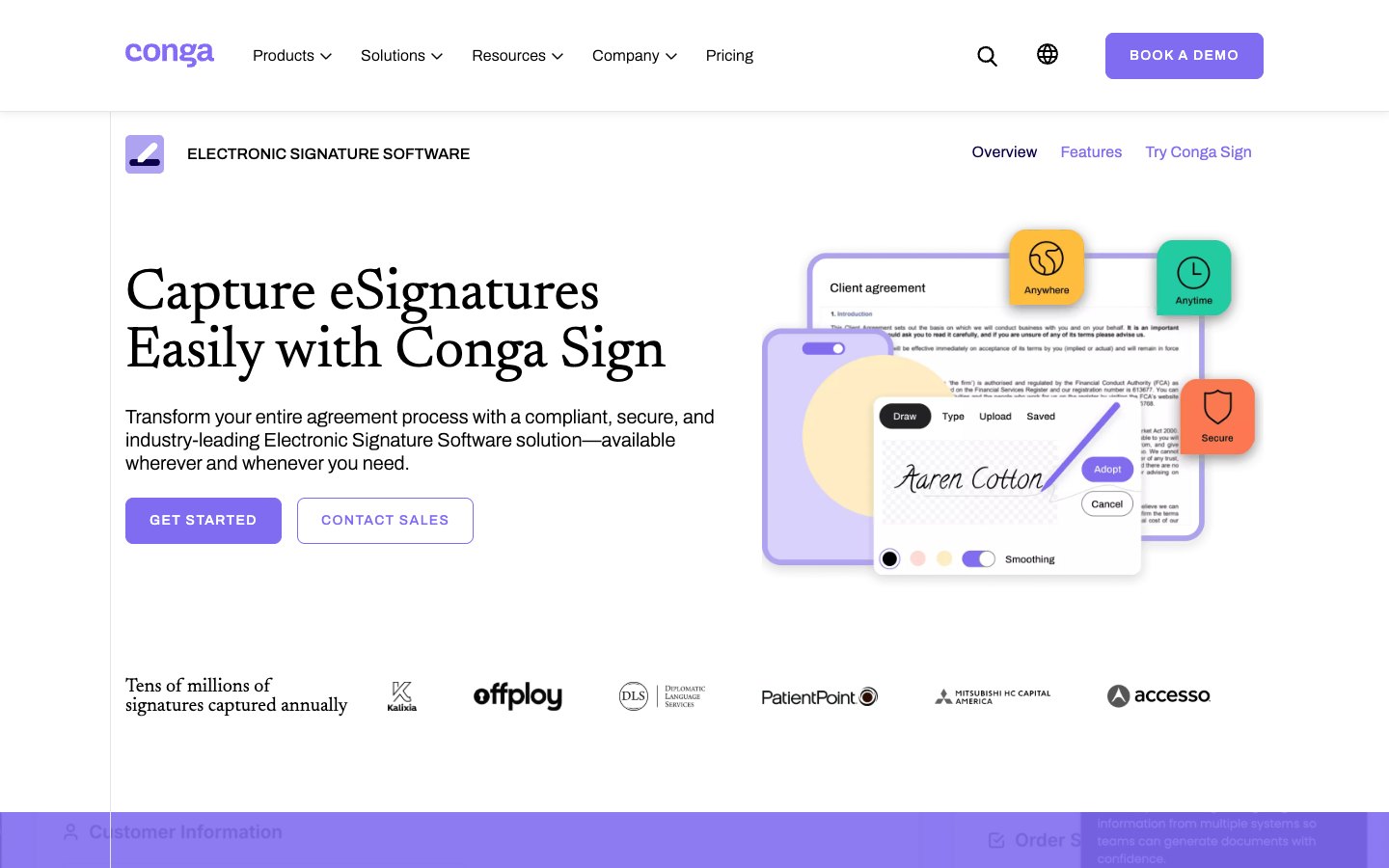
    Conga Sign homepage
    Conga describes Conga Sign as electronic signature software with Get started and Contact sales buttons
    Signing
    What Conga listsSerial and parallel signing, bulk send, fast track, mobile capture
    Standard sending workflows for teams
    Identity checks
    What Conga listsEmail, SMS, Q&A, government ID, knowledge-based authentication, biometric comparison
    Strong signer authentication options
    Compliance
    What Conga listseIDAS, UETA, ESIGN Act, SOC 2 Type II, ISO/IEC 27001, HIPAA
    Enterprise audit and security claims
    Branding
    What Conga listsWhite label signing
    Branded signing pages
    Pricing
    What Conga listsRequest a price
    No public plans

    Teams usually look elsewhere for one of four reasons:

    • Prices are not public. Conga’s pricing page asks you to request pricing, so a small team cannot budget before a sales call.
    • The product sits inside a larger platform. Conga Sign is one item next to Composer, CLM and CPQ, which suits companies that buy the whole suite more than teams that only need signatures.
    • Setup is enterprise-shaped. Identity options such as biometric comparison and government smart cards matter for regulated industries and add little for a freelancer collecting signatures on a quote.
    • Smaller tools publish limits. Competitors state envelope limits, template limits and user counts on a public page.

    Conga Sign stays the right call when you already run Conga products and need signing in the same vendor relationship, or when your compliance team requires the listed ID verification methods. The tools below cover sending and signing with public prices, and several list Salesforce integrations, so they replace Conga Sign when price visibility and speed to start matter more than the Conga suite.

    The 8 best Conga Sign alternatives in 2026

    Every entry follows the same pattern: who it fits, what it costs with the billing basis, what is included and where it falls short.

    1. Signaturely
    Best for
    Freelancers and small teams that want simple signing and ready-made contract templates
    Starting price
    Free, then $20 per month billed annually ($25 monthly)
    Free plan
    Yes, 1 document per month after a 7-day trial
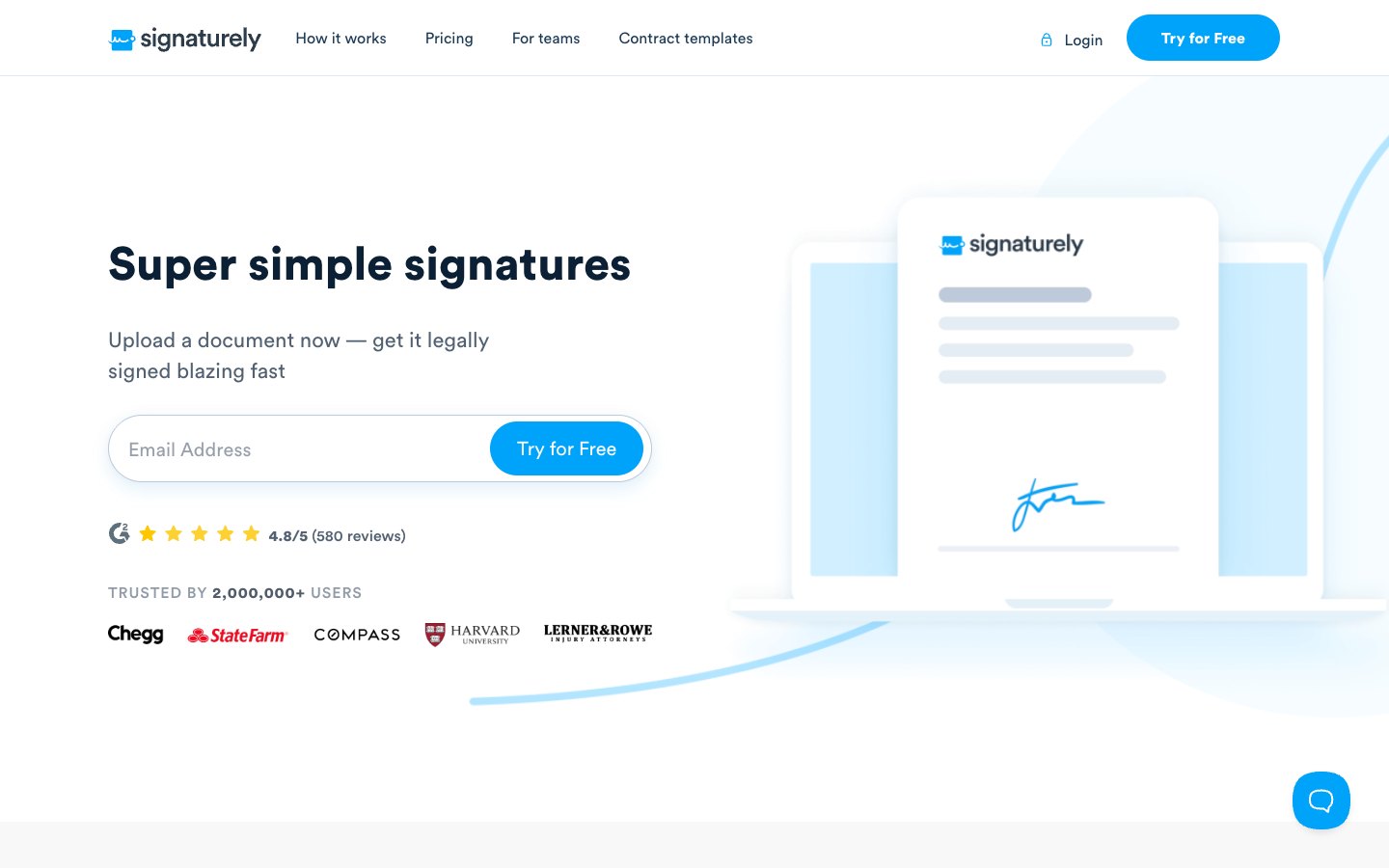
    Signaturely homepage
    Signaturely sends documents for signature without a proposal builder

    Signaturely does one job well: getting a document signed. You upload a contract, place signature fields, send it and receive the signed copy with an audit log. The site also publishes a library of free contract templates, so many users start from a template instead of a blank file.

    The free plan covers 1 document a month, so Signaturely fits better as a paid tool than as a free one. Personal costs $240 a year ($20 a month) for 5 signature requests a month and 1 template. Business costs $480 per user a year ($40 a month) for unlimited requests, unlimited templates, team management and custom branding.

    Key features
    ✓Free account with 1 document per month
    ✓Drag-and-drop signature fields
    ✓Audit log and history on every document
    ✓Reminders and notifications
    ✓Google Drive, Dropbox, OneDrive and Box integrations
    Free
    Price$0
    1 document per month after the 7-day trial
    Personal
    Price$240 annual ($20/month), $25 monthly
    5 signature requests per month, 1 template
    Business
    Price$480 per user annual ($40/month), $50 monthly
    Unlimited requests and templates, team management, custom branding
    ✓ Pros
    Business plan has unlimited requests and templates
    Audit log and history included on every plan
    Free contract template library on the site
    ✕ Cons
    Free plan allows only 1 document a month
    Personal plan allows only 1 template
    Business is billed per user

    2. DocuSign

    Best for
    Teams that need the widest integration coverage and a name every signer recognizes
    Starting price
    $10 per month billed annually upfront ($15 monthly)
    Free plan
    No free plan
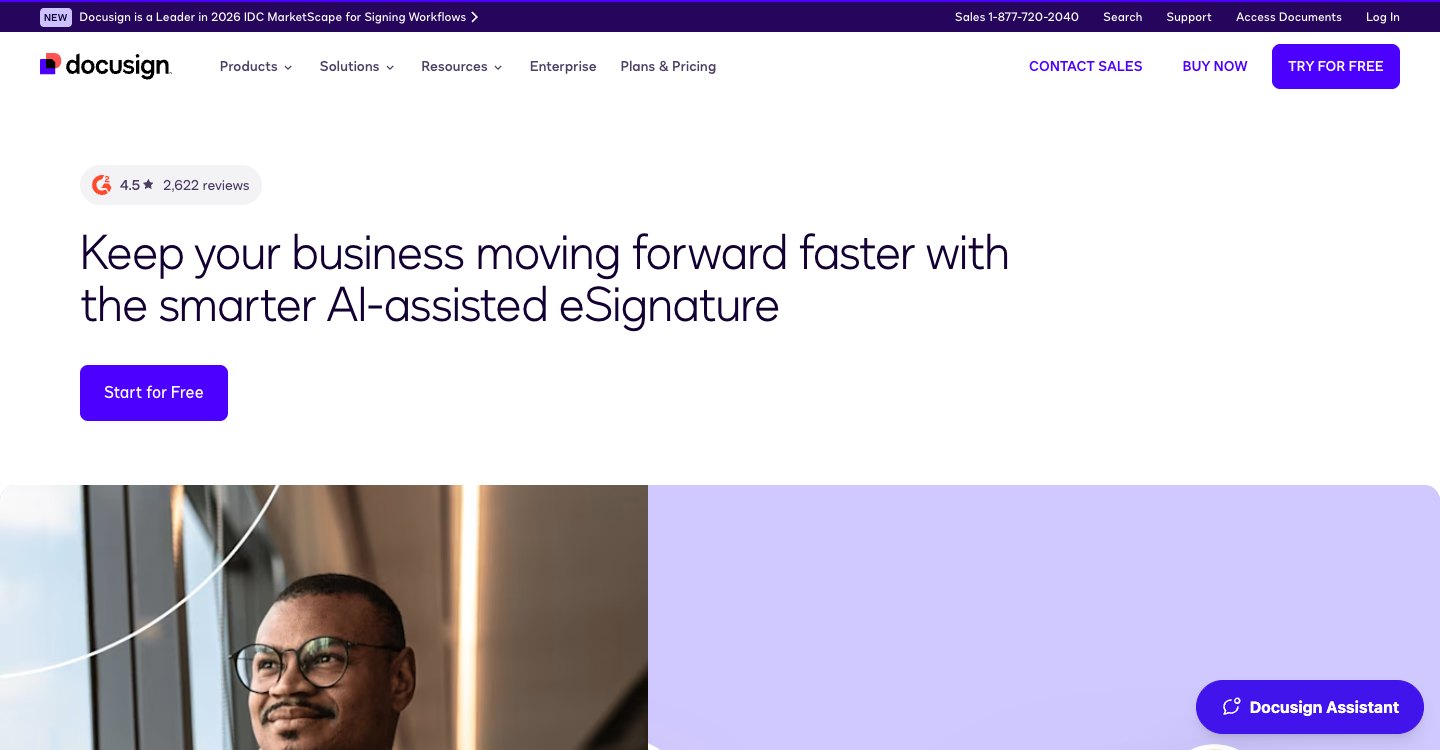
    DocuSign homepage
    DocuSign leads with an AI-assisted eSignature product and a Plans and Pricing page

    DocuSign is the default name in e-signature and lists certified Salesforce integrations on its product page. It has no free plan, and Personal allows 5 envelopes a month, so it is not a cheap answer for volume. What it adds is reach: more than 1,000 integrations and AI-assisted summaries of agreements.

    DocuSign shows three billing options on its pricing page, and the prices here use the annual upfront option. Standard at $25 per user and Business Pro at $40 per user cap envelopes at 100 per user per year, which is worth checking against your volume. See our DocuSign pricing guide and the SignWell versus DocuSign comparison for more.

    Key features
    ✓Reusable templates on every plan
    ✓More than 1,000 integrations
    ✓AI-assisted agreement summaries
    ✓Shared templates, branding and delegated signing on Standard
    ✓Web forms, payments and bulk send on Business Pro
    Personal
    Price$10 annual, $15 monthly
    5 envelopes per month, reusable templates
    Standard
    Price$25 per user annual
    100 envelopes per user per year, shared templates, branding
    Business Pro
    Price$40 per user annual
    Web forms, payment collection, bulk send
    ✓ Pros
    More than 1,000 integrations
    Widely recognized by signers
    Business Pro adds forms, payments and bulk send
    ✕ Cons
    No free plan
    Personal allows 5 envelopes a month
    Standard and Business Pro cap envelopes at 100 per user a year

    3. signNow

    Best for
    Teams that want the lowest flat price for many users and send a modest number of documents
    Starting price
    $8 per month billed annually for the whole account ($20 monthly)
    Free plan
    No, free trial
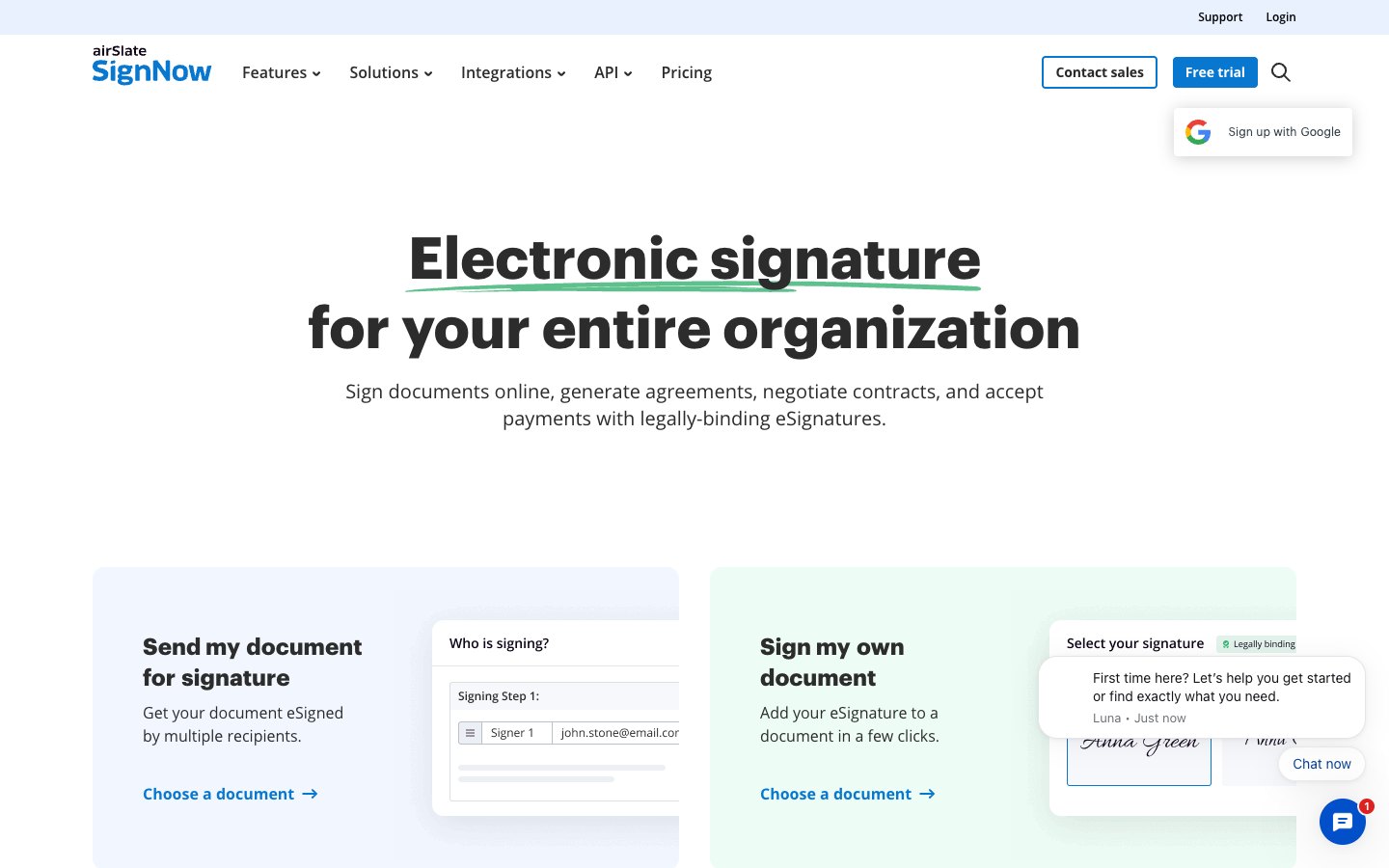
    signNow homepage
    signNow offers e-signature, contract generation and payments under the airSlate brand

    signNow lists Salesforce among its top integrations and prices by account instead of by seat. Starter costs $8 a month billed annually ($20 monthly) and includes unlimited users and unlimited templates, which makes it the cheapest way to give a whole team access. The catch is a cap of 100 signature invites a year on that plan, so it suits low-volume teams.

    Professional at $15 ($30 monthly) adds bulk send, signing links, payment collection and team reports. Business at $30 ($50 monthly) adds custom branding, SMS delivery, advanced signer authentication and conditional fields. Enterprise is billed at $1.50 per signature invite. Our signNow pricing guide walks through the plans.

    Key features
    ✓Unlimited users on every plan
    ✓Unlimited templates and document storage
    ✓Mobile apps for iOS and Android
    ✓Bulk send and signing links on Professional
    ✓Custom branding and conditional fields on Business
    Starter
    Price$8 annual, $20 monthly
    Unlimited users, 100 invites per year, unlimited templates
    Professional
    Price$15 annual, $30 monthly
    Bulk send, signing links, payments, team reports
    Business
    Price$30 annual, $50 monthly
    Custom branding, SMS, advanced authentication, conditional fields
    Enterprise
    Price$1.50 per signature invite
    Full API access, SSO, volume discounts
    ✓ Pros
    Flat account price with unlimited users
    Unlimited templates on every plan
    Enterprise priced per invite at $1.50
    ✕ Cons
    Starter caps signature invites at 100 a year
    No free plan, only a free trial
    Branding and conditional fields need the $30 Business plan

    4. BoldSign

    Best for
    Solo senders who want the largest free allowance and developers who want an API
    Starting price
    $5 per user per month on yearly billing
    Free plan
    Yes, 25 envelopes per month
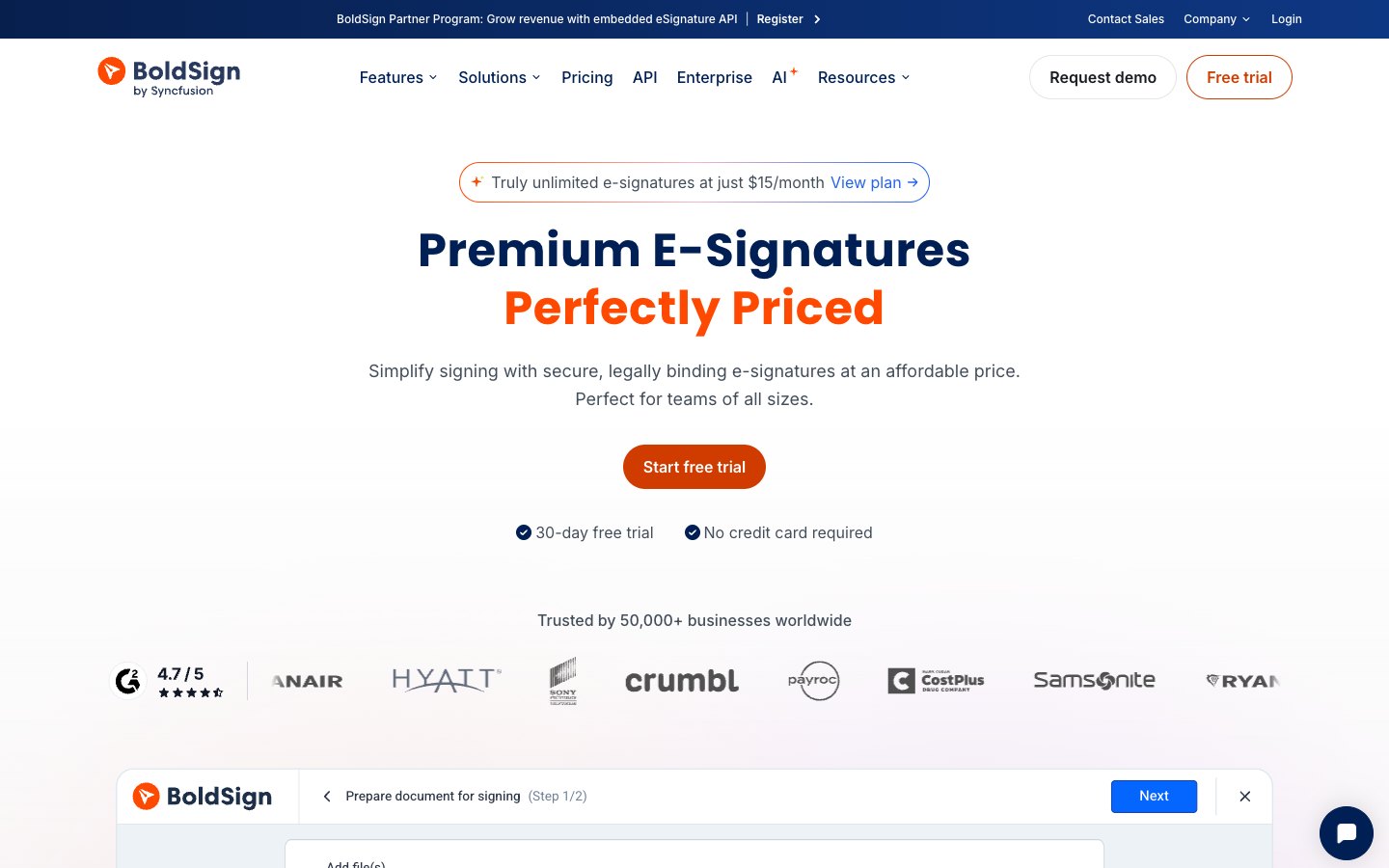
    BoldSign homepage
    BoldSign advertises unlimited e-signatures at $15 a month and a 30-day free trial

    BoldSign lists Salesforce among its integrations and has the most generous free plan in this list. Essential costs nothing and includes 25 envelopes a month, 2 templates, an audit trail, signer authentication and custom branding for a single user. That is the largest free allowance in this list, although it cannot add users.

    Paid plans scale per user. Growth at $5 per user a month raises the limit to 50 envelopes per user and 10 templates, and Business at $15 per user removes the envelope and template limits. Bulk send, SMS delivery and ID verification are add-ons rather than plan features, so costs rise for teams that need them.

    Key features
    ✓25 free envelopes a month on Essential
    ✓Signer authentication and automated reminders
    ✓Custom branding even on the free plan
    ✓Email, chat and phone support
    ✓Business plan with single sign-on and HIPAA
    Essential
    Price$0
    1 user, 25 envelopes per month, 2 templates
    Growth
    Price$5 per user (yearly billing)
    50 envelopes per user per month, 10 templates, in-person signing, team management
    Business
    Price$15 per user (yearly billing)
    Unlimited envelopes and templates, single sign-on, custom roles, HIPAA
    Premium
    Price$99 per month
    Unlimited users, 250 envelopes per month
    ✓ Pros
    25 free envelopes a month on Essential
    Growth costs $5 per user on yearly billing
    Business removes envelope and template limits for $15 per user
    ✕ Cons
    Essential allows no additional users
    Growth is capped at 50 envelopes per user a month
    Bulk send and SMS are paid add-ons

    5. Dropbox Sign

    Best for
    Individuals and small teams that already store contracts in Dropbox
    Starting price
    $15 per month billed annually for 1 user
    Free plan
    Yes, 3 signature requests per month
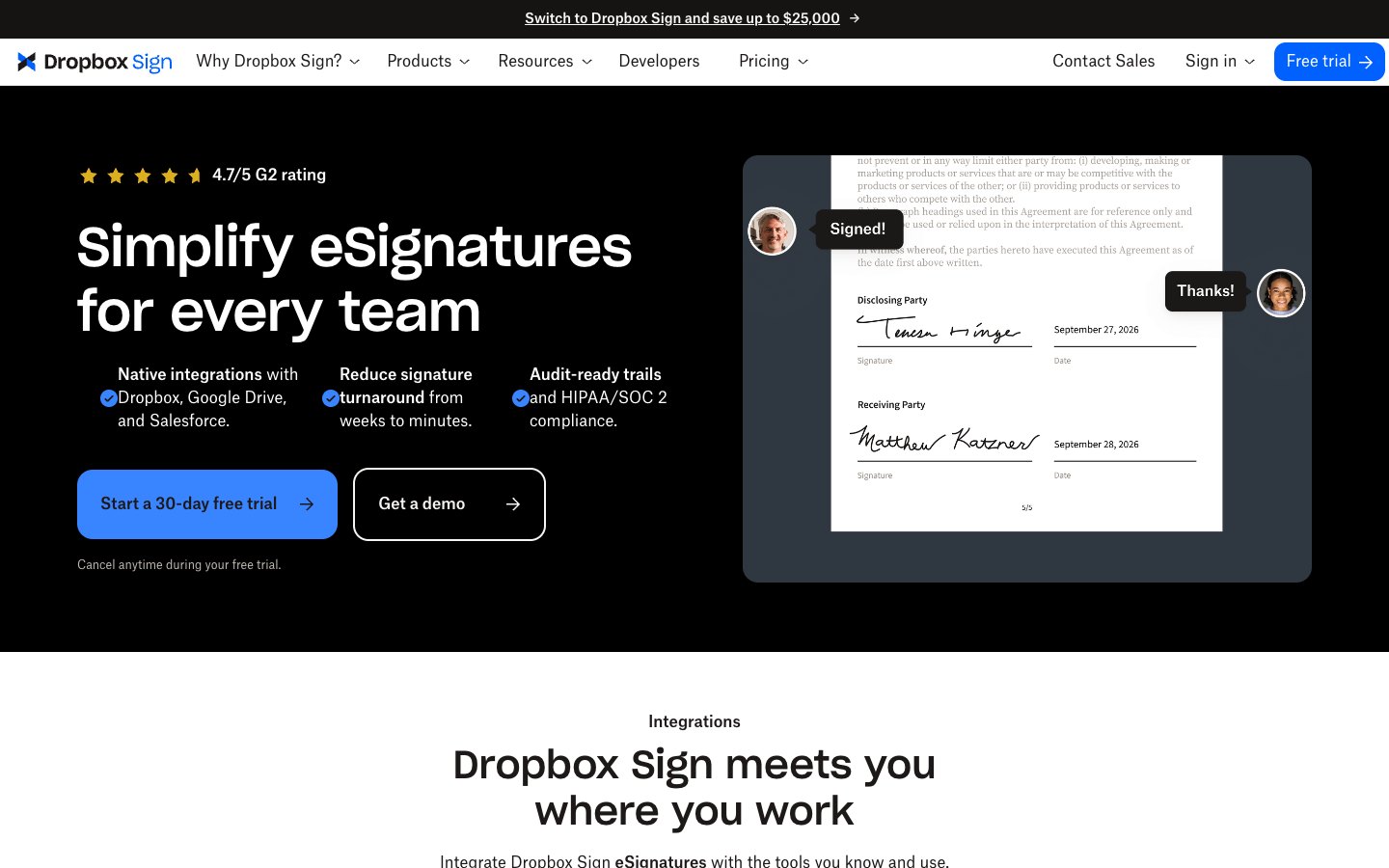
    Dropbox Sign homepage
    Dropbox Sign offers a 30-day free trial and an API next to the signing product

    Dropbox Sign is a plain sending and signing tool with a long free trial, and it lists Salesforce and Salesforce CPQ integrations. Essentials is a single-user plan with unlimited signature requests and 5 templates. Standard is built for teams of 2 or more and raises the template limit to 15.

    The free plan allows 3 requests a month. The gain is in the paid tiers, where signature requests are unlimited from Essentials upward and Standard at $25 per user billed annually lifts the template limit to 15. Teams of 5 or more are directed to a custom Premium quote. Our Dropbox Sign pricing guide lists each plan.

    Key features
    ✓Unlimited signature requests on paid plans
    ✓30-day free trial of paid plans
    ✓5, 15 or unlimited templates by plan
    ✓Google Drive, Microsoft Word and HubSpot integrations
    ✓API with its own pricing
    Free
    Price$0
    3 signature requests per month
    Essentials
    Price$15 annual
    1 user, unlimited requests, 5 templates
    Standard
    Price$25 per user annual
    2 or more users, 15 templates
    Premium
    PriceCustom quote
    5 or more users, unlimited templates
    ✓ Pros
    30-day free trial of paid plans
    Signature requests are unlimited on paid plans
    Integrations with Google Drive, Word and HubSpot
    ✕ Cons
    Free plan stays at 3 requests a month
    Essentials supports 1 user and 5 templates
    Standard needs at least 2 users

    6. PandaDoc

    Best for
    Sales teams that send proposals, quotes and contracts and want signing in the same tool
    Starting price
    $19 per seat per month billed annually
    Free plan
    Yes, 5 documents per month
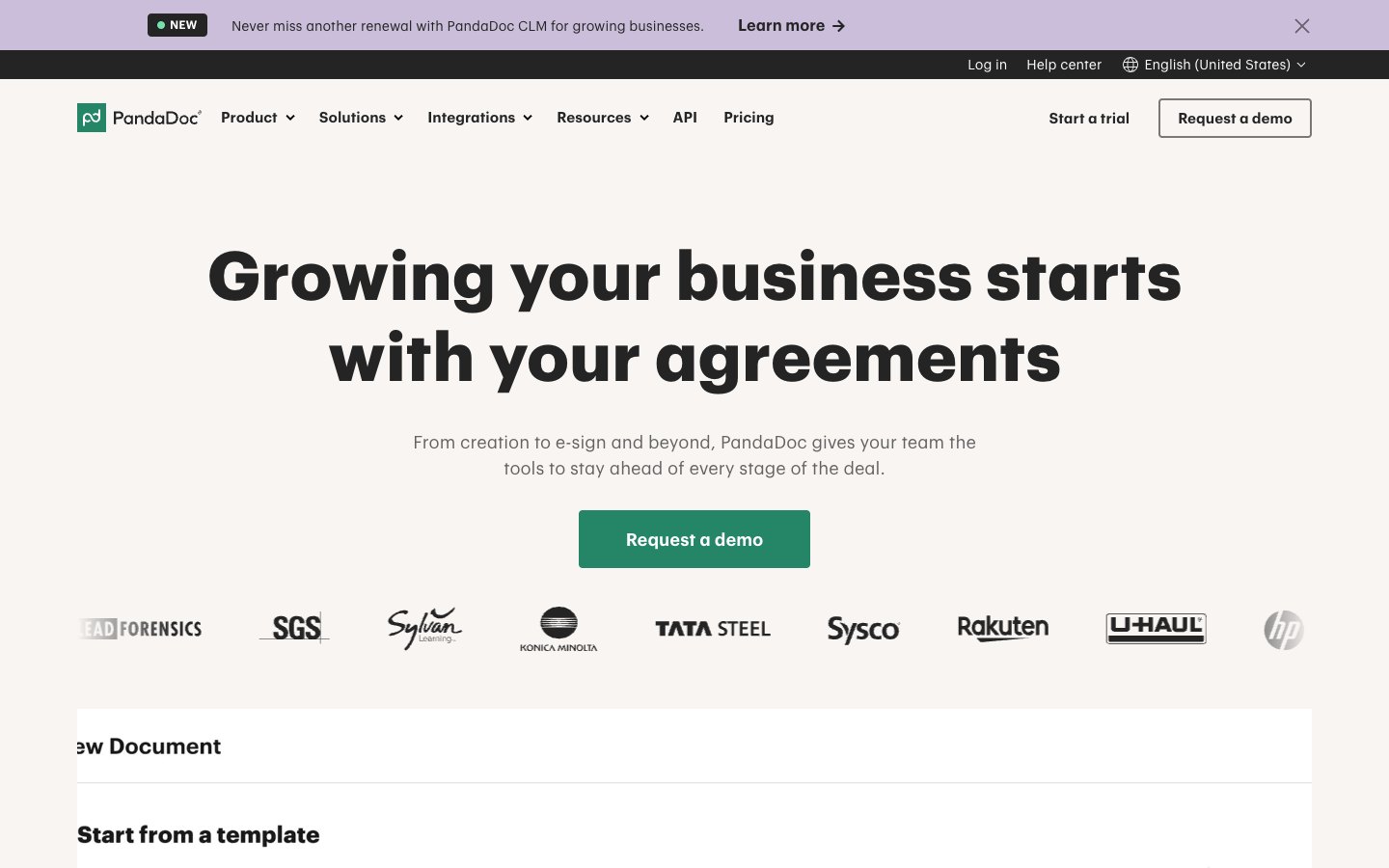
    PandaDoc homepage
    PandaDoc combines document creation, tracking and e-signature

    PandaDoc is a document builder with e-signature attached, so it suits teams that create proposals and quotes before they collect a signature. Next to sending and signing, PandaDoc adds a drag-and-drop editor, real-time tracking and notifications. The Free plan creates 5 documents a month.

    Starter allows unlimited document uploads and e-signatures, with up to 5 templates. Business at $49 per seat adds custom branding, a content library, approval workflows and deal rooms. Some extras such as web forms and bulk send require usage credits, so check the pricing page before you budget for them. Our PandaDoc pricing guide covers the plans in more detail.

    Key features
    ✓Rich-media drag-and-drop document editor
    ✓Real-time tracking and notifications
    ✓Unlimited uploads and e-signatures on Starter
    ✓Approval workflows and deal rooms on Business
    ✓24/7 email and chat support on Starter
    Free
    Price$0
    5 documents per month, limited API access
    Starter
    Price$19 per seat annual
    Unlimited uploads and e-signatures, up to 5 templates
    Business
    Price$49 per seat annual
    Custom branding, content library, approval workflows, deal rooms
    ✓ Pros
    Free plan creates 5 documents a month
    Unlimited e-signatures on Starter
    Proposals, quotes and signing in one tool
    ✕ Cons
    Starter is capped at 5 templates
    Branding and approvals need the $49 Business plan
    Web forms and bulk send need usage credits

    7. SignWell

    Best for
    Solo senders and small teams that want unlimited documents on a low plan and an API
    Starting price
    $10 per month billed annually ($12 monthly) for 1 sender
    Free plan
    Yes, 3 documents per month
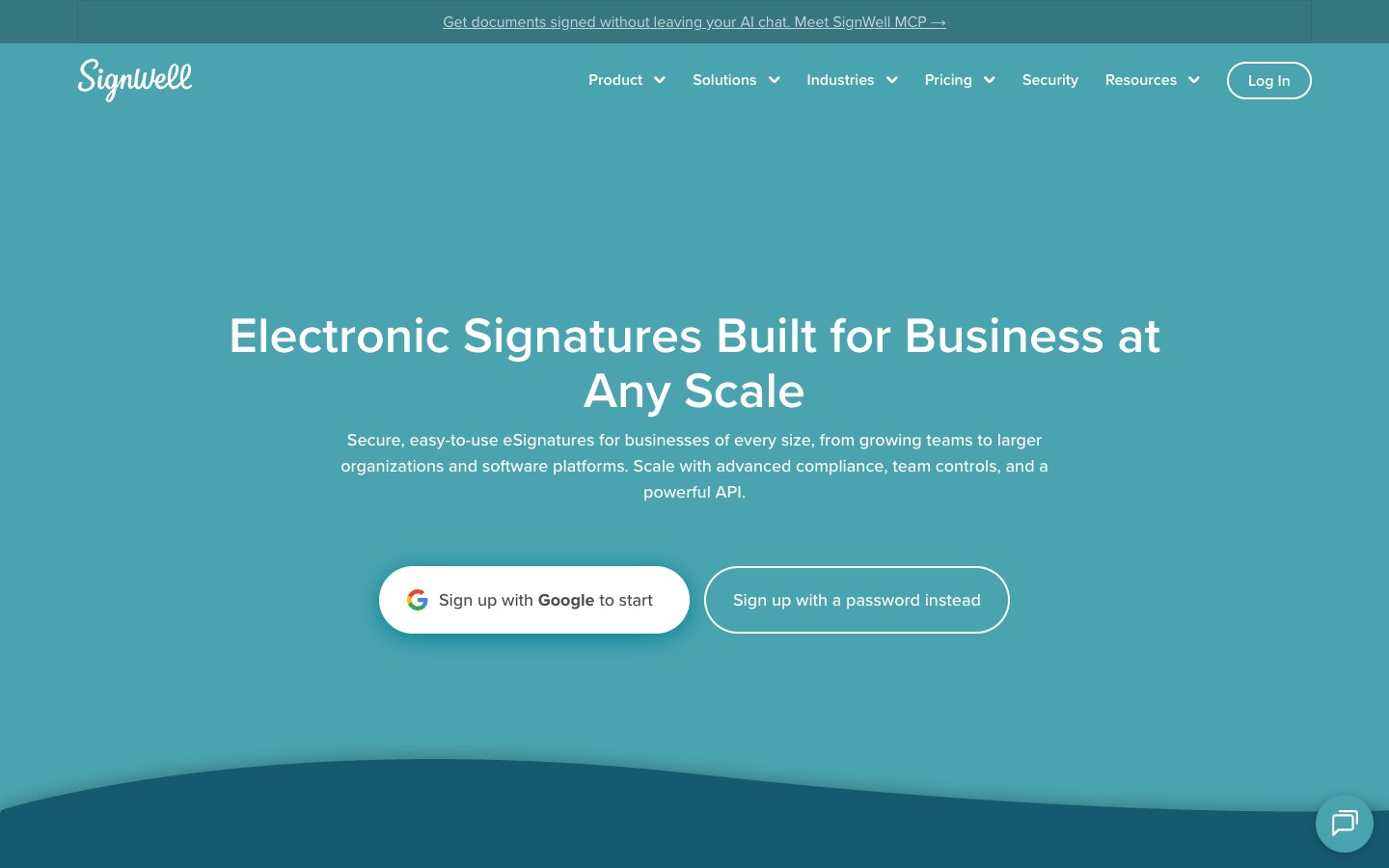
    SignWell homepage
    SignWell positions its eSignature product for businesses of every size and lists an API

    SignWell is a straight sending and signing tool with a free plan and a low entry price. Free includes 3 documents a month, 1 template and 1 sender. Light removes the document limit and allows 5 templates per sender, while Business adds 3 senders, unlimited templates and custom branding.

    Extra senders cost $10 a month on Light and $12 on Business, both billed annually, so cost grows with the number of senders. API access is listed on Free, Light and Business. For a longer breakdown see our SignWell pricing guide.

    Key features
    ✓Unlimited documents on Light and Business
    ✓Template links and bulk send on Light
    ✓Custom branding and in-person signing on Business
    ✓Conditional fields and data validation on Business
    ✓API access on every plan
    Free
    Price$0
    3 documents per month, 1 template, 1 sender, API
    Light
    Price$10 annual, $12 monthly
    Unlimited documents, 5 templates per sender, template links, bulk send
    Business
    Price$30 annual, $36 monthly
    3 senders, unlimited templates, custom branding, conditional fields, in-person signing
    Enterprise
    PriceCustom
    Built for 50 or more senders and high document volume
    ✓ Pros
    Unlimited documents from $10 a month
    API access on every plan
    Free plan with 3 documents a month
    ✕ Cons
    Light covers 1 sender and 5 templates
    Extra senders cost $10 to $12 each
    Branding and conditional fields need Business

    8. Zoho Sign

    Best for
    Teams that already run Zoho CRM, Books or other Zoho apps
    Starting price
    $10 per user per month billed annually ($12 monthly)
    Free plan
    Yes, 5 envelopes per month for 1 user
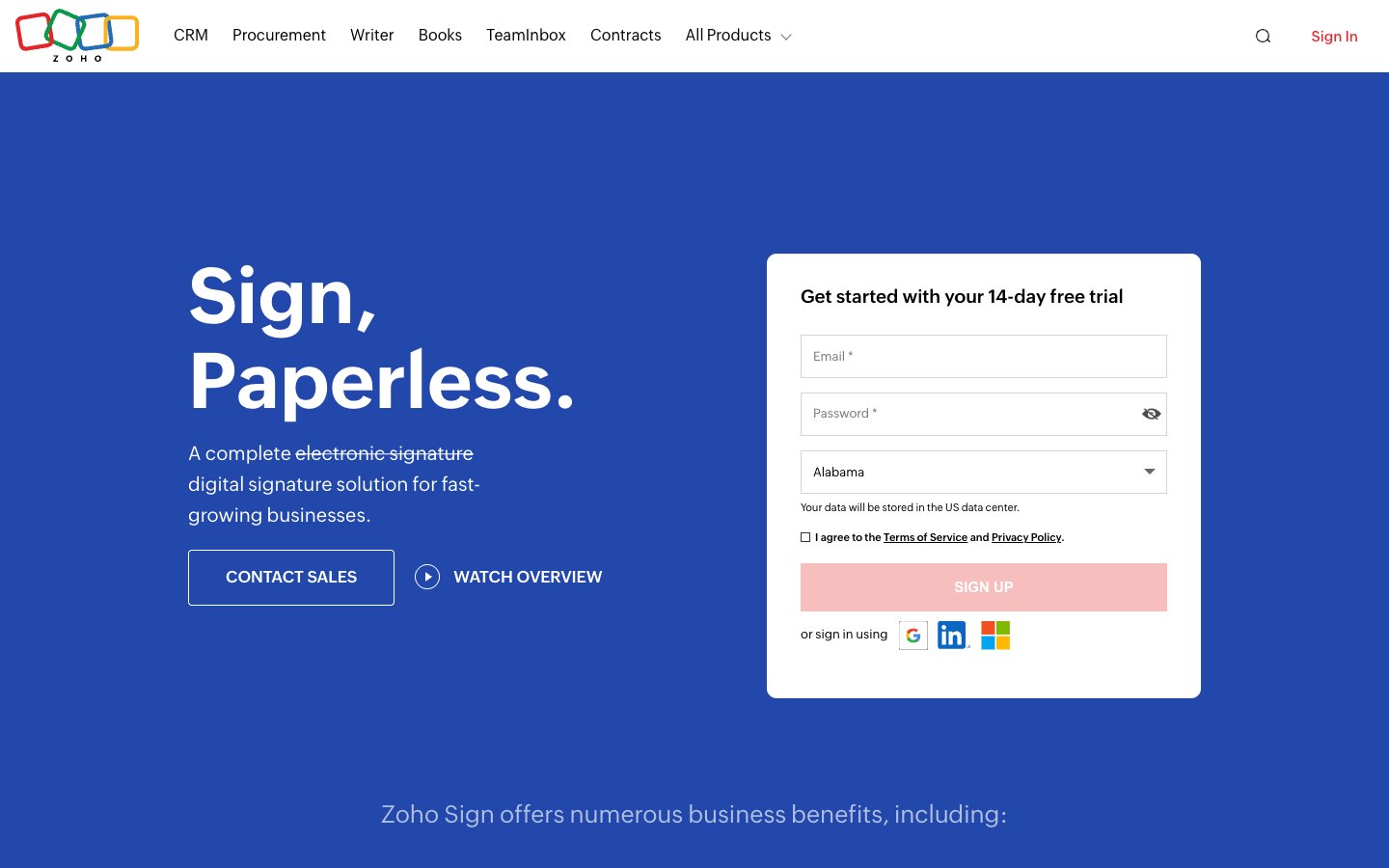
    Zoho Sign homepage
    Zoho Sign offers a 14-day free trial and sits next to the other Zoho business apps

    Zoho Sign is the practical choice when your contracts start in another Zoho product. The Free plan is for a single user and includes 5 envelopes a month. Paid plans start with Standard at $10 per user billed annually ($12 monthly) and 25 envelopes per user each month.

    Unlimited envelopes and templates come with Professional at $16 per user billed annually ($20 monthly), along with branding and signer attachments. APIs and webhooks sit on Enterprise at $22 per user ($28 monthly), so developers who want an API on a low tier should look at BoldSign or SignWell. See our Zoho Sign pricing guide for the plan detail.

    Key features
    ✓5 free envelopes a month for 1 user
    ✓Approval workflows and SMS delivery on Standard
    ✓Unlimited envelopes and templates on Professional
    ✓Branding and signer attachments on Professional
    ✓APIs, webhooks and white-label on Enterprise
    Free
    Price$0
    1 user, 5 envelopes per month
    Standard
    Price$10 per user annual, $12 monthly
    25 envelopes per user per month, approval workflows
    Professional
    Price$16 per user annual, $20 monthly
    Unlimited envelopes and templates, branding
    Enterprise
    Price$22 per user annual, $28 monthly
    APIs, webhooks, white-label
    ✓ Pros
    Fits teams already on Zoho apps
    14-day free trial of paid plans
    Professional removes envelope and template limits for $16
    ✕ Cons
    Free plan is single-user and allows 5 envelopes
    Standard is capped at 25 envelopes per user a month
    API access starts on Enterprise

    What a team of 5 pays

    The table below multiplies each tool’s entry paid plan by 5 senders and uses the annual price. SignWell Light adds 4 extra senders at $10 each and signNow charges one flat account price. Plan limits differ, so read it next to the entries above.

    ToolEntry paid planMonthly cost for 5 senders, billed annually
    signNowStarter at $8 per account$8
    BoldSignGrowth at $5 per user$25
    SignWellLight at $10 plus 4 extra senders at $10$50
    Zoho SignStandard at $10 per user$50
    PandaDocStarter at $19 per seat$95
    DocuSignStandard at $25 per user$125
    SignaturelyBusiness at $40 per user$200

    Conga Sign is missing from the table because Conga publishes no price to multiply.

    How to choose a Conga Sign alternative

    If you want a public price before you talk to anyone: any tool in this list, because each one publishes its plans.

    If sending many reminders is a big part of your volume, see our comparison of tools that replace credit-based pricing, such as Esignly.

    If you need the largest free allowance: BoldSign, because Essential includes 25 envelopes a month for 1 user.

    If you need a flat price for many users: signNow, because Starter is $8 a month for the whole account with unlimited users, capped at 100 invites a year.

    If you work in Salesforce: DocuSign, Dropbox Sign, BoldSign or signNow, because each lists a Salesforce integration on its own site.

    If you send proposals and quotes: PandaDoc, because document creation and signing sit in one tool.

    If you want ready-made contract templates: Signaturely, because it publishes a template library next to the signing tool.

    Ready to try a simpler way to sign?
    Try Signaturely free

    Frequently asked questions

    What is Conga Sign?

    Conga Sign is the electronic signature product of Conga. Conga’s own page lists serial and parallel signing, bulk send, white label branding and ID verification options, and compliance with the ESIGN Act, UETA and eIDAS.

    How much does Conga Sign cost?

    Conga does not publish a price for Conga Sign. Its pricing page asks visitors to request pricing, so the cost depends on a quote from Conga sales.

    What is the best free alternative to Conga Sign?

    BoldSign has the largest free allowance in this list, with 25 envelopes per month for 1 user on the Essential plan. SignWell allows 3 documents a month and Zoho Sign allows 5 envelopes a month on their free plans.

    Which Conga Sign alternatives work with Salesforce?

    DocuSign, Dropbox Sign, BoldSign and signNow each list a Salesforce integration on their own sites. Check the integration page for your Salesforce edition before you buy, because each vendor describes its connector differently.

    Is Conga Sign the same as DocuSign?

    No, they are separate products from different vendors. Both are e-signature tools, but Conga Sign is sold by Conga as part of its commercial platform and DocuSign publishes monthly plan prices for its eSignature product. See our DocuSign pricing guide for its plans.

    Table of Contents
      Add a header to begin generating the table of contents