


Smallpdf bundles 30+ PDF tools with e-signing through Sign.com, so the right Smallpdf alternative depends on which part you use. For free PDF tools, PDF24 Tools has no paid plan at all and iLovePDF Premium costs $5 a month billed annually. For full PDF editing, Foxit starts at $10.99 a month and Adobe Acrobat Standard at $14.99. For sending documents to be signed, Signaturely starts at $20 a month billed annually and DocuSign at $10.
Smallpdf alternatives at a glance
| Tool | Best for | Starting price | Free plan | Send for signature |
|---|---|---|---|---|
| Smallpdf (reference) | Quick online PDF tasks | Not shown in USD | Yes, limited downloads | Yes, via Sign.com |
| Signaturely | Signing and sending | $20/month annual | 1 document/month | Yes |
| Adobe Acrobat | Full PDF editing | $14.99/month annual | Reader only | Yes |
| iLovePDF | Cheap online toolkit | $5/month annual | Yes, limited | Premium only |
| Foxit PDF Editor | Lower-cost editor | From $10.99/month | Reader only | Yes, Foxit eSign |
| pdfFiller | Fillable forms | $8/month annual | No, free trial | Premium only |
| PDF24 Tools | Free PDF tools | Free | Fully free | No, sign only |
| DocuSign | Signing with integrations | $10/month annual | No | Yes |
| Dropbox Sign | Dropbox users | $15/month annual | 3 requests/month | Yes |
What Smallpdf costs and why people switch
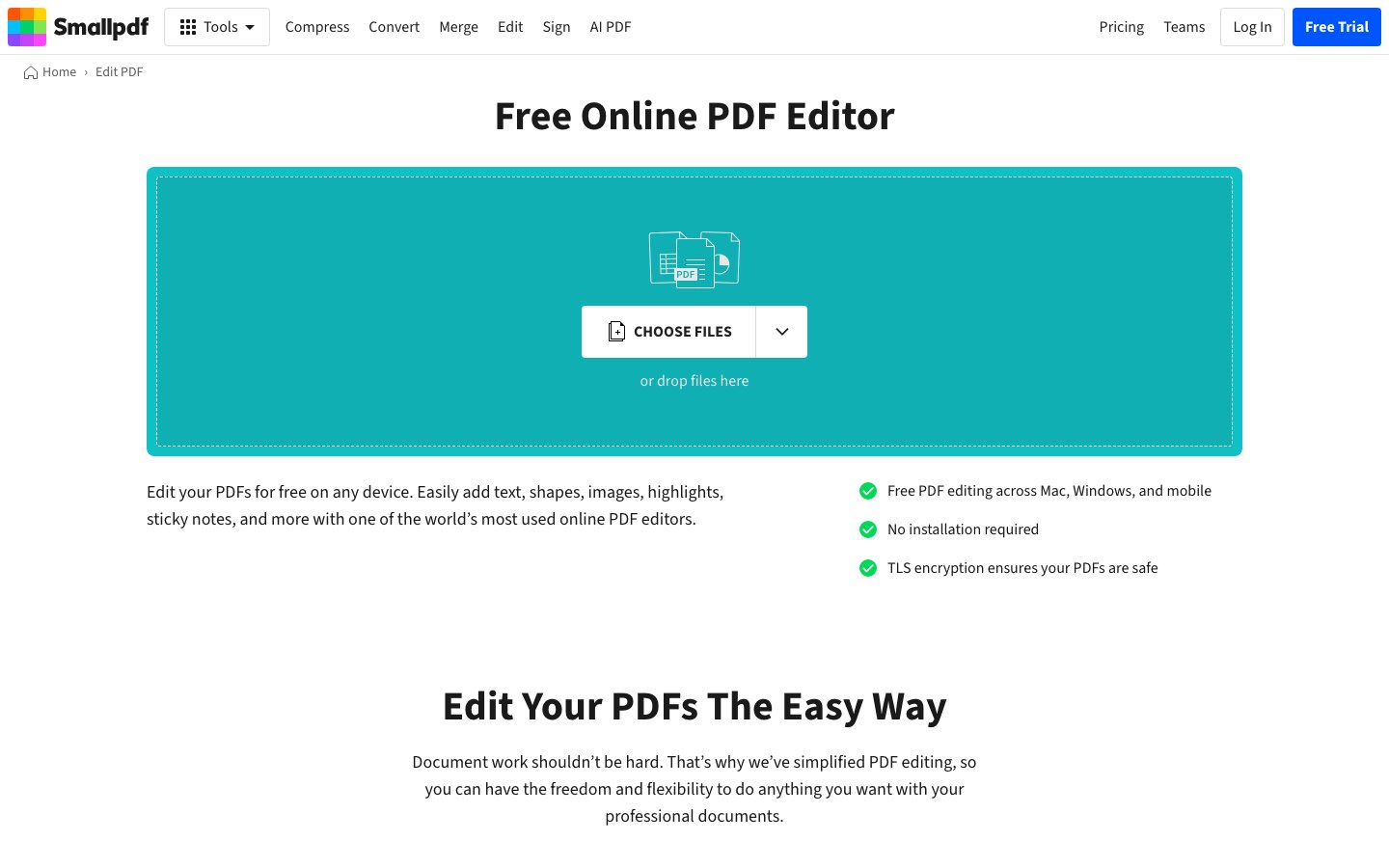
Smallpdf is a Swiss PDF platform run by Smallpdf AG that says it has been used by 1.7 billion people since 2013. It sells three plans: Free, Pro and Team for 2 or more seats, each available with yearly or monthly billing. Pro and Team come with a 7-day free trial, and if you cancel during the trial the account drops back to the free plan. Smallpdf now ships its e-signing as Sign.com, and every paid plan includes a Sign.com Premium subscription.
Smallpdf did not show a USD price to our location when we checked in November 2026, so compare its current price on smallpdf.com/pricing from your own country. The plan structure is the same everywhere:
People usually look for a Smallpdf alternative for one of four reasons:
- The free plan has daily limits. Compress, convert, merge and most other tools run under a daily download limit on the free plan.
- They only need one job done well. Someone who mostly signs contracts pays for 30+ PDF tools, and someone who mostly edits pays for a signing bundle.
- They need deeper editing. Acrobat Pro adds PDF comparison and redaction, and Foxit bundles document management, which a browser toolkit does not replace.
- They want a tool with no paid tier. PDF24 Tools is free for every tool, without a plan to upgrade to.
Smallpdf says it is ISO/IEC 27001 certified and GDPR, CCPA and nFADP compliant, so security is rarely the reason people leave. The alternatives below each replace one or both halves of Smallpdf: the PDF toolkit or the signing.
The 8 best Smallpdf alternatives
Each entry shows who the tool fits, its starting price with the billing basis, what it includes and where it falls short.
1. Signaturely
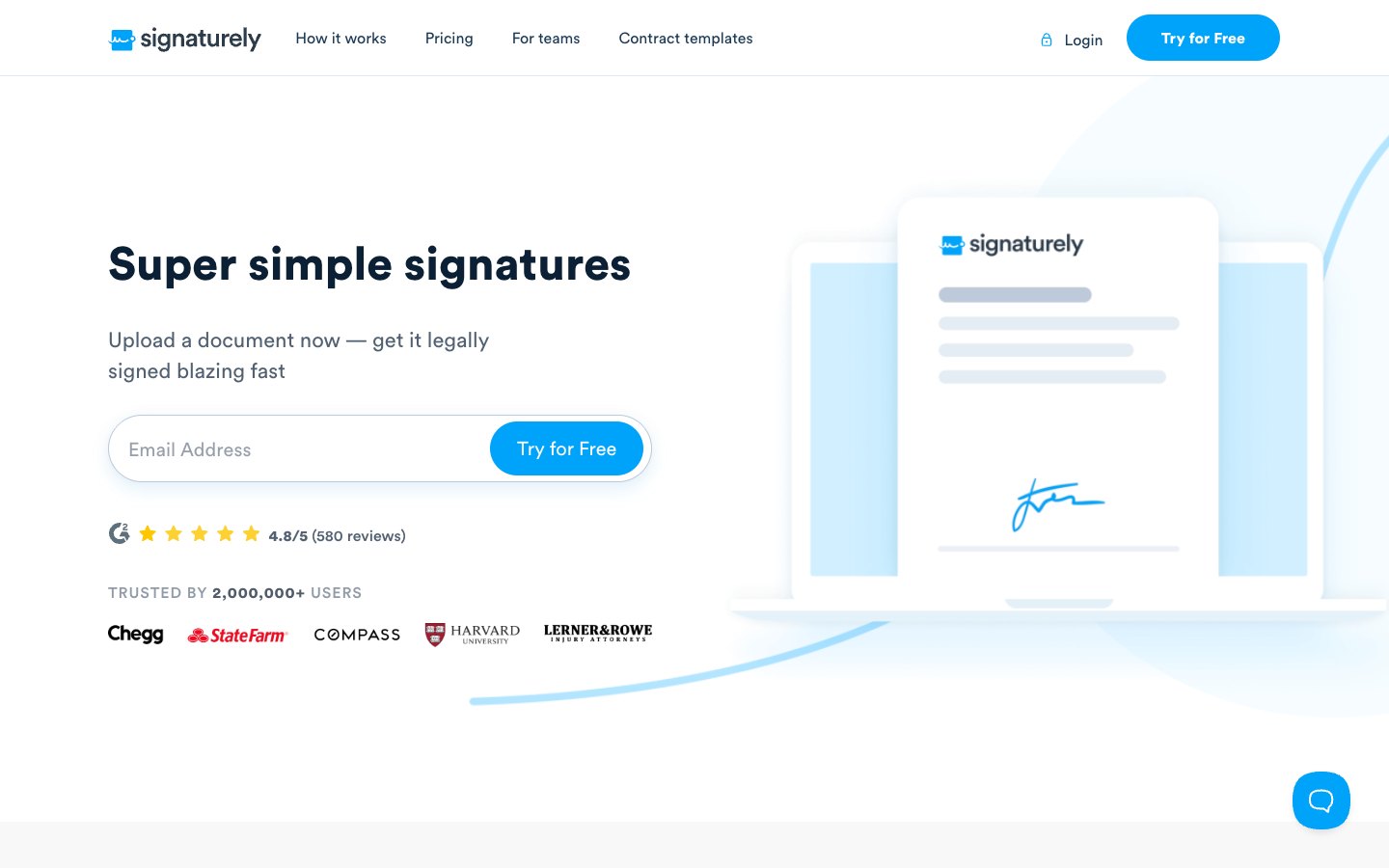
Signaturely replaces the signing half of Smallpdf, not the PDF toolkit. You upload a document, add signature, initials, date, text box and checkbox fields and send it; signers get an email, click a link and sign online. Reminders and an audit log with history come on every paid plan.
It does not compress, convert or edit PDF text, so keep a free toolkit such as PDF24 for those jobs. Personal allows 5 signature requests a month and 1 template; Business removes both limits and adds team management and custom branding. Google Drive, Dropbox, OneDrive and Box integrations are on both paid plans.
2. Adobe Acrobat
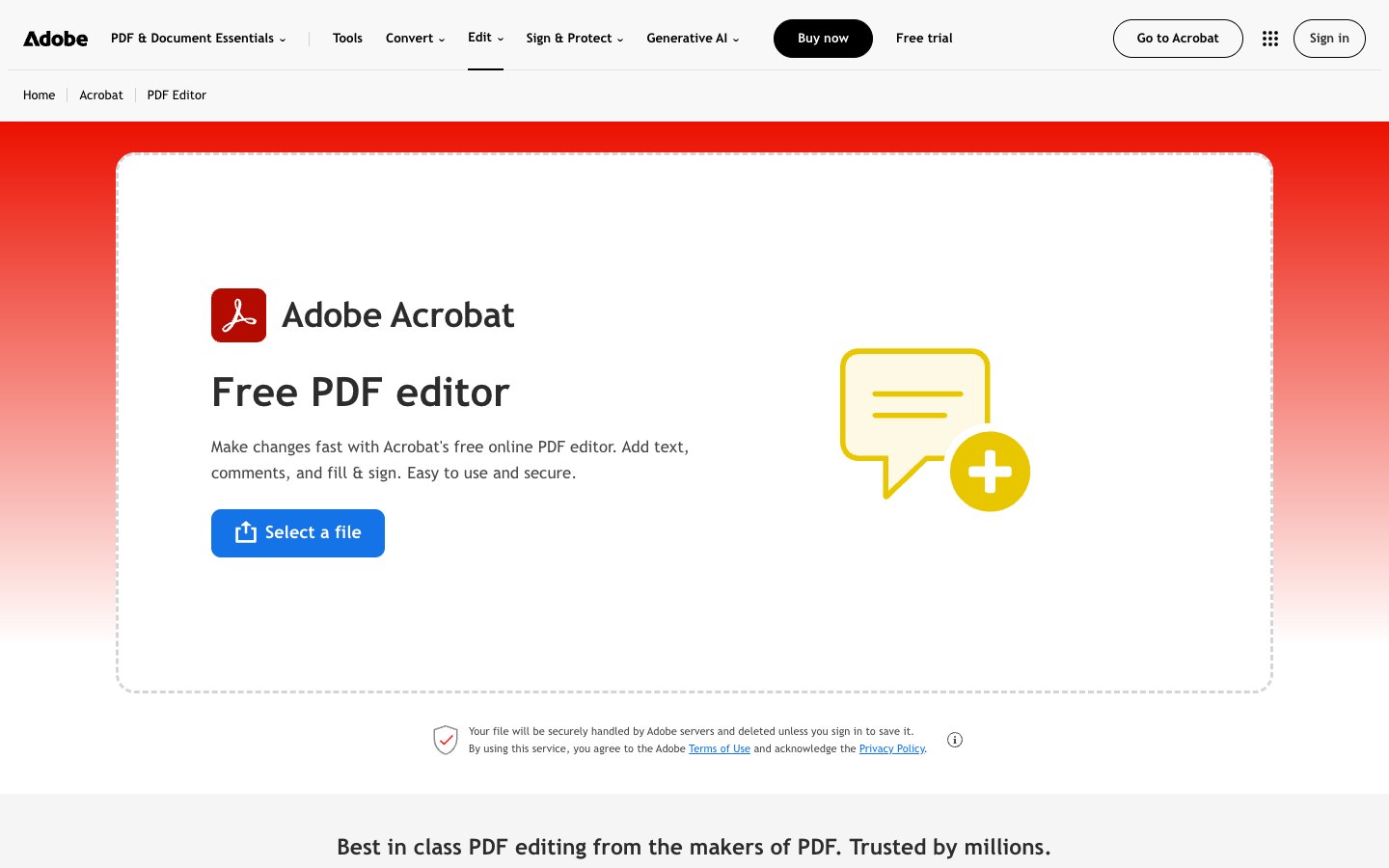
Adobe Acrobat is the full replacement for Smallpdf’s toolkit: it edits text and images in place, converts, compresses and organizes PDFs on the desktop, the web and mobile. Acrobat Standard, Pro and the team versions all list signing documents, requesting signatures and tracking responses, so it also covers the Sign.com side of Smallpdf.
Pro adds PDF comparison, redaction and more advanced tools on top of Standard. Teams licenses come with Adobe Admin Console management and 24×7 tech support. Adobe shows prices in the visitor’s local currency, and the USD figures here are Adobe’s US list prices.
See our DocuSign vs Adobe Acrobat comparison for the signing side in more detail.
3. iLovePDF
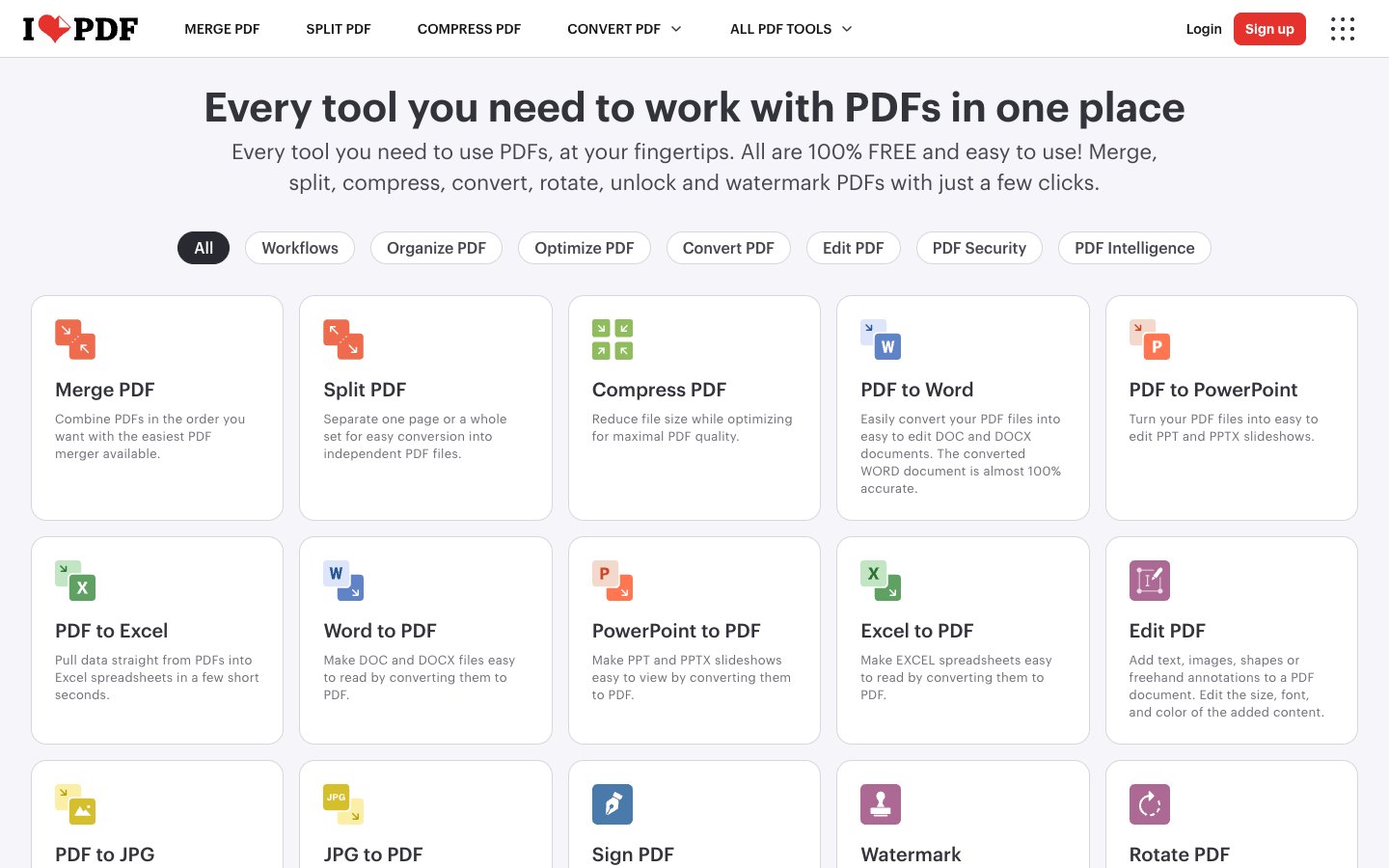
iLovePDF is the closest like-for-like Smallpdf alternative: a browser toolkit for merging, splitting, compressing, converting, editing and signing PDFs, with web, mobile and desktop apps. The free Basic account covers the essential tools with limited document processing.
Premium unlocks every tool and unlimited processing for 1 to 25 users, and adds digital signatures, workflows, regional file processing and 2,000 AI credits. Teams of 25 or more get a Business quote with a dedicated account manager and single sign-on. Students and academic staff can get a year of Premium free.
4. Foxit PDF Editor
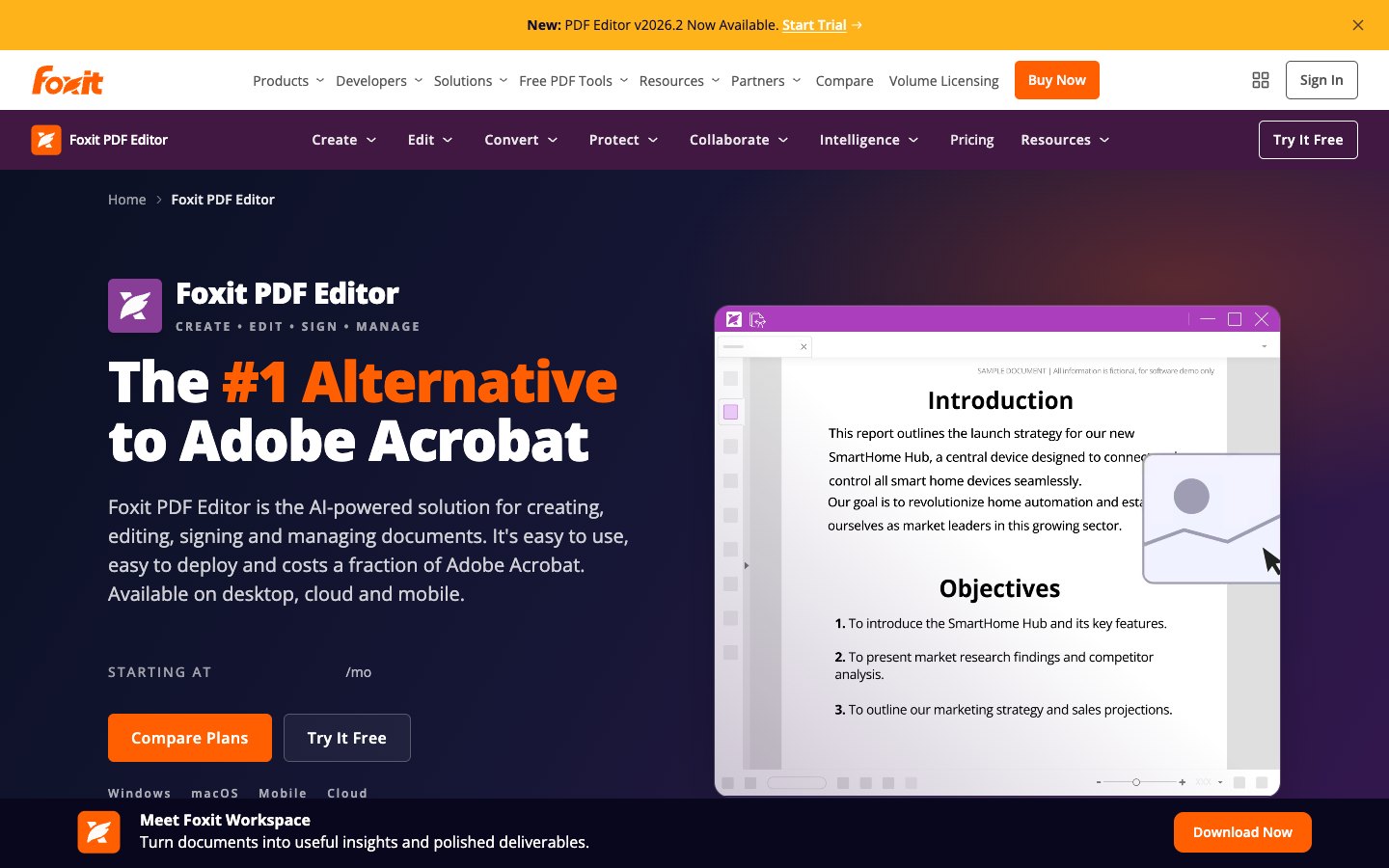
Foxit PDF Editor creates, edits, converts, signs and protects PDFs on Windows, macOS, mobile and the web, and Foxit markets it as the alternative to Adobe Acrobat. The US product page lists a starting price of $10.99 a month, which is $4 below Acrobat Standard’s annual rate.
Every PDF Editor and PDF Editor+ subscription includes Foxit DMS, a document management layer with shared workspaces, version control and check-in/out locking. Foxit eSign is a separate product for sending agreements for signature, and Foxit says every account gets 300 AI credits a month, including the free PDF Reader.
5. pdfFiller
pdfFiller from airSlate is built around forms: you edit, fill, draw, print, save or fax PDFs, and Plus adds reusable templates and basic fillable fields. It suits people whose Smallpdf use was mostly filling in forms rather than converting or compressing files.
Premium sends documents and templates out for signature through signNow Premium, which is included, and adds the US Legal Forms library, web forms for data collection and custom branding. The annual prices are well below the month-to-month prices, so pay annually if you keep it more than a few months.
Our pdfFiller pricing guide and pdfFiller alternatives list cover it in more depth.
6. PDF24 Tools
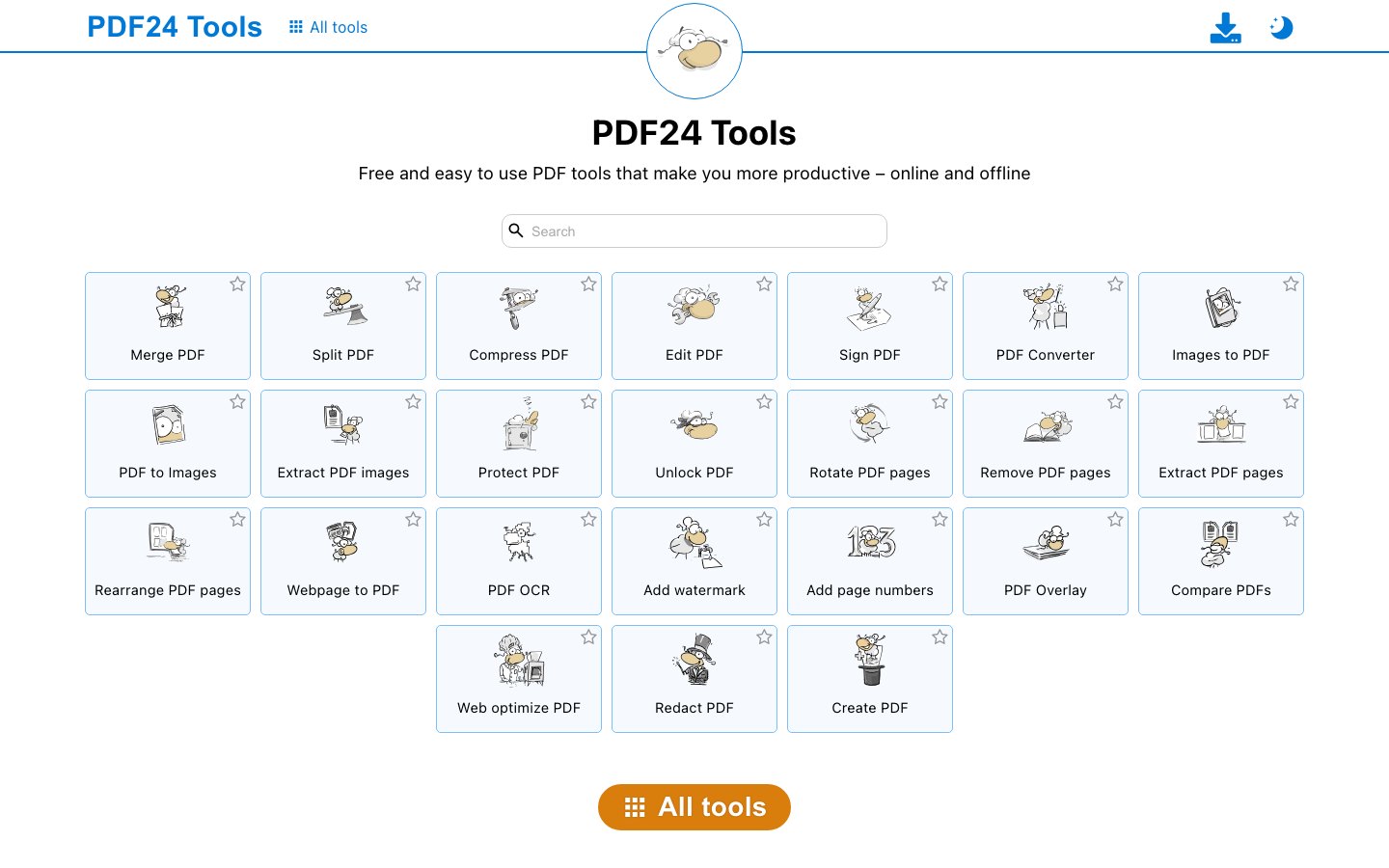
PDF24 Tools is the fully free Smallpdf alternative. Its developer says every tool is free of charge and without restrictions, paid for by advertising on the web pages, and there are no artificial limits on use. The online tools cover merging, splitting, compressing, editing, signing, OCR, redacting and comparing PDFs.
For offline work, the PDF24 Creator desktop app runs the same tools on your own computer. The Sign PDF tool places your signature on a file, but PDF24 does not send documents to other people for signature, so pair it with a signing tool if you collect signatures.
7. DocuSign
DocuSign replaces the Sign.com half of Smallpdf for teams that send many agreements. It is the name most signers recognize, and Personal allows 5 envelopes a month. Standard and Business Pro cap envelopes at 100 per user per year, which matters if you send in volume.
It does not edit, compress or convert PDFs, so it pairs with a toolkit. The draw is reach: more than 1,000 integrations and shared templates on Standard. See our DocuSign pricing guide for every plan and billing option.
8. Dropbox Sign
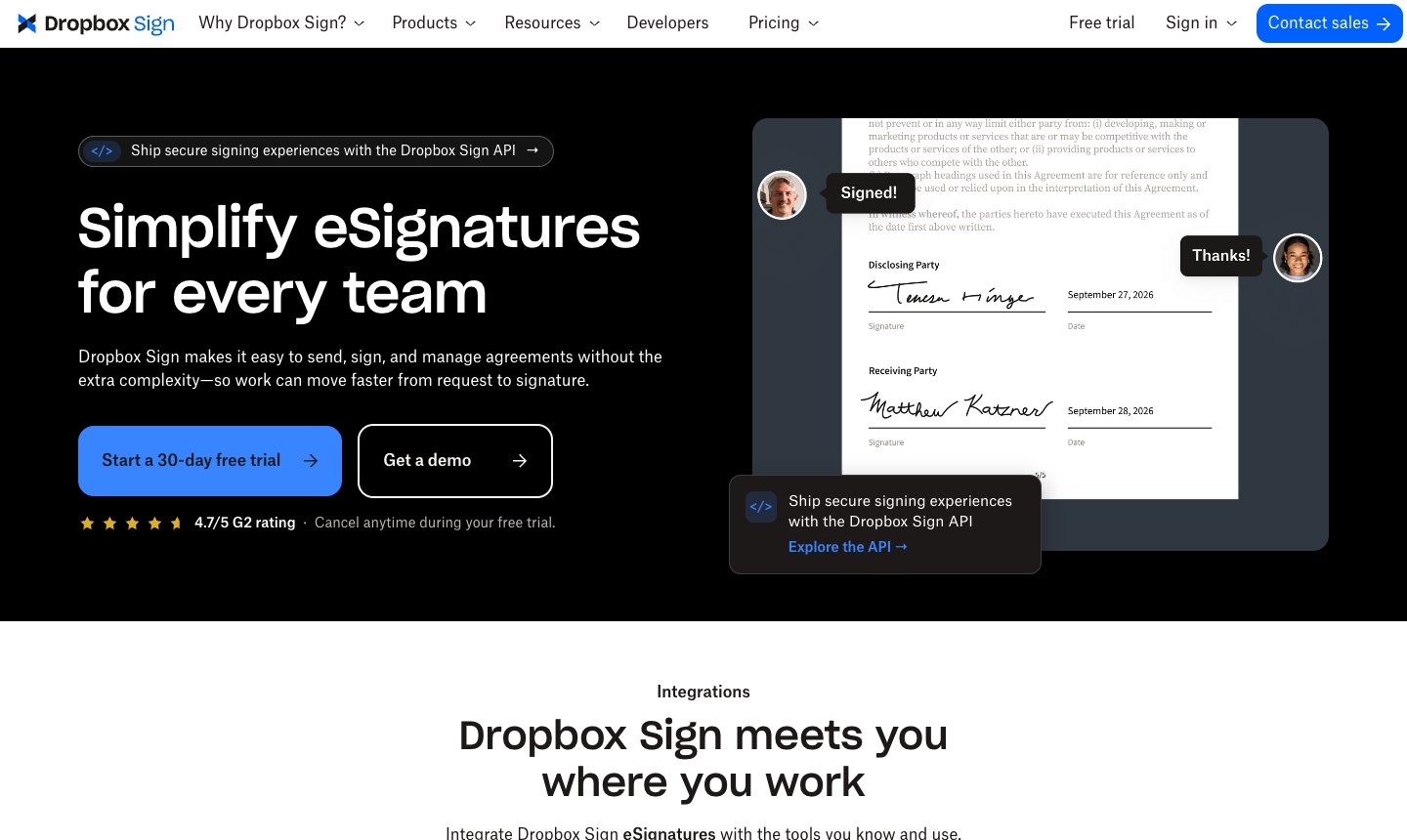
Dropbox Sign is a plain sending and signing tool and a fit for Smallpdf users who store their PDFs in Dropbox. The free plan allows 3 signature requests a month for 1 user, close to the 2 documents a month on Sign.com’s free account.
Essentials is a single-user plan with unlimited signature requests and 5 templates. Standard is for teams of 2 or more, raises the template limit to 15 and adds branding and bulk send. Like DocuSign, it has no PDF editing or conversion tools. Our Dropbox Sign pricing guide lists each plan.
How to choose a Smallpdf alternative
Start from what you actually used Smallpdf for:
- If you need free everyday PDF tools: PDF24 Tools, because every tool is free with no limits.
- If you want Smallpdf’s online toolkit for less: iLovePDF, because Premium costs $5 a month on annual billing.
- If you edit PDFs all day on a computer: Adobe Acrobat, or Foxit PDF Editor if you want a lower starting price.
- If you mostly fill out forms: pdfFiller, because its plans are built around fillable fields and templates.
- If you mostly send documents for signature: Signaturely, DocuSign or Dropbox Sign, combined with PDF24 for the occasional conversion.
Frequently asked questions
Smallpdf is a legitimate Swiss company, Smallpdf AG, that has run its PDF tools since 2013. It states that it is ISO/IEC 27001 certified and GDPR, CCPA and nFADP compliant.
Smallpdf Pro is billed per month on a yearly or monthly plan with a 7-day free trial, and Team is priced per seat for 2 or more seats. Smallpdf did not show a USD amount to our location in November 2026, so check smallpdf.com/pricing for the current price in your country.
PDF24 Tools is a free alternative with no paid tier and no usage limits, funded by advertising. iLovePDF also has a free Basic account, but it limits how many documents you can process.
iLovePDF offers the same kind of online toolkit, and its Premium plan costs $5 a month billed annually. Smallpdf’s paid plans include a Sign.com Premium subscription, so the better pick depends on whether you need that signing bundle.
Foxit PDF Editor covers the same core jobs as Adobe Acrobat (editing, converting, signing and protecting PDFs) with a starting price of $10.99 a month against $14.99 for Acrobat Standard. Acrobat Pro adds comparison and redaction tools, so heavy editors may still prefer Adobe.
Signaturely, DocuSign and Dropbox Sign are dedicated e-signature tools with signature requests, reminders and audit trails. Signaturely starts at $20 a month billed annually and keeps a free account with 1 document a month.