



Eversign is now Xodo Sign, and it competes with DocuSign mainly on price and limits. Xodo Sign costs $10 per user per month for Basic and $16 for Professional when billed annually, and both plans send unlimited documents. DocuSign costs $10 per month for Personal, $25 per user for Standard and $40 per user for Business Pro, but Personal allows 5 envelopes a month and the team plans allow 100 envelopes per user a year.
DocuSign vs Eversign (Xodo Sign) at a glance
DocuSign and Xodo Sign both let you upload a document, place fields, collect legally binding signatures and keep an audit trail. They differ most on cost and send limits: Xodo Sign paid plans cost $10 and $16 per user per month billed annually with unlimited documents, while DocuSign plans cost $10, $25 and $40 with envelope limits.
| What you compare | DocuSign | Xodo Sign (formerly eversign) |
|---|---|---|
| Entry price, billed annually | $10 per month (Personal) | $10 per user per month (Basic) |
| Team plan, billed annually | $25 per user per month (Standard) | $16 per user per month (Professional) |
| Top self-serve plan, billed annually | $40 per user per month (Business Pro) | $16 per user per month (Professional) |
| Document limit | 5 envelopes a month on Personal, 100 a year per user on Standard and Business Pro | Unlimited on paid plans |
| Free plan | No, trial only | Yes, 5 documents a month |
| Templates | Reusable templates on every plan | 3 on Basic, unlimited on Professional |
| Built-in PDF editor | Limited, full editor is a paid add-on | Included on Professional |
What is Eversign and why is it called Xodo Sign?
Eversign is the former name of Xodo Sign. The product was an independent e-signature tool until Apryse, the document software company behind Xodo, took it over and rebranded it. The Xodo Sign site still carries the line “formerly eversign” in its page titles, and the same product now sits under the Xodo name with per-user pricing, PDF editing and an AI summarizer. Old reviews and comparison pages that say eversign describe the earlier flat-plan product, so their prices no longer apply. Our own Xodo Sign pricing guide covers each plan in detail.
Introducing DocuSign and Xodo Sign
DocuSign and Xodo Sign are both cloud e-signature tools, and a short overview of each follows before the detailed comparison.
DocuSign Overview
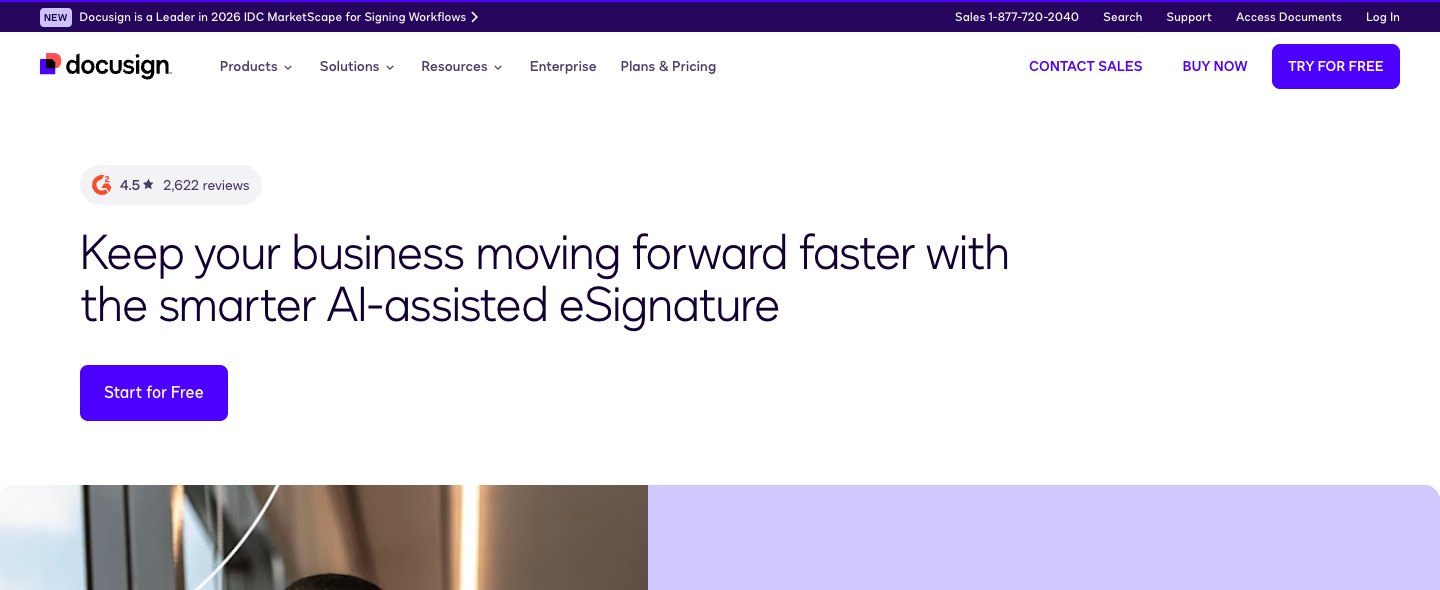
DocuSign is the best-known electronic signature platform. You upload a document, add fields, set the signing order and track every envelope. Plans scale from one user on Personal to Enhanced contracts for 50 or more users, and DocuSign lists more than 900 integrations on its eSignature page.
DocuSign suits companies that need shared templates, team permissions and connections to tools such as Salesforce or SAP. It costs more per seat and meters usage by envelope, which matters if you send in volume. Our DocuSign pricing guide breaks down every plan, and there are many DocuSign competitors for teams that find it too heavy.
Xodo Sign Overview
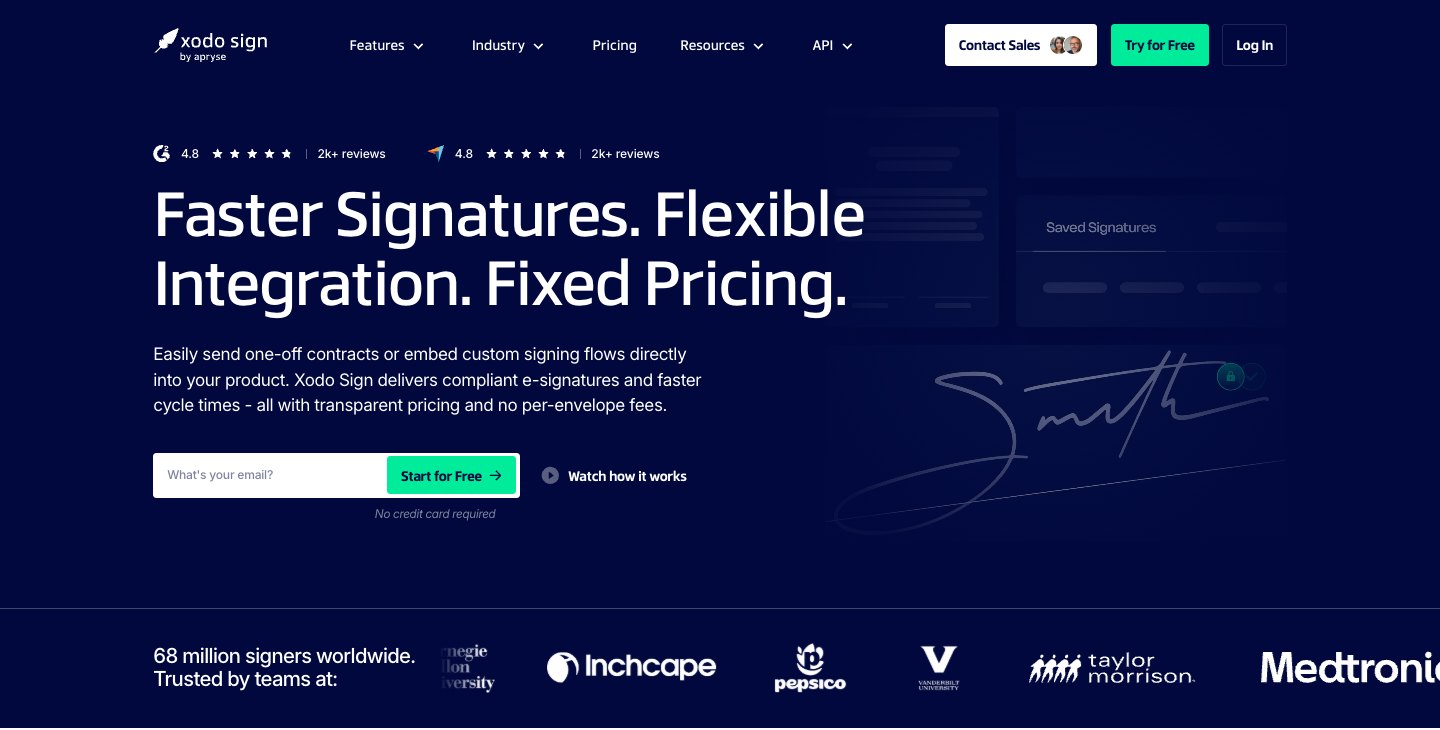
Xodo Sign is an e-signature tool for sending documents and collecting signatures online. It has three self-serve plans, Free, Basic and Professional, plus a custom Enterprise plan. Signers never need a seat, so you pay only for the people who send and manage documents.
Xodo Sign fits freelancers, small teams and agencies that send many contracts and want predictable prices. Its API plans are separate from the e-signature plans, so developers should check them before choosing.
DocuSign vs Xodo Sign: a comparison guide
DocuSign and Xodo Sign are compared below on features, integrations, security, use cases, plans and pricing, ease of use and reviews, with the main downsides of each tool noted along the way.
1. Key features
DocuSign and Xodo Sign both cover the core workflow of preparing a document, sending it to one or more signers and storing the signed copy with an audit trail. The differences show up in send limits and extras.
DocuSign features
DocuSign lets you upload files, add fields, assign signers in order and track every envelope in real time. Reusable templates, reminders, a mobile app and an audit trail come with Personal. Shared templates, collaborative comments, custom branding and in-person signing start on Standard, and bulk send, payment collection and web forms start on Business Pro.
- Reusable templates
- Real-time audit trail and reporting
- Mobile app and signing in 44 or more languages
- Shared templates and comments from Standard
- Bulk send and payment collection from Business Pro
- Developer account and API on Business Pro and Enhanced
Xodo Sign features
Xodo Sign lets you upload a document, add fields, send it to signers and track activity from a dashboard. Basic adds unlimited documents, 3 templates, long-term validation of signatures and mobile sending through the Xodo app for iOS and Android. Professional adds unlimited templates, bulk sending credits, SMS credits for signer verification, in-person signing, custom branding, PDF editing and an AI summarizer.
- Unlimited documents on paid plans
- Long-term validation of signatures
- Mobile signing and sending through the Xodo app
- PDF editor with redaction and page organizing on Professional
- AI summarizer for long contracts on Professional
- Custom branding and in-person signing on Professional
2. Integrations
DocuSign has the larger catalog. Its eSignature page lists more than 900 integrations, including Salesforce, Microsoft and SAP tools, and Personal adds cloud storage connections to Google Drive, OneDrive, Dropbox and Box.
Xodo Sign lists Zapier, Dropbox and Gmail as examples of the apps it connects with on Basic. Developers can use the eSignature API, which Xodo Sign prices separately: API Light starts at $50 per month billed annually with 50 API documents a month.
3. Security and compliance
Xodo Sign states on its compliance page that it is SOC 2 Type 2 compliant, supports HIPAA through a business associate agreement and complies with the ESIGN Act and the EU eIDAS regulation. DocuSign states that signatures are recognized under the ESIGN Act and the Uniform Electronic Transactions Act in the United States.
DocuSign reserves knowledge-based authentication, data residency and HIPAA support through a business associate agreement for Enhanced plans. If you need HIPAA support on a small budget, Xodo Sign’s published terms are the easier fit, but the business associate agreement must be signed before you handle protected health information.
4. Use cases
Xodo Sign fits a freelancer who sends client contracts, a small agency that sends proposals every week or a startup that wants unlimited documents without a per-envelope meter. A small team can send contracts all month without hitting a cap.
DocuSign fits a company with several departments that needs shared templates, user roles and connections to Salesforce or SAP. It is also the safer pick when a customer or regulator asks specifically for DocuSign.
5. Plans and pricing
DocuSign and Xodo Sign both offer annual and monthly billing. Xodo Sign cuts its price in half when you pay yearly, and DocuSign has three price levels depending on how you commit. All prices below are USD list prices checked in November 2026.
DocuSign pricing
- Personal: $10 per month billed annually ($120 a year), $11 on a yearly commitment billed monthly or $15 month to month. It allows 1 user and 5 envelopes a month.
- Standard: $25 per user per month billed annually ($300 a year), $30 billed monthly or $45 month to month. It includes 100 envelopes per user a year and up to 50 users.
- Business Pro: $40 per user per month billed annually ($480 a year), $45 billed monthly or $65 month to month. It includes 100 envelopes per user a year plus bulk send and payment collection.
- Enhanced: custom quote for 50 or more users, with API, identity verification and HIPAA support.
Xodo Sign pricing
- Free: $0 with up to 5 documents a month, limited to 1 document every 7 days.
- Basic: $10 per user per month billed annually or $20 billed monthly. It includes unlimited documents and 3 templates.
- Professional: $16 per user per month billed annually or $32 billed monthly. It includes unlimited templates, PDF editing, custom branding and in-person signing.
- Enterprise: custom pricing with API access, volume limits and a dedicated account manager.
What does each tool cost for a team of five?
Five people on the Xodo Sign Basic plan pay 5 x $120 = $600 a year, and five on Professional pay 5 x $192 = $960 a year. Five on DocuSign Standard pay 5 x $300 = $1,500 a year, and five on Business Pro pay 5 x $480 = $2,400 a year. DocuSign Standard and Business Pro also cap each user at 100 envelopes a year, while the Xodo Sign paid plans send unlimited documents.
What does one document cost at the plan limit?
DocuSign Personal costs $2.00 per envelope at full use (60 envelopes a year for $120), and Standard costs $3.00 per envelope (100 a year for $300). Xodo Sign has no document cap on its paid plans, so the cost per document falls the more you send.
6. Ease of use
DocuSign and Xodo Sign use the same flow: upload a file, place fields, add signers and send, which is also how you sign a contract online. DocuSign has more options on each screen because it serves larger teams, while Xodo Sign keeps its menus lean and puts PDF editing in the same workspace.
7. Reviews
DocuSign’s homepage shows a G2 rating of 4.5 from 2,622 reviews, and Xodo Sign’s homepage shows a G2 rating of 4.8 from more than 2,000 reviews. Both ratings are displayed by the vendors and were read in November 2026, so check the current G2 profile for each tool before you buy.
DocuSign vs Xodo Sign: main differences
The biggest difference is price and limits. Xodo Sign Professional costs $16 per user per month billed annually against $25 for DocuSign Standard and $40 for Business Pro, and Xodo Sign sends unlimited documents on paid plans. Xodo Sign also offers a free plan with 5 documents a month, while DocuSign offers only a trial.
DocuSign is stronger on ecosystem and enterprise needs. It has the larger native integration catalog, team controls on Standard and Business Pro, and identity checks, data residency and HIPAA support on Enhanced plans.
DocuSign vs Xodo Sign: which should you choose?
Choose Xodo Sign when you send documents in volume, have a small team and want a free plan to test the tool. Its paid plans have no document cap and cost less per seat.
Choose DocuSign when your company needs deep integrations, shared templates across many users or enterprise-level authentication and compliance. Budget for the envelope limits on Standard and Business Pro and for the higher per-seat price.
Signaturely is a simple alternative to both
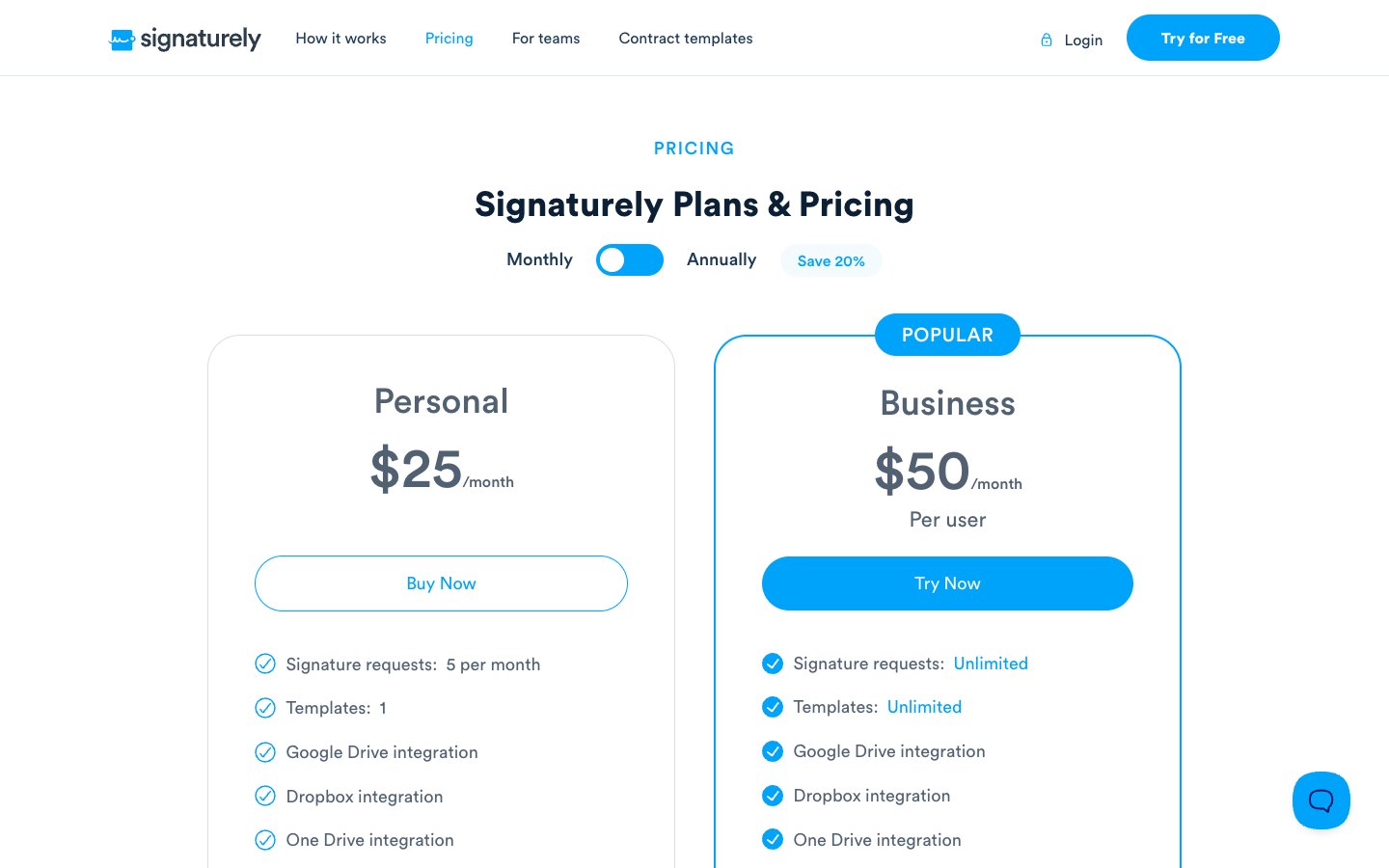
Signaturely is a cloud-based e-signature tool for freelancers and small teams who want a lightweight workflow. You create a drawn or typed signature, upload a signature or digitize your signature, upload documents and collect signatures from others on any device.
Some buyers also weigh credit-based plans, and how eight signing tools compare with Esignly puts their prices side by side.
The free plan allows 1 document a month after a 7-day trial. Personal costs $20 per month billed annually or $25 billed monthly and includes 5 signature requests a month and 1 template. Business costs $40 per user per month billed annually or $50 billed monthly and includes unlimited signature requests, unlimited templates, team management and custom branding. If you have been comparing vendors that only sell by quote, eight Conga Sign alternatives with public prices shows what teams pay.
Frequently asked questions
Eversign is the former name of Xodo Sign, and the product now runs under the Xodo brand from Apryse. Older reviews that mention eversign describe the earlier flat-plan pricing.
Xodo Sign is cheaper per seat and per document. Professional costs $16 per user per month billed annually with unlimited documents, while DocuSign Standard costs $25 and Business Pro costs $40 with 100 envelopes per user a year. A team of five pays $960 a year on Xodo Sign Professional against $1,500 on DocuSign Standard.
Eversign is now Xodo Sign, and its Free plan allows up to 5 documents per month, limited to 1 document every 7 days. Paid plans start at $10 per user per month billed annually and send unlimited documents.
DocuSign has no free plan for sending, caps Personal at 5 envelopes a month and caps Standard and Business Pro at 100 envelopes per user a year. It also costs more per seat than Xodo Sign, and HIPAA support through a business associate agreement is limited to Enhanced plans.
DocuSign has no free plan for sending agreements. It offers a free trial and a free account for signers. Xodo Sign has a free plan with up to 5 documents a month.
DocuSign costs from $10 per month for Personal to $40 per user per month for Business Pro when billed annually. Month-to-month billing raises those prices to $15, $45 and $65. Enhanced plans are quoted individually.
Xodo Sign states that it is HIPAA compliant and requires a business associate agreement before you handle protected health information. DocuSign offers HIPAA support through a business associate agreement only on Enhanced plans.
Xodo Sign, which was eversign, is one of several DocuSign competitors that price by seat and send unlimited documents. Our DocuSign competitors guide lists more options, including Signaturely.
DocuSign has the larger native catalog, with more than 900 integrations listed on its eSignature page. Xodo Sign connects with apps such as Zapier, Dropbox and Gmail and offers a separate eSignature API.