



PandaDoc is a capable contract management solution for sales teams that need proposal creation, contract signing, and payment processing in one tool. It’s popular with enterprise teams that handle complex contract workflows. But it’s not the right fit for everyone. The Business plan runs $49 per user per month, which adds up fast for smaller teams. Others find the feature set heavier than they need when all they really want is a reliable way to get documents signed.
Whether you need a simpler tool for electronic signatures like BoldSign or Signaturely, an enterprise-grade platform like DocuSign or Adobe Sign, or a free alternative for basic contract signing, there are strong options at every price point. This post covers 15 PandaDoc alternatives, including what each one costs, who it’s best for, and how it compares to PandaDoc.
15 Best PandaDoc Alternatives & Competitors
The best PandaDoc alternatives include Signaturely, DocuSign, Adobe Sign, Dropbox Sign, and BoldSign, with starting prices from $8 per user per month up to $25+ for full sales engagement platforms. For specialized proposal design and interactive quoting, tools like Proposify and Qwilr offer more targeted functionality than general-purpose signing platforms. The 15 tools below cover the full spectrum, from budget e-signature options to full contract lifecycle management platforms.
| Tool | Best For | Starting Price | Free Plan | Unlimited Docs |
|---|---|---|---|---|
| Signaturely | Simple e-signatures for small teams | $20/month (annual) | Yes (1 doc/month) | Business plan |
| DocuSign | Enterprise contract management | From $10/month | No | Standard+ plans |
| Adobe Acrobat Sign | PDF-heavy workflows | From $14.99/month | No | Team plans |
| Dropbox Sign | Dropbox users and simple signing | See pricing page | No | Yes (paid plans) |
| BoldSign | Budget alternative to PandaDoc | $15/month per user | Yes (25 envelopes) | Business plan |
| SignNow | Affordable signing for sales teams | From $8/month | No | Yes (paid plans) |
| Zoho Sign | Zoho ecosystem users | From $10/month | Yes (limited) | Paid plans |
| Xodo Sign | Built-in PDF editor | $10/user/month (annual) | Free trial | Professional plan |
| Signeasy | Mobile-first signing | $10/month (1 seat) | No | Business plan |
| GetAccept | Digital sales rooms | $25/month per user | No (free trial) | Yes (paid plans) |
| SignWell | Compliance on a budget | $10/month (annual) | Yes (3 docs/month) | Light+ plans |
| PDFFiller | PDF editing and form filling | From $8/month | No (30-day trial) | Paid plans |
| DigiSigner | Basic signing with minimal setup | $15/month (annual) | No (14-day trial) | No |
| OneSpan | Enterprise identity verification | From $20/month | No | Yes (paid plans) |
| SignRequest | Affordable SMB signing | From $9/month | No | Paid plans |
1. Signaturely
Best for: small and mid-size teams that need clean, reliable e-signatures without the complexity of a full proposal platform.
Signaturely keeps contract signing straightforward. You upload a document, add signature fields, and send it out for electronic signatures in a few clicks. The platform generates legally binding signatures under the ESIGN Act and stores a full audit log for every document. Unlike PandaDoc, Signaturely doesn’t try to be a proposal builder or handle payment processing, which means there’s no learning curve for teams that just need to get contracts signed.
There’s a free plan that allows one document per month. The Personal plan costs $20 per month, billed annually, and supports five signature requests per month. The Business plan costs $40 per user per month, billed annually, and includes unlimited signature requests, team management, and custom business branding.
Key Features:
- Full audit log and document history
- Team management and user roles
- Custom business branding for brand consistency
- Reusable contract templates
- Automated notifications and signing reminders
- Legally binding signatures under ESIGN Act and eIDAS
Integrations:
- Google Drive
- Dropbox
- OneDrive
- Box
2. DocuSign
Best for: enterprise teams that need comprehensive contract lifecycle management and tight compliance controls.
DocuSign is the most widely recognized name in e-signature. It handles the full contract lifecycle from creation to execution, with stronger file management and workflow automation than PandaDoc. Managing contracts across multiple teams is a core use case the platform is built for. PandaDoc has an edge in presentation tools and document analytics, but DocuSign’s integrations and compliance track record are hard to beat for large organizations. The platform shows the real-time status of each agreement and supports multi-step approval workflows.
The Personal plan starts from $10 per user per month, billed annually. An enterprise plan is available with custom pricing for organizations that need advanced access controls and volume discounts. DocuSign doesn’t offer a free version.
Key Features:
- Real-time audit trail
- Payment collection
- Collaborative templates
- Signature flow automation
- File management and document recovery
Integrations:
- Salesforce
- Microsoft 365
- Dropbox
- Google Workspace
- Box
See our full DocuSign pricing breakdown for a plan-by-plan comparison.
3. Adobe Sign
Best for: teams that work heavily in PDF and the broader Adobe ecosystem.
Adobe Sign (also called Acrobat Sign) is built around PDF expertise. Users can create, edit, and sign documents while maintaining version control throughout contract negotiations, which PandaDoc’s document analytics handle differently. Adobe Sign makes compliance a priority with robust audit trails and AES-256 encryption. PandaDoc has stronger email management tools, but Adobe Sign wins on native PDF handling and compliance management.
Individual plans start at $14.99 per month for Acrobat Standard, billed annually. Team plans cost $16.99 per licence per month for Standard and $23.99 for Pro. Adobe Sign doesn’t offer a free tier, but a free trial is available.
Key Features:
- Native PDF editing and version control
- Reusable templates with custom branding
- Bulk sending
- 24/7 product support
- AES-256 encryption with SOC 2 compliance
Integrations:
- Salesforce
- Workday
- ServiceNow
- Microsoft 365
See our PandaDoc vs. Adobe Sign comparison for a detailed breakdown.
4. Dropbox Sign (formerly HelloSign)
Best for: teams already using Dropbox who want a clean, tightly integrated signing experience.
HelloSign was rebranded to Dropbox Sign after Dropbox acquired the company. The integration with Dropbox is native and seamless. Documents stored in Dropbox can move directly into signing workflows without manual uploads. Dropbox Sign uses 256-bit encryption and SOC 2 compliance for document security. Unlike PandaDoc, it doesn’t offer billing or contact management, but its e-signature workflow is faster and simpler for teams that don’t need those extras.
For current pricing, check the Dropbox Sign pricing page directly, as plans are updated regularly.
Key Features:
- Native Dropbox integration for seamless document access
- Advanced document tracking and audit trails
- Automated signing reminders
- Reusable templates
- API access for custom integrations
Integrations:
- Dropbox (native)
- HubSpot
- Google Drive
- Microsoft Word
For a full comparison, check our Dropbox Sign vs. PandaDoc article.
5. BoldSign
Best for: teams looking for an affordable alternative to PandaDoc without giving up features.
BoldSign is a direct PandaDoc alternative with a compelling pricing story. Switching from PandaDoc Business ($49/user/month) to BoldSign Business ($15/user/month) saves approximately $408 per user per year (a 63% reduction based on publicly listed pricing as of early 2026). BoldSign includes unlimited envelopes on its Business plan, which matters for teams that send high document volumes. A free plan is also available with 25 envelopes per month, which covers light usage without any cost.
Infrastructure is a differentiator: BoldSign runs dedicated data centers in the US, EU, Canada, and Australia, and offers free customer support on all plans. Multi-channel delivery (email, SMS, WhatsApp) is built in, and a 5-minute setup is claimed for most users. The platform targets teams that want enterprise-grade reliability through affordable plans, without the enterprise price tag.
Key Features:
- Unlimited envelopes on Business plan ($15/user/month)
- Free plan with 25 envelopes per month
- Dedicated data centers (US, EU, Canada, Australia)
- Multi-channel delivery: email, SMS, WhatsApp
- Free support on all plans; 99.99% uptime SLA
Integrations:
- Zapier
- Microsoft 365
- Google Workspace
- REST API for custom integrations
6. SignNow
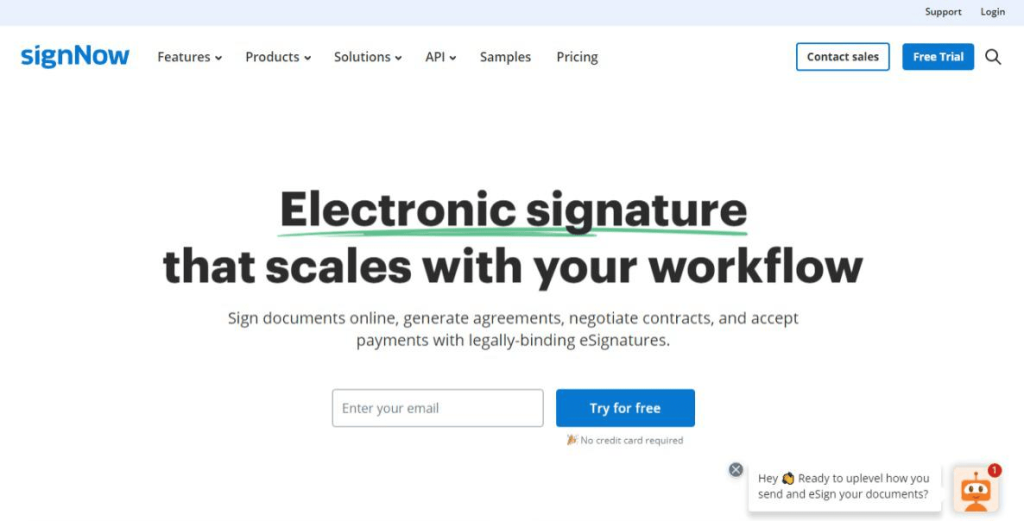
Best for: sales teams that need bulk sending, email reminders, and CRM integrations at an affordable price.
SignNow’s email reminder feature is something PandaDoc doesn’t match. It lets sales teams follow up automatically when documents sit unsigned. Bulk sending is available on higher plans, and the platform connects to most CRM systems. Both SignNow and PandaDoc offer audit trails, but SignNow’s pricing is more accessible, starting from $8 per month for unlimited users, billed annually. The Business Premium plan, which adds bulk sending and payment collection, starts from $15 per month for unlimited users, and custom logos require the Enterprise plan at $30 per month. No free tier is available, but a trial is.
Key Features:
- Email reminder automation for unsigned documents
- Bulk sending on Business Premium plans
- In-person signature capabilities
- Smart fields and HIPAA compliance at enterprise level
- Custom branding and mobile app
Integrations:
- Salesforce
- Google Workspace
- Microsoft 365
- Zapier
Bonus: See our full list of the best SignNow alternatives.
7. Zoho Sign
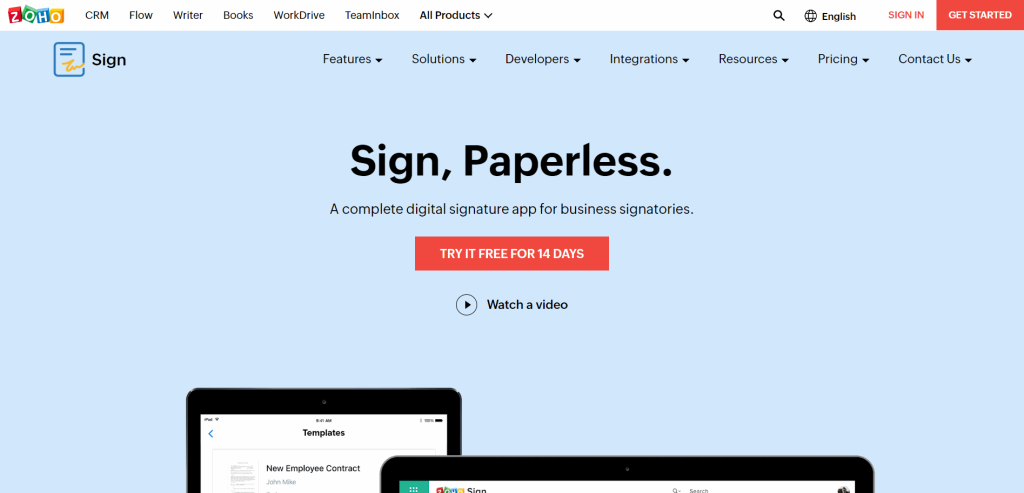
Best for: businesses already running on Zoho CRM, Zoho Desk, or other Zoho products.
Zoho Sign and PandaDoc both make it easy to create custom signature fields, but they serve different ecosystems. Zoho Sign plugs natively into the Zoho suite, which is a real advantage if your team already uses Zoho CRM or Inventory. PandaDoc handles billing and invoicing, which Zoho Sign doesn’t. On security, both platforms use 256-bit SSL encryption, and Zoho Sign adds an optional two-factor authentication layer. Both include a free tier and a 14-day free trial.
Paid plans start from $10 per user per month, billed annually, and include 25 documents per user per month, SMS recipient authentication, and priority technical support.
Key Features:
- Native integrations with the full Zoho suite
- Optional two-factor authentication
- Recipient authentication via SMS
- Audit trail tracking
- API and webhooks
Integrations:
- Zoho CRM, Desk, Inventory, and more
- Google Workspace
- HubSpot
- Microsoft 365
- Zapier
8. Xodo Sign (formerly Eversign)
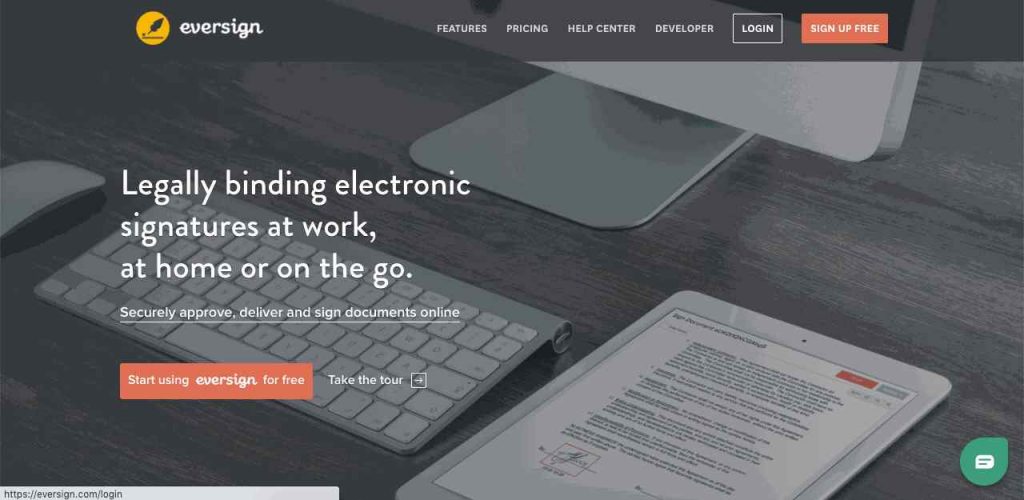
Best for: users who want a built-in PDF editor alongside their e-signature workflow.
Xodo Sign offers a built-in PDF editor as part of the platform, which sets it apart from most e-signature tools. Previously known as Eversign, it was rebranded following a broader product expansion. Most e-signature tools require a separate PDF editor, so this combination simplifies the workflow for teams that frequently edit documents before sending them out for signing. The Professional plan also includes an AI summarizer, bulk sending, unlimited templates, and custom branding. PandaDoc offers more robust workflow automation and track-record features, but Xodo Sign is the simpler choice when PDF editing is the priority.
The Basic plan costs $10 per user per month billed annually (or $20 month to month). The Professional plan costs $16 per user per month billed annually (or $32 month to month) and includes all the advanced features.
Key Features:
- Built-in PDF editor for pre-signing document edits
- AI summarizer for contract review
- Unlimited templates and bulk sending (Professional)
- In-person signing and custom branding
- AES-256 encryption with auto-expire scheduling
Integrations:
- Google Drive
- Dropbox
- OneDrive
- Evernote
- Chrome extension
9. Signeasy
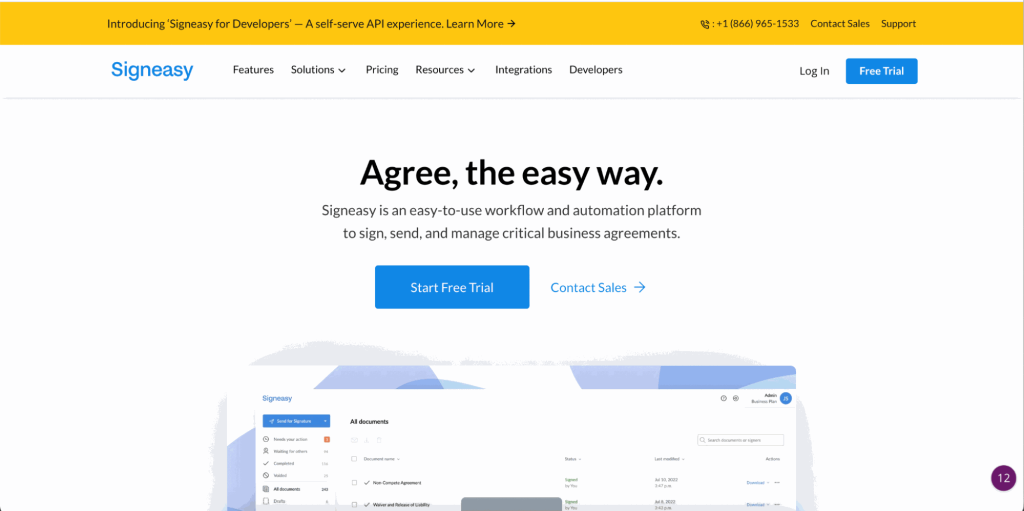
Best for: growing teams that frequently sign documents on mobile devices.
Signeasy is designed for mobile-first signing. The app works across iOS and Android, and supports signing in 24 languages, which makes it useful for international teams. PandaDoc puts more emphasis on document automation and billing, while Signeasy focuses on performance and ease of signing on the go. Both platforms provide activity tracking and document analytics for monitoring signature workflows. Signeasy backs yearly plans with a 100-day money-back guarantee.
The Personal plan costs $10 per month (1 seat, 5 contracts per month). The Business plan costs $20 per user per month, billed annually, and includes unlimited document sending and team collaboration features. The Business Pro plan at $30 per user per month adds role and permission management and priority support.
Key Features:
- iOS and Android apps optimized for mobile signing
- Support for 24 languages
- Offline signing capability
- AI-powered contract analysis (Business plan)
- 100-day money-back guarantee on annual plans
Integrations:
- Microsoft Teams
- Google Workspace
- HubSpot
- Salesforce
- Zapier
10. GetAccept
Best for: B2B sales teams who want real-time proposal tracking and live buyer engagement tools.
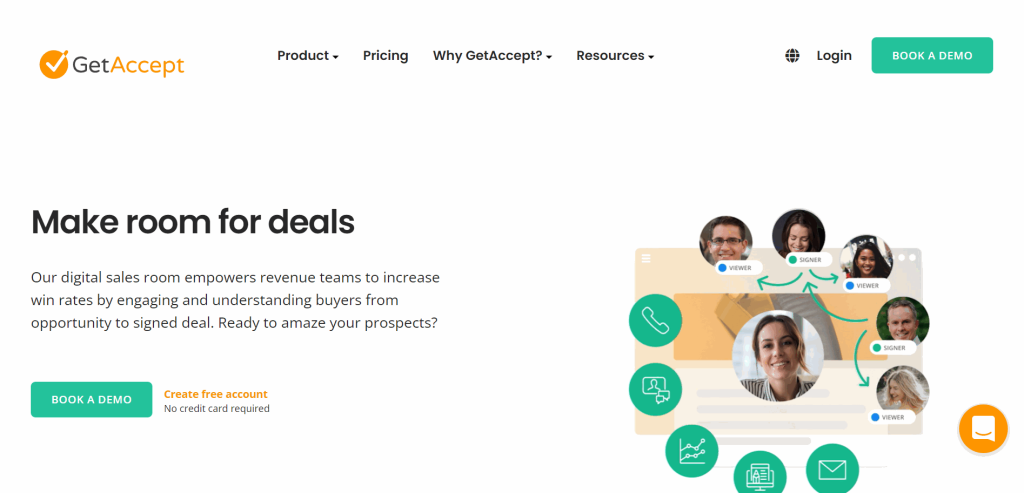
GetAccept is more than an e-signature tool. It combines proposal software with digital sales rooms, giving sales reps real-time visibility into when potential clients open documents, how long they spend on each page, and whether they’ve shared the proposal internally. A live chat feature lets reps engage with buyers during the review process, which PandaDoc doesn’t offer. GetAccept also supports video recordings in outreach and automated SMS reminders, which PandaDoc lacks. Teams that only want to see who opened a shared deck can weigh tools that track shared documents compared with DocSend before they pay for a sales room.
The eSign plan starts at $25 per user per month and covers unlimited e-signatures and templates. The Professional plan at $49 per user per month (minimum 5 users) adds the full digital sales room experience with advanced AI features and premium CRM integrations.
Key Features:
- Digital sales rooms with real-time buyer engagement tracking
- Live chat during document review
- Video recordings in outreach
- Smart templates and custom branding
- Automated SMS reminders
Integrations:
- HubSpot
- Salesforce
- Pipedrive
- Zapier
11. SignWell
Best for: regulated industries like healthcare and finance that need HIPAA and GDPR compliance without paying enterprise prices.
SignWell puts compliance front and center. The platform is built for HIPAA and GDPR requirements, which makes it a practical option in healthcare, finance, and legal contexts where PandaDoc’s compliance coverage may not be enough. Paid plans are more affordable than PandaDoc’s: the Light plan runs $10 per month (billed annually) for one sender with unlimited documents. The Business plan at $30 per month (billed annually) includes three senders and unlimited documents.
There’s also a free plan that allows one sender and three documents per month, which covers low-volume individual use.
Key Features:
- HIPAA and GDPR compliance built in
- Approval workflows and automated reminders
- Signature verification and data validation
- Reusable templates and automated form fields
- Detailed audit trail
12. PDFFiller
Best for: teams that spend a lot of time editing, filling, and signing PDF forms in a single tool.
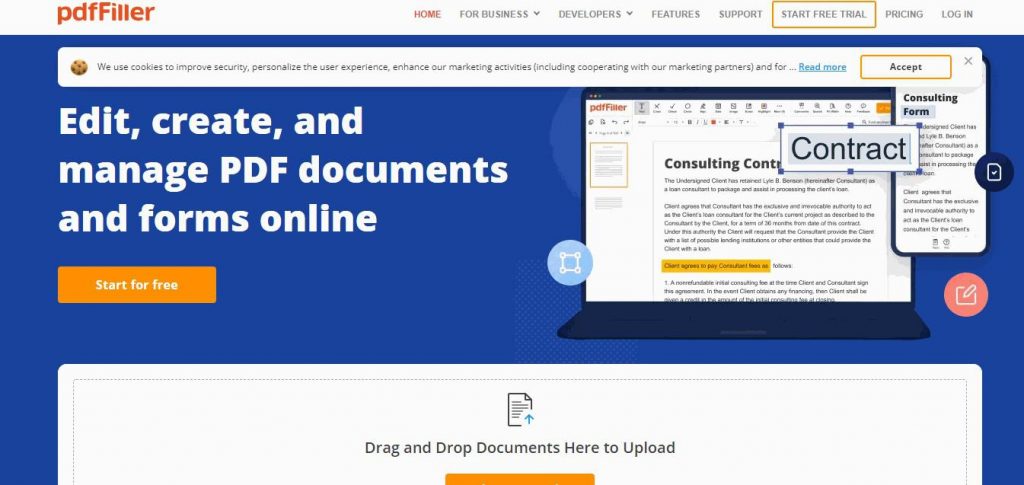
PDFFiller blends PDF editing and e-signatures rather than focusing on workflow automation like PandaDoc. You can convert, edit, and save PDFs directly in the browser, add fillable form fields, and collect signatures, without switching between apps. PandaDoc offers more robust document automation and invoice management, while PDFFiller is the better choice when PDF reading and form management is the primary need. iOS and Android apps allow offline access to your documents.
Plans start from $8 per user per month, billed annually. All plans include a 30-day free trial.
Key Features:
- PDF editing, converting, and form-filling in the browser
- Fillable form field creation
- Mobile app for offline document access
- 24-hour customer support
- 30-day free trial on all plans
Integrations:
- Google Drive
- OneDrive
- Dropbox
- Box
13. DigiSigner
Best for: individuals and small teams that need basic, reliable e-signatures with minimal setup.
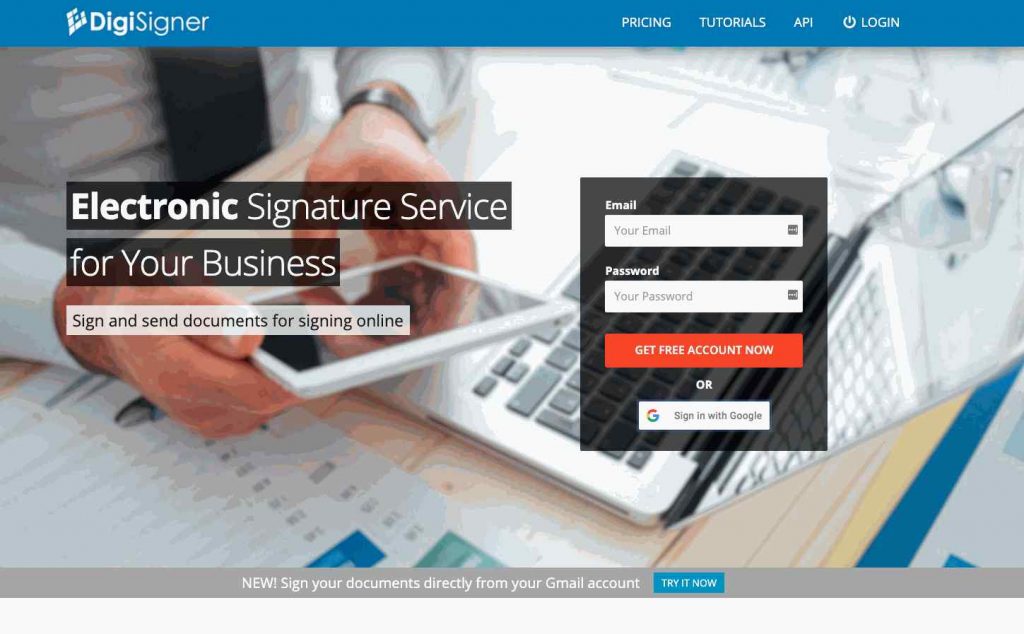
DigiSigner keeps things simple. It doesn’t have PandaDoc’s approval workflows, document automation, or integration depth, but that’s the point. It’s a focused e-signature tool without the extras. There is no free plan anymore, only a 14-day trial of the paid plans. Document storage is encrypted with 256-bit HTTPS, and users can create or upload their own signature styles.
The Pro plan runs $15 per month, billed annually ($25/month billed monthly). The Team plan costs $50 per month, billed annually, and includes sales team management tools.
Key Features:
- Free plan with 3 documents per month
- 256-bit HTTPS encrypted document storage
- Custom branding
- Reusable templates
- Option to create or upload signatures
Integrations:
- API access
14. OneSpan
Best for: large enterprises with complex identity verification and multi-step signing workflows.
OneSpan Sign (formerly E-SignLive) is built for high-security signing scenarios. It goes beyond basic e-signatures with advanced identity verification options. Users can draw signatures with a mouse or trackpad, verify signer identity via SMS, and conduct live assisted signing sessions in a virtual room. The platform offers flexible deployment as SaaS or on-premises, making it suitable for organizations with strict data residency requirements. Compared to PandaDoc, OneSpan is typically used by larger companies with more complex regulatory needs.
Pricing is quote-based through OneSpan’s sales team, and plans include unlimited templates, iOS and Android apps, and SMS-based signer identity verification.
Key Features:
- Advanced signer identity verification (SMS, email, Q&A)
- Virtual room live assistance for guided signing
- Full audit trail with timestamps
- Flexible deployment: SaaS or on-premises
- Bulk sending
Integrations:
- Salesforce
- SharePoint
- Workday
15. SignRequest
Best for: small businesses that want a straightforward, affordable e-signature solution.
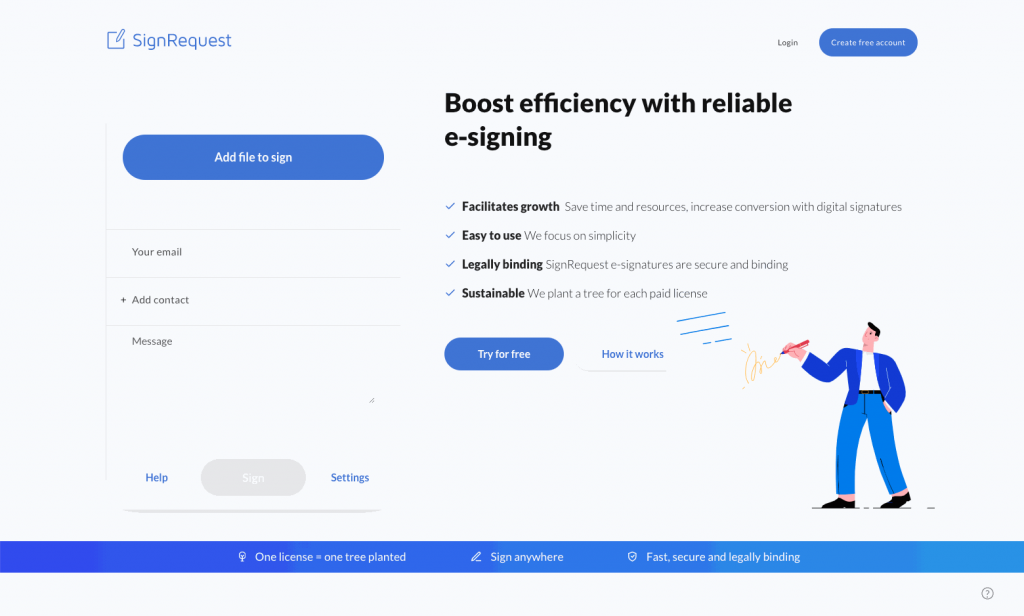
SignRequest offers a clean signing workflow that covers the essentials: document uploads, signer management, status tracking, and legally binding signatures. Both offer a free plan, with SignRequest covering 10 documents per month, and SignRequest’s paid plans are priced competitively for teams that don’t need PandaDoc’s full feature set. Custom landing pages, SMS verification, and support for 17 languages round out a capable platform for international small businesses. The Professional plan starts from $9 per user per month and includes five templates and custom branding.
Key Features:
- Support for 17 languages
- Custom landing pages for branded signing experiences
- SMS verification for signer authentication
- Document status tracking
- Legally binding signatures under ESIGN Act
Integrations:
- Zapier
- Slack
- Microsoft 365
- Google Workspace
How to Choose the Best PandaDoc Alternative
The right PandaDoc alternative depends on your primary need. If you only need legally binding signatures, focused tools like DocuSign or BoldSign ($15/user/month) are simpler and cheaper than PandaDoc ($49/user/month). If you need proposal design and interactive quoting, Proposify or Qwilr are the stronger fit, and our Qwilr alternatives guide covers that side in more detail. For all-in-one contract lifecycle management, Ironclad or DocuSign CLM cover that workflow. Six criteria help narrow the choice.
Ease of Use
The most user-friendly e-signature tools let you send a document for signing in under five minutes without any training. Read recent user reviews to see how real teams rate onboarding speed and day-to-day usability. Platforms like Signaturely and BoldSign are designed to be up and running in just a few clicks, while tools like PandaDoc and DocuSign have steeper learning curves tied to their broader feature sets.
Mobile Access
If your team signs documents in the field or works remotely, mobile capability matters. Most e-signature solutions provide mobile accessibility that lets users view, access, and sign documents from any device, which significantly improves convenience for clients and internal teams alike. Look for iOS and Android apps that allow full signing, document management, and status tracking on the go. Signeasy is purpose-built for this use case, though most platforms on this list offer mobile apps with varying depth of functionality.
Pricing and Plan Structure
The average cost of contract management software ranges from free to several hundred dollars per month, depending on features and team size. BoldSign offers 25 envelopes per month on its free version. SignWell gives one sender three documents per month. For paid plans, compare per-user pricing against flat-rate options. BoldSign’s Business plan at $15 per user per month is a strong choice for budget-conscious teams. Annual billing typically saves 20–40% compared to monthly, and volume discounts often apply for larger organizations. Factor both into your final price comparison.
Document and Signing Features
Consider whether you need more than a basic signature field. Some teams require bulk sending for high-volume contracts, reusable contract templates for recurring agreements, payment processing, or in-person signing for face-to-face transactions. PandaDoc also supports proposal creation and interactive quotes. If you need those, GetAccept and Signaturely cover parts of that workflow. If you just need clean, fast e-signatures, simpler tools like Signaturely or BoldSign keep things lean.
Security and Compliance
Electronic signatures are legally binding under the ESIGN Act in the US and eIDAS in the EU, but data security standards vary by platform. Look for AES-256 encryption to protect documents during transmission and storage, along with multi-factor authentication to ensure only authorized users access sensitive files. Comprehensive audit trails with timestamps are essential for accountability and dispute resolution, so check whether the platform records every action taken on a document. SOC 2 or ISO 27001 certifications matter for regulated industries. For healthcare, finance, and legal services, check for HIPAA compliance specifically. SignWell and OneSpan are strong picks when compliance is a hard requirement.
Integrations
Seamless integration with your existing tools eliminates data silos and minimizes duplicate entry across departments. If your team runs on Salesforce, prioritize platforms with a native Salesforce connector. For Zoho users, Zoho Sign is the obvious fit. For teams using Dropbox for file storage, Dropbox Sign saves time on uploads. Most platforms also support Zapier for connecting tools without a native integration, and a REST API is worth checking for custom workflow needs. Integration capabilities are what separate a user-friendly signing tool from one that actually fits how your business manages contracts.
FAQs
Yes, and BoldSign’s free plan gives you 25 envelopes per month at no cost, which covers most individual use cases without a subscription. SignWell’s free plan allows one sender and three documents per month. Signaturely has a free plan limited to one document per month. BoldSign’s free Essential plan covers 25 envelopes per month. None of these free tiers match PandaDoc’s proposal creation features, but for pure e-signatures they work well.
BoldSign is the most affordable direct alternative to PandaDoc. The BoldSign Business plan costs $15 per user per month with unlimited envelopes, compared to PandaDoc Business at $49 per user per month, a saving of around 63% based on publicly listed pricing as of early 2026. Xodo Sign’s Basic plan runs $10 per user per month on annual billing, and its Professional plan costs $16. SignNow starts from $8 per month for unlimited users. SignRequest’s Professional plan starts from $9 per user per month. All four are meaningfully cheaper than PandaDoc while covering core e-signature needs.
DocuSign has the edge for enterprise teams that need advanced compliance controls, extensive integrations, and a mature contract lifecycle management system. PandaDoc is better if your team needs proposal creation, document analytics, and payment collection in one tool. For straightforward e-signatures, PandaDoc is more affordable and easier to use than DocuSign’s higher tiers. The right choice depends on whether your primary need is signing speed and proposal design or enterprise-grade contract management.
PandaDoc’s main competitors in the e-signature space are DocuSign, Adobe Sign, Dropbox Sign (formerly HelloSign), SignNow, and BoldSign. For proposal and sales document software, GetAccept, Proposify, and Better Proposals are close competitors. Proposify specializes in proposal design with in-depth analytics and interactive quotes for clients. Better Proposals is known for fast, high-converting proposal templates with strong pricing table functionality. Signaturely is the stronger choice for teams that want a simpler, more affordable tool focused purely on contract signing.
PandaDoc has a free tier that includes five eSignatures and five sent documents per month, but no payment collection. It’s a solid option for individuals or very small teams who need basic document signing without a monthly fee. Paid plans unlock features like a custom content library, CRM integrations, and document analytics, starting from $19 per user per month on annual billing.
PandaDoc is best for sales teams that need proposal creation, interactive quoting, and document signing in a single platform. Its proposal templates, approval workflows, and built-in payment collection make it well suited to deal-closing workflows. Teams with complex contract negotiation needs or large sales teams with custom quote requirements will get the most out of PandaDoc. For teams that only need e-signatures without the proposal layer, a simpler tool like Signaturely or BoldSign will cost less and require less setup.
Find the Right PandaDoc Alternative for Your Team
The right choice depends on what you need most. If cost is the deciding factor, BoldSign’s affordable plans start at $5 per user per month billed yearly, and the Business plan at $15 delivers unlimited envelopes with enterprise infrastructure. For PDF-heavy work, Xodo Sign’s built-in PDF editor and $16 per user per month Professional plan are hard to argue with. Teams that want the simplest experience for managing contracts and getting clients to sign will find Signaturely the cleanest option.
If proposal design and sales enablement are your priority, GetAccept covers real-time buyer tracking and digital sales rooms, while Proposify is the stronger choice for design-heavy proposals with brand control and content libraries. Teams that need to automate responses to RFPs should look at Loopio, which is purpose-built for that specific workflow. For enterprise compliance needs, DocuSign and OneSpan remain the most robust options. Evaluate each tool against your team size, document volume, and integration requirements before committing to a plan. If you already use Proposify and are weighing a move, our Proposify alternatives guide compares current plan prices side by side.