Will Cannon is the Founder & CEO of Signaturely, the e-signature platform he launched in 2020 and bootstrapped to over 2 million users, rated 4.8/5 on G2. He started his career as a mortgage broker at 19, working with loan and closing documents long before they went digital. He writes about e-signature laws like the ESIGN Act, UETA and eIDAS, contract templates, and document signing workflows.
Table of Contents
Add a header to begin generating the table of contents
The best Juro alternatives are Contractbook, Concord and Oneflow for contract management, SpotDraft for AI review inside Word, ContractSafe for a searchable contract repository, Zoho Contracts for a free plan, PandaDoc for proposals, DocuSign and SignWell for signing and Signaturely if you only need the signing step. Juro publishes no prices, and every plan is a custom quote billed annually.
We make Signaturely and publish this site. Prices are USD list prices from each vendor’s own pages, checked October 2026. Where a vendor shows no USD figure, we leave the amount out.
Six of the tools below are contract management platforms that replace most of Juro. Four are signing or proposal tools that replace only the drafting and signing part.
Tool
Best for
Starting price
Free plan
Approvals
Signaturely
Signing contracts you already wrote
$20/mo (annual)
Yes, 1 doc/mo
No
Contractbook
Contract database for SMBs
No USD price shown
Limited, after trial
Yes, via automations
Concord
CLM with published prices
$499/mo for 5 users
No, 14-day trial
From Business
Oneflow
Approvals and signing order
$292/mo for 5 users
No, 14-day trial
Yes
SpotDraft
AI review for legal teams
Quote-based
No, demo only
Yes
ContractSafe
Repository with renewal alerts
$450/mo (annual)
No, free trial
From Finalize
Zoho Contracts
Zoho users on a budget
$25/user/mo (annual)
Yes, 3 users
Yes
PandaDoc
Proposals with signing
$19/seat/mo (annual)
Yes, 5 docs/mo
On Business
DocuSign
Signing at scale
$10/mo (annual)
No, free trial
No
SignWell
Low-cost signing
$10/mo (annual)
Yes, 3 docs/mo
No
What Juro costs and why teams switch
Juro names its plans Essentials, Growth and Enterprise, bills all of them annually and publishes no prices. Each quote depends on how many contracts you process per month, in bands from fewer than 20 to more than 1,000, plus the AI features and integrations you pick, with unlimited users on every plan. Vendr’s buyer data shows a median of about $31,164 per year and a range of $11,976 to $132,339, which are estimates and not Juro list prices.
Essentials
BillingAnnual, custom quote
Slack, email, Google Drive, Word
Growth
BillingAnnual, custom quote
HubSpot, Docusign, Greenhouse, Zapier, Ashby
Enterprise
BillingAnnual, custom quote
Salesforce, REST API, webhooks
No price before a sales call: every plan is a quote, while Concord, Oneflow, ContractSafe and Zoho Contracts publish USD prices.
Annual billing only: Juro lists no monthly option and no free trial, only a demo request.
Integrations add cost: Juro says deeper integrations such as Salesforce, HubSpot and Workday cost extra.
More platform than a small team uses: teams that send standard agreements pay for AI review, approvals and a repository they rarely open.
The 10 best Juro alternatives in 2026
Each entry lists who the tool fits, what it costs, its key features and where it falls short.
1. Signaturely
Best for
Small teams that write contracts in Word or Google Docs and only need signatures
Starting price
$20 per month, billed annually
Free plan
Yes, 1 document per month
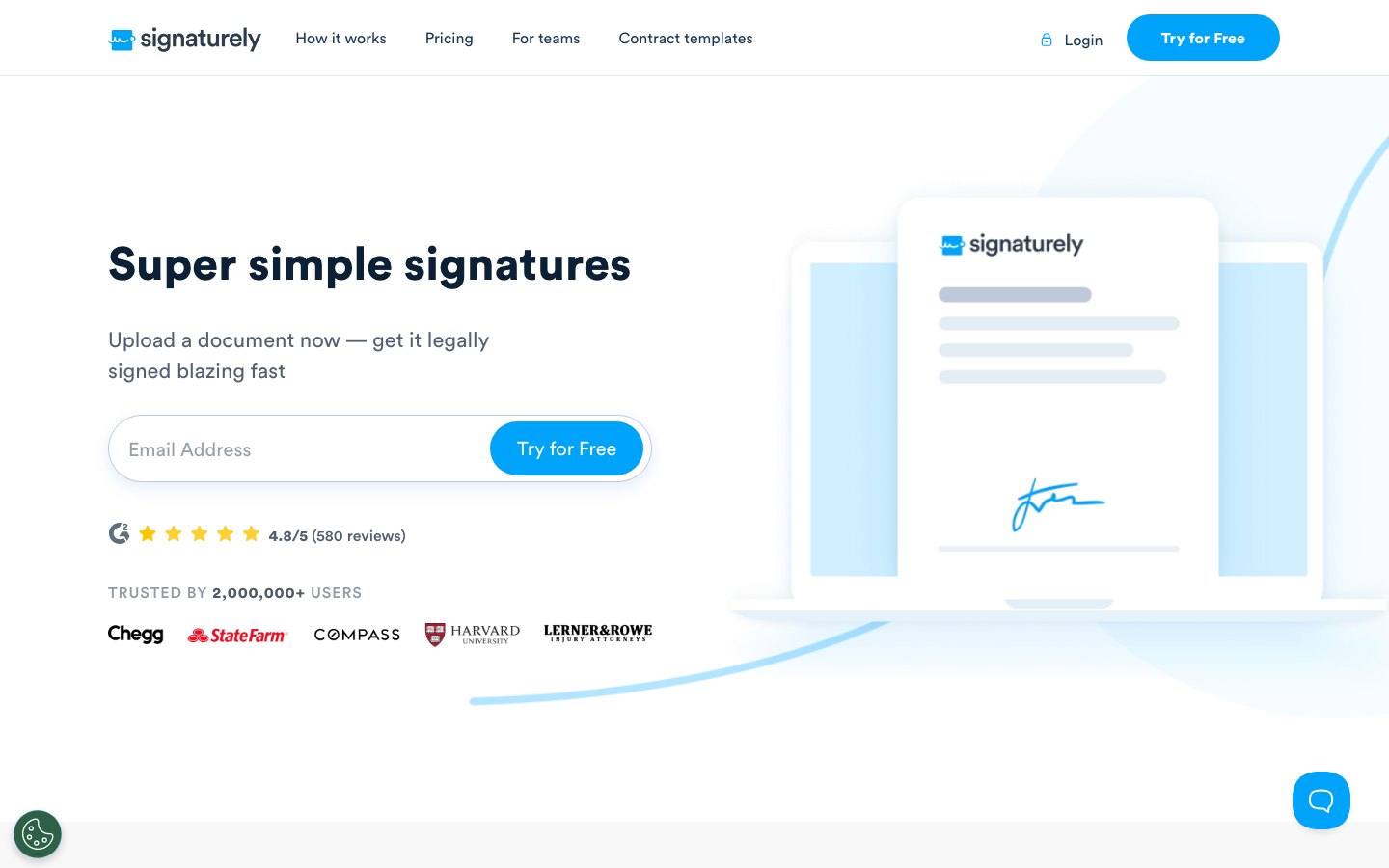
Signaturely homepage with an email field to start a free trial.
Signaturely sends documents for e-signature with templates, reminders and an audit log. It covers the signing step of Juro and nothing before it, so it fits if you only need the signing step and draft contracts elsewhere.
It has no contract repository, AI review or approvals, which suits sales agreements, NDAs and client contracts that don’t need negotiation inside the tool. Skip it if legal reviews every contract before it goes out.
Key features
✓Notifications and automatic reminders
✓Audit log and history on every plan
✓Reusable templates
✓Team management on Business
✓Custom business branding on Business
✓Google Drive, Dropbox, OneDrive and Box
Free
Annual (per month)$0
Monthly$0
1 document per month after the trial
Personal
Annual (per month)$20
Monthly$25
5 signature requests per month, 1 template
Business
Annual (per month)$40 per user
Monthly$50 per user
Unlimited requests and templates, teams, branding
✓ Pros
Free account keeps 1 document per month after the trial
Audit log and reminders included on every plan
Unlimited requests and templates on Business
✕ Cons
No contract repository, AI review or approvals
Personal caps requests at 5 per month and 1 template
Operations and sales teams at companies with 11 to 1,000 employees
Starting price
No USD price shown, larger plans by quote
Free plan
Limited free plan after a 14-day trial
Contractbook homepage with Request a demo and Start free trial buttons.
Contractbook stores every contract in a searchable repository, extracts contract data with AI and lets teams draft, negotiate and sign in one place. Unlike Juro it has a self-serve Essential plan with a 14-day full-access trial and a limited free plan afterwards.
Its pricing page shows no USD amount, and Centralize and Accelerate are quote only. Contractbook’s own comparison page says Juro suits companies with 1,000 or more employees, which is a vendor view.
Key features
✓AI data extraction from uploaded contracts
✓AI contract assistant on every plan
✓Signing order and 2-factor signing
✓No-code automations for approvals and reminders
✓Task reminders for contract obligations
✓Version history, commenting and audit trail
Essential
What it includes1 user, 5 templates, 100 signed contracts per year
Centralize
What it includes5 users, 15 templates, 350 signed contracts per year, AI extraction
Accelerate
What it includes10 users, 25 templates, 500 signed contracts per year, automations
Custom
What it includesCustom flows and integrations
✓ Pros
14-day full-access trial with no credit card
SOC 2 Type II and GDPR compliance listed
AI data extraction turns old PDFs into searchable fields
✕ Cons
Centralize and Accelerate are quote only with no USD price shown
Signed contracts capped at 100 to 500 per year depending on plan
Salesforce, API, Zapier and Make are paid add-ons on lower plans
3. Concord
Best for
Teams of 5 to 10 that want a contract workflow with a published price
Starting price
$499 per month, paid annually, 5 users included
Free plan
No, 14-day trial without a credit card
Concord homepage with a contract list from its interactive demo.
Concord combines a contract repository, AI Copilot and extraction, online redlining and unlimited e-signatures. Unlike Juro it publishes flat monthly plan prices with 5 users included and AI on every plan.
The flat fee suits a team of 5 to 10 people better than a solo user, so a freelancer pays more here than a signing tool costs. Approval workflows and integrations start on the $899 Business plan.
Key features
✓Unlimited e-signatures and documents on all plans
✓AI Copilot and data extraction included
✓Online redlining with version control
✓Deadline and renewal reminders
✓Intake forms and approval workflows from Business
✓MCP access in ChatGPT and Claude
Essentials
Annual (per month)$499
Extra user$49
AI Copilot, unlimited e-signatures and guests
Business
Annual (per month)$899
Extra user$69
Intake forms, approvals, Salesforce and HubSpot
Enterprise
Annual (per month)$1,299
Extra user$89
Clause library, bulk send, open API, branding
✓ Pros
Published USD prices with 5 users included
Unlimited e-signatures, documents and free guests
14-day trial without payment details
✕ Cons
Entry price of $499 per month is high for 1 or 2 users
Approval workflows and integrations start at the $899 Business plan
Plans are paid annually only
4. Oneflow
Best for
Sales and HR teams that want approvals and signing order without a long sales process
Starting price
$292 per month for 5 users, billed annually
Free plan
No, 14-day trial without a credit card
Oneflow homepage with a contract list showing signed, pending and draft stages.
Oneflow builds contracts as live documents with approvals, inline comments, e-signatures and lifecycle notifications. Unlike Juro it shows a public starting price for its Business plan and offers a 14-day self-serve trial.
Published plans are billed annually only, and eID signatures and AI Review cost extra. SSO and shared templates need Enterprise, a custom quote with 10 users included.
Key features
✓Approvals before signing
✓Signing order and eID signing (paid extra)
✓Inline comments inside the contract
✓Lifecycle rules with automated notifications
✓AI Extract and AI Summary
✓Webhooks on the Business plan
Business
Annual price$292 per month
Users5
Approvals, signing order, webhooks, AI Extract
Enterprise
Annual priceCustom quote
Users10
SSO, SCIM API, shared templates, user groups
✓ Pros
Public USD starting price of $292 per month for 5 users
14-day trial with no credit card
Approvals and lifecycle rules already on the entry plan
✕ Cons
Billed annually only on published plans
eID signatures and AI Review cost extra
SSO and shared templates need the quote-only Enterprise plan
5. SpotDraft
Best for
In-house legal teams that want AI review inside Word with setup done for them
Starting price
Quote-based, priced by users or contract volume
Free plan
No, demo request only
SpotDraft homepage presenting its AI-native CLM for in-house legal teams.
SpotDraft is an AI-native contract lifecycle platform with templates, workflows, a Word add-in for AI review called VerifAI, a repository, clickwrap and native e-signatures. It covers the same jobs as Juro for in-house legal teams.
Like Juro it is quote only, but it lets you price by users or by contract volume and includes implementation and legacy contract migration at no extra fee. Skip it if you run a small sales team, because it is built for legal departments.
Key features
✓VerifAI contract review inside Microsoft Word
✓Conditional templates and approval workflows
✓Repository pulls 1,000+ metadata types with AI
✓Native e-signatures compliant with ESIGN and eIDAS
✓Clickwrap and Legal Hub for online terms
✓Legal intake and contract analytics
✓ Pros
Implementation and contract migration included with no extra fee
Choice of pricing by users or by contract volume
30+ integrations including SharePoint, OneDrive, Jira and Okta
✕ Cons
No published prices
No free plan or self-serve trial listed
Built for in-house legal teams, more than small sales teams need
6. ContractSafe
Best for
Small legal and finance teams that mainly need a searchable repository with renewal alerts
Starting price
$450 per month, prepaid annually, up to 100 contracts
Free plan
No, free trial
ContractSafe homepage for its AI-enabled contract management software.
ContractSafe is a contract repository with AI data extraction, AI contract chat, reminders and reports, with redlining, approvals and e-signature from the Finalize plan. Unlike Juro it publishes USD prices and includes unlimited users and migration on every plan.
The price rises with the number of active contracts, from $450 per month for up to 100 contracts on Organize to $1,200 for 5,001 to 10,000. Monthly plans need a credit card, while annual plans can be invoiced.
Key features
✓AI data extraction and AI contract chat
✓Unlimited reminders and date alerts
✓Custom dashboards and reports
✓Redlining and approvals from Finalize
✓AI contract review on Maximize
✓Free data and document migration
Organize
Annual (per month)$450
Monthly$540
Repository, AI extraction, reminders
Finalize
Annual (per month)$660
Monthly$792
Redlining, approvals, e-signature, DocuSign
Maximize
Annual (per month)$815
Monthly$978
Templates, intake forms, AI review, Salesforce
✓ Pros
Published USD prices with unlimited users
Onboarding, migration and a dedicated success manager on every plan
No implementation charge
✕ Cons
E-signature and approvals start at $660 per month on Finalize
Templates, intake forms and AI review only on Maximize
Price climbs with the number of active contracts
7. Zoho Contracts
Best for
Small businesses on Zoho that want approvals and e-signature at a per-user price
Starting price
$25 per user per month, billed annually
Free plan
Yes, 3 users and 10 contracts
Zoho Contracts product page with a sign-up form for the 15-day free trial.
Zoho Contracts covers drafting from templates and a clause library, approval workflows, counterparty negotiation through secure links, e-signature through built-in Zoho Sign and obligation tracking. Unlike Juro it has a free plan for 3 users and published per-user prices.
A 15-day trial moves to the free plan when it ends, with no card needed. Standard caps contracts at 25 per user per month, and the Zoho CRM integration needs Professional.
Key features
✓Clause library with pre-approved language
✓Configurable approval workflows
✓Counterparty redlining through password-protected links
✓E-signature through built-in Zoho Sign
✓Obligation tracking with reminders
✓35+ downloadable contract reports
Free
Annual (per user per month)$0
Monthly$0
3 users, 10 contracts, 2 templates
Standard
Annual (per user per month)$25
Monthly$30
25 contracts per user per month, 14 templates
Professional
Annual (per user per month)$40
Monthly$48
Unlimited contracts, obligations, Zoho CRM
Premium
Annual (per user per month)$50
Monthly$60
Audit records, in-person signing, ChatGPT
✓ Pros
Free plan for 3 users
Per-user prices from $25 per month on annual billing
Zoho Sign included at no extra cost
✕ Cons
Standard caps contracts at 25 per user per month and 500 counterparties
Zoho CRM integration needs Professional or higher
Few integrations outside the Zoho suite
8. PandaDoc
Best for
Sales teams that send proposals, quotes and contracts with tracking and signing
Starting price
$19 per seat per month, billed annually
Free plan
Yes, 5 documents per month
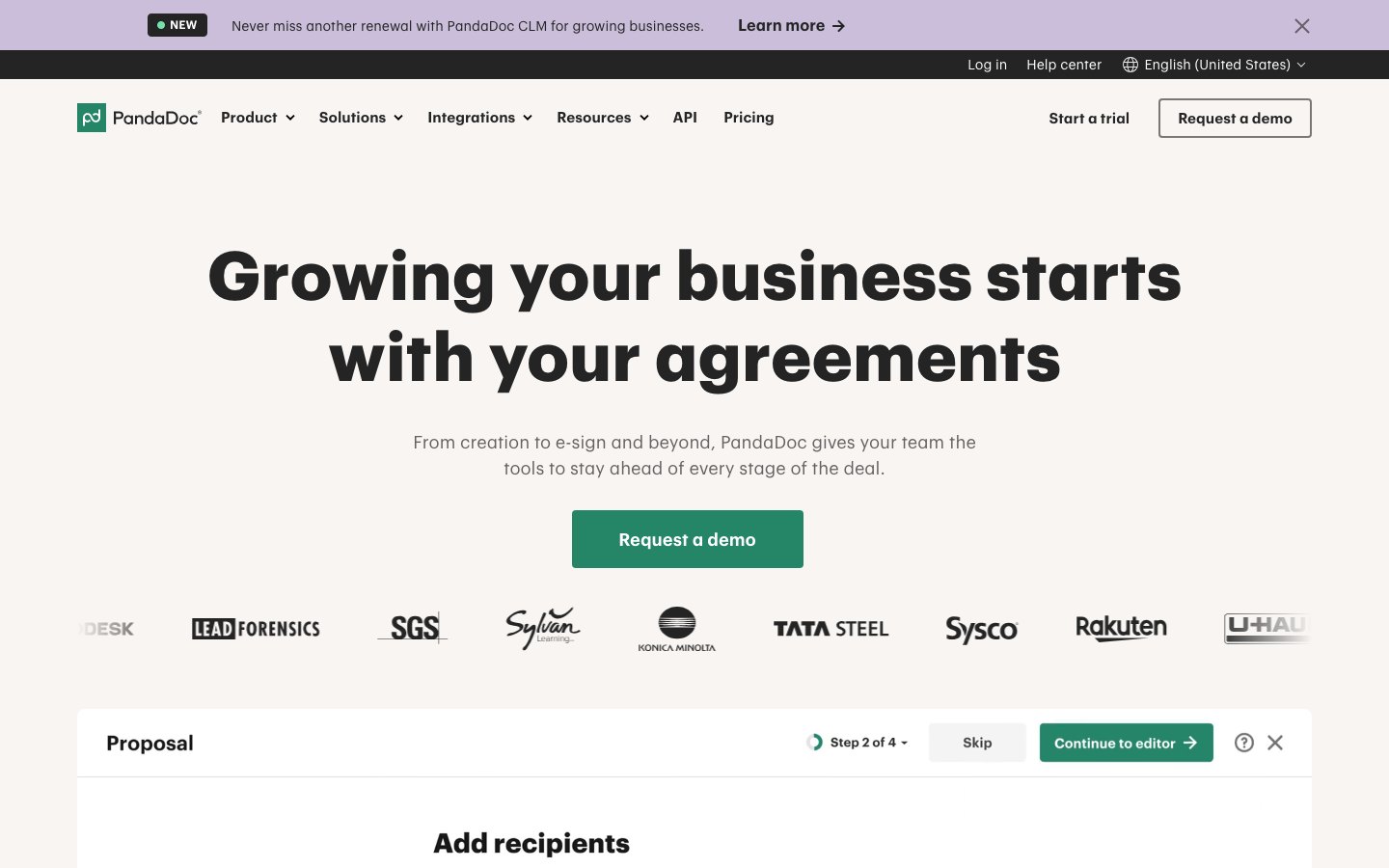
PandaDoc homepage with a demo request button and the Add recipients step of a proposal.
PandaDoc is a document builder for proposals, quotes and agreements with e-signature, tracking and CRM integrations. It is priced per seat with a free plan, while Juro is quote only and built around legal review and a contract repository.
Its Free, Starter and Business plans are built for sales documents rather than legal review, so it replaces Juro for standard agreements and not for negotiated ones. Free and Starter cap you at 5 templates.
Key features
✓Drag and drop document editor
✓Real-time tracking and notifications
✓Custom quotes and deal rooms on Business
✓Approval workflows on Business
✓Content library and branding
✓AI assistants via MCP (beta)
Free
Annual (per seat per month)$0
Monthly$0
5 documents per month, up to 5 templates
Starter
Annual (per seat per month)$19
Monthly$35
Unlimited uploads and e-signatures, up to 5 templates
Companies that want a widely used signing tool with a large integration catalog
Starting price
$10 per month, billed annually
Free plan
No, free trial offered
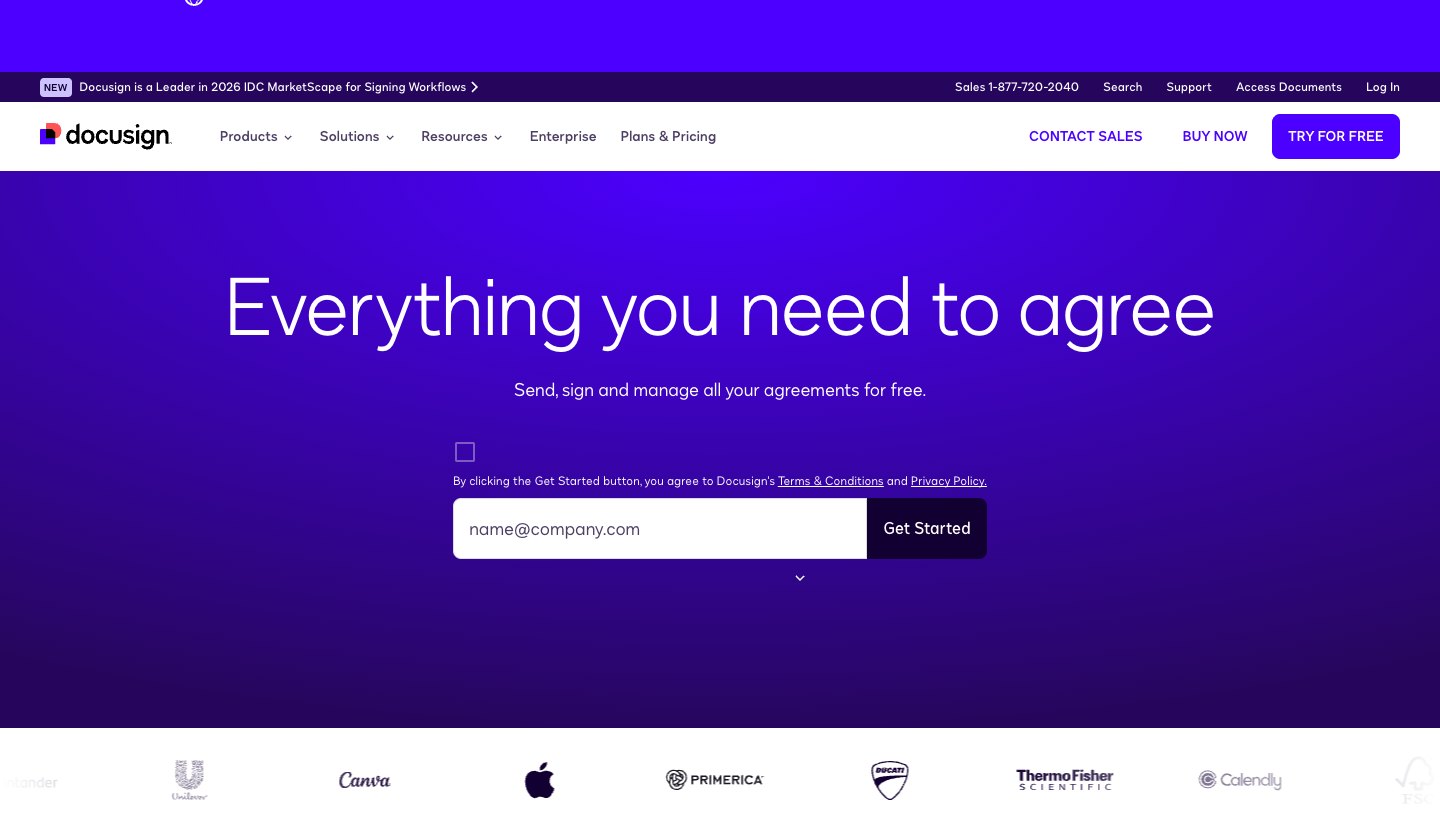
Docusign homepage with an email field to start a free trial.
DocuSign eSignature sends, signs and stores agreements with templates and over 1,000 integrations. It is a signing product first, and its contract lifecycle tools are sold separately as Docusign IAM.
Juro integrates with DocuSign from its Growth plan, so some teams keep both. Envelopes are capped at 5 per month on Personal and 100 per user per year on Standard and Business Pro.
Key features
✓Reusable templates on every plan
✓Bulk send on Business Pro
✓Web forms and payments during signing
✓Delegated signing on Standard
✓SMS delivery and ID verification add-ons
✓Over 1,000 integrations
Personal
Annual (per month)$10
Monthly$15
1 user, 5 envelopes per month
Standard
Annual (per month)$25 per user
Monthly$45 per user
100 envelopes per user per year, shared templates
Business Pro
Annual (per month)$40 per user
Monthly$65 per user
Web forms, bulk send, payments, conditional fields
✓ Pros
Over 1,000 integrations listed on the pricing page
Personal plan from $10 per month on annual billing
Juro and most contract tools integrate with it
✕ Cons
Envelope caps of 5 per month on Personal and 100 per user per year above it
No contract repository or AI review on eSignature plans
Monthly billing costs up to 80% more than annual on Standard
Freelancers and small teams that send a few contracts a month
Starting price
$10 per month, billed annually
Free plan
Yes, 3 documents per month
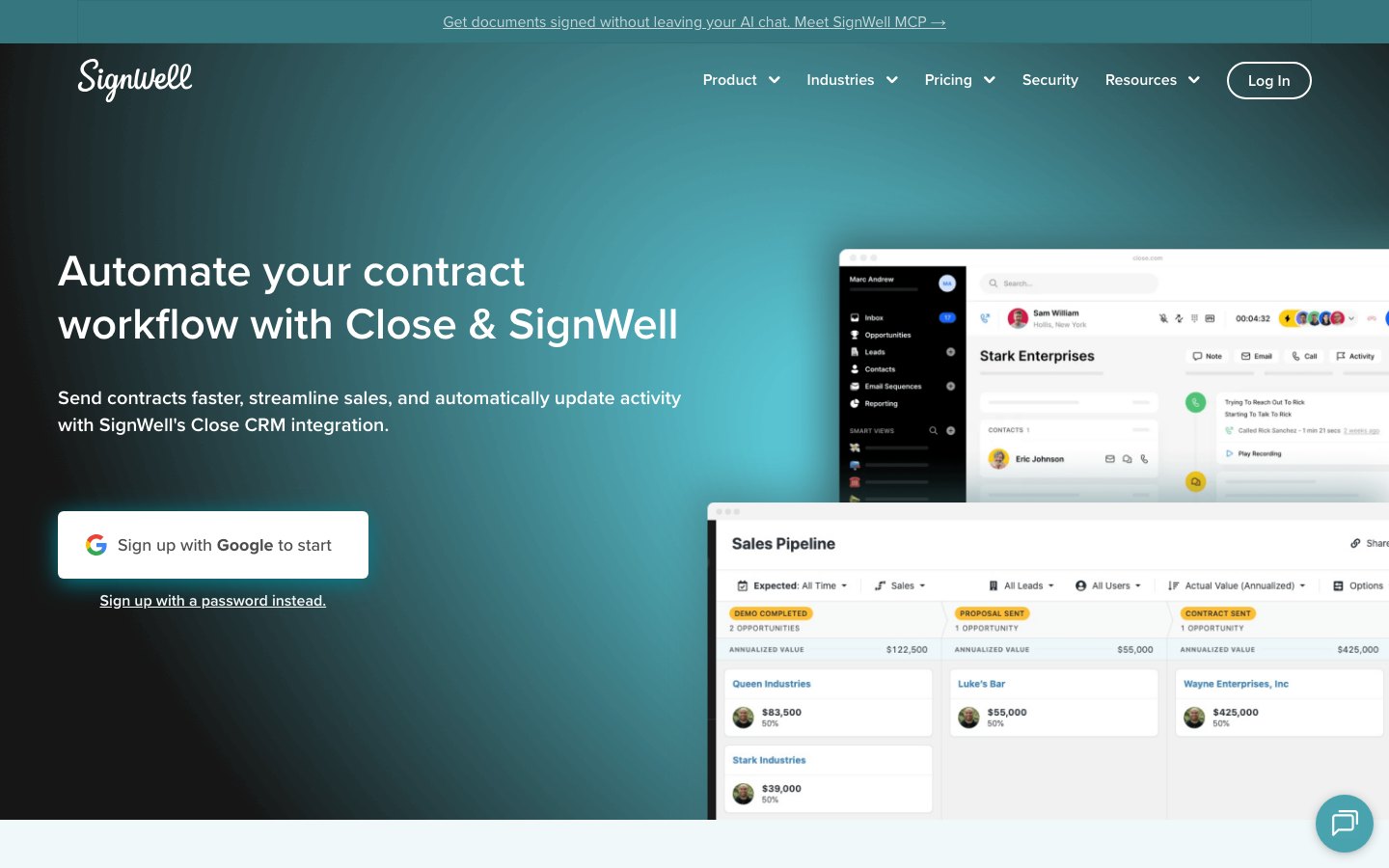
SignWell homepage promoting its Close CRM integration with a Google sign-up button.
SignWell is an e-signature tool with templates, bulk send and an API on every plan. It has no repository, approvals or AI review, so it replaces only the signing step of Juro.
Light covers 1 sender with unlimited documents and 5 templates, and Business includes 3 senders with unlimited templates. A legal team that negotiates terms outgrows it.
Key features
✓Unlimited documents from the Light plan
✓Bulk send and template links
✓Conditional field rules and data validation
✓In-person signing
✓API with 25 free documents per month
✓SOC 2 Type II report on paid plans
Free
Annual (per month)$0
Monthly$0
1 sender, 1 template, 3 documents per month
Light
Annual (per month)$10
Monthly$12
1 sender, 5 templates, unlimited documents
Business
Annual (per month)$30
Monthly$36
3 senders, unlimited templates, SMS credits
✓ Pros
Free plan with 3 documents per month
Light costs $10 per month on annual billing with unlimited documents
API included on every plan with 25 free documents per month
✕ Cons
No contract repository, approvals or AI review
Free plan allows only 1 template
Few native integrations, most connections run through Zapier
Start with whether anyone negotiates terms inside the tool, because that splits contract platforms from signing tools.
Reviewing and redlining contracts with AI: SpotDraft or Contractbook against a Juro quote, Concord if you want a published price.
A contract workflow with a price on the page: Concord from $499 per month or Oneflow from $292 per month, both for 5 users.
A searchable archive with renewal alerts: ContractSafe, with unlimited users on every plan.
A free start on contract management: Zoho Contracts for up to 3 users.
Proposals and quotes that get signed: PandaDoc.
Only the signing step: Signaturely or SignWell for small volumes, DocuSign for its integration catalog.
Good to know
Several pricing pages here, including DocuSign, Zoho and Contractbook, switch currency by visitor location, so confirm the USD figure before you compare. Only the contract management tools keep tracking a contract after signature, so decide first whether you need that.
Juro stays a sensible pick for in-house legal teams that want business teams to self-serve contracts from templates legal controls, with unlimited users on every plan. The alternatives win when you want a published price or only part of the platform.
Only need the signing step?
Upload a finished contract from Word or Google Docs, add signature fields and send it with reminders and an audit log. The free plan keeps 1 document per month after the trial.
Juro lists no prices, and every plan is a custom quote billed annually and based on contract volume, AI features and integrations. Vendr’s buyer data shows a median of about $31,164 per year, which describes deals other companies signed, not Juro’s list price.
What plans does Juro offer?
Juro names its plans Essentials, Growth and Enterprise, all billed annually with unlimited users. Growth adds integrations such as HubSpot and Zapier, and Enterprise adds Salesforce, a REST API and webhooks.
Is there a free version of Juro?
Juro’s pricing page offers a demo request and lists no free plan or free trial. Zoho Contracts has a free plan for 3 users, and SignWell’s free plan covers 3 documents per month.
What is a cheaper alternative to Juro?
Signing tools cost the least, with SignWell Light at $10 per month on annual billing and PandaDoc Starter at $19 per seat. For contract management, Zoho Contracts starts at $25 per user per month and Oneflow at $292 per month for 5 users.
Does Juro include e-signature?
Juro includes native e-signature in its platform and also integrates with DocuSign. Teams that only need signing can use a dedicated tool such as Signaturely or SignWell at a much lower published price.
Do small teams need a contract management tool like Juro?
Small teams that send a few standard agreements a month can usually skip one, because a signing tool with templates covers the job. A contract management platform pays off once many contracts need approvals, negotiation or tracking after signature.
Table of Contents
Add a header to begin generating the table of contents