Will Cannon is the Founder & CEO of Signaturely, the e-signature platform he launched in 2020 and bootstrapped to over 2 million users, rated 4.8/5 on G2. He started his career as a mortgage broker at 19, working with loan and closing documents long before they went digital. He writes about e-signature laws like the ESIGN Act, UETA and eIDAS, contract templates, and document signing workflows.
Table of Contents
Add a header to begin generating the table of contents
The best DocSend alternatives are Papermark for tracked links on a free plan, Peony and Digify for data rooms, PandaDoc and Qwilr for proposals that get signed, Paperflite for sales content in the CRM, Box for storage with signing, Locklizard Safeguard for PDFs that stay protected after download and Signaturely if the deck or contract only needs signatures. DocSend starts at $10 per user per month on annual billing and has no permanent free plan.
We make Signaturely and publish this site. Prices are USD list prices from each vendor’s own pages, checked October 2026. Where a vendor shows no USD figure, we leave the amount out.
Quick picks
Best if the deck or contract only needs signaturesSignaturely
Four of the tools below share and track documents like DocSend, two build proposals and the rest cover storage, PDF protection or the signing step alone.
Tool
Best for
Starting price
Free plan
Data rooms
Signaturely
Getting decks and contracts signed
$20/mo (annual)
Yes, 1 doc/mo
No
Papermark
Free tracked links, self-hosting
Listed in euros only
Yes, 50 documents
Data Rooms plan
Peony
Data rooms on a budget
$30/admin/mo (annual)
Yes, 50 documents
From Business
Digify
Protection after download
$140/mo (annual)
No, free trial
Every plan
PandaDoc
Proposals with tracking and signing
$19/seat/mo (annual)
Yes, 5 docs/mo
Sales rooms on Business
Qwilr
Proposals as web pages
$35/user/mo (annual)
No, 14-day trial
No
Paperflite
Sales content inside the CRM
$27.50/user/mo (annual)
No, demo only
On Advanced
Box
Storage with basic signing
From $5/user/mo
Yes, 10 GB
No
Locklizard Safeguard
PDF copy protection
Quote-based
No, 10-day trial
No
What DocSend costs and why teams switch
DocSend, part of Dropbox, lists 4 paid plans from $10 per user per month on annual billing to $180 per month for Advanced Data Rooms, and annual billing saves up to 40%. The USD prices below come from DocSend’s pricing page as captured in August 2026, because the live page now shows prices in the visitor’s local currency.
Personal
Annual (per month)$10 per user
Monthly$15 per user
Document analytics, 4 e-signatures per month, 10 GB
2,000 assets per room, diligence tracking, audit log
No free plan: after the 14-day trial you pay to keep sharing, while Papermark and Peony have free tiers.
Data rooms are a big jump: watermarks and NDAs need Advanced at $150 per month for 3 users on annual billing.
Signing is capped on Personal: 4 e-signatures per user per month, and unlimited signing needs Standard at $45.
One job, three bundled: many teams only track decks or only collect signatures and pay for the rest.
The 9 best DocSend alternatives in 2026
Each entry lists who the tool fits, what it costs, its key features and where it falls short.
1. Signaturely
Best for
Teams that share decks elsewhere and only need contracts signed
Starting price
$20 per month, billed annually
Free plan
Yes, 1 document per month
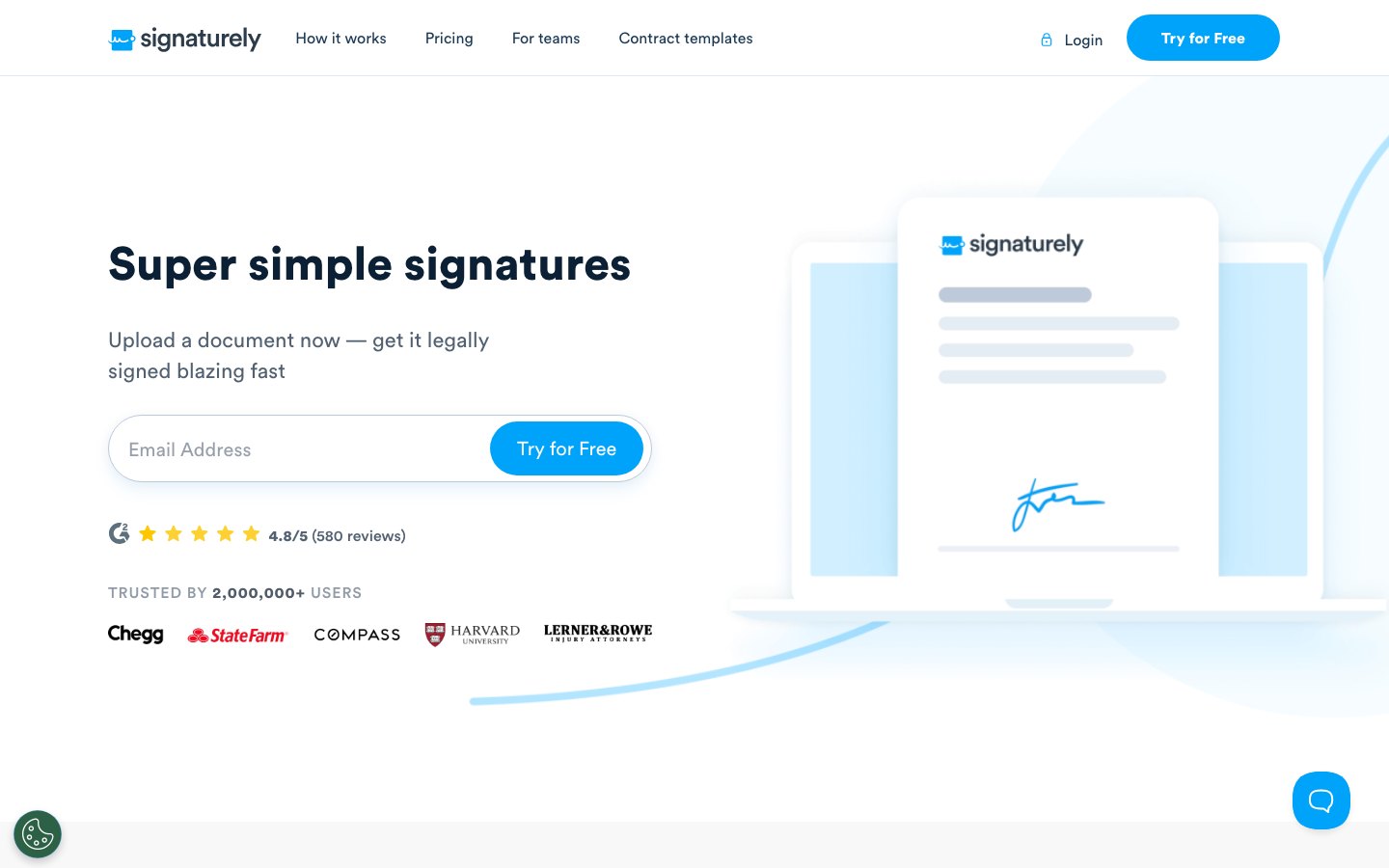
Signaturely homepage with an email field to start a free trial.
Signaturely is an e-signature tool for sending documents for signature with templates, reminders and an audit log. It replaces the signing part of DocSend and leaves out link analytics and data rooms, so it fits when the deck or contract only needs signatures.
DocSend Personal caps e-signatures at 4 per user per month, while Signaturely Business includes unlimited signature requests. Skip it if you need to see which pages an investor read, because Signaturely has no page analytics.
Key features
✓Unlimited signature requests on Business
✓Reusable templates
✓Notifications and automatic reminders
✓Audit log and document history
✓Team management and custom branding (Business)
✓Google Drive, Dropbox, OneDrive and Box
Free
Annual (per month)$0
Monthly$0
1 document per month after the trial
Personal
Annual (per month)$20
Monthly$25
5 signature requests per month, 1 template
Business
Annual (per month)$40 per user
Monthly$50 per user
Unlimited requests and templates, teams, branding
✓ Pros
Free plan keeps 1 document per month after the trial
Business includes unlimited requests and templates
Imports from Google Drive, Dropbox, OneDrive and Box
✕ Cons
No document analytics or data rooms
Personal caps you at 5 signature requests and 1 template
Founders who want DocSend style tracked links for free or self-hosted
Starting price
Paid plans listed in euros on the vendor page
Free plan
Yes, 50 documents and 50 links
Papermark homepage with a Start for free button for data rooms and document sharing.
Papermark is an open source DocSend alternative with page by page analytics, custom domains and data rooms. Because the code is open source you can self-host it, and the free plan covers 1 user with 50 documents, 50 links and unlimited visitors.
It has no built-in e-signature, so pair it with a signing tool when a contract needs signatures. Papermark publishes its prices in euros only, so check the amount in your billing currency before you compare.
Key features
✓Page by page analytics with unlimited visitors
✓Open source code with a self-hosting option
✓Data rooms with NDA gating and watermarks
✓Custom domains for shared links
✓Q&A module and audit log on higher tiers
✓API, CLI and MCP server access
Free
Users1
50 documents, 50 links, unlimited visitors
Pro
Users1
100 documents, custom branding, video
Business
Users3
1,000 documents, custom domain, screenshot protection, API
Data Rooms
Users3
Unlimited data rooms, NDAs, dynamic watermark
✓ Pros
Free plan with 50 documents and 50 links
Self-hosting available because the code is open source
7-day Data Rooms Plus trial without a credit card
✕ Cons
No built-in e-signature
Prices published in euros only
Data rooms start on the third paid tier
3. Peony
Best for
Startups and small deal teams that want a data room with a free entry plan
Starting price
$30 per admin per month, billed annually
Free plan
Yes, 50 documents, no data rooms
Peony homepage with a Start now for free button for its virtual data room.
Peony is a data room with page level analytics, NDA gating, dynamic watermarks, e-signatures and AI tools for Q&A and redaction. It prices per admin, and viewers are unlimited and free on every plan.
Unlike DocSend it has a free plan, but that plan holds 50 documents, keeps analytics for 30 days and has no data rooms. Data rooms start on Business with 3 rooms per admin, and unlimited rooms need the Data Room plan.
Key features
✓Page level analytics with unlimited viewers
✓NDA gating with countersigning
✓Dynamic watermarks and screenshot protection
✓Built-in e-signatures
✓AI Q&A, extraction and redaction
✓Data room audit trail and permissions
Free
Annual (per admin per month)$0
Monthly$0
50 documents, 3 e-signatures per month
Business
Annual (per admin per month)$30
Monthly$44
1,000 documents, 3 data rooms, unlimited e-signatures
Unlimited data rooms from $52 per admin per month on annual billing
✕ Cons
Free plan keeps analytics for only 30 days
Deal Team plan requires 4 admins
No CRM or cloud storage integrations named on the pricing page
4. Digify
Best for
Fundraising and M&A teams that need protection after download
Starting price
$140 per month, billed annually
Free plan
No, free trial without a credit card
Digify product page for its virtual data room.
Digify combines document sharing, virtual data rooms and rights management, with file tracking down to location and IP address. Its Team plan adds Persistent Protection after Download and Screen Shield, which DocSend does not offer.
It costs more than DocSend at entry, and Pro covers 1 user, 3 data rooms and 50 guests. Skip it if you only share a deck now and then, because the data room features are what you pay for.
Key features
✓Virtual data rooms with folder permissions
✓Dynamic watermarks and Screen Shield
✓Persistent Protection after Download
✓File expiry and access revocation
✓Tracking with location and IP address
✓Custom NDA and terms of access
Pro
Annual (per month)$140
Monthly$190
1 user, 3 data rooms, 50 guests, 100 GB
Team
Annual (per month)$350
Monthly$500
3 users, 10 rooms, Screen Shield, Q&A
Business
Annual (per month)$1,500
Monthly$2,000
5 users, unlimited rooms, white-label URL, SSO
✓ Pros
Prices published in USD with 30% off annual billing
Protection after download on the Team plan
Dropbox, Google Drive, OneDrive and Box sync on every plan
✕ Cons
Entry Pro plan costs $140 per month on annual billing
Pro limits you to 3 data rooms and 50 guests
Dynamic watermark is an add-on on Pro
5. PandaDoc
Best for
Teams that create, send, track and sign proposals and contracts in one tool
Starting price
$19 per seat per month, billed annually
Free plan
Yes, 5 documents per month
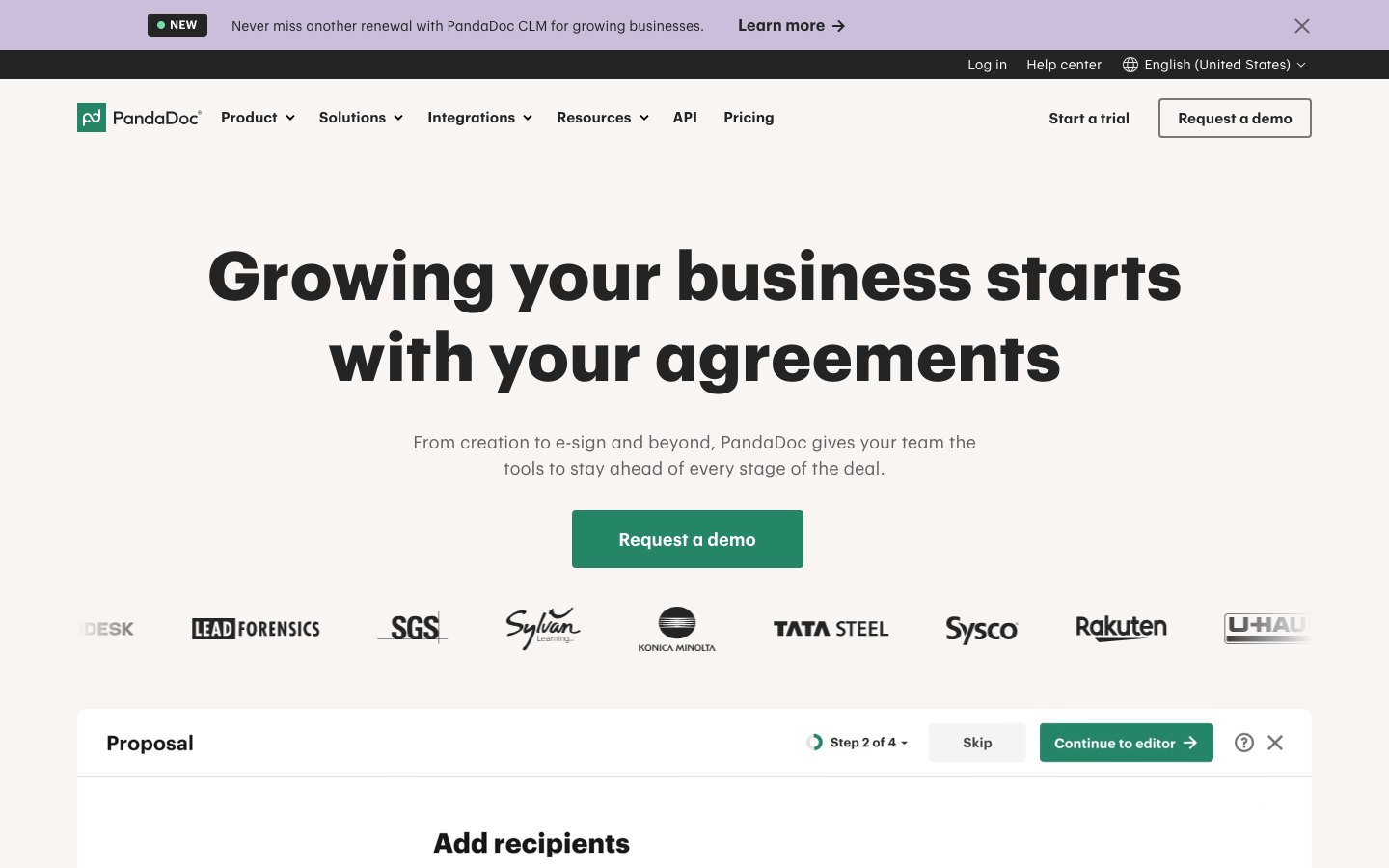
PandaDoc homepage with a demo request button and the Add recipients step of a proposal.
PandaDoc combines a document editor, templates, recipient analytics and e-signatures. DocSend tracks files you made elsewhere, while PandaDoc is where you build the proposal, send it and collect the signature.
Business lists sales rooms, up to 3 in the plan comparison, but the pricing page shows no NDA gating or dynamic watermarks, so it replaces DocSend for proposals and contracts rather than due diligence. Free and Starter cap you at 5 templates.
Key features
✓Drag and drop editor with rich media
✓Real-time tracking and recipient analytics
✓Unlimited e-signatures from Starter
✓Pricing tables and payment collection
✓Approval workflows and rooms on Business
✓Audit trail and auto reminders
Free
Annual (per seat per month)$0
Monthly$0
5 documents per month, up to 5 templates
Starter
Annual (per seat per month)$19
Monthly$35
Unlimited uploads and e-signatures, up to 5 templates
Sales teams that send proposals and quotes as interactive web pages
Starting price
$35 per user per month, billed annually
Free plan
No, 14-day trial without a credit card
Qwilr homepage with a Try it free button and a note on the 14-day free trial.
Qwilr builds proposals, quotes and agreements as web pages with engagement analytics, e-signatures and in-page payments through QwilrPay. Like PandaDoc it is where you create the document, while DocSend tracks files you already made.
Qwilr documents are web pages, not PDFs, which suits buyers who click through and hurts anyone who needs a fixed file for a lawyer or investor. Starter keeps 60 days of analytics history, and the monthly Starter plan includes no free documents.
Key features
✓Web page proposals built from templates
✓Engagement analytics and view alerts
✓E-signatures and agreements
✓QwilrPay payments inside the proposal
✓Password protection on proposals
✓Quote builder with pricing tables
Starter
Annual (per user per month)$35
Monthly$49
40 documents on annual billing, 60 days of analytics
HubSpot, Zoho and Pipedrive integrations on Starter
✕ Cons
Starter keeps only 60 days of analytics history
Monthly Starter includes no free documents, extra ones cost $2.50 each
Growth needs 5 seats and Scale 10 seats on annual billing
7. Paperflite
Best for
B2B sales and marketing teams that track content engagement inside the CRM
Starting price
$27.50 per user per month, billed annually, 5 users minimum
Free plan
No, demo only
Paperflite homepage with its content, collection and AI sales tools.
Paperflite is a content hub where sellers find, personalize and share sales collateral as microsites and track engagement per asset. It goes past DocSend with CRM sync, AI content recommendations and digital deal rooms.
It is sold per user with a demo instead of a self-serve trial, and annual prices need at least 5 users. Skip it if you are a solo founder sharing one deck.
Key features
✓Searchable content hub for sales teams
✓Personalized content microsites
✓Per-asset engagement analytics
✓Digital deal rooms on Advanced
✓AI content recommendations
✓Engagement analytics inside the CRM
Starter
Annual (per user per month)$27.50
Monthly$30
Content hub, microsites, per-asset analytics
Professional
Annual (per user per month)$47.50
Monthly$50
CRM, Gmail and Outlook, in-CRM analytics, SSO
Advanced
Annual (per user per month)$57
Monthly$60
AI recommendations, digital deal rooms
✓ Pros
Published USD prices from $27.50 per user per month
CRM and Gmail or Outlook integrations from Professional
Deal rooms on Advanced at $57 per user per month
✕ Cons
Annual prices require at least 5 users
No free plan or self-serve trial
CRM integrations are not included in Starter
8. Box
Best for
Companies that already store files in Box and want links and signing there
Starting price
From $5 per user per month
Free plan
Yes, 10 GB and 5 signature requests per month
Box homepage showing a file workspace with the Box AI assistant.
Box is cloud storage with shared links, Box Sign e-signatures, Box AI and admin controls for business teams. It stores and governs the files themselves, while DocSend wraps files in tracked links.
Box does not show per-page viewer analytics the way DocSend does, so it suits secure storage better than pitch deck tracking. Business plans need at least 3 users, and the only USD figure we could confirm is the “from $5 per user per month” headline, so check plan amounts on the Box pricing page.
Key features
✓Shared links with access controls
✓Box Sign e-signatures with audit trail
✓Unlimited storage from the Business plan
✓Box AI on Business and above
✓Version history up to 25 versions on Business Starter
✓Enterprise security and compliance support
Individual (free)
What it adds1 user, 10 GB, 5 Box Sign requests per month
Personal Pro
What it adds100 GB, 15 Box Sign requests per month
Business Starter
What it adds3 to 10 users, 100 GB, 10 requests per month
Business
What it addsUnlimited storage and e-sign requests, Box AI
Business Plus
What it adds15 GB uploads, unlimited external collaborators
✓ Pros
Free Individual plan with 10 GB and 5 signature requests per month
Unlimited e-sign requests from the Business plan
1,500+ integrations listed on Business and above
✕ Cons
Business plans require at least 3 users
No per-page viewer analytics like DocSend
Upload limit of 250 MB on the free plan
9. Locklizard Safeguard
Best for
Publishers and trainers who must control a PDF after download
Starting price
Quote-based, licenses sold through sales
Free plan
No, 10-day trial
Locklizard homepage for its document DRM software.
Safeguard applies DRM to PDFs so you can stop copying, editing and printing, lock files to devices and revoke access at any time, including offline. DocSend protects the link, while Safeguard protects the file itself.
It has no data rooms or sales deck analytics, and each license combines writers, secure documents, end clients and license type. Support adds 12% of the license fee per year and is required for the first year.
Key features
✓Stop copying, editing, saving and printing
✓Dynamic watermarks on views and prints
✓Expiry by date, days, views or prints
✓Instant revocation for all users or one user
✓Device and country locking
✓View and print logs per document
Annual
What it coversSubscription on a 12, 24 or 36 month term
Perpetual
What it coversOne-time fee plus yearly hosting
Own server
What it coversSafeguard hosted on your own server
✓ Pros
Protection stays on the file after download, even offline
Free secure viewers for Windows, Mac, iOS, Android and web
10-day trial of Safeguard Enterprise with all add-ons
✕ Cons
No published price, orders go through sales
Support adds 12% of the license fee per year
No data rooms or page level sales analytics
How to choose a DocSend alternative
Match the tool to the job you use DocSend for, since sharing, data rooms and signing are priced very differently.
Tracking who reads a pitch deck: Papermark on its free plan, or Peony if you want e-signatures in the same tool.
Running a data room for a round or a sale: Peony for unlimited rooms from $52 per admin, Digify if files must stay protected after download.
Sending proposals that get signed: PandaDoc for documents, Qwilr for web pages.
Sharing sales content from the CRM: Paperflite, if you have at least 5 sellers.
Keeping files and signatures in your storage account: Box.
Protecting a PDF after the recipient downloads it: Locklizard Safeguard.
Getting a finished deck or contract signed: Signaturely, on its own or next to Papermark.
Good to know
DocSend and Box show prices in the visitor’s local currency, and Papermark lists euros only, so confirm the figure for your region before you compare. Count signers per month too, because signing caps range from 4 per month on DocSend Personal to unlimited on Signaturely Business and PandaDoc Starter.
DocSend stays a sensible pick when one account has to cover tracked links, e-signatures and a data room with NDAs and watermarks. The alternatives win when you only use one of those parts.
Only need signatures?
Upload a finished deck, NDA or contract, add signature fields and send it for signing. The free plan keeps 1 document per month after the trial.
DocSend has no permanent free plan, and its 4 paid plans start at $10 per user per month on annual billing. Papermark is the closest free option, with 50 documents and 50 links on its free plan.
Is DocSend owned by Dropbox?
DocSend is part of Dropbox, and the DocSend site says so in its header. Dropbox also owns Dropbox Sign, which is a separate e-signature product.
What are some free alternatives to DocSend?
Papermark and Peony both have free plans with 50 documents, PandaDoc’s free plan covers 5 documents per month and Box has a free Individual plan with 10 GB. Signaturely keeps 1 document per month free after the trial.
What is the best DocSend alternative for data rooms?
Peony offers unlimited data rooms from $52 per admin per month on annual billing, and Digify adds protection after download on its Team plan. Papermark also lists data rooms with NDAs and watermarks on its Data Rooms plan.
Can DocSend collect signatures?
DocSend includes e-signatures on every paid plan, with 4 per user per month on Personal and unlimited from Standard. A dedicated signing tool such as Signaturely adds templates and reminders when signing is the main job.
Is DocSend trustworthy?
DocSend is a Dropbox product and links to a Trust Center with compliance and certification documents. Read those documents against your own risk requirements, because trust depends on what you plan to store.
Table of Contents
Add a header to begin generating the table of contents