


A fake signature is a signature that is not the real, adopted mark of the person it names. It’s harmless when it’s a sample, a placeholder or a practice line, and it’s a crime when someone writes another person’s name to deceive or take money. Intent to deceive decides which side of the line you are on, and a signature that must hold up on a contract should come from an e-signature tool that records the signer’s consent.
What is a fake signature?
A fake signature is any signature that was not made and adopted by the person it represents. The term covers two very different things: a made-up sample signature used for practice, mockups or templates, and a forged signature that copies a real person’s name to mislead someone. The first is common and clearly harmless in most cases. The second is forgery.
| Type | What it is | Typical use | Legal status |
|---|---|---|---|
| Sample or fake signature | An invented signature, often made with a generator or font | Mockups, design work, templates, practice | Legal when nobody is deceived |
| Forged signature | Another person’s name signed or copied without their consent | Altering or creating a document in someone else’s name | A crime when done with intent to defraud, deceive or injure |
| Real electronic signature | A typed, drawn or clicked mark the signer adopts with intent to sign | Contracts, forms, approvals | Valid under the E-SIGN Act when the signer intends to sign |
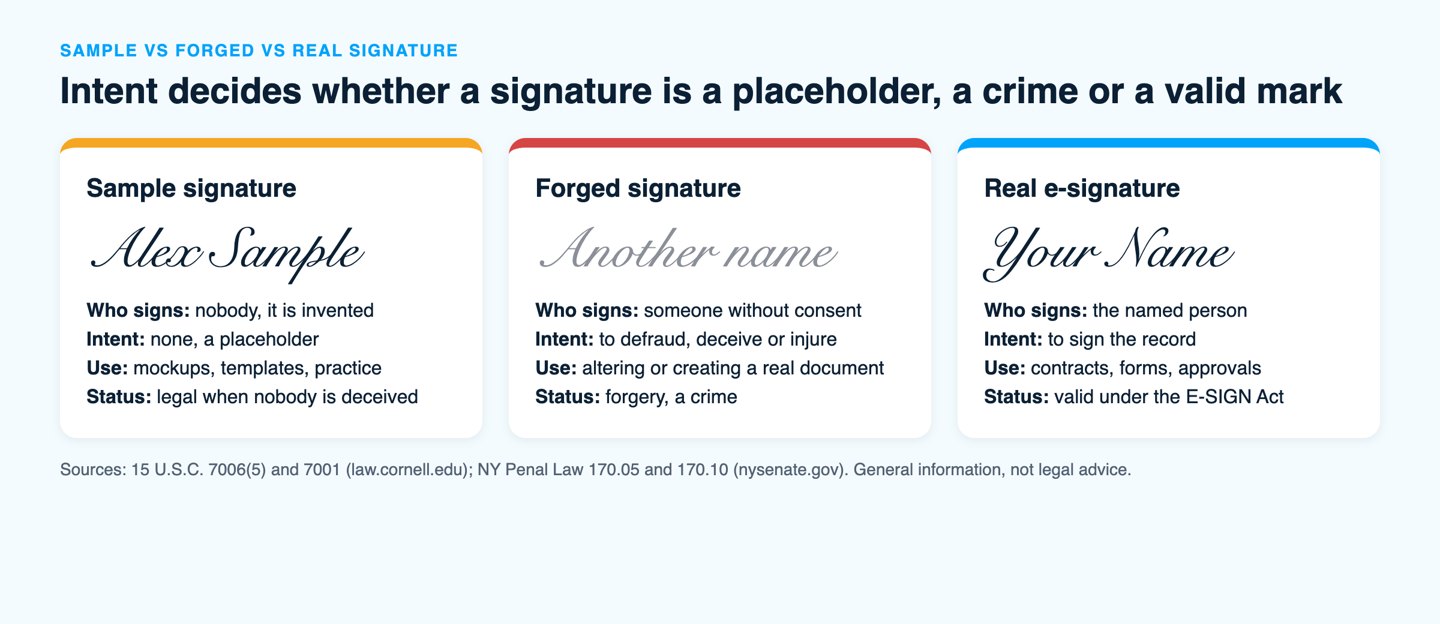
A signature generator makes the first type. It turns your typed or drawn name into an image you can place on a mockup. Whether that image counts as a real signature depends on a single question: did the named person adopt it with the intent to sign?
Is using a fake signature legal?
Using a fake signature is legal when it is clearly a sample and nobody is misled, and it becomes forgery when the intent is to defraud, deceive or injure someone. A designer who places an invented signature on a contract mockup breaks no law. A person who signs a relative’s name on a lease does.
Forgery statutes vary by state, but they share the same core: a false signature plus intent. New York is a clear example. Under Penal Law 170.05, a person commits forgery in the third degree when, with intent to defraud, deceive or injure another, they falsely make, complete or alter a written instrument. That offense is a class A misdemeanor. Penal Law 170.10 raises forgery in the second degree to a class D felony and covers contracts, deeds, wills, business records and instruments that affect a legal right or obligation.
Two situations show where the line sits:
- Legal: an invented signature on a sample contract, a slide or a design file, where everyone sees it is a placeholder.
- Illegal: writing a name you have no authority to sign on a real document so that someone accepts it as genuine.
Signing your own name in a style you made up is also fine. A signature is the mark a person adopts, so there’s no rule that it must look like your handwriting. What counts is that you meant it as your signature.
How do you make a sample signature for mockups or practice?
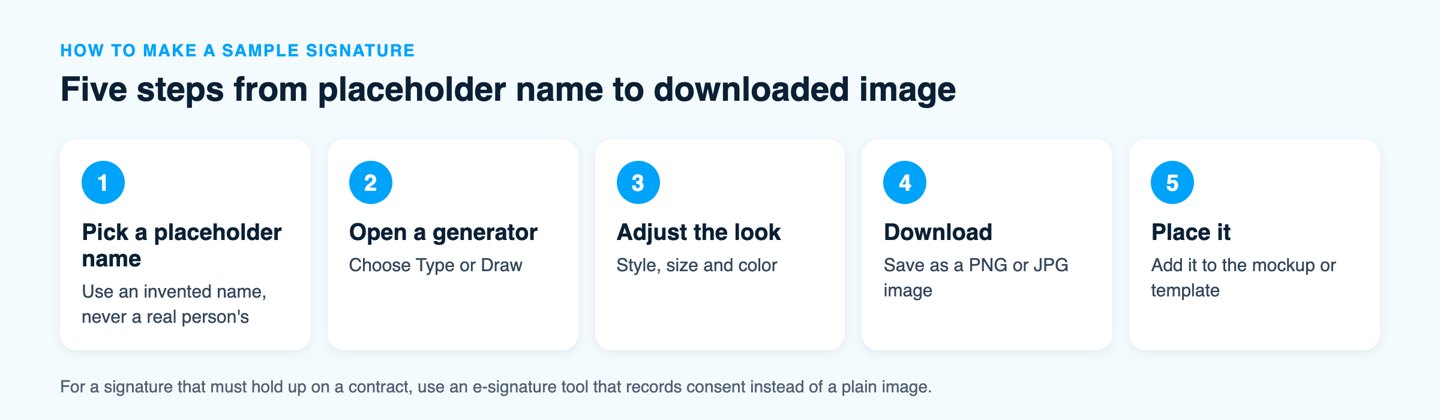
You make a sample signature by typing or drawing a name in a free generator and downloading it as an image. The steps take about a minute, and the result is a placeholder you can use on mockups, templates and practice pages.
- Choose a name that is not a real person’s signature, such as a made-up name for a mockup.
- Open a signature generator and pick Type or Draw. Typing gives you a handwriting-style font. Drawing uses a mouse, trackpad or touchscreen.
- Adjust the style, size and color until the sample looks the way you want.
- Download the image, for example as a PNG or JPG, and place it on your mockup or template.
- For your own real signature, practice it on a printable practice sheet until it feels natural, then keep it consistent across documents.
The Signaturely online signature generator follows exactly this flow with a draw option and a type option. If you want a deeper look at turning a handwritten mark into a usable file, our guide on how to sign your name in cursive covers the handwriting side.
Which free signature generators are worth using?
Signaturely, SignWell and SignNow all offer a signature generator that produces a signature you can place on a document, and HandwritingPracticeSheets adds a practice tool. The table lists what each vendor’s own page says, so check the limits before you rely on one.
| Tool | Best for | How you create the signature | Cost and limits |
|---|---|---|---|
| Signaturely online signature generator | A quick draw or type signature and a path to real e-signing | Draw with a mouse or trackpad, or type your name and pick a font | Free generator; sending documents for signature has a free plan of 1 document a month after the 7-day trial |
| SignWell online signature generator | Customizing and downloading an image | Draw, type or upload your signature, with smoothing and color options, download as PNG or JPG | Free, no setup required according to its page |
| SignNow AI handwritten signature generator | Teams already using SignNow | Set a default signature in your account settings | Account needed; the vendor offers a free 7-day trial |
| HandwritingPracticeSheets signature generator | Practicing a signature | Preview your name in different signature styles, then print a practice sheet as a PDF | Two fonts are free and others are Pro |
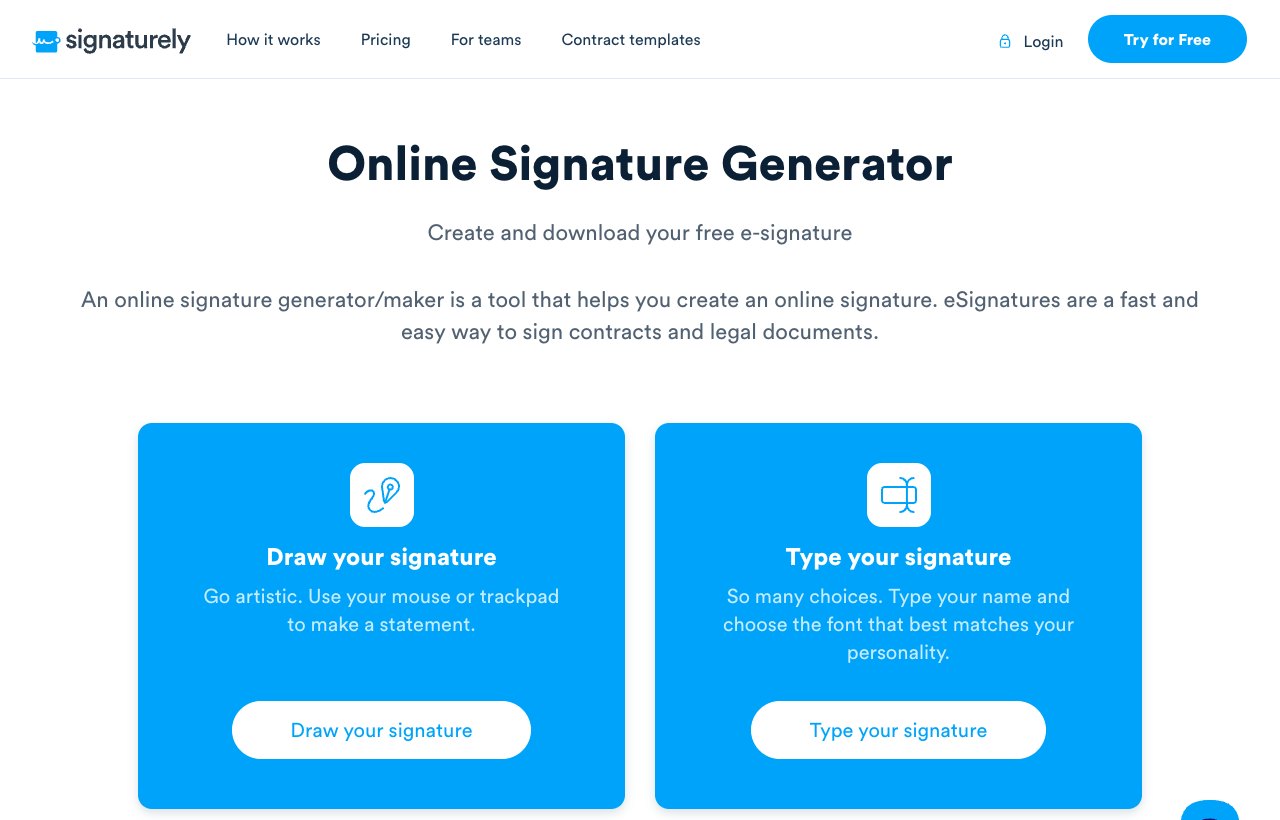
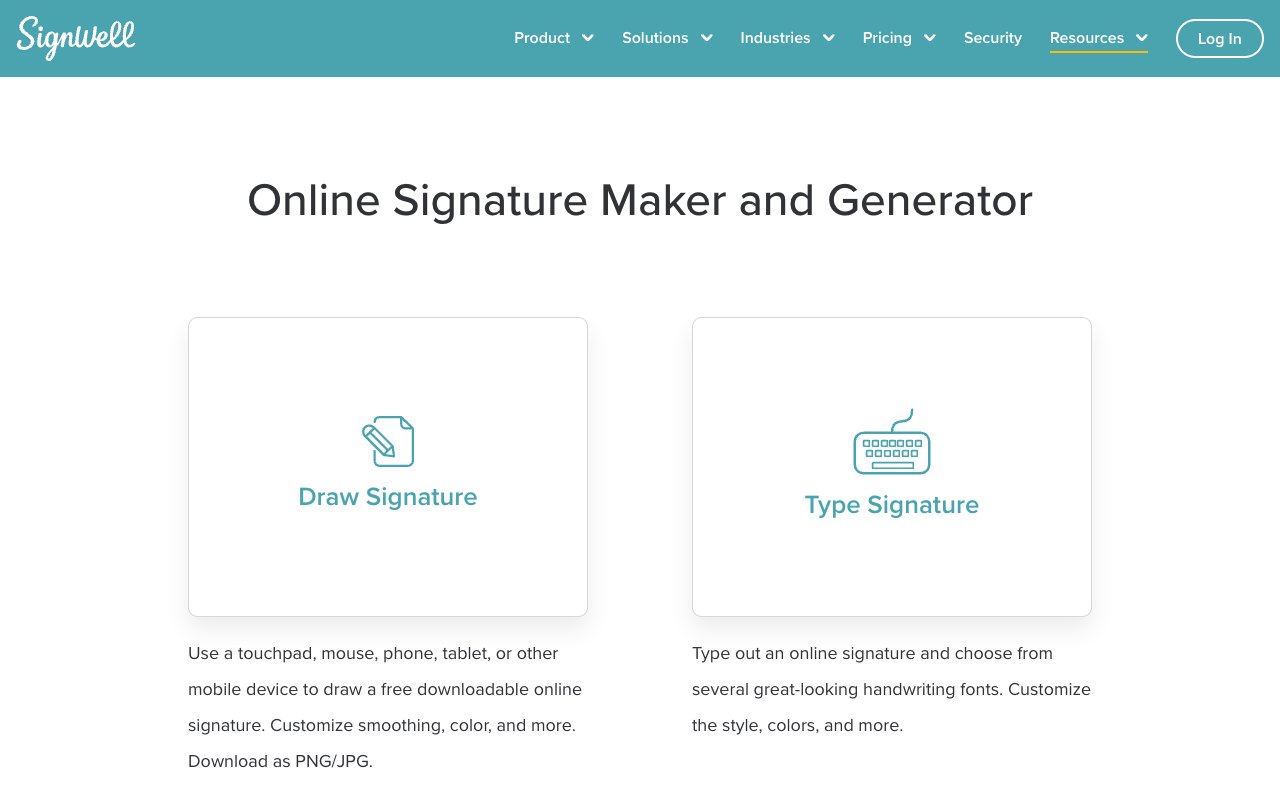
A handwritten signature generator lets you draw or type a mark and download it, while e-signature software sends a document to a named signer and records the signing. A generator only creates the image. It doesn’t prove who placed it on a document, and it doesn’t record consent. For a throwaway mockup that is fine, and for a contract it is not enough on its own.
How can you tell a fake signature from a real one?
You can tell a forged signature mainly by comparing it with verified samples and by checking how the signing happened. Handwriting alone is a weak test, and it’s easy to misjudge, so the process around the signature matters more than the look of the ink.
- Compare with known samples. Place the signature beside several signatures the person is known to have written, such as a passport or a bank card, and look for differences in spacing, slant and letter shapes.
- Look for hesitation. Slow, careful strokes, uneven pressure and visible pen lifts can suggest someone was copying a shape rather than signing naturally.
- Check the document trail. A paper document shows nothing about who held the pen. An electronic signature record can show who signed and when.
- Ask for confirmation. When a signature matters, confirm directly with the person through a channel you already trust.
Our guide to signature forgery covers the types of forgery, how it is detected and what the legal consequences are. The page on electronic signature verification explains how a signed e-document can be checked afterwards.
What should you use when a document really needs a signature?
Use a real electronic signature, because it records the signer’s intent and keeps an audit trail, which a generated image doesn’t. The E-SIGN Act defines an electronic signature as an electronic sound, symbol or process attached to or logically associated with a record and executed or adopted by a person with the intent to sign it. 15 U.S.C. 7001 adds that a signature or contract may not be denied legal effect solely because it is in electronic form.
That means a typed or drawn signature can be fully valid when the signer adopts it on purpose. What makes it defensible is the surrounding record: who signed, when and how. Our guides on the ESIGN Act and on whether a typed signature is legally binding go through the details.
Signaturely sends documents for e-signature and keeps an audit log. The free plan allows 1 document a month after the 7-day trial. Personal costs $20 a month billed annually ($25 billed monthly) for 5 signature requests a month, and Business costs $40 per user a month billed annually ($50 billed monthly) with unlimited requests. Prices come from the Signaturely pricing page and can change.
Frequently asked questions
A fake signature is illegal when it is used to defraud, deceive or injure someone, which is forgery. An invented sample signature used openly on a mockup or practice page is not illegal.
Using a signature generator is legal. Generating an image of your own name or an invented name breaks no law, but placing someone else’s name on a document without their consent can be forgery.
A generated signature can be binding when the person it names adopts it with the intent to sign, because the E-SIGN Act defines an electronic signature by that intent. A generated image placed on a document without the signer’s knowledge has no such effect.
The penalty depends on the state and on the document. In New York, forgery in the third degree is a class A misdemeanor and forgery in the second degree, which covers contracts, deeds and wills, is a class D felony.
You can use any mark you adopt as your signature, so it doesn’t have to match your handwriting. Keep it consistent, because matching samples help if anyone ever questions a document.