



Dropbox Sign costs less on paper: Essentials is $15 a month and Standard is $25 per user, both billed annually, against $20 for Signaturely Personal and $40 per user for Signaturely Business. Signaturely answers with unlimited templates on Business, a team plan that starts at 1 user and a simpler product, while Dropbox Sign has the bigger free plan (3 signature requests a month against 1) and a 30-day trial.
Signaturely vs Dropbox Sign at a glance
Both tools send documents for signature, store an audit trail and connect to cloud storage. They differ in plan limits, seat rules and price per seat.
| Signaturely | Dropbox Sign | |
|---|---|---|
| Free plan | 1 document per month after the 7-day trial | 3 signature requests per month |
| Cheapest paid plan | Personal, $20 a month billed annually ($25 monthly) | Essentials, $15 a month billed annually ($20 monthly) |
| Team plan | Business, $40 per user a month billed annually ($50 monthly) | Standard, $25 per user a month billed annually ($30 monthly) |
| Seats on the team plan | Per user, no minimum listed | 2 users or more |
| Signature requests on paid plans | Personal 5 per month, Business unlimited | Unlimited on every paid plan |
| Templates | Personal 1, Business unlimited | Essentials 5, Standard 15, Premium unlimited |
| Free trial | 7 days | 30 days on paid plans |
| Top tier | None | Premium for 5 or more users, custom quote |
Signaturely prices come from the Signaturely pricing page. Dropbox Sign prices come from the Dropbox Sign pricing page and its US pricing data, because the page shows euro prices to visitors in Europe.
How much do the two tools cost?
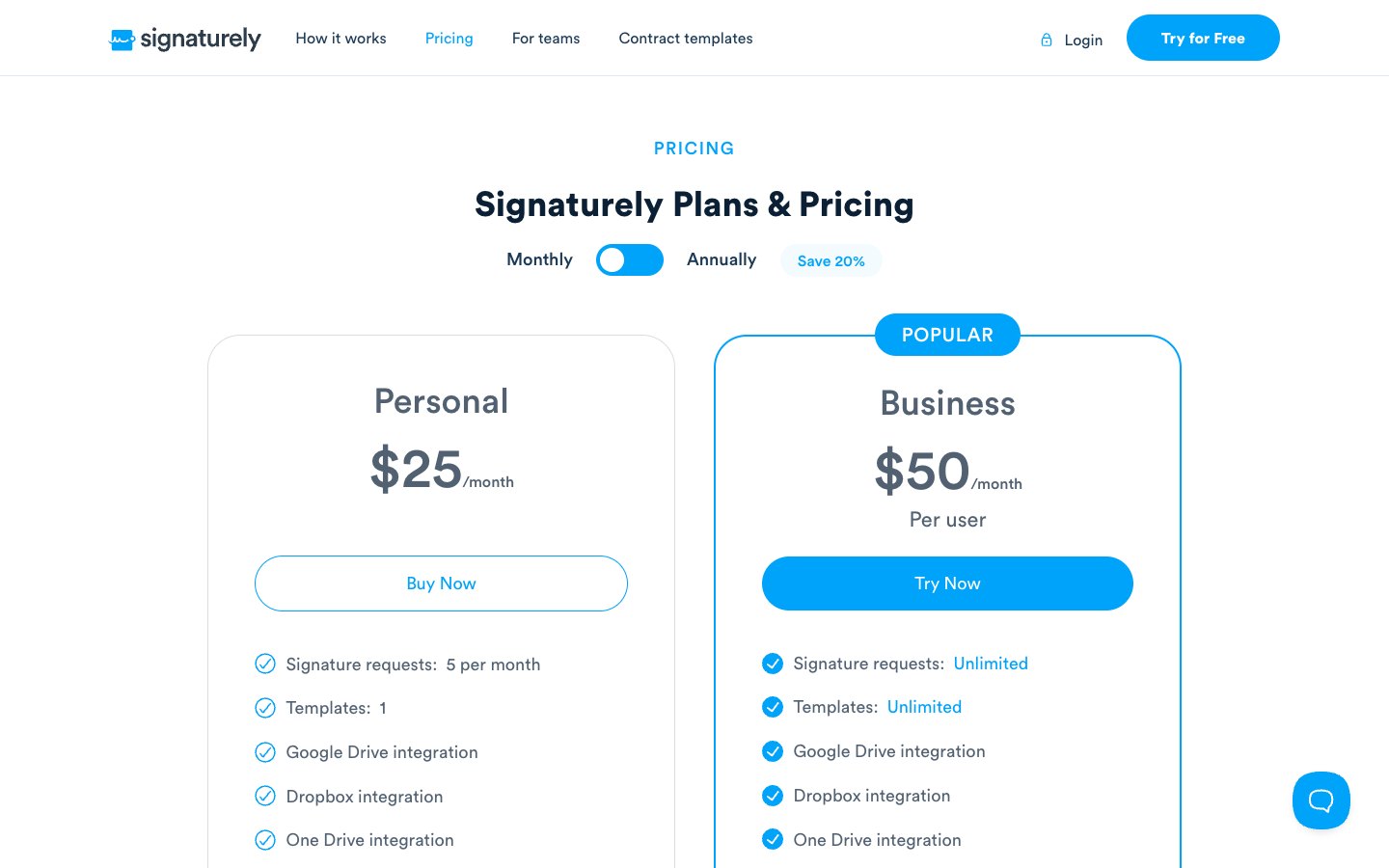
Dropbox Sign is cheaper at every team size when you compare annual billing. The cheapest single-user plan costs $15 a month on Dropbox Sign (Essentials) and $20 a month on Signaturely (Personal). For teams, Dropbox Sign Standard costs $25 per user a month and Signaturely Business costs $40.
The plans are not equal, so the cheaper price doesn’t decide every case. Personal allows 5 signature requests and 1 template a month, while Essentials allows unlimited requests and 5 templates. Business allows unlimited requests and templates, while Standard allows unlimited requests and 15 templates.
Signaturely plans
Dropbox Sign plans
The Dropbox Sign API is a separate product with its own plans and a free test mode. It isn’t part of these web plans.
What a team pays per year
The table multiplies each annual per-user price by the number of senders. Signaturely uses Personal for 1 sender and Business for teams. Dropbox Sign uses Essentials for 1 sender and Standard for teams, which needs at least 2 users. Dropbox Sign asks teams of 5 or more to contact sales, so 4 senders is the largest self-serve case.
| Senders | Signaturely per year | Dropbox Sign per year | Difference |
|---|---|---|---|
| 1 | $240 (Personal) | $180 (Essentials) | $60 less on Dropbox Sign |
| 2 | $960 (Business) | $600 (Standard) | $360 less on Dropbox Sign |
| 4 | $1,920 (Business) | $1,200 (Standard) | $720 less on Dropbox Sign |
Dropbox Sign wins this table because Standard costs $300 per user a year against $480 for Business. Signaturely Business buys unlimited templates against 15 on Standard, and a team plan that a single person can use.
Monthly billing keeps the same shape at a higher price. Two senders cost $1,200 a year on Signaturely Business at $50 per user a month and $720 a year on Dropbox Sign Standard at $30. Annual billing saves 20% on both Signaturely plans ($240 against $300 a year for Personal, $480 against $600 for Business), 25% on Dropbox Sign Essentials ($180 against $240) and about 17% on Standard ($300 against $360).
Free plans compared
Dropbox Sign has the bigger free plan: 3 signature requests a month for 1 user, plus unlimited self-signing. Signaturely gives you a 7-day trial with unlimited documents, then a free plan that allows 1 document a month.
Both free plans fit a person who sends a contract once in a while. A freelancer with 3 clients to sign each month gets through the month on Dropbox Sign Free but runs out on Signaturely Free after the first document. A growing workload moves you to a paid plan on either tool.
Sending and signing compared
Signaturely describes a three-step flow: upload a document or start from a template, add the fields you need and send it by email. Signers click the link in the email and sign on any device. Signatures, initials, dates, text boxes and checkboxes are available as fields, and automatic reminders go to anyone who has not signed.
Dropbox Sign follows the same pattern and states that signers never pay and don’t need an account. Both tools therefore ask little of the person who signs, so the choice rests on what the sender needs.
Features and limits compared
The tools share a core: send a document, add signature fields, collect signatures from any device and keep a record of every action. The differences sit in limits, team features and add-ons.
Templates and signature requests
Templates are where Signaturely Business pulls ahead. Business includes unlimited templates, while Dropbox Sign caps templates at 5 on Essentials and 15 on Standard. Signaturely Personal is the tightest plan in the comparison, with 1 template and 5 signature requests a month.
Dropbox Sign paid plans have no limit on signature requests. That makes Essentials the better value for a single sender with a steady volume.
Teams, seats and branding
Signaturely Business is billed per user and lists no seat minimum, so one person can run it. It adds team management and custom business branding. Dropbox Sign splits the same ground across plans: Essentials is limited to exactly 1 user, Standard starts at 2 users and adds branding, an admin console, bulk send, in-person signing and reporting, and Premium starts at 5 users.
Signaturely’s pricing page doesn’t list bulk send, in-person signing, SMS authentication, SSO or conditional signer fields. Teams that need those features get them on Dropbox Sign Standard or Premium.
Signaturely invites teams that leave another e-signature tool to contact its support team for migration help.
Integrations
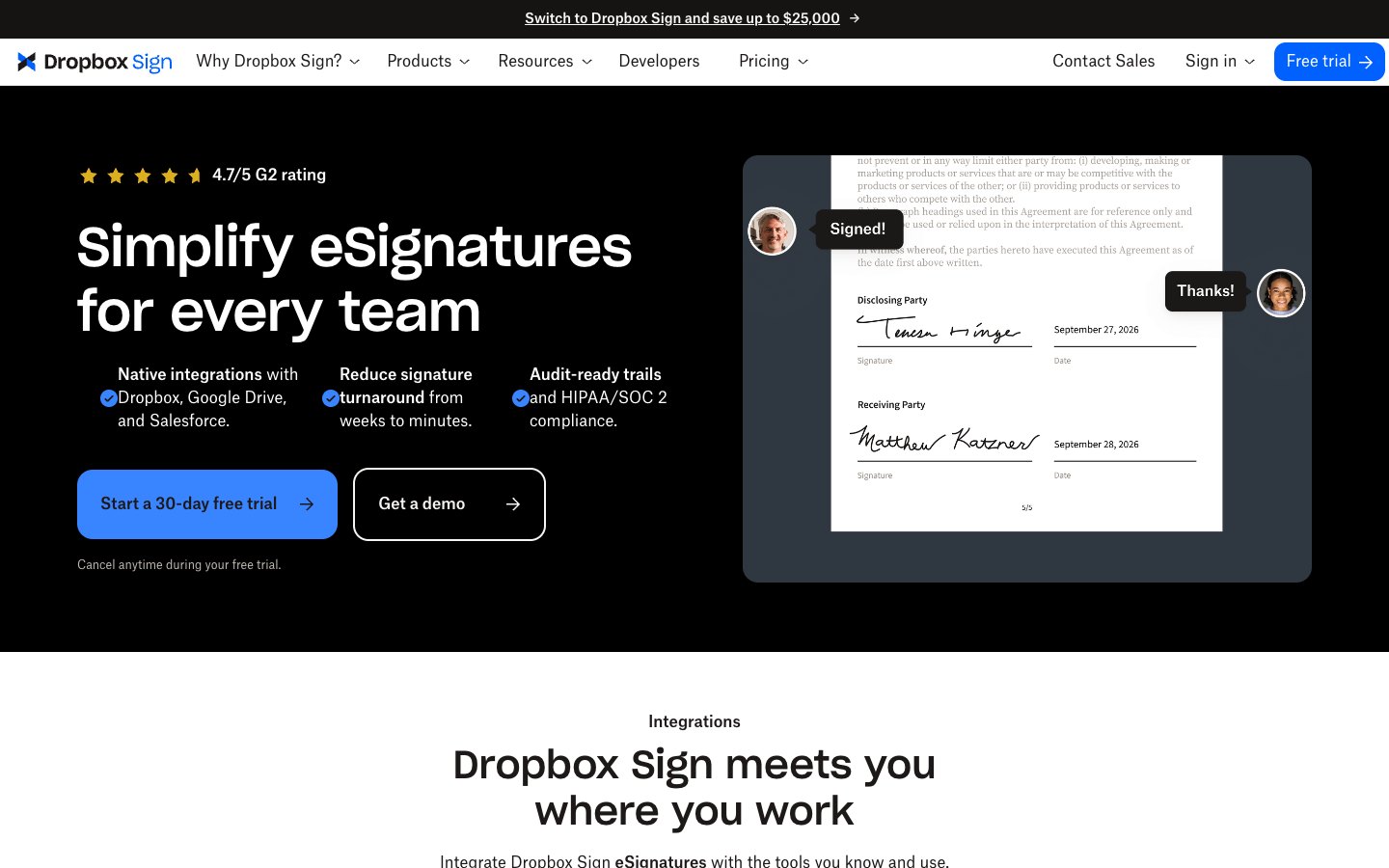
Signaturely lists Google Drive, Dropbox, OneDrive and Box integrations on every plan. Dropbox Sign lists Google Drive, Microsoft Word and HubSpot on Essentials, and a Salesforce integration as an add-on at extra cost on Standard.
The Signatures page inside dropbox.com was retired in May 2025. Dropbox plans now include 3 signature requests a month, and signing work happens in Dropbox Sign itself.
Security and compliance
Both tools publish a security story, and neither is a weak option for ordinary business contracts. That’s where the similarity ends, so check the details below.
Check these pages when your industry has specific rules: the Signaturely security page and the Dropbox Sign pricing page list what each tool holds.
Which tool fits which team?
Dropbox Sign is the better value when price per seat decides and 15 templates are enough. Signaturely fits people who want a short plan list, unlimited templates on one team plan and an easy start, with a library of free contract templates beside the signing tool.
DocuSign is the third name buyers often weigh against both tools. Its Personal plan costs $10 a month billed annually and covers 5 envelopes a month, so it is cheaper than Signaturely Personal on paper but caps volume like it. Our Signaturely vs DocuSign page covers that match-up. For other head-to-head pages see Signaturely vs DocuSign, HelloSign vs DocuSign, the HelloSign pricing guide and the list of HelloSign alternatives.
Frequently asked questions
Dropbox Sign Essentials costs $15 a month billed annually ($20 billed monthly) for 1 user. Standard costs $25 per user a month billed annually ($30 monthly) for 2 or more users. Premium is a custom quote for 5 or more users, and a free plan allows 3 signature requests a month.
Yes. HelloSign is the former name of Dropbox Sign, and hellosign.com now redirects to sign.dropbox.com. Our HelloSign pricing guide covers the plans under the old name.
No. Dropbox Sign costs $5 a month less per seat on its cheapest plan and $15 a month less per user on its team plan when both bill annually. What Signaturely adds for the higher price is unlimited templates on Business.
Yes. Yes, after a 7-day trial that allows unlimited documents. The free plan then allows 1 signed document a month.
Yes. The free plan allows 3 signature requests a month and unlimited self-signing for 1 user. Paid plans include a 30-day free trial.
No. Dropbox Sign is Dropbox’s own e-signature product and a direct alternative to DocuSign. Our HelloSign vs DocuSign page compares the two.
No. Dropbox Sign is a separate e-signature product on sign.dropbox.com. Dropbox storage plans include only 3 signature requests a month.