



GetAccept built its reputation as a digital sales room: one platform combining proposals, e-signatures, video messaging, and buyer engagement tracking for B2B sales teams. But pricing caps, limited CRM integration, and limited customization options push many teams to look for an alternative to GetAccept. This guide covers the 10 best GetAccept alternatives in 2026, with verified pricing, pros and cons, and a role-based buying guide to help you pick the right tool for your workflow.
What Is GetAccept and Why Do Teams Switch?
GetAccept is a digital sales room platform built for B2B sales teams. It combines deal rooms, proposal creation, contract management, e-signatures, video messaging, and live chat in a single platform. Teams use it to send sales documents, track buyer engagement, and close deals faster than with email attachments alone.
GetAccept Pricing in 2026
| Plan | Price | User Limit | What’s Included |
|---|---|---|---|
| eSign | $25/user/month | Max 5 users | Basic e-signatures, 1 communication template, standard deal room |
| Professional | $49/user/month | Max 5 users | Unlimited deal rooms, 4 communication templates, video messaging |
| Enterprise | Custom enterprise pricing | Unlimited | Advanced workflows, SMS delivery, SSO, priority support |
The 5-user cap on lower tiers means growing teams get pushed into Enterprise pricing before they’re ready for it. CRM integrations, SSO, and advanced controls are all add-ons, so you’re paying more than the per-seat price suggests once you’ve got a real deployment running.
Why Teams Switch From GetAccept
- CRM integration gaps. GetAccept doesn’t offer bidirectional sync with HubSpot or Salesforce on its lower tiers. Contract status changes don’t update deal stages automatically, and deal data doesn’t flow into proposals without manual data entry.
- Hidden add-on costs. SSO, advanced workflows, CRM connectors, and priority support all require paid add-ons that inflate total cost well beyond the listed per-user price.
- Limited customization. Template options and branding controls are restricted on the eSign and Professional plans. Customization options that other proposal software offers as standard require GetAccept’s Enterprise tier.
- Fragmented workflows. GetAccept’s deal rooms (for sales) and contract rooms (for legal) function as separate products. Teams that handle both use cases end up switching between two environments in the same platform.
GetAccept Alternatives at a Glance
| Tool | Best For | Starting Price | G2 Rating | Free Plan |
|---|---|---|---|---|
| Signaturely | Simple e-signatures for SMBs | Free / $20/month | 4.8/5 | Yes (3 requests/month) |
| PandaDoc | Proposals + document automation | $9/user/month | 4.7/5 | Yes (e-sig only) |
| Proposify | Design-first proposal creation | $49/user/month | 4.6/5 | No (14-day trial) |
| Qwilr | Interactive web proposals | $35/user/month | 4.5/5 | No (14-day trial) |
| DocuSign | Enterprise e-signatures | $15/month | 4.5/5 | No (30-day trial) |
| Better Proposals | Affordable proposals for freelancers | $13/month | 4.7/5 | No (14-day trial) |
| Oneflow | CLM + bidirectional CRM sync | ~$50/user/month | 4.5/5 | No (14-day trial) |
| DocSend | Document sharing + engagement analytics | $65/user/month | 4.7/5 | No (14-day trial) |
| HubSpot Sales Hub | CRM-native proposals and e-signatures | $20/user/month | 4.4/5 | Yes (free CRM) |
| Adobe Acrobat Sign | Compliance-heavy e-signatures | $12.99/month | 4.4/5 | No (7-day trial) |
10 Best GetAccept Alternatives
1. Signaturely
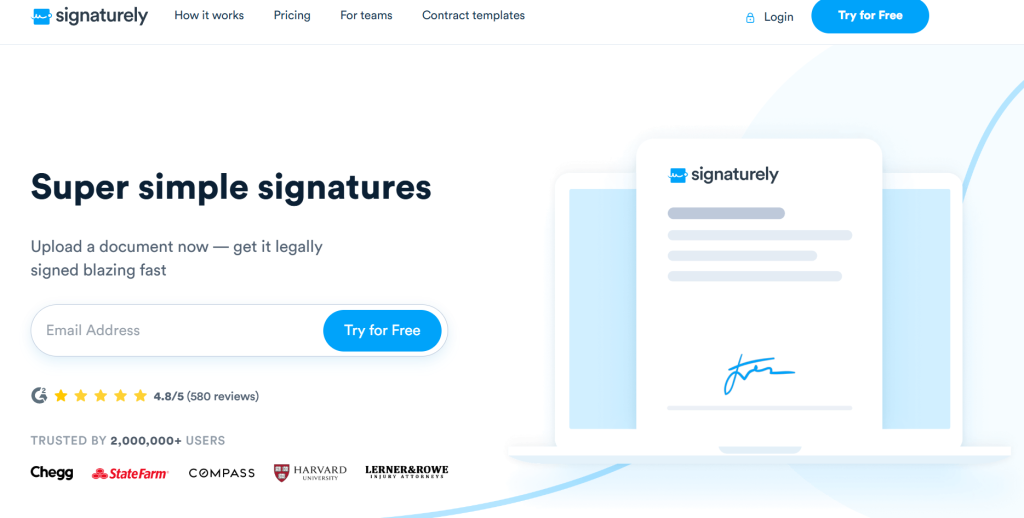
Signaturely is the simplest path from document to signed contract. Where GetAccept bundles deal rooms, video messaging, and buyer engagement tracking into a single platform, Signaturely strips things down to what most teams actually need: a clean e-signature workflow with audit trails, templates, and team management. The user interface is straightforward enough that you can send your first document in just a few clicks. It’s rated 4.8 out of 5 on G2, the highest in this list. That rating holds because it does one thing and doesn’t try to do twelve.
Start on the free tier: 3 signature requests per month, no card required. The Personal plan at $20/month opens up unlimited requests, templates, and full audit logs. Business adds team management, custom branding, and multi-signer workflows for $50/month. Every signed document gets a tamper-proof audit trail (signer IP address, timestamp, email verification, device fingerprint), the kind of chain of evidence that holds up in court. Compliant with the ESIGN Act and UETA, so signatures are legally binding across all 50 US states.
Pros:
- Highest G2 rating (4.8/5) in the GetAccept alternatives category
- Free plan with no credit card required
- Tamper-proof audit trail on every document
- Intuitive interface with a short learning curve
- Integrates with Google Drive, Dropbox, Box, and OneDrive
Cons:
- No proposal creation or document editing tools
- No buyer engagement tracking or deal room features
- No native CRM integrations beyond Zapier
Best for: Freelancers, small businesses, and teams that need legally binding e-signatures without the overhead of a full sales platform. If you’re switching from GetAccept primarily because of cost and don’t need digital sales rooms or proposal automation, Signaturely is the most affordable upgrade.
2. PandaDoc
PandaDoc is the most direct GetAccept alternative for teams that need a full proposal platform with document automation built in. Drag-and-drop document editor, interactive pricing tables, e-signatures, custom approval workflows, payment collection, CRM integration. It’s all one product, no bolt-ons required. Over 68,000 customers are on it, and PandaDoc’s own data shows deals closing 28% faster after rollout. More than 2,400 G2 reviews put it at 4.7 out of 5.
Launch tier starts at $9/user/month and covers document creation, e-signatures, and payment collection. Starter ($19/user/month) adds templates and analytics. Business ($49/user/month) unlocks CRM integrations, content library, approval workflows, and custom branding. Native integrations include HubSpot, deep Salesforce integration, Pipedrive, Zoho, and 24 other existing tools. Conditional logic on form fields and document routing rules let you create custom approval workflows and build advanced workflow automation without touching code. No user cap on any plan, which matters if you’ve been bumping against GetAccept’s 5-seat limit.
Pros:
- Interactive pricing tables let prospects edit quantities directly inside the proposal
- No user caps on any plan (unlike GetAccept’s 5-user limit)
- Native integrations with 24+ CRMs including HubSpot and Salesforce
- Document analytics show open rates, time spent per section, and forwards
- Free plan available with unlimited e-signatures
Cons:
- CRM integration requires the $49/month Business plan
- No video messaging or live buyer chat (GetAccept has both)
- Template library is smaller than Proposify’s
Best for: Sales teams that send proposals and sales materials regularly and need document automation, CRM sync, and payment collection in one place. If you’re moving away from GetAccept because proposals feel limited, PandaDoc closes that gap, and then some.
3. Proposify
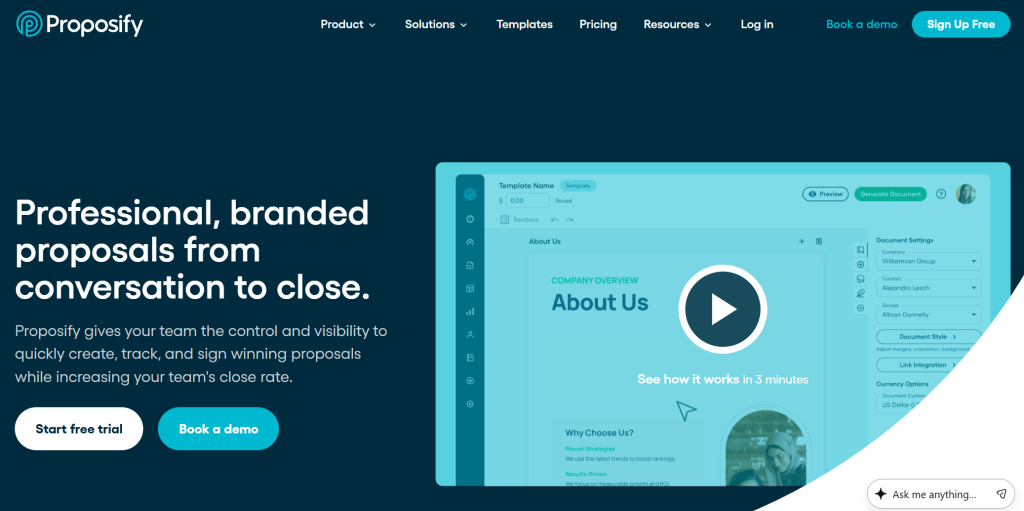
Proposify is built around one premise: your proposal’s design directly affects your close rate. It’s got 75+ professionally designed templates, a pixel-level drag-and-drop editor, proposal tracking and analytics, client acceptance portals, and custom approval workflows. Use it when your team sends polished, branded proposals at volume and needs to know which sections prospects spend time on, and which ones they skip. Over 900 reviews on G2 land it at 4.6 out of 5.
Basic starts at $49/user/month. Unlimited proposals, templates, the editor, and analytics are included. Team plans have volume pricing if you need to seat a larger group. The 14-day trial gives full feature access, no limits.
Pros:
- 75+ customizable proposal templates with advanced customization and pixel-level design control
- Proposal tracking and analytics cover open time, section-by-section read time, and client signatures
- Client acceptance portal lets buyers approve, comment, and sign without an account
- Approval workflows prevent unapproved proposals from going out
- Integrates with HubSpot, Salesforce, and Zapier
Cons:
- No contract lifecycle management features beyond proposals
- No interactive pricing tables (buyers can’t edit quantities)
- Higher starting price than PandaDoc and Better Proposals
- Steep learning curve for the design editor compared to simpler tools
Best for: Marketing agencies, consultancies, and B2B sales teams that send heavily branded proposals and need proposal analytics to understand which sections resonate with buyers. Template depth and design control are where Proposify pulls ahead.
4. Qwilr
Qwilr replaces static documents with interactive web pages. Instead of sending a file attachment, your prospect gets a URL that opens a branded, mobile-responsive proposal they can scroll through, interact with, and accept in their browser. Qwilr tracks exactly how prospects engage: which sections they’ve read, how long they spent on pricing, and whether they forwarded the link to another stakeholder inside the buying committee. Its dynamic pricing tables let buyers select plan tiers or add optional line items without contacting the sales rep. Sales managers get real time insights into which proposals are stalling and where.
Starter is $35/user/month: unlimited proposals, analytics, e-signatures. Business ($59/user/month) adds Salesforce and HubSpot integrations, custom domain, and approval workflows. Fourteen-day free trial.
Pros:
- Interactive web proposals are more engaging than PDF or Word attachments
- Buyer engagement analytics show section-level reading time and link forwarding
- Dynamic pricing tables let prospects configure their own pricing
- Built-in e-signatures and payment collection (no third-party tool needed)
- Mobile-responsive by default
Cons:
- Proposals are web pages, not downloadable documents, which some enterprise buyers resist
- HubSpot and Salesforce integrations require the $59/month Business plan
- No contract lifecycle management features
Best for: SaaS and tech sales teams that want to stand out with interactive proposals and get real-time signal on buyer intent before following up. GetAccept tracks document opens. Qwilr tells you which section lost the deal.
5. DocuSign
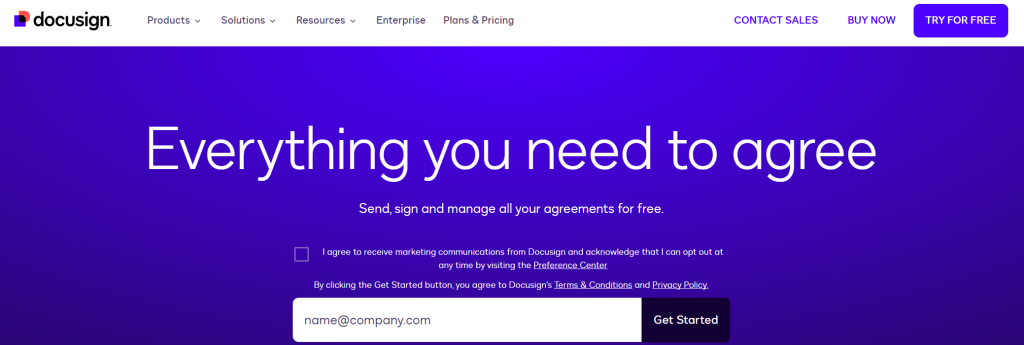
DocuSign is the global standard for legally binding electronic signatures. More than 1.5 million customers across 180 countries rely on it for contract signing across complex sales cycles, from real estate to enterprise procurement. Enterprise grade security is baked in: ISO 27001, SOC 1 Type 2, SOC 2 Type 2, and PCI DSS certifications held for years. That’s the kind of stack that procurement teams in healthcare, finance, and government require without question. G2 puts it at 4.5 out of 5.
Personal plan starts at $15/month (one user, capped at 5 sends). Standard ($45/user/month) removes the cap and adds shared templates, document routing, and real-time audit trails. Business Pro at $65/user/month layers in payment collection, bulk sending, and advanced fields. Integration coverage is broad: Salesforce, Microsoft 365, Google Workspace, Slack, plus hundreds more through the AppExchange.
Pros:
- Industry-leading compliance: ISO 27001, SOC 2 Type 2, PCI DSS, eIDAS, ESIGN, UETA
- Trusted by 1.5 million customers in 180 countries
- Hundreds of integrations through the DocuSign AppExchange
- Real-time audit trail on every document
- Bulk send capability for high-volume contract workflows
Cons:
- No proposal creation or document editing tools
- No buyer engagement tracking or digital sales room features
- Personal plan is limited to 5 sends per month
- Can feel heavyweight for simple signing workflows
Best for: Enterprise teams, legal departments, real estate agencies, and regulated industries where compliance certifications and audit trail depth are non-negotiable. No other tool on this list comes close on compliance certification depth.
6. Better Proposals
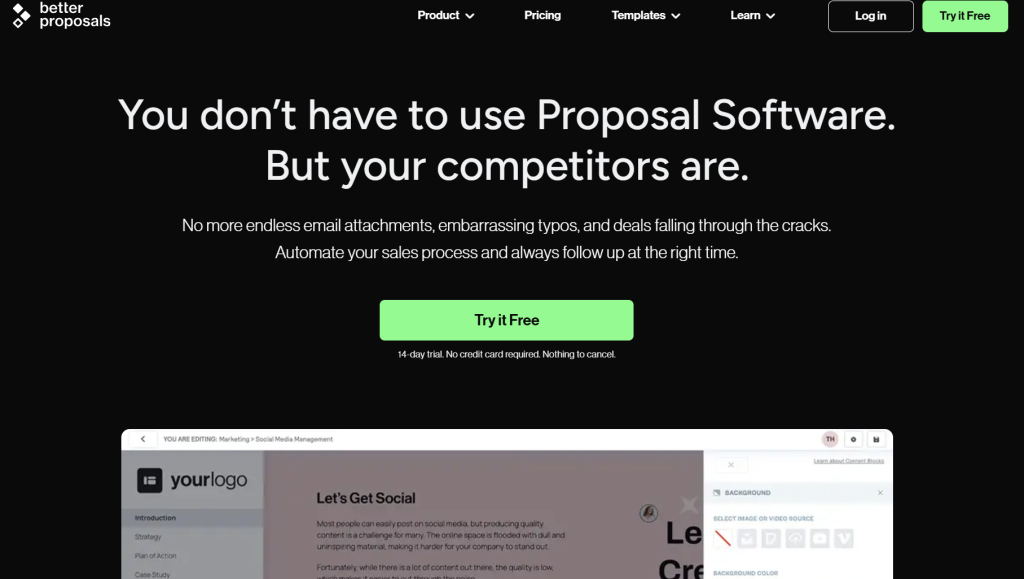
Better Proposals is the most affordable GetAccept alternative for teams that send client-facing proposals and want payment built in. It’s got 250+ ready-to-send templates (compared to GetAccept’s 9), plus a live chat widget that embeds directly in the proposal so buyers can ask questions without leaving the document. Stripe, PayPal, and GoCardless integrations let clients pay at the moment of acceptance. 4.7 out of 5 on G2, mostly on ease of use.
Starter is $13/month billed annually ($19/month otherwise): 5 users, unlimited proposals. Premium at $21/month annual adds 15 users, custom domain, and better analytics. Enterprise ($42/month annual) is unlimited users with white-labeling. The important thing here: these are team prices, not per-seat. A team of five on Better Proposals’ Starter plan pays $13/month. That same five-person team on GetAccept’s eSign tier pays $125/month. The math isn’t close.
Pros:
- 250+ templates vs. GetAccept’s 9
- Per-account pricing (not per-user) makes it affordable for small teams
- Live chat widget embedded in proposals for real-time buyer communication
- Payment collection via Stripe, PayPal, and GoCardless
- Digital signatures included on all plans
Cons:
- No contract lifecycle management or approval workflows
- No native CRM integration (Zapier required)
- Analytics are less detailed than Proposify or Qwilr
Best for: Freelancers, consultants, and small agencies that send proposals regularly and want built-in payment collection at a price that doesn’t scale per seat. 250 templates and flat-rate pricing make it hard to justify GetAccept’s per-seat cost.
7. Oneflow
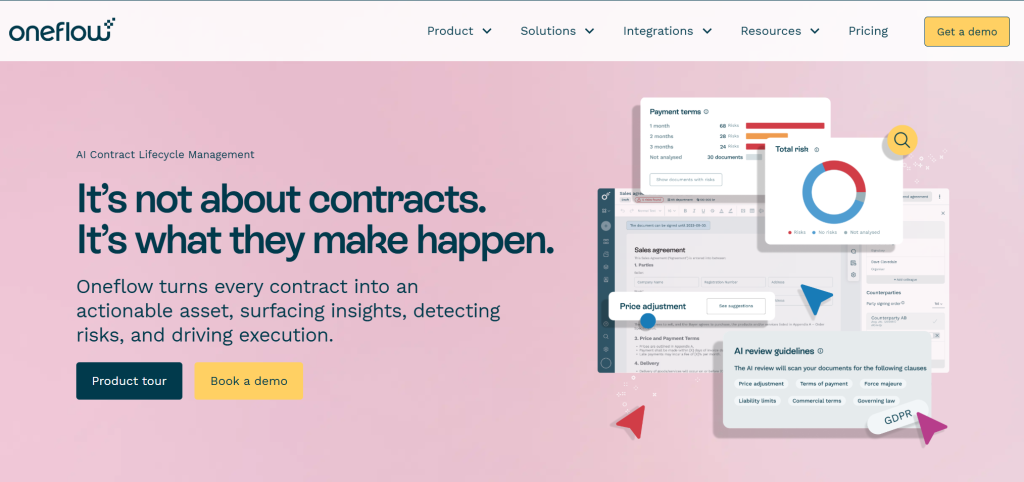
Oneflow is the closest direct replacement for GetAccept’s contract lifecycle management features. It’ll handle the full quote-to-cash workflow: dynamic contract templates, internal approval routing, e-signatures, document management, and post-signature storage so you can manage contracts in one place. Its standout capability is bidirectional CRM integration. When a deal stage changes in HubSpot, Salesforce, or Pipedrive, the linked Oneflow contract updates automatically. When the contract is signed, the CRM deal moves to closed-won without anyone touching it manually. Deal data flows both ways, eliminating the manual data entry that GetAccept leaves to you. AI powered contract analysis flags risky clauses and non-standard terms before they go out. Rated 4.5 on G2, with most of the praise landing on exactly that CRM sync.
Oneflow is priced in EUR; the Business plan runs approximately $50/user/month in USD. Enterprise pricing is custom. There’s a 14-day trial, and you’ll want that time to test the CRM sync setup before committing.
Pros:
- True bidirectional CRM sync with HubSpot, Salesforce, and Pipedrive
- Dynamic contract templates auto-populate from CRM field data
- Full contract lifecycle management from draft to post-signature storage
- Internal approval workflows before contracts go out
- Real-time contract collaboration with inline comments
Cons:
- No proposal design tools or visual template library
- Higher price point than most e-signature-only alternatives
- Primarily EUR-priced, which adds currency complexity for US teams
Best for: Revenue operations teams, sales-legal hybrids, and companies where contract workflows are tightly coupled to their CRM pipeline. If CRM gaps are why you’re leaving GetAccept, Oneflow fills them.
8. DocSend
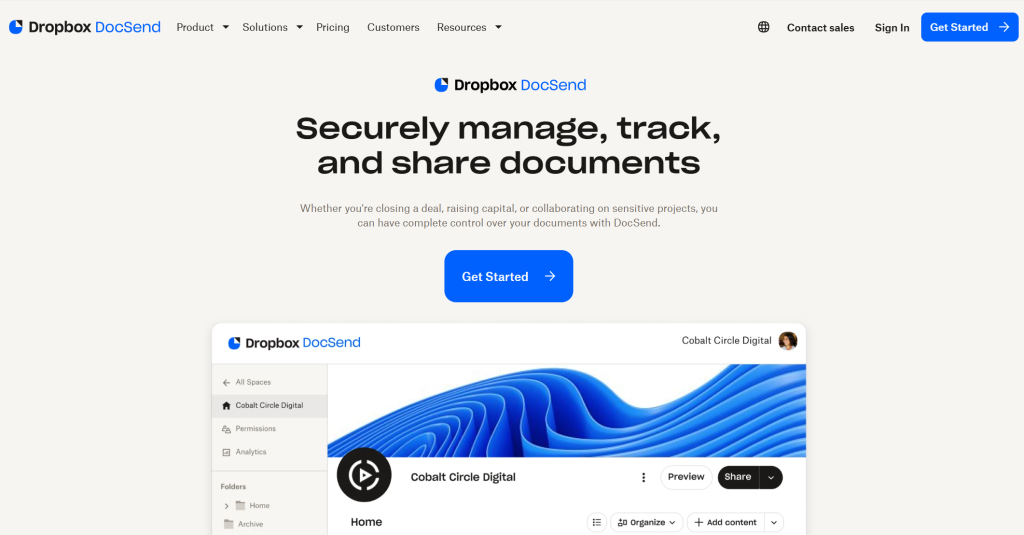
DocSend (by Dropbox) solves a specific problem that GetAccept partially addresses but doesn’t fully own: understanding how your buying committee actually reads your sales materials. Instead of sending a file attachment, you’re sharing a link. DocSend delivers detailed analytics: who opened it, which pages they spent time on, how far they scrolled, and whether they forwarded it to a colleague. That insight changes when and how you follow up. Teams running complex deals also use it as virtual data rooms for secure document sharing with permission controls. Rated 4.7 out of 5 on G2.
The Standard plan is $65/user/month: unlimited document sharing, per-page analytics, link controls (passwords, expiry dates, download restrictions), and email capture. One thing to know upfront: DocSend doesn’t do e-signatures. If you need both tracking and signing, you’ll want to pair it with a tool like Signaturely.
Pros:
- Per-page engagement analytics: see exactly which sections buyers read and for how long
- Forward tracking shows which stakeholders inside the buying committee received the document
- Link controls: password protection, expiry dates, and download restrictions
- Works with any document type, not just proposals
- Used heavily by venture-backed startups for investor pitch deck tracking
Cons:
- No e-signature functionality (requires a separate tool)
- No proposal creation or document editing
- High price for what is essentially an analytics layer on top of document sharing
Best for: Sales teams and fundraising teams that send high-stakes documents and need granular buyer engagement data to prioritize follow-ups. The tracking granularity is in a different league from GetAccept’s deal rooms.
9. HubSpot Sales Hub
HubSpot Sales Hub isn’t a standalone document tool. It’s the sales layer of a CRM, covering the entire sales workflow: proposals, e-signatures, deal tracking, revenue forecasting, and email sequences all in one place, no integration required. Sales managers get a unified view of the sales process without switching between tools. If your team’s already on HubSpot CRM, adding Sales Hub removes GetAccept from the stack entirely. GetAccept needs a CRM connector. HubSpot Sales Hub is the CRM. Deal stage and document status are the same data point, not two separate systems that need to talk to each other. Sits at 4.4 out of 5 on G2.
Starter runs $20/user/month: basic e-signature, meeting scheduling, deal pipelines. Professional jumps to $100/user/month and requires a 5-seat minimum (that’s $500/month to start), but it brings proposal templates, custom approval workflows, advanced workflow automation, predictive lead scoring, revenue forecasting, and full automation at that level. Teams that aren’t already on HubSpot CRM need to factor the CRM cost in alongside Sales Hub. It’s not cheap, but it’s also not two separate monthly bills.
Pros:
- Everything lives in one platform: CRM, proposals, e-signatures, email sequences, and forecasting
- No integration setup required for HubSpot CRM users
- Proposal status automatically updates deal stages in real time
- Free CRM plan available as an entry point
- Approval workflows and automated follow-up sequences included in Professional
Cons:
- Professional plan requires a 5-seat minimum ($500/month minimum)
- Best value only for teams already on HubSpot CRM
- Less specialized proposal design than Proposify or Qwilr
Best for: Teams already using HubSpot CRM who want to consolidate their sales stack and eliminate separate proposal and e-signature tools. Stack consolidation is the actual value here. One fewer tool, one fewer integration to maintain.
10. Adobe Acrobat Sign
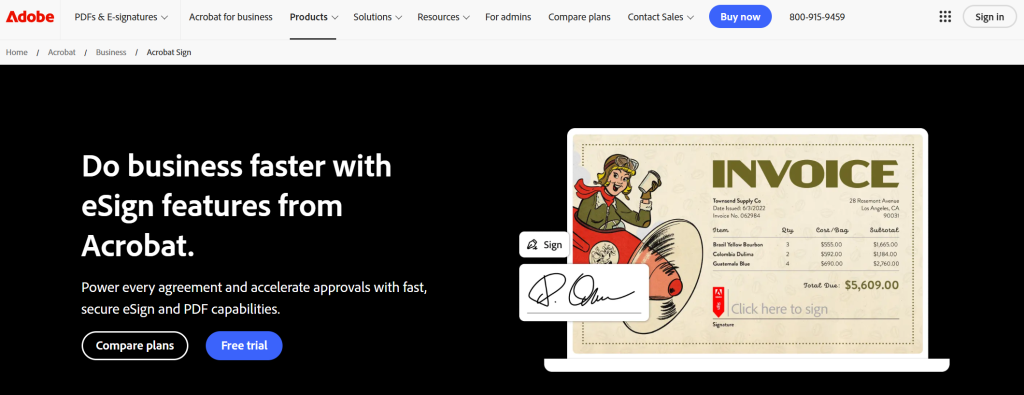
Adobe Acrobat Sign is the compliance-first e-signature choice for regulated industries. Unlike GetAccept (which offers only standard electronic signatures), Adobe supports Advanced Electronic Signatures and Qualified Electronic Signatures for jurisdictions that require the highest level of legal verification. It meets eIDAS in the EU, plus ESIGN Act and UETA in the US, and vertical-specific requirements across healthcare, financial services, and government. It’s part of Adobe Document Cloud, so it pairs natively with Acrobat for PDF editing. Teams that choose GetAccept over Adobe Acrobat Sign typically do so for deal rooms and buyer engagement, not for signature compliance depth. That’s the real tradeoff. 4.4 out of 5 on G2.
Individual pricing starts at $12.99/month. Team plans start around $14.99/user/month. Enterprise is custom and adds advanced authentication options, bulk send, and IT admin controls. The trial is 7 days, shorter than most tools here, so you’ll want a clear test plan going in.
Pros:
- Supports AES and QES for jurisdictions requiring the highest signature verification level
- Meets eIDAS (EU), ESIGN Act, and UETA compliance requirements
- Lowest individual plan price among enterprise-grade e-signature tools ($12.99/month)
- Native integration with Adobe Acrobat for PDF editing
- Bulk send capability for high-volume signing workflows
Cons:
- No proposal creation, document analytics, or CRM integration features
- User interface is less intuitive than Signaturely or DocuSign for non-technical users
- Best value for teams already in the Adobe ecosystem
Best for: Legal teams, financial services firms, healthcare organizations, and EU-based companies that require AES or QES signatures for compliance. Regulated industries that can’t afford compliance gaps won’t find a stronger option.
How to Choose the Best GetAccept Alternative for Your Business
The right GetAccept alternative depends on which limitation you’re solving. Focus on the key features your team actually uses daily, not the full feature list. Here’s a breakdown by use case.
For E-Signature Only Teams
If you don’t need proposals, CRM integration, or buyer engagement tracking, you’re paying for GetAccept features you’ll never use. Signaturely’s free plan handles up to 3 signature requests per month (full audit trail, no card required). The Personal plan at $20/month removes those limits. For regulated industries, Adobe Acrobat Sign at $12.99/month supports AES and QES signatures where jurisdictions require them. DocuSign is the call when global legal recognition and a deep security certification stack are the actual buying criteria, not just nice-to-haves.
For Proposal-Heavy Sales Teams
If proposals are the primary use case, the right choice depends on volume and how much design control you actually need. Better Proposals is the best value for freelancers and small teams: $13/month covers the whole team, 250+ templates, payment collection built in, no per-seat math required. Proposify fits agencies and B2B sales teams that send polished, branded proposals at volume and use section-level analytics to improve their close rate. Qwilr is for teams that want interactive web proposals where buyers can configure pricing themselves. PandaDoc covers the broadest range of all of them: proposals, contracts, and payment collection with CRM integration starting at $9/user/month.
For Contract Lifecycle Management
If CRM integration and contract lifecycle management are the main reasons you’re leaving GetAccept, the shortlist is Oneflow and HubSpot Sales Hub. GetAccept keeps deal rooms and contract rooms in separate environments, lacks mutual action plans, and requires add-ons for CRM sync. Both Oneflow and HubSpot Sales Hub treat the contract and the CRM deal as the same object instead. Oneflow’s bidirectional sync with HubSpot, Salesforce, and Pipedrive means field data flows from the CRM into contracts automatically, and a signed contract moves the linked deal to closed-won without anyone triggering it manually. HubSpot Sales Hub is the better choice if you’re already in the HubSpot ecosystem and want to pull one more tool out of your stack. For document-level buyer analytics before the signature step, DocSend adds per-page engagement tracking that GetAccept’s deal rooms only partially replicate. GetAccept tells you whether someone opened the document. DocSend tells you which pages they spent three minutes on and which ones they skipped.
Frequently Asked Questions
What is the cheapest GetAccept alternative?
Signaturely is the cheapest GetAccept alternative for e-signatures: free plan, 3 requests per month, no card required, and you’re up and running in about five minutes. Paid plan starts at $20/month. For proposals, Better Proposals is $13/month for the whole team, not per user, which makes it cheaper than most alternatives once you’ve got more than two or three people using it.
Which GetAccept alternative has the best CRM integration?
Oneflow has the deepest bidirectional CRM integration among GetAccept alternatives. It syncs with HubSpot, Salesforce, and Pipedrive in real time: CRM field data auto-populates contracts, and contract status changes automatically update the linked deal stage. PandaDoc integrates with 24+ CRMs and it’s a strong alternative for teams that don’t need full contract lifecycle management. HubSpot Sales Hub is the best option if you’re already in the HubSpot ecosystem and want everything in one platform. While GetAccept treats CRM integrations as paid add-ons on its lower plans, all three of these alternatives have built CRM sync into the core product.
Can I replace GetAccept with a free tool?
Yes, partially. Signaturely’s free plan handles basic e-signatures with no credit card required. PandaDoc’s free plan covers unlimited legally binding signatures and basic document creation. HubSpot’s free CRM includes basic deal tracking and some proposal features. None of those free plans replicate GetAccept’s full digital sales room or buyer engagement tracking. Those features cost real money to build. But they’ll cover the core e-signature and document workflow needs for most small teams, and that’s often enough.
What is the difference between a digital sales room and an e-signature tool?
A digital sales room is a shared workspace where a seller and buyer collaborate throughout the entire sales cycle: sharing documents, tracking engagement, sending proposals, collecting signatures, and communicating via chat or video. Some platforms extend this to customer success teams for post-sale onboarding as well. GetAccept is a digital sales room. An e-signature tool like Signaturely, DocuSign, or Adobe Acrobat Sign doesn’t offer any of those collaborative features. It handles only the final step: collecting a legally binding signature on a document. Most small teams don’t need a full digital sales room. They’ve never needed one and they won’t miss it when they switch. You’ll get more value from a focused proposal tool or a standalone e-sig at a lower cost.
What is the best GetAccept alternative for small businesses?
For small businesses that primarily need e-signatures: Signaturely. You’re not paying for deal rooms you won’t use. For small businesses that send client proposals: Better Proposals at $13/month covers a full team without per-seat pricing. It’s the better call once you’ve got more than two people sending proposals. For small businesses that want a CRM with proposals built in: HubSpot’s free CRM tier handles basic deal tracking and document sharing, and it’s usable without any monthly cost.
What You Need to Remember About GetAccept Alternatives
GetAccept’s core value is bundling proposals, e-signatures, and buyer engagement tracking in one place. The problem is what comes with that bundle: a 5-user cap on the tiers most teams actually start on, add-on pricing for CRM integrations and SSO, and proposal customization that’s limited until you’re paying for Enterprise. Growing teams hit those walls faster than they expect.
The right replacement depends on what you’re actually using GetAccept for. If it’s mainly e-signatures, Signaturely or Adobe Acrobat Sign are simpler and cheaper. You won’t miss the rest. If it’s proposals, PandaDoc, Proposify, or Better Proposals all offer deeper template libraries and more design control than you’d get from GetAccept’s included tools. If it’s CRM integration and contract lifecycle management, Oneflow or HubSpot Sales Hub deliver bidirectional sync that GetAccept’s lower tiers can’t touch. If it’s buyer engagement tracking, Qwilr and DocSend both give you more granular per-page data than GetAccept’s deal rooms produce.
Don’t pay for a full digital sales room if you only need one part of it. Figure out which workflow is actually slowing your team down, pick the tool built around that specific problem, and you’ll pay less and get more than GetAccept’s bundled platform offers.